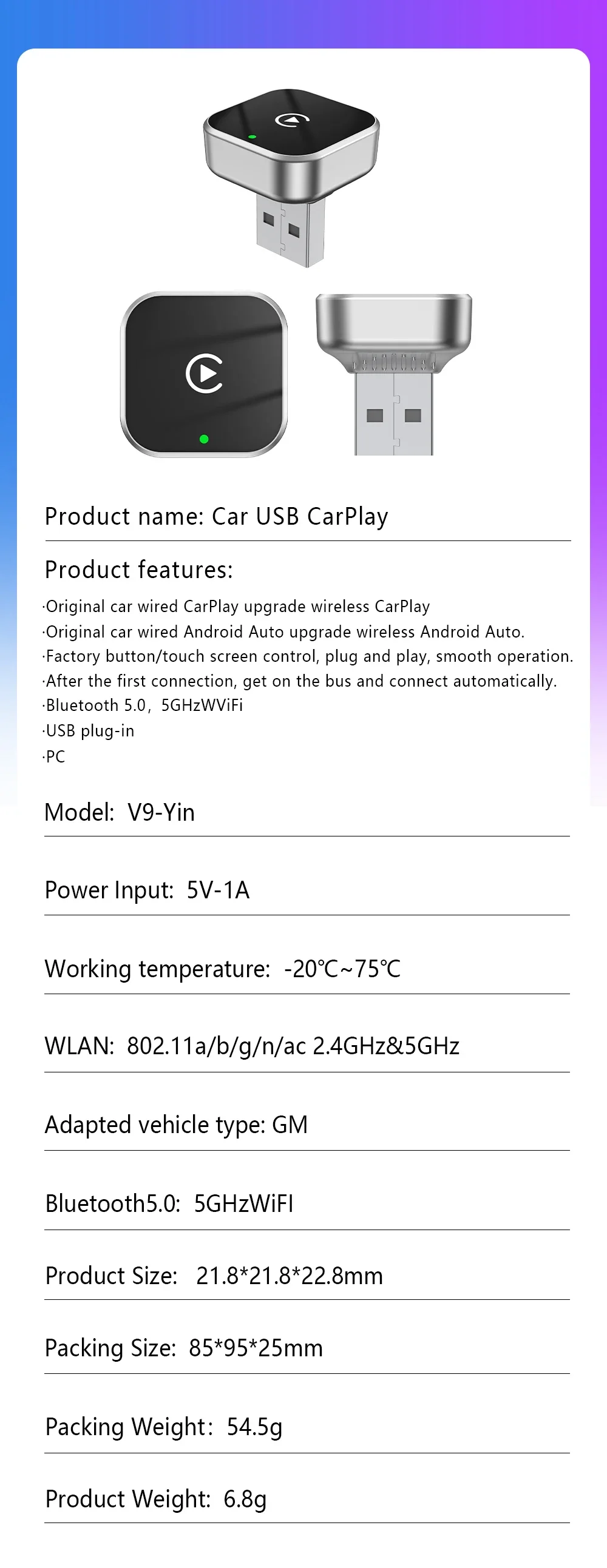
2 in 1 2026 5G WIFI for Iphone Android Phone for Volvo Benz Mg Kia Chery Ope Carplay Wireless Adapter Android Auto Smart Dongle


2 in 1 2026 5G WIFI for Iphone Android Phone for Volvo Benz Mg Kia Chery Ope Carplay Wireless Adapter Android Auto Smart Dongle
SPECIFICATIONS
Brand Name: NONE
Choice: yes
High-concerned chemical: None
Origin: Mainland China
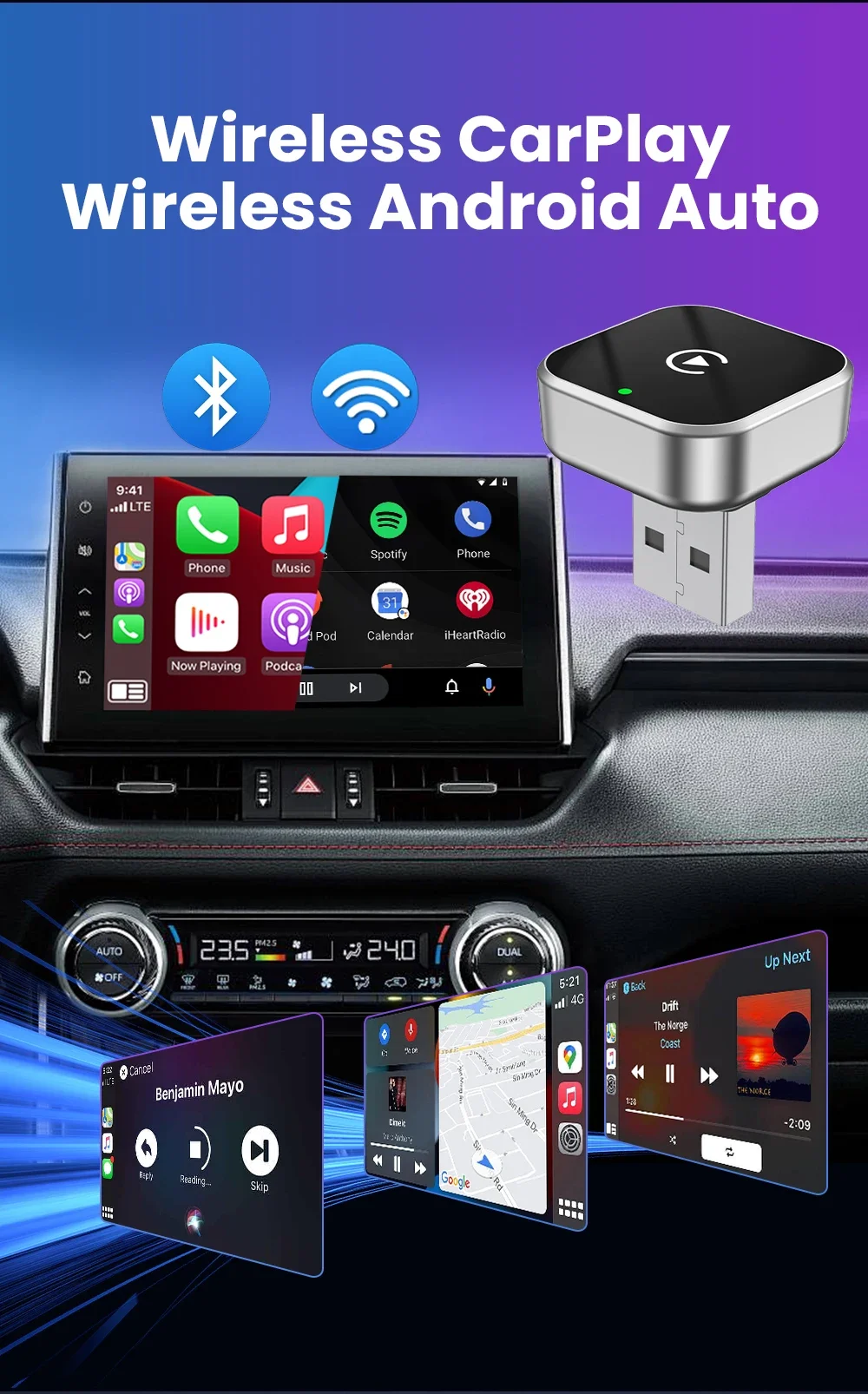
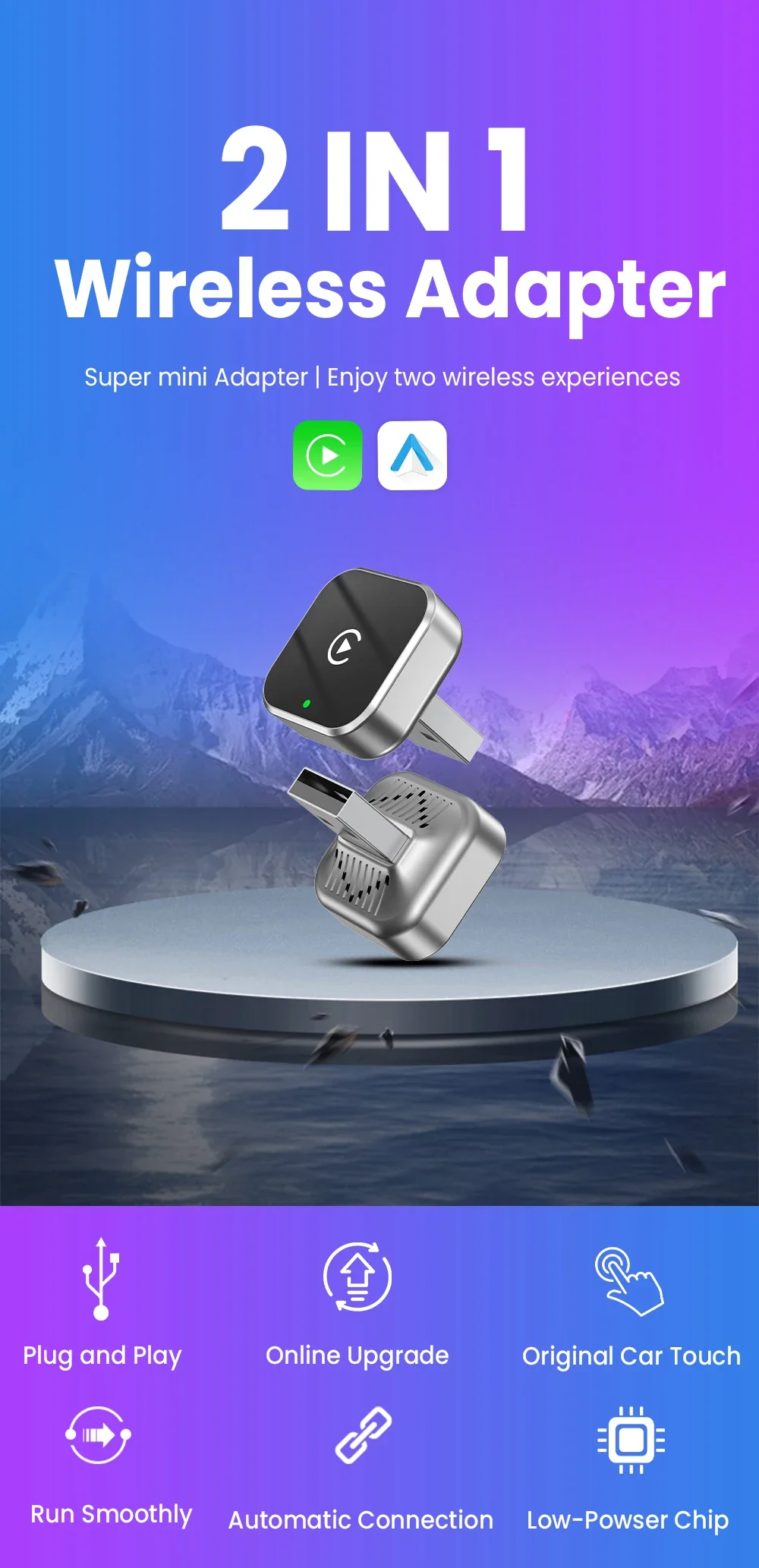
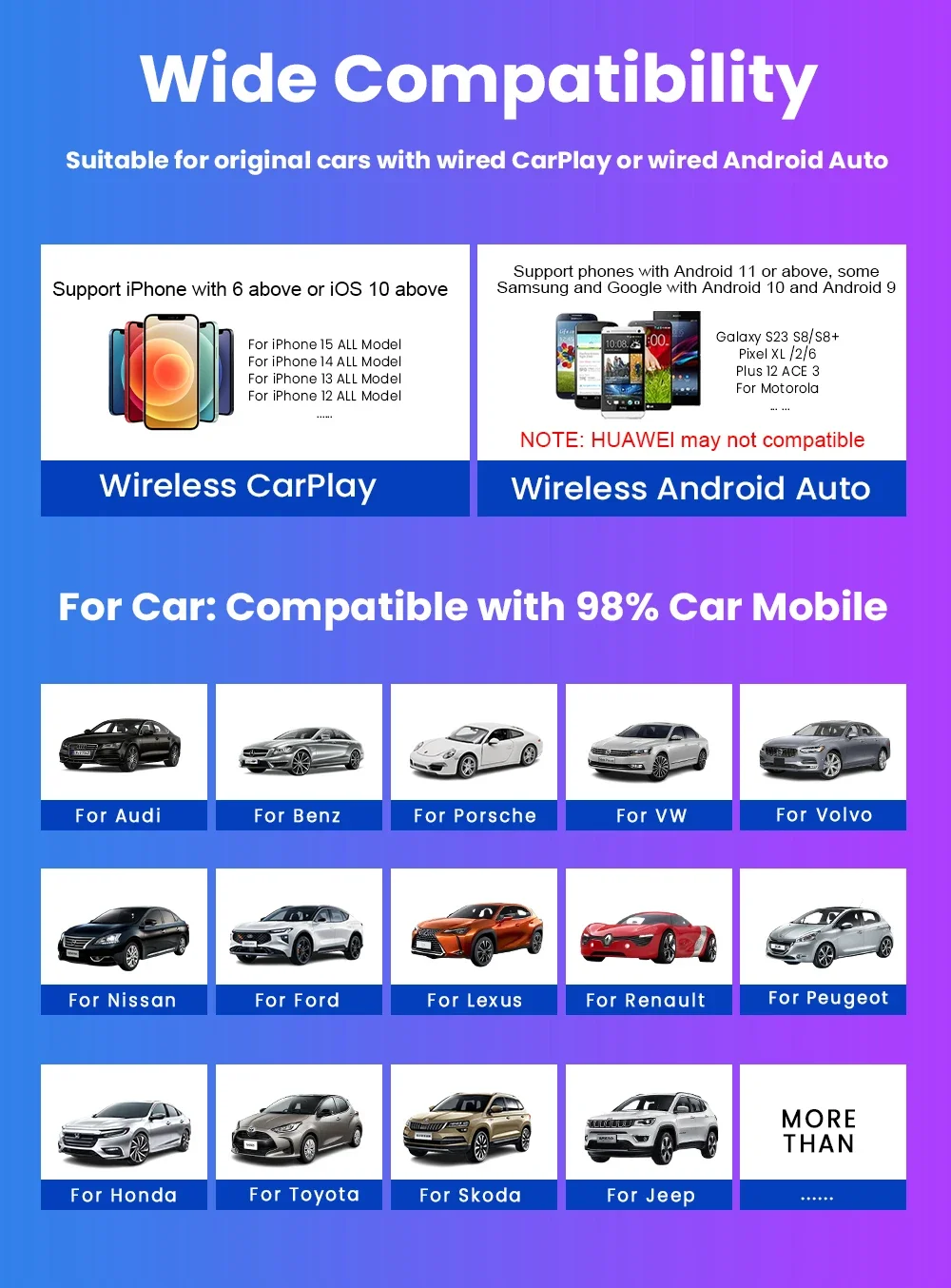
2026 Wireless CarPlay Android Auto Adapter USB Dongle Smart Mini Box Plug and Play 5G WIFI Bluetooth for 98% Wired Carplay Cars
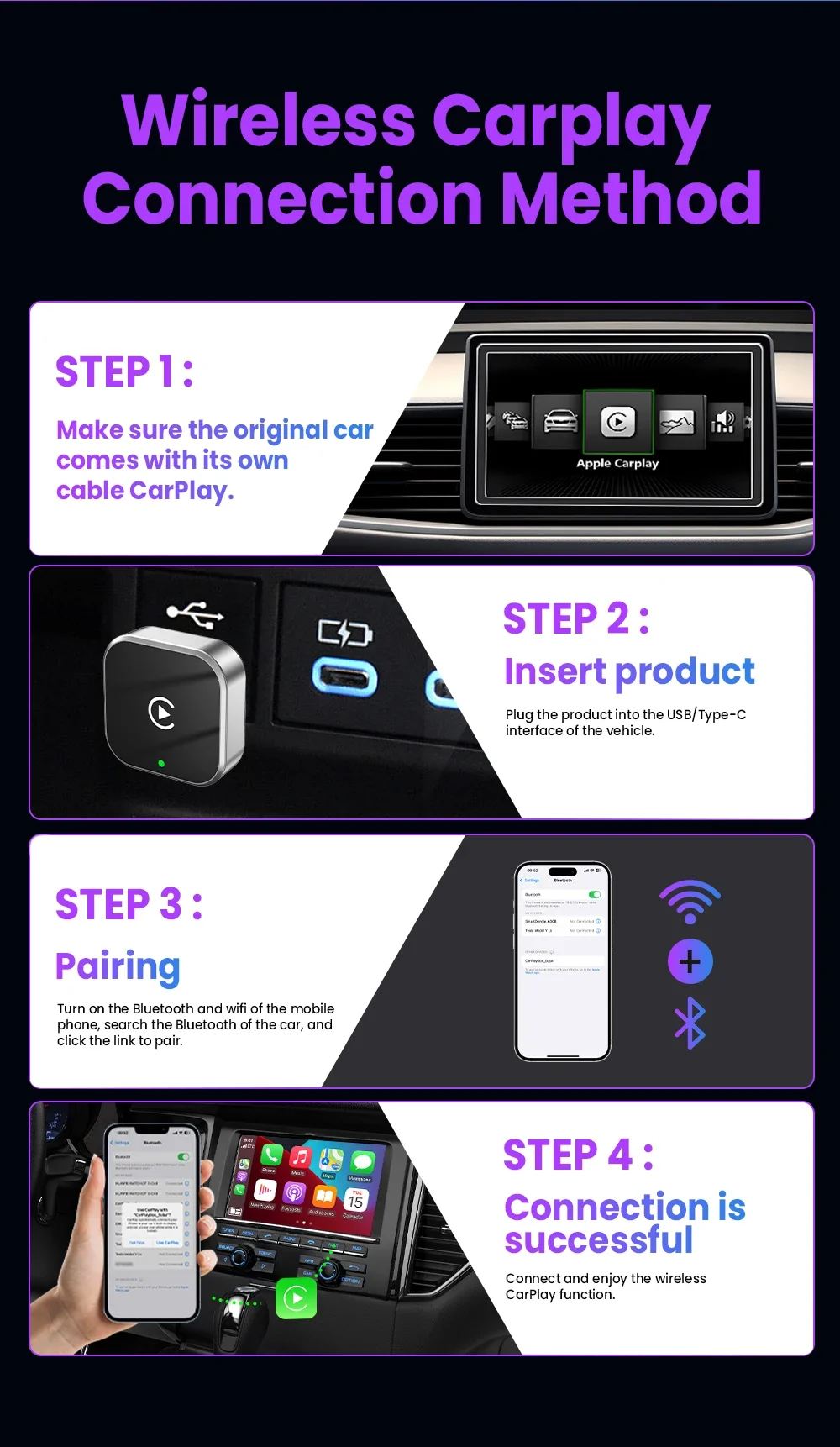
How to use wireless Carplay?
1. Connect the USB box to the car USB
2. Check the Bluetooth name "Smart Dongle-XXXX" that appears on the car
3. Turn on the phone's WIFI and Bluetooth, and use the Bluetooth pairing device name
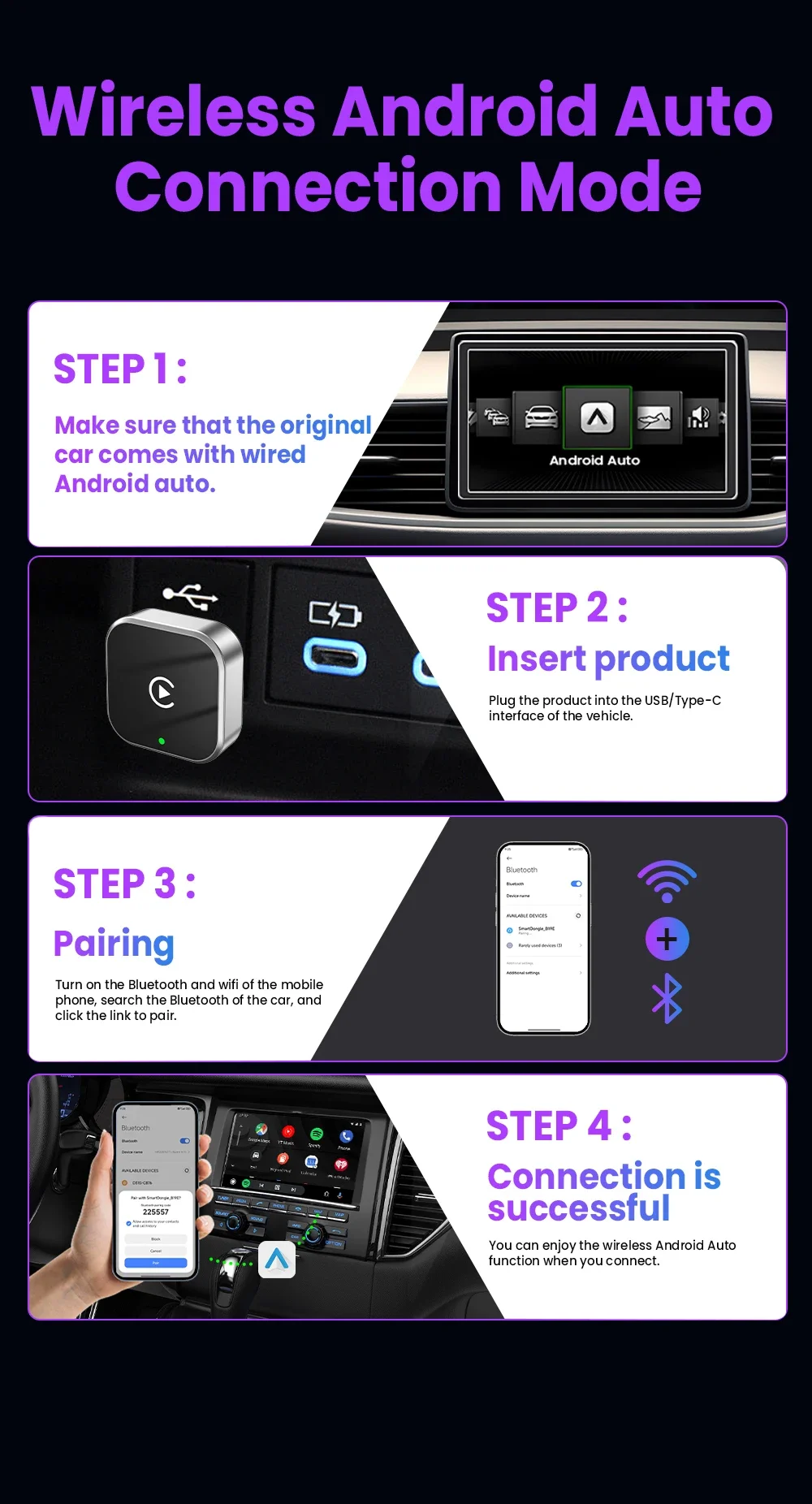
How to use wireless Android Auto?
1. Connect the USB box to the car USB
2. Check the Bluetooth name "Smart Dongle-XXXX" that appears on the car
3. Turn on the phone's WIFI and Bluetooth, and use the Bluetooth pairing device name.
Function of switching between products
If you need to switch from wireless Carplay to wireless Android auto function
Please use an Android phone to connect the device Bluetooth name. After the connection is successful, wait for the device to automatically reset and restart. The process takes about 30 seconds. Keep it powered on
Carplay will switch to Android Auto function
So you can use an Android phone to connect to the wireless Android Auto function
Note:
To use wireless Android Auto
Your car needs to have the Android Auto channel function
Your phone is an Android system and supports the Android Auto function
To use wireless Carplay
Your car needs to have the Carplay channel function
Your phone is an Apple phone and has an ios10 system or above
How to upgrade for iPhone online?
Access the backend page with an iPhone
1. Please use your phone to connect to the device Wifi: "Smart Dongle" and enter the password: "12345678",
2. Open the Safari browser on your iPhone and enter the IP address: "192.168.1.101,
3. Click "Access" or "Go" to enter the online upgrade backend. (If you cannot enter, please check whether the phone's Wifi is correctly connected to the device)
Android phone upgrade method
Android phone access backend page
1. Please use your phone to connect to the device Wifi: "Smart Dongle" Enter the password: "12345678"
2. Open the mobile phone Chrome browser and enter the IP address: "192.168.1.101
3. Click "Access" or "Go" to enter the online upgrade backend interface. (If you cannot enter, please check whether the phone's Wifi is correctly connected to the device)