
2 in 1 Wireless CarPlay Apple Adapter Android Auto Mini Universal Car USB Dongle Plug & Play New Smart AI Box KowanKit 2025


2 in 1 Wireless CarPlay Apple Adapter Android Auto Mini Universal Car USB Dongle Plug & Play New Smart AI Box KowanKit 2025
SPECIFICATIONS
Bluetooth: Support
Brand Name: KowanKit
High-concerned chemical: None
OEM: Support
Origin: Mainland China
Size: Mini
Upgrade: Support
Voltage: 5V
What vehicles are supported: Toyota,vw, Benz,Mazda, Nissan, Volvo, Honda, Peugeot
What vehicles are supported?: Hyundai and More Cars 2016+
WiFi: 5.8G
bluetooth: 4.2G
connection speed: Fast
for Android, Compatible mobile phones: Only support for Android models (Andriod version 11 and above)
for Carplay, Compatible mobile phones: for iPhone 6 and above, iOS 10 and above mobile phones
🚀 Turn Any Car into a 2025 Smart Cockpit!
Kowankit K1F: Ultimate Wireless CarPlay & Android Auto AI Box – Stream, Navigate, Control with Zero Lag!
Tired of tiny screens blocking your entertainment? ANY car display! This plug-and-play hub transforms commutes into cinematic adventures – no factory upgrade needed.
✨ Why Drivers Love K1F:
-
🚗 Universal Fit for 2000+ Models (2016-2025)
- Works with ANY Screen: Factory displays, aftermarket units
"My 2016 Honda Civic streams Netflix like a 2025 Tesla!" – Verified Buyer.
-
⚡ 2025 CarPlay Ultra Ready – Future-Proof Tech!
- Live Activities & Widgets: Real-time traffic, flight tracking, and weather directly on dashboard.
- Safety First: Auto-disables video when driving (passenger mode only).
-
🔒 Driver-First Design
- Steering Wheel Control: Skip songs or adjust volume without touching screens.
Lag-Free Navigation: 0.1s response time for Google Maps turns – miss zero exits
Features:
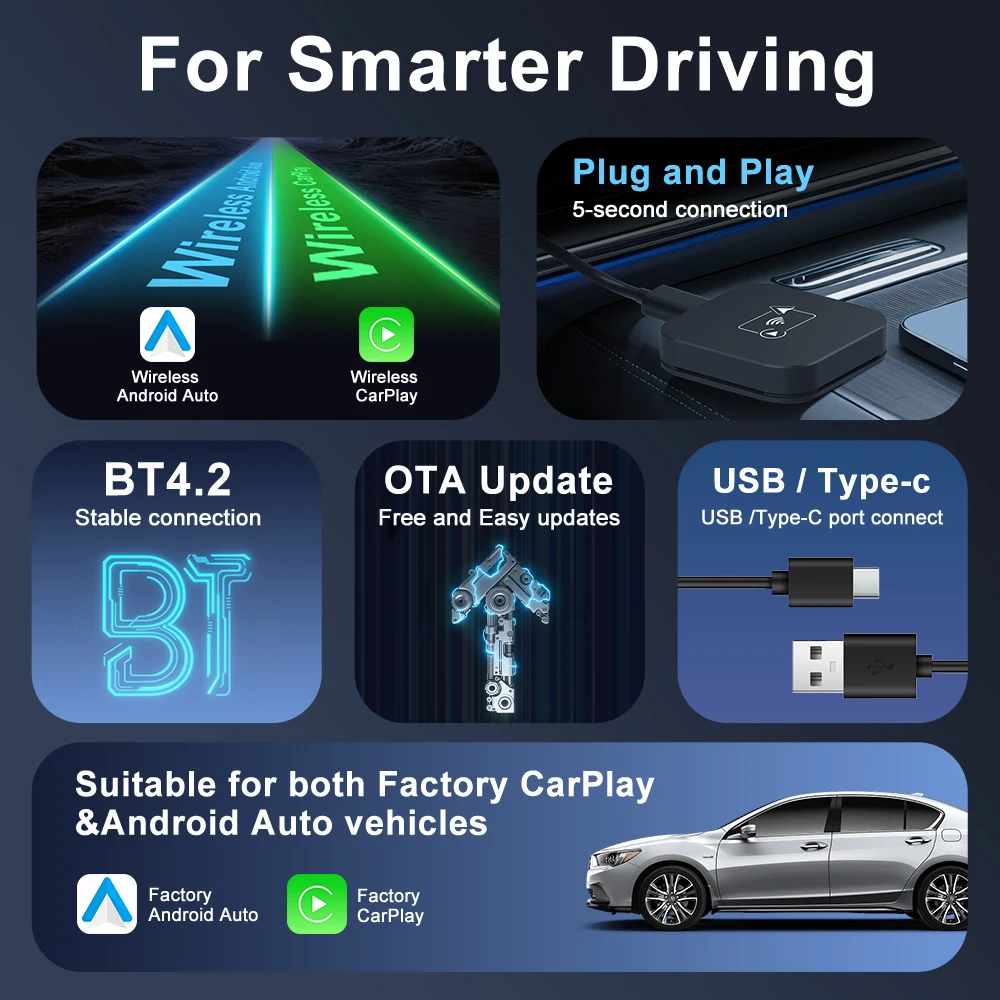
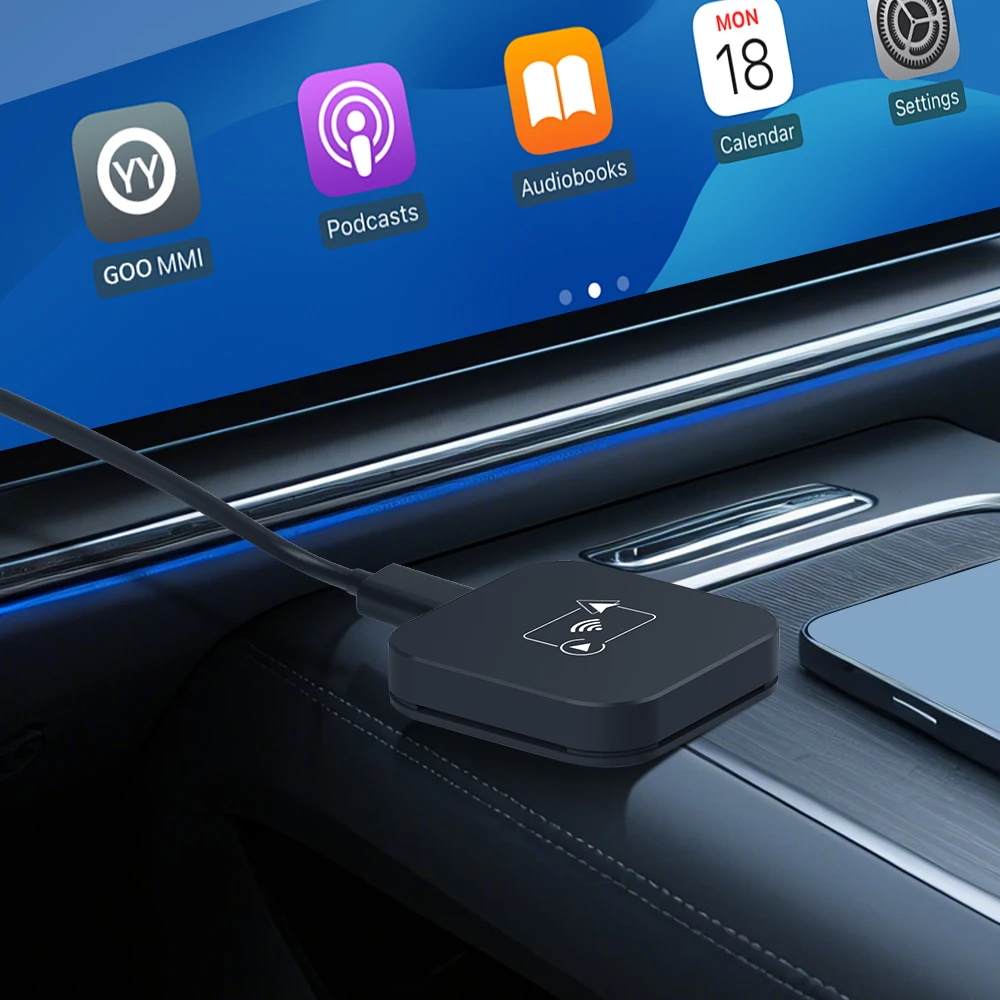
1. Compact Design: The Carplay AI Box takes up minimal space and functions as a dual CarPlay/Android Auto adapter, seamlessly integrating with your vehicle's system.
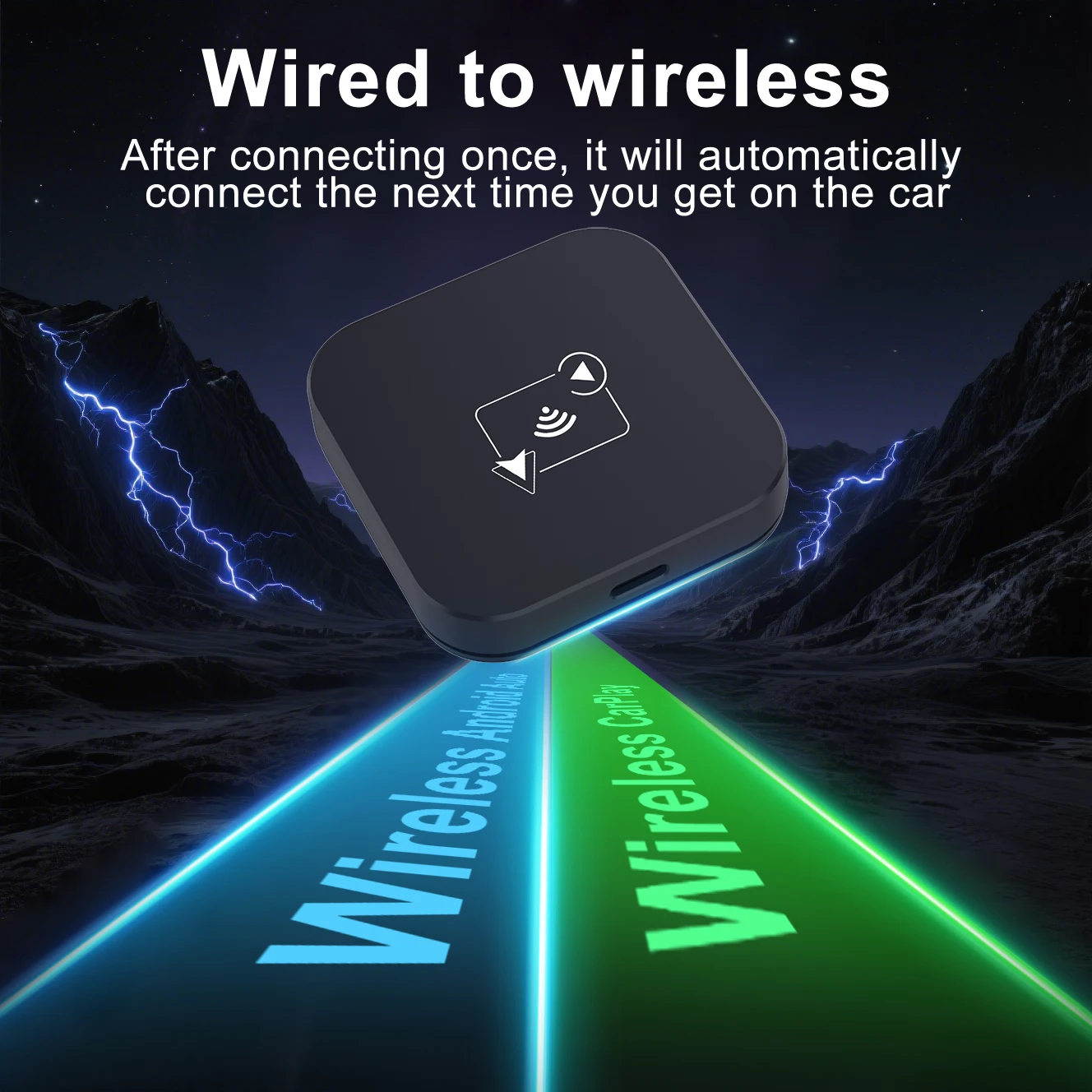
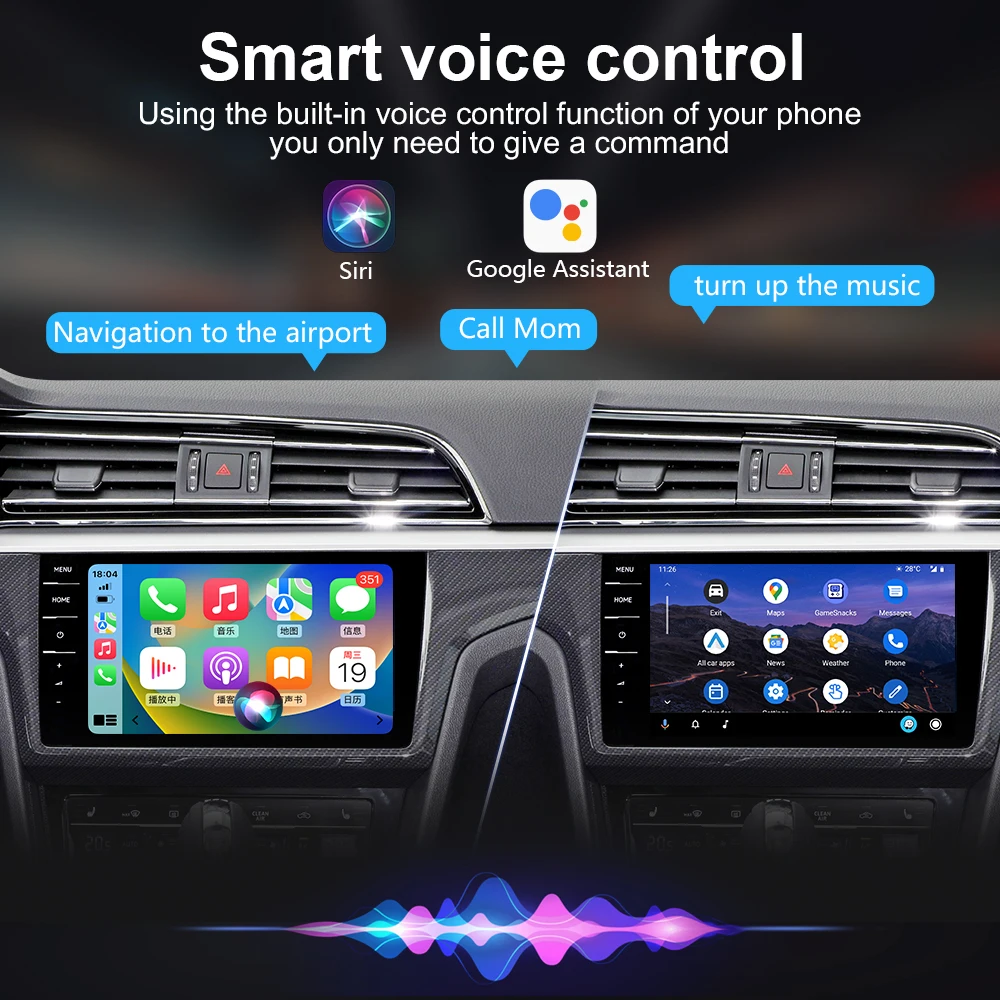
2. Wireless CarPlay: The wireless CarPlay adapter transforms your factory-installed wired CarPlay into a wireless system, compatible with Siri, GPS navigation, and more for a convenient and hands-free driving experience.
3. Wireless Android Auto: The smart USB dongle converts your wired Android Auto setup into a wireless one, compatible with Google Assistant, GPS navigation, and other features without the hassle of cables.
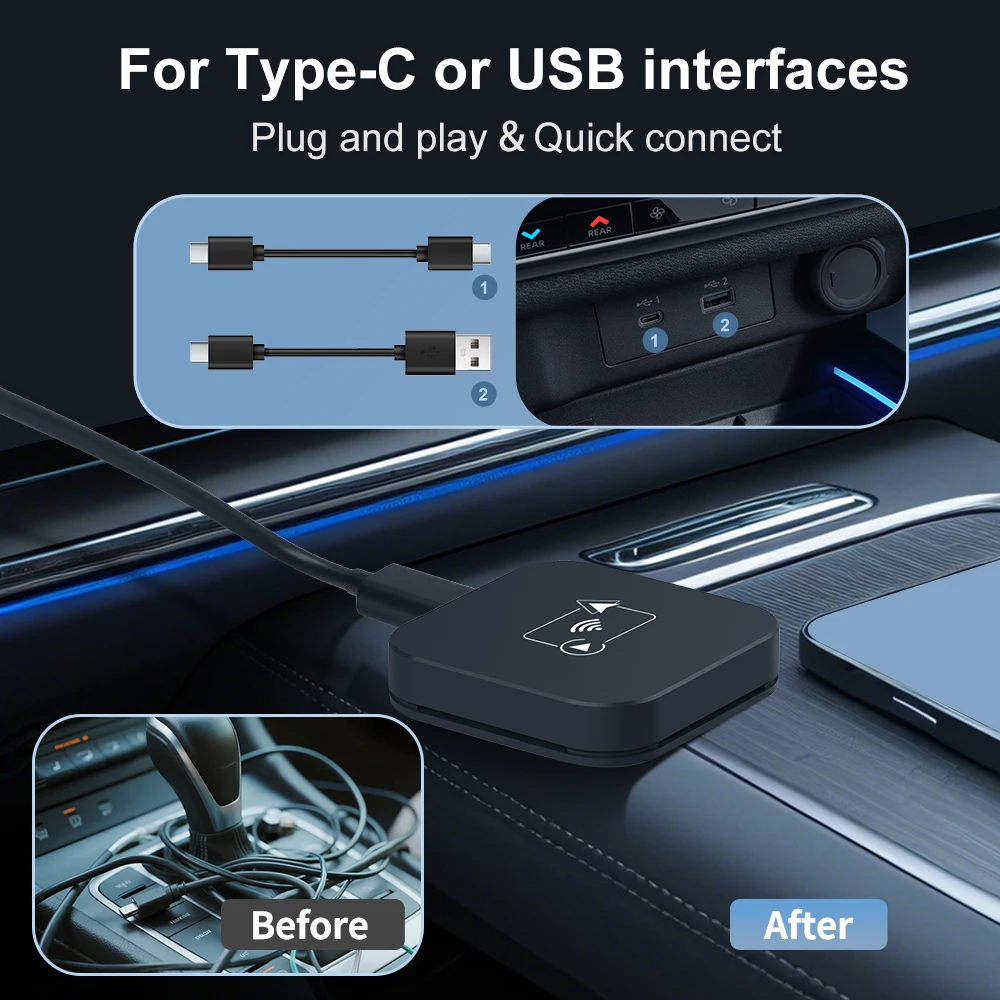
4. Easy Setup: Enjoy a plug-and-play experience with wireless connectivity. Simply insert the mini Carplay&Auto Box dongle into the USB port for data transfer, search for the BT name, and approve all requests.
5. Fast and Stable Connectivity: Equipped with 5.8GHz WiFi transmission, the 2 in 1 wireless CarPlay Android Auto adapter offers faster, more stable data transfer with low latency, and supports OTA updates for continuous improvements.


Warm reminder:
1. It is normal that the color of the product display drawing is different from that of the real thing.
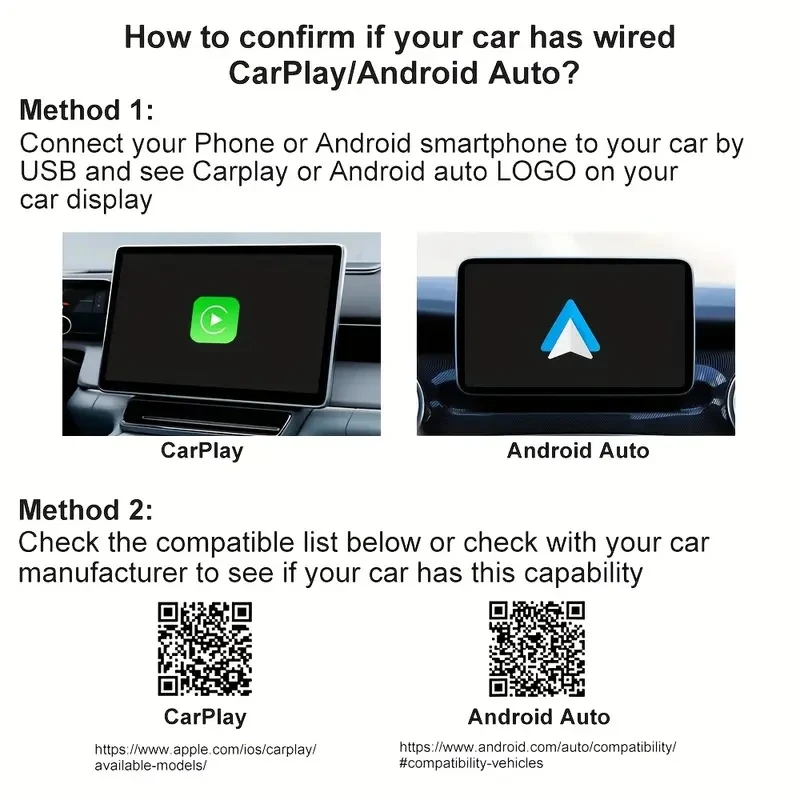
2. Please make sure your original car has OEM CarPlay, This product is suitable for 98% of cars with original wired Carplay. BMW, Tesla and some models are not compatible. If you are not sure. You can contact customer service to inquire.
3. For Carplay, it supports iPhone 6 and above models, and the software version is iOS 10 or above.
4. For Android Auto, it supports Android 11 and above models. Note that Huawei mobile phones are special. Huawei's HarmonyOS system is not applicable
5. The first time you connect your cell phone to WIFI and Bluetooth, it takes about 1 minute to read the data, which is a normal phenomenon.
6.If you can not connect
① please try to speak the car has been connected to the bluetooth list clear
② confirm the connection can read the data USB port, reconnect can be.
Frequently Asked Questions
Q1: Is it compatible with CarPlay and Android Auto?
A: This CaPlay Ai Box use the Carplay protocol and only support for cars with touch screen and factory wired Carplay from 2016.
Q2: Can this wireless adapter be paired with multiple phones?
A: Yes, it can be paired with multiple phones, but only can connect one device at a time.
Q3: The device does not connect to the phone's Bluetooth (BT)?
Method 1- Unplug the device and then reconnect.
Method 2- Turn off the BT and forget the device, then reconnect it.
Method 3- Delete connection history on car screen and then reconnect.
Q4: BT/WiFi/Hotspot connection automatically turn on and off?
Method 1- Turn off the "Do not disturb mode" of the phone and restart the phone.
Method 2- Follow user manual to update the device.
