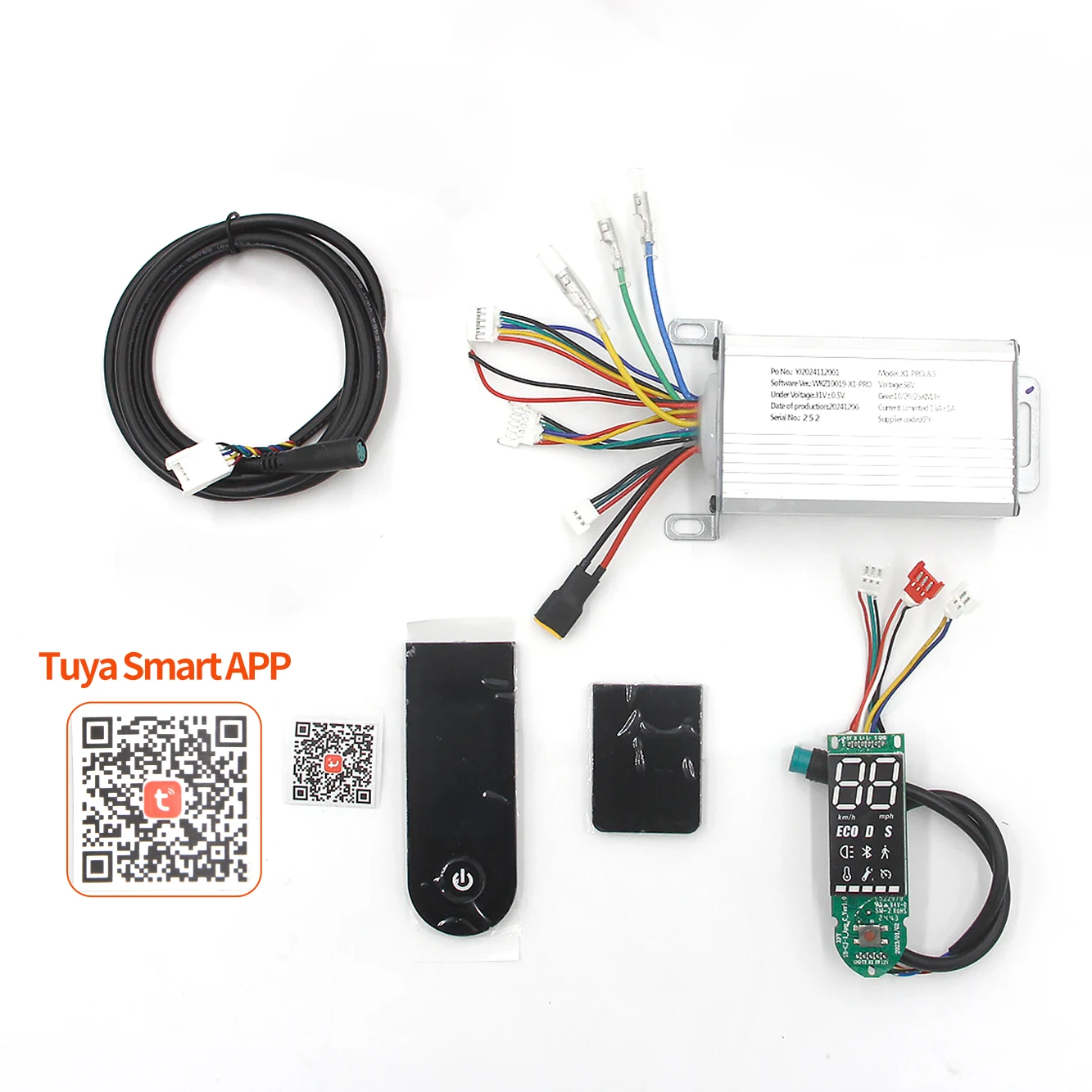
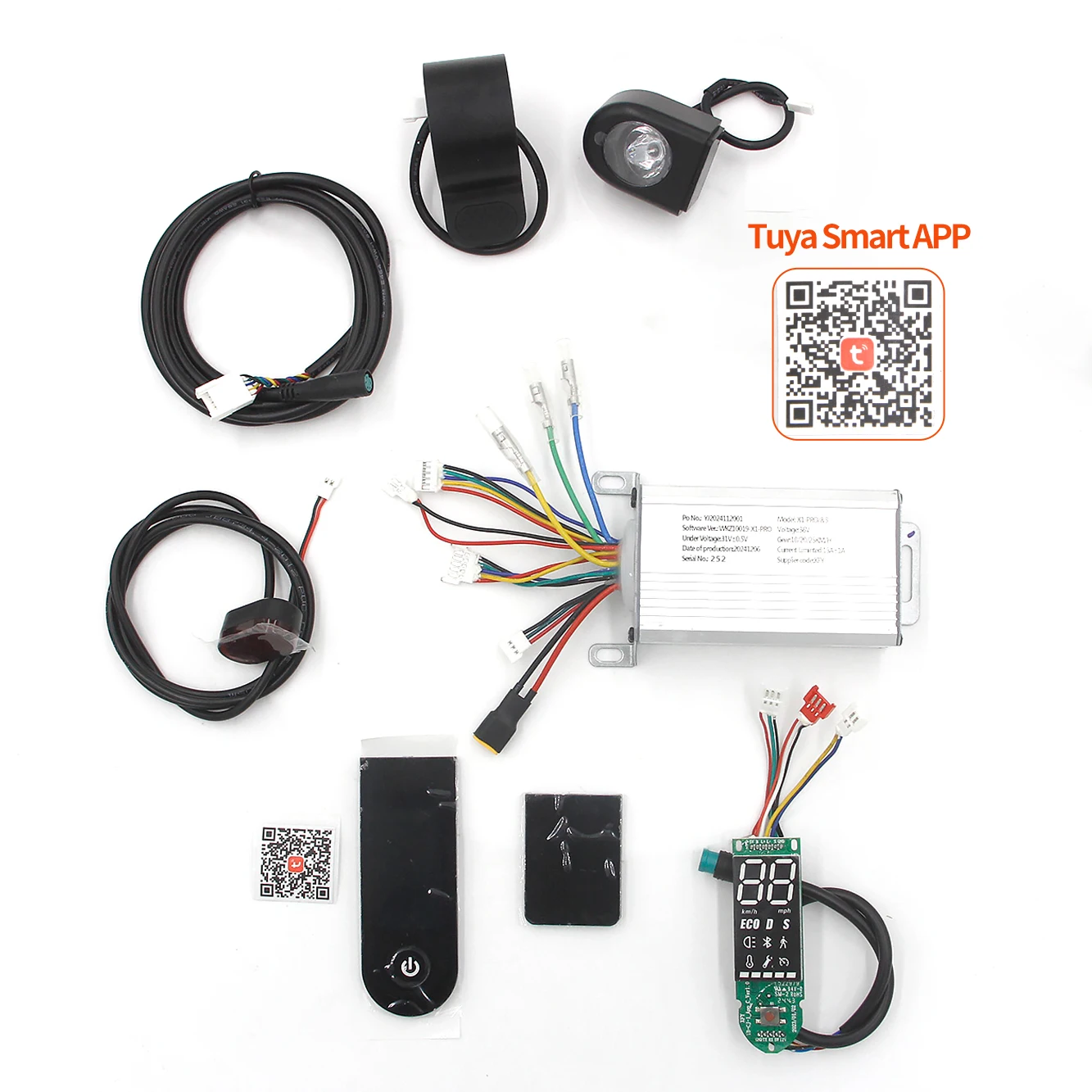
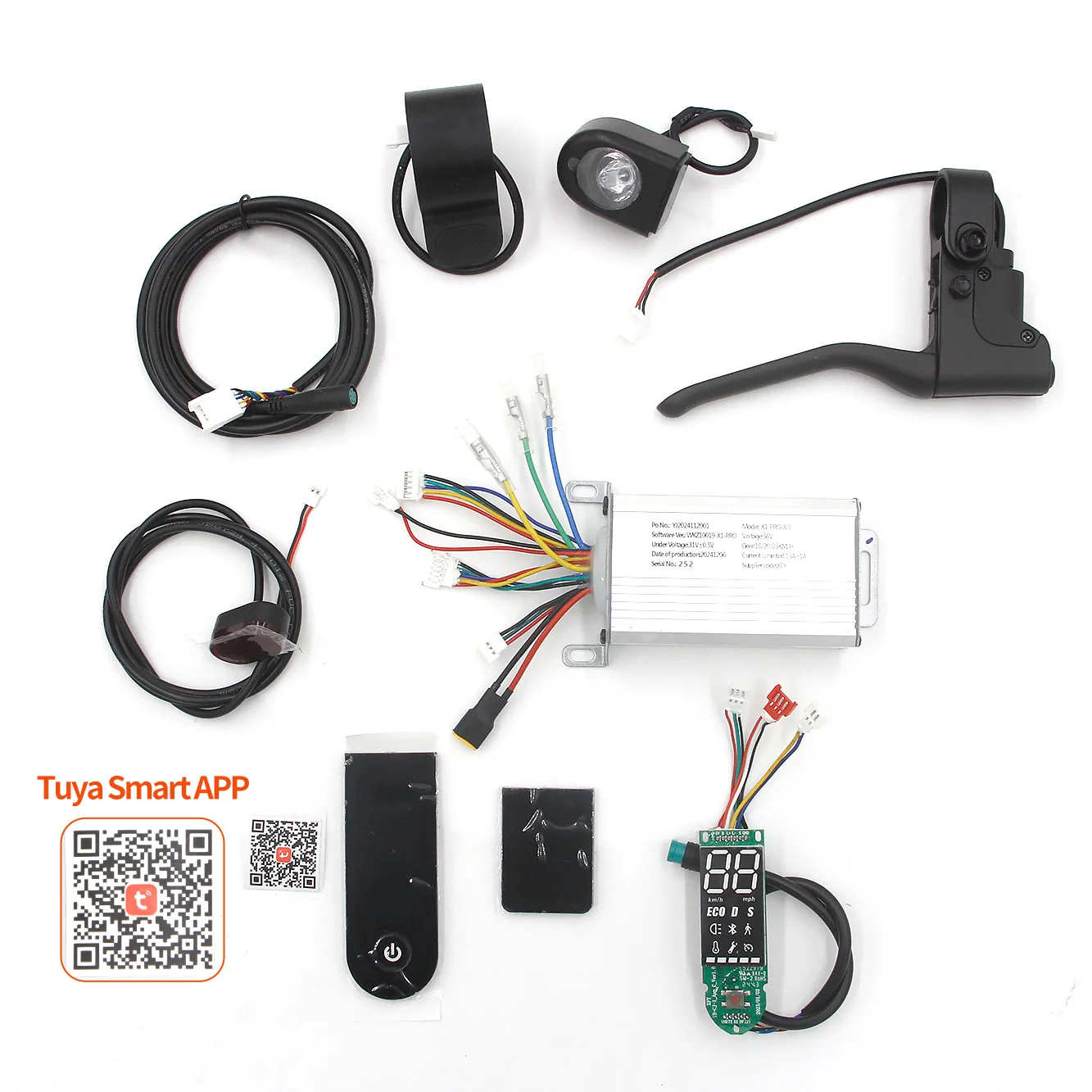
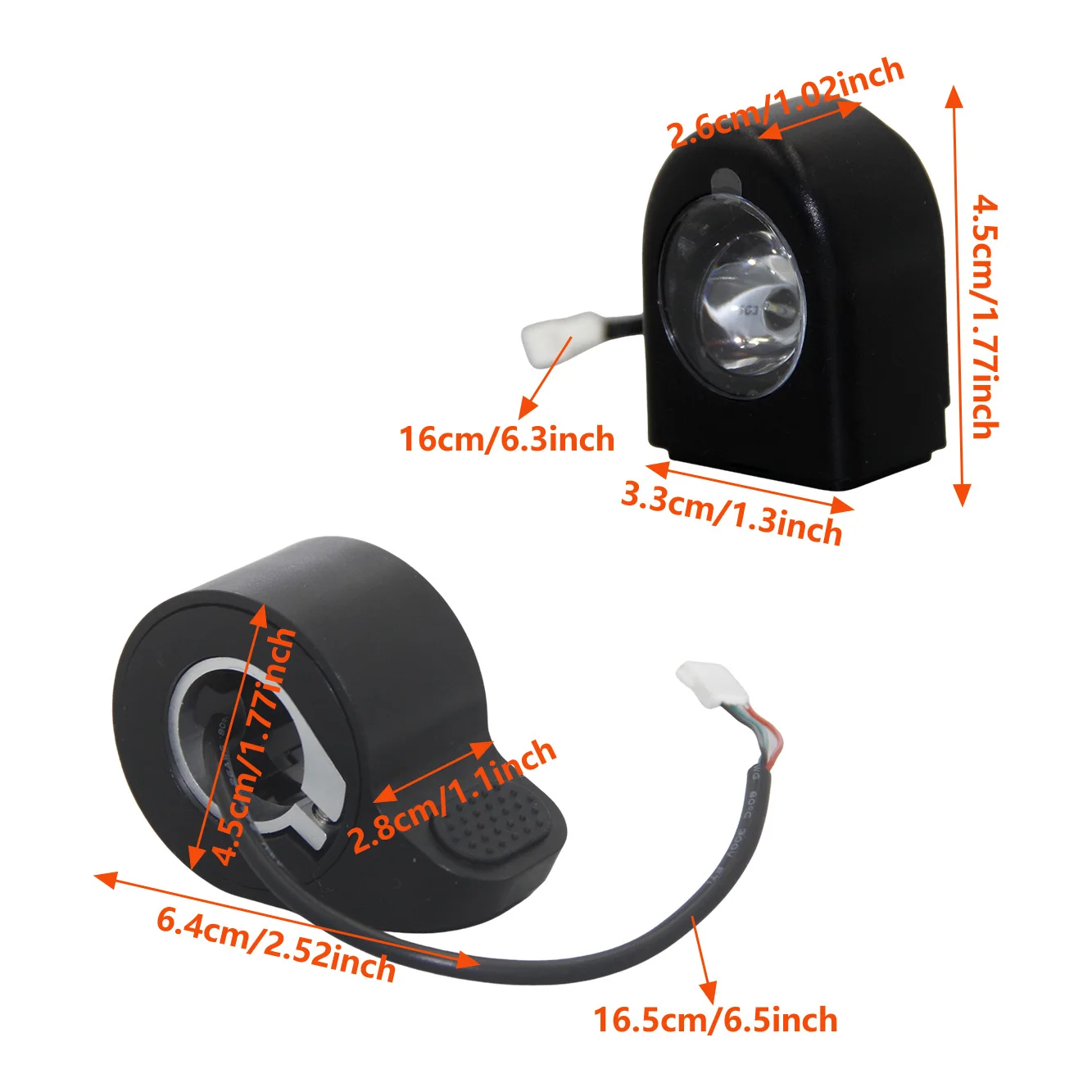
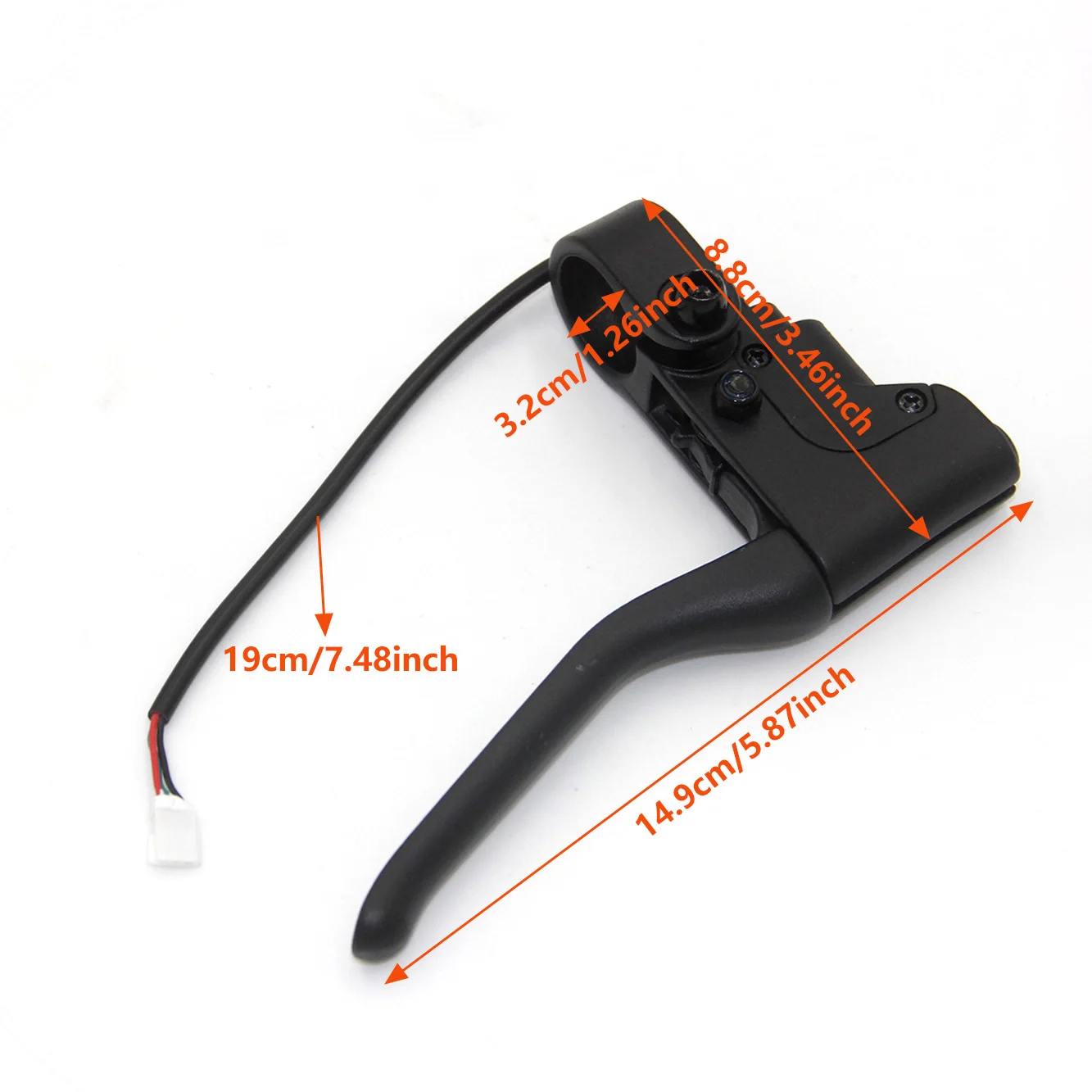
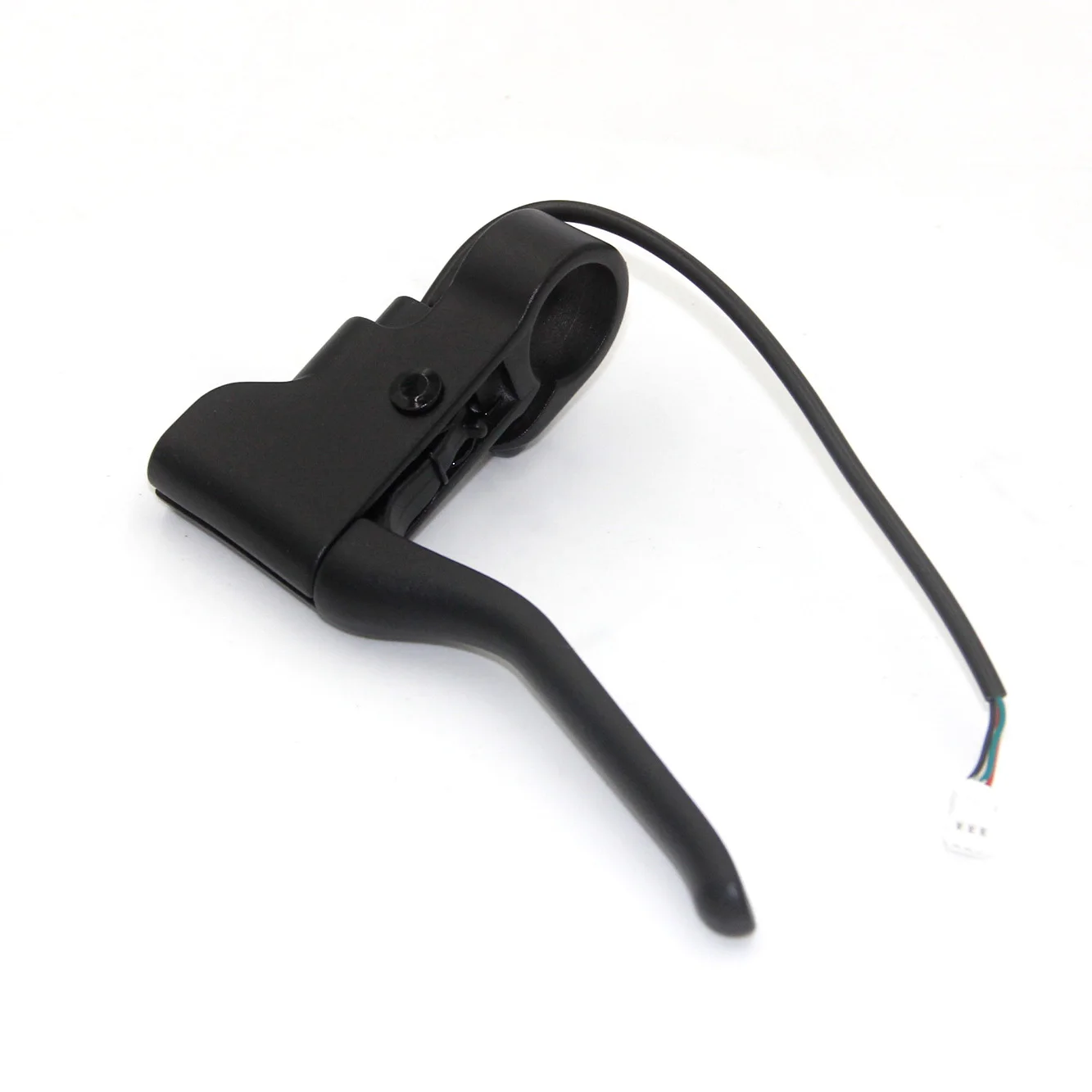
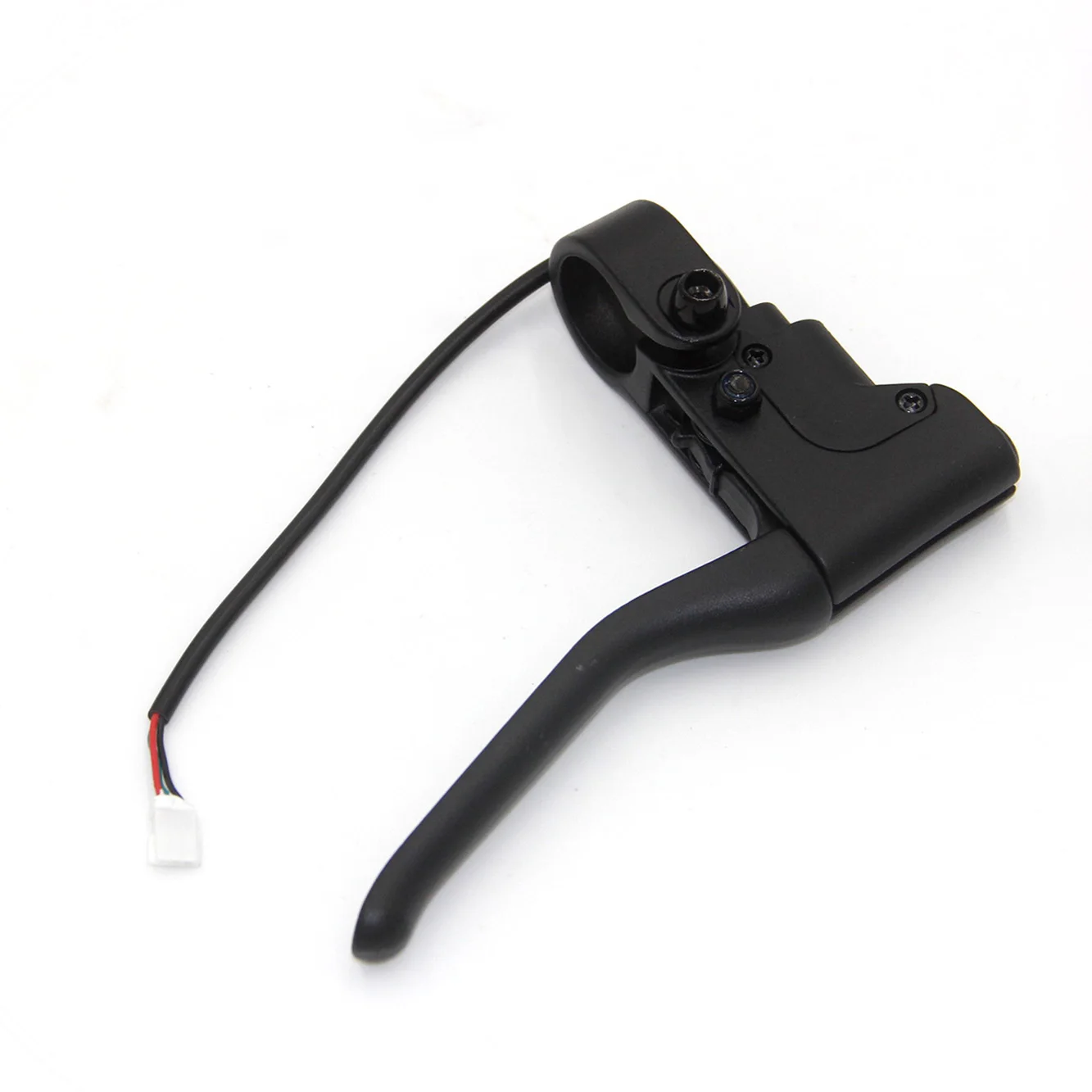
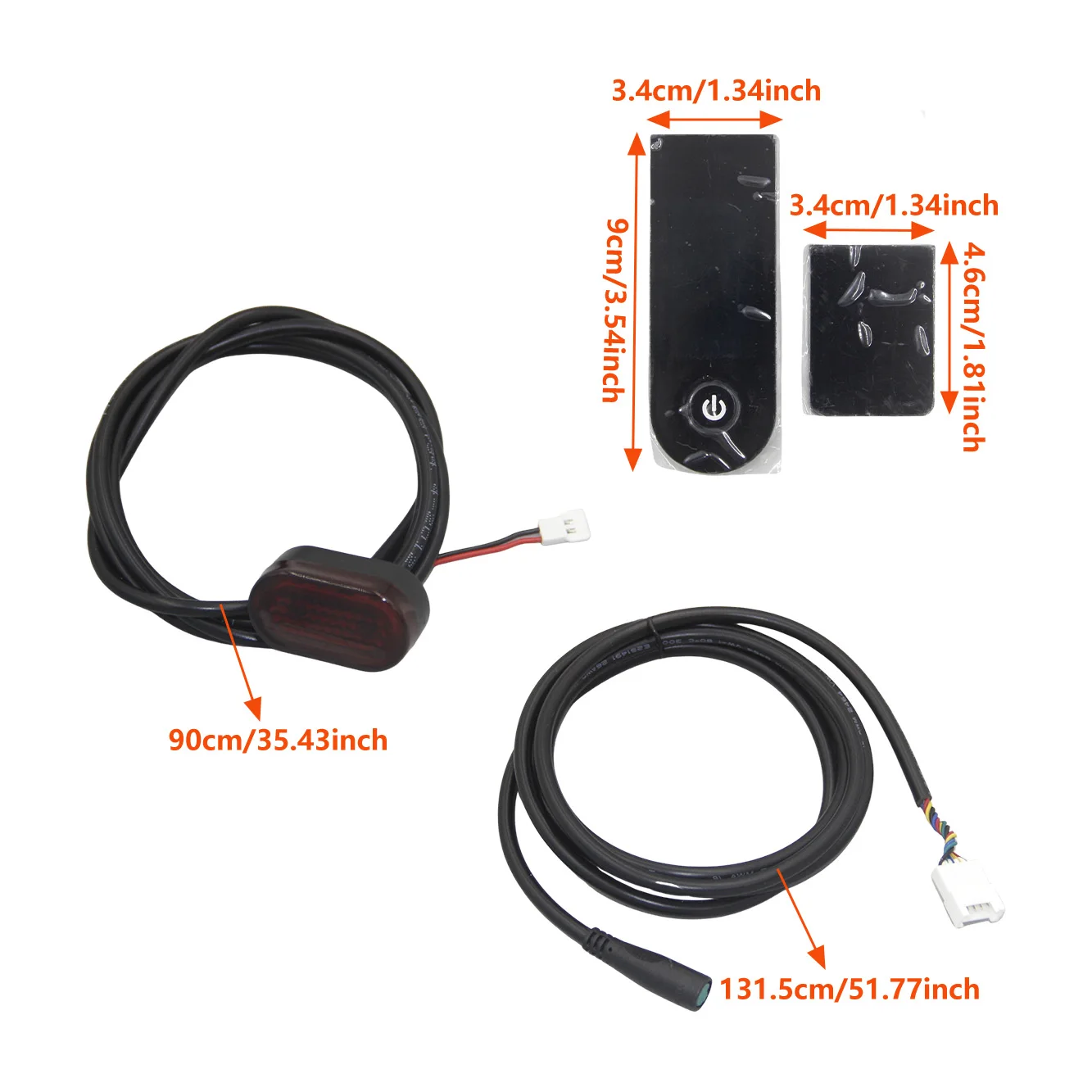
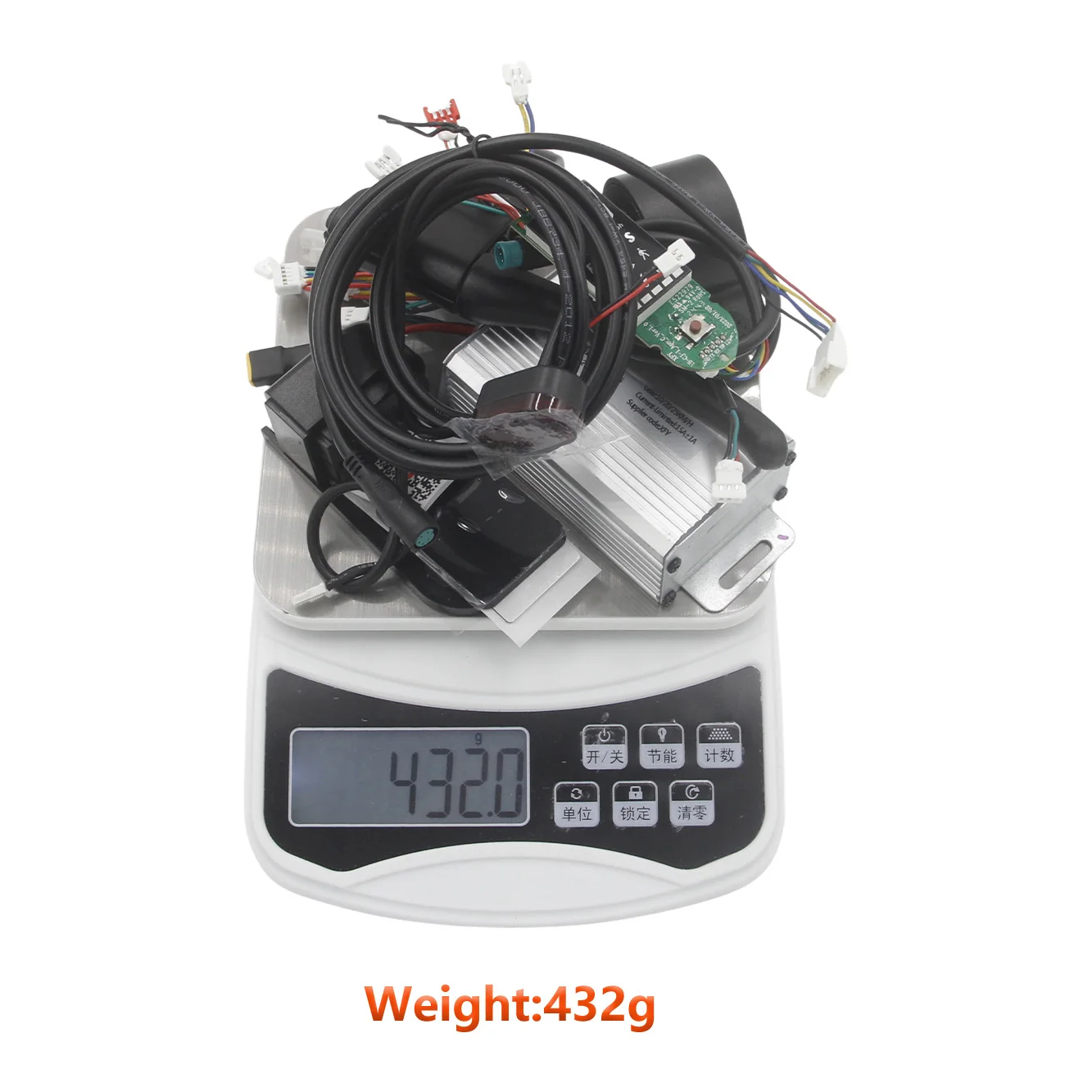
350W 36V 15A 8.5 inch Scooter Controller Motherboard Bluetooth with Tuya Smart for FOSTON X-Play DIGMA Scooter Max Speed 30 Km/h
app-tuya 8pcs(set)
Prix promotionnel
$109.99
Prix régulier $153.99
Passer aux informations sur le produit

Voltage:DC36V
1. Long press the "on/off" key to turn on and off the machine, the buzzer on the machine has a "drop" sound, the machine will turn off automatically after ten minutes of no operation;


350W 36V 15A 8.5 inch Scooter Controller Motherboard Bluetooth with Tuya Smart for FOSTON X-Play DIGMA Scooter Max Speed 30 Km/h
Prix promotionnel
$109.99
Prix régulier $153.99
Expédition calculée lors du paiement.
SPECIFICATIONS
Brand Name: NONE
Choice: yes
High-concerned chemical: None
Model Number: 36V 350W controller
Origin: Mainland China
Type: Scooter Engines
Voltage: 36V
is_customized: Yes
Motor Self-Learning Methods
If your motor does not rotate or reverse can refer to the following methods, specific to the actual situation of the motor shall prevail. Due to the different degree of loss of each motor, the no-load maximum speed may not reach the speed of our control settings.
1. rack the motor.
2. Grab the brake handle (brake set to maximum).
3. Turn on the motor.
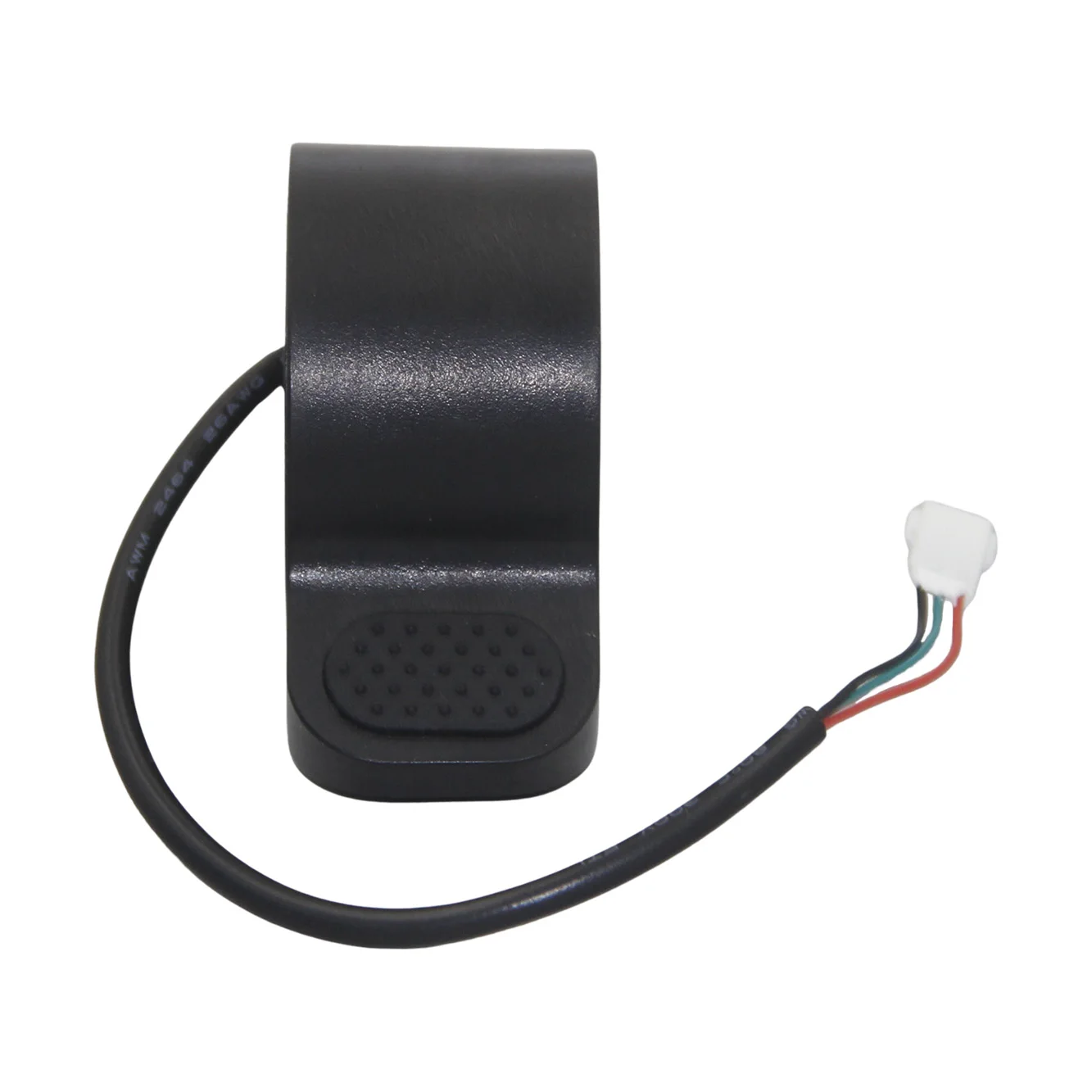
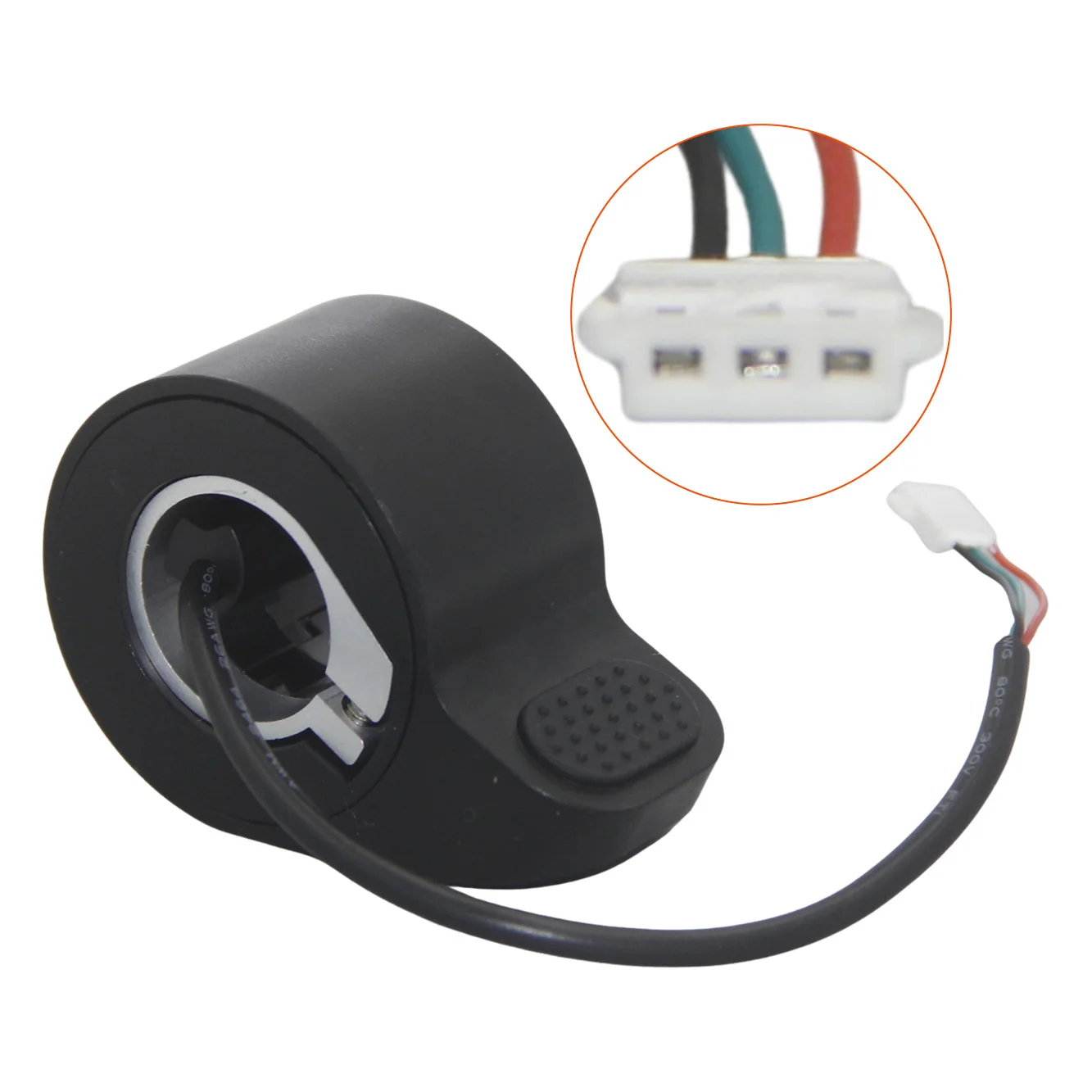
4. Adjust the speed control handle from zero to maximum, 3 times in a row (the meter will display Fx or -x (x=0-5) after operation).
5. Release the brake handle, speed control handle, the motor will automatically rotate for a few seconds and then stop (if not rotating should immediately shut down the machine to re-operate).
6. Adjust the speed control handle to the maximum to see if the motor rotation direction is correct. If it is correct, then release the speed control handle to let the motor skid to a stop (do not brake) to complete the study and then turn off the power, if not correct, then the next operation.
7. When the motor rotation direction is not correct, release the speed control handle and wait for the motor to stop, grab the brake (brake adjusted to the maximum), the speed control handle from zero to the maximum, adjusted 1 time, and then release the brake and the speed control handle, at this time, the meter will be from the F to - or from - to F.
8. Adjust the speed control handle to the maximum to see whether the motor rotation direction is correct. If it is correct, then release the speed control handle and let the motor coast to a stop (do not brake) to complete the study and then turn off the power, if it is not correct, then repeat the operation of step 7.
This controller only support the 8.5 inch scooter!!! Suit for FOSTON X-Play DIGMA brand scooter.
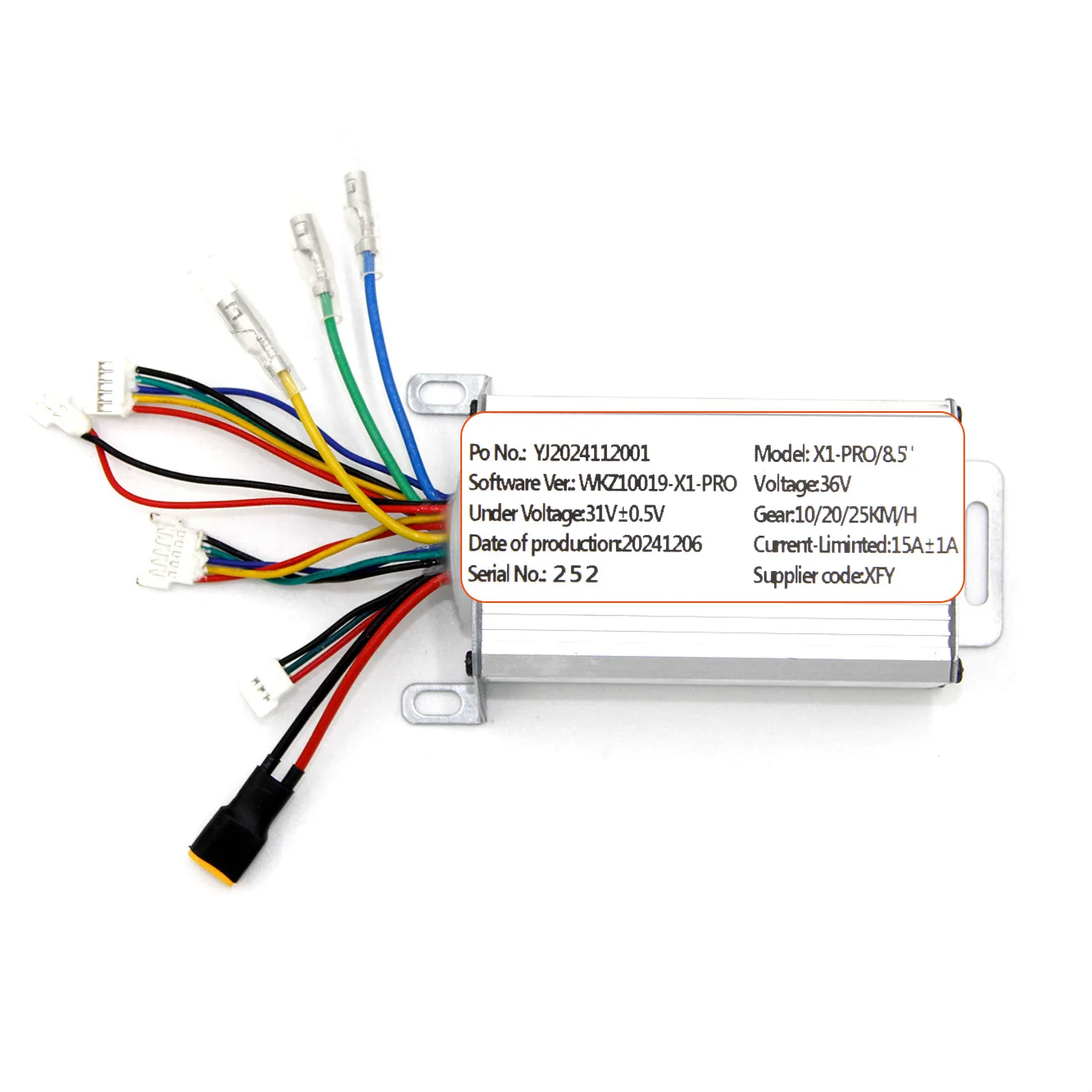
Voltage:DC36V
Rated Power:350W
Undervoltage:31.5V
Current:15A±1A
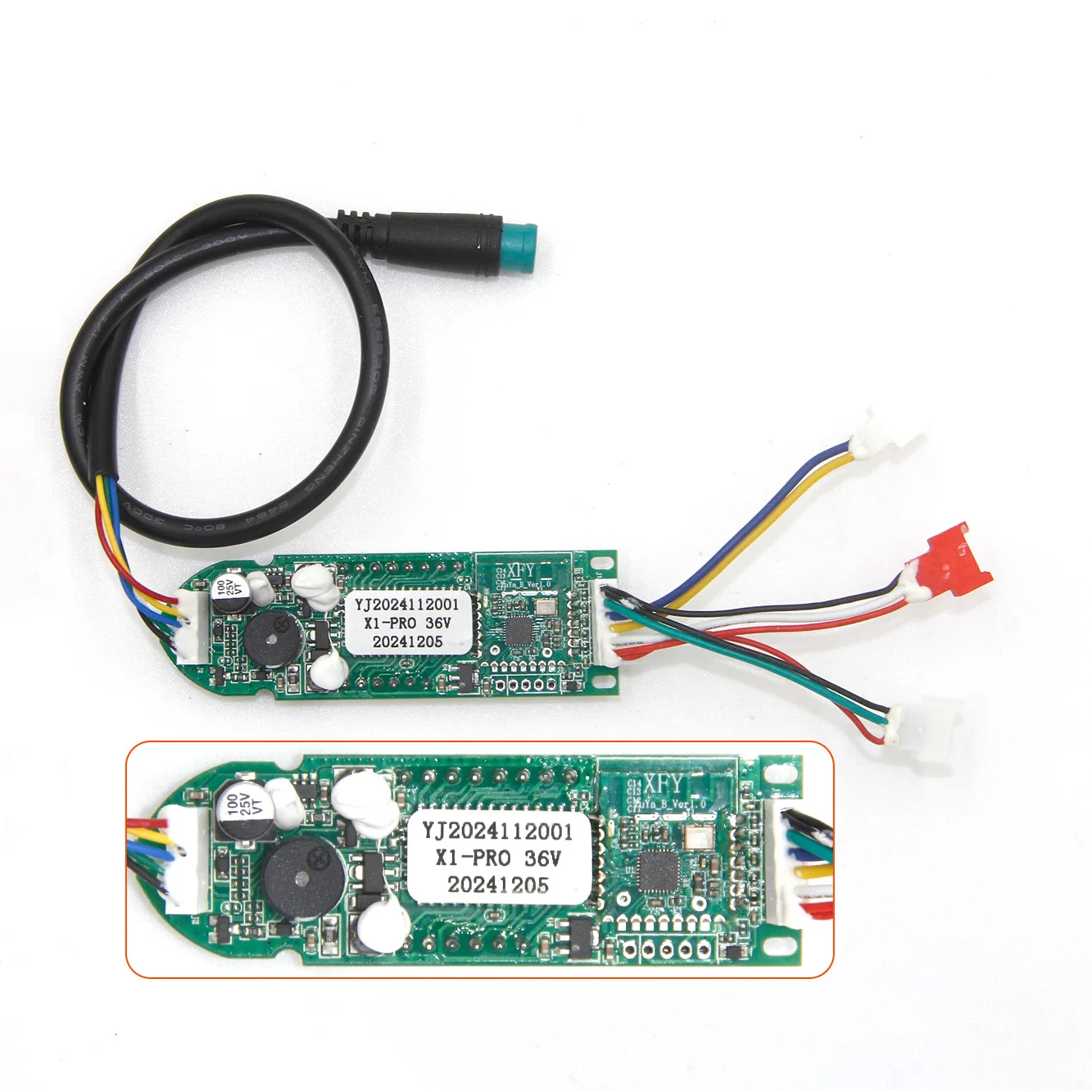
Battery wire:XT30
Hall Wire:51005
Tips:With Tuya APP!
Function description:
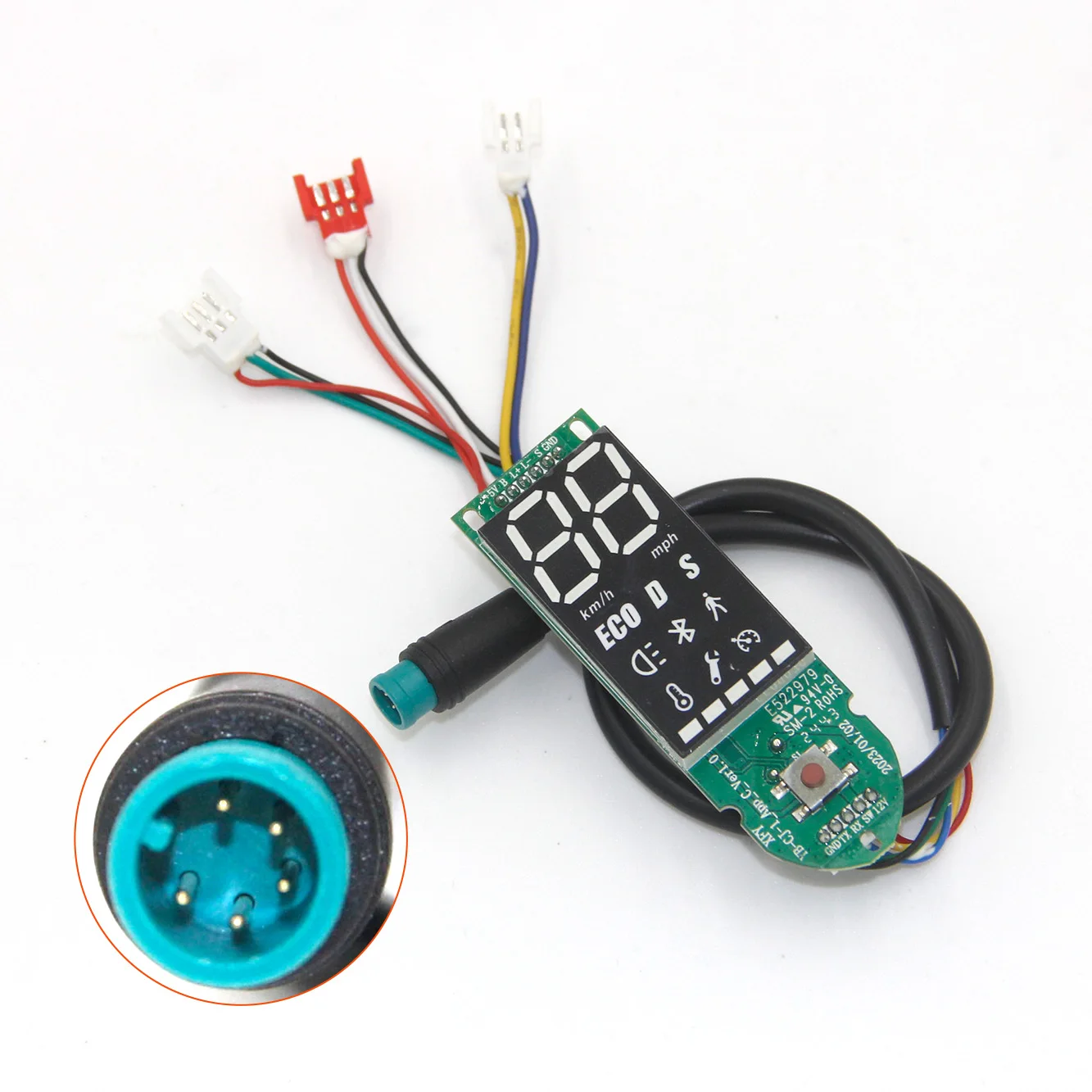
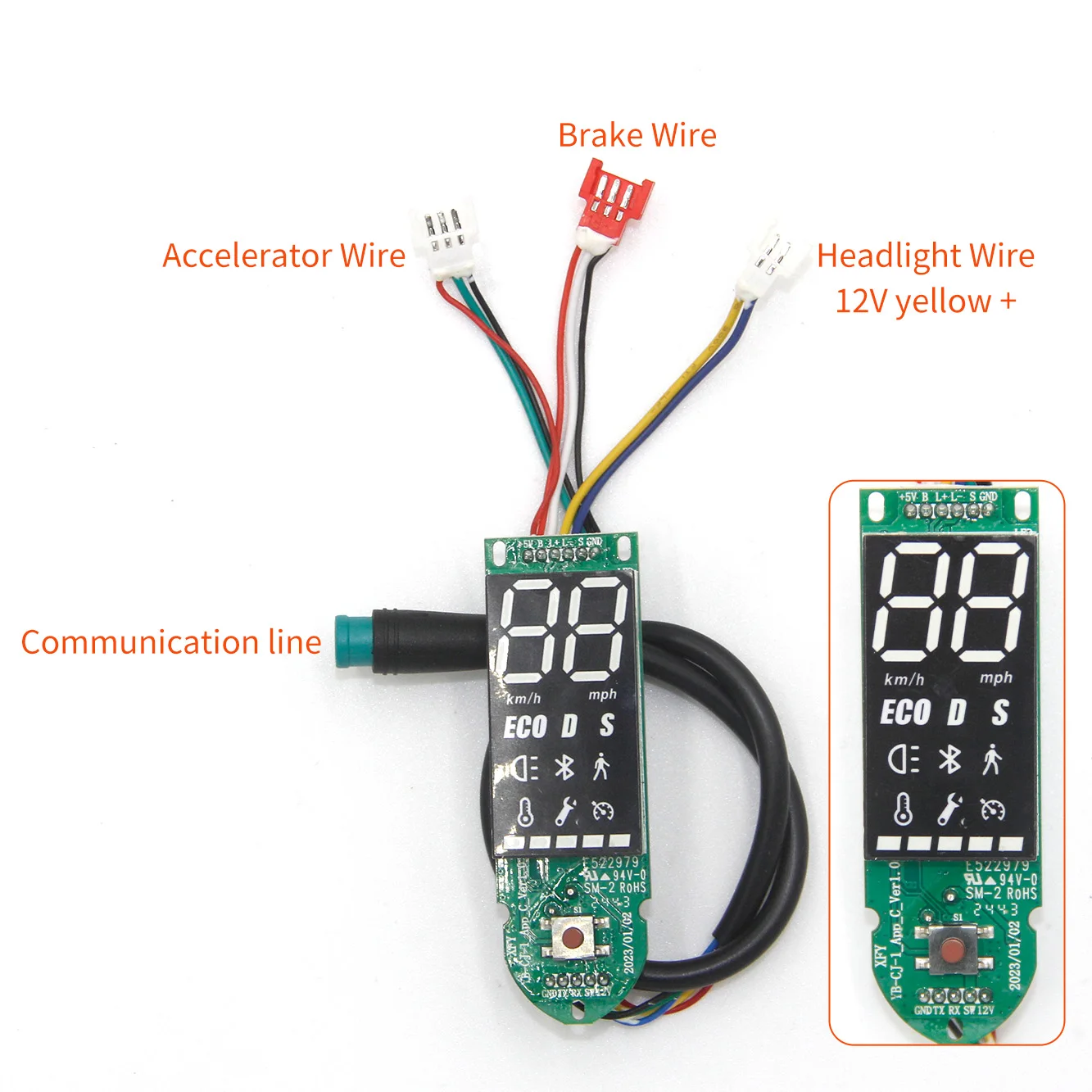
1. Long press the "on/off" key to turn on and off the machine, the buzzer on the machine has a "drop" sound, the machine will turn off automatically after ten minutes of no operation;
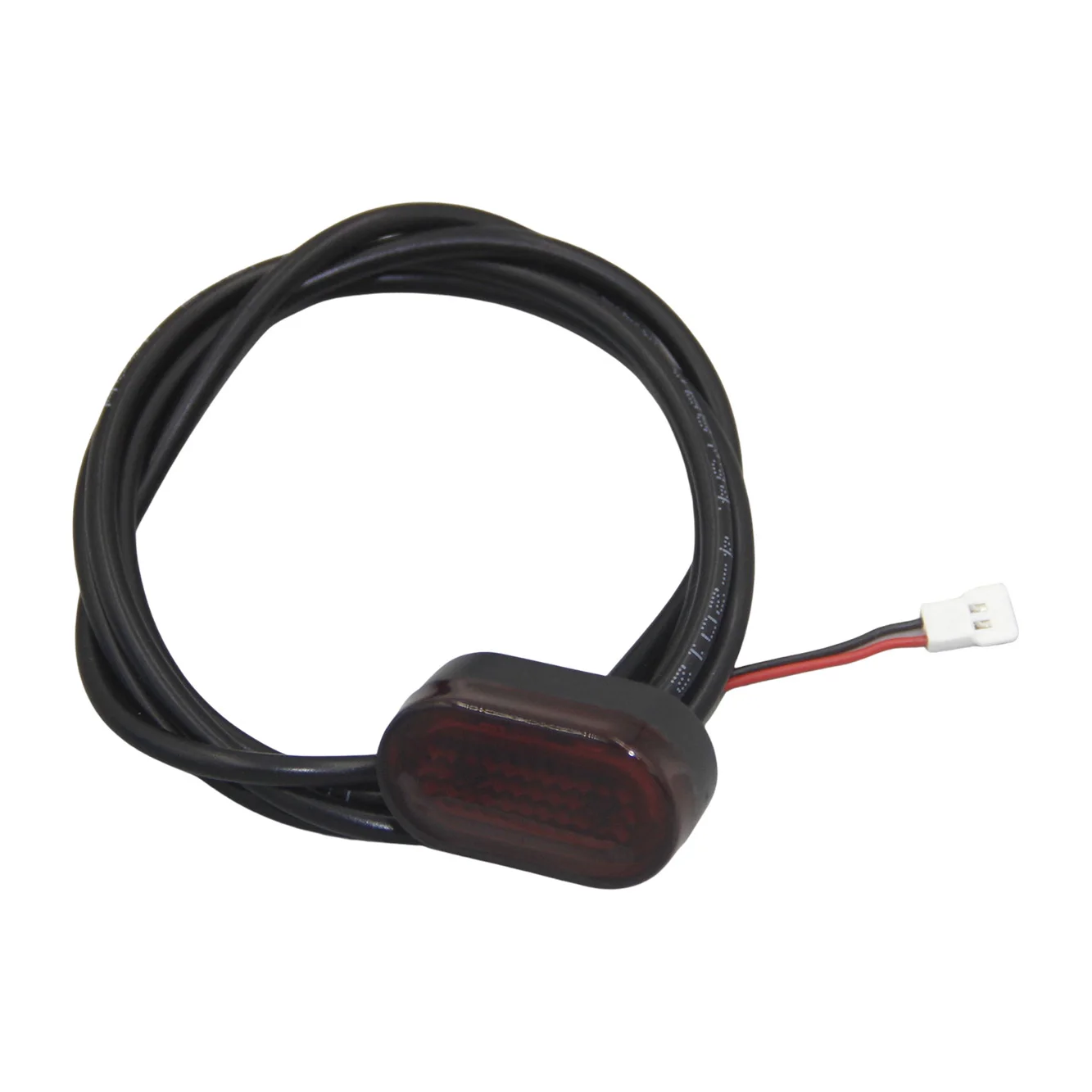
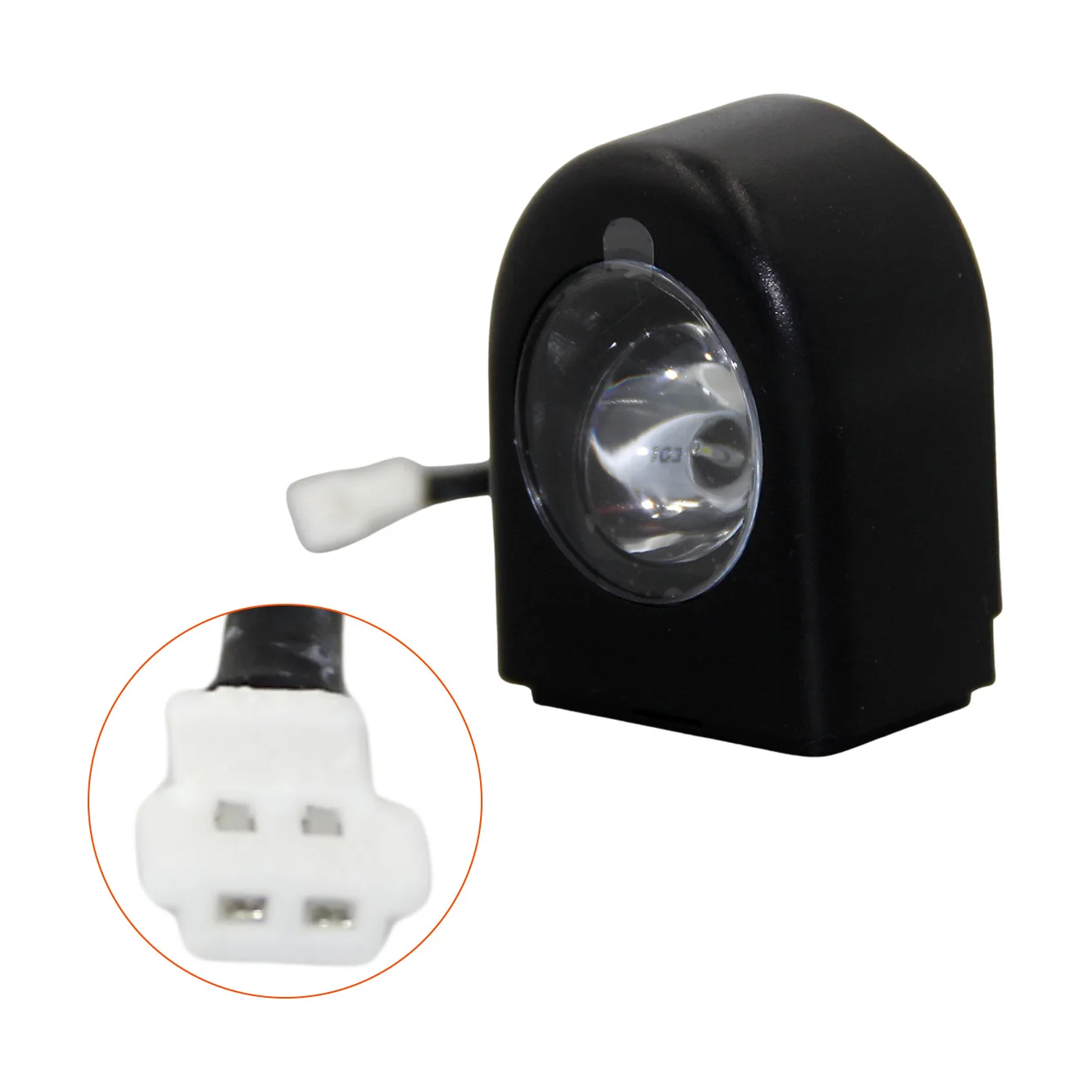
2. Press the "on/off" key buzzer "drop" sound to turn on and off the headlights and taillights, tail lights flash when braking (has nothing to do with whether to turn on the lights);
3. Press the "on/off" button buzzer "drop" sound to change gears, 1st gear (ECO) 0-10/h, 2nd gear (D) 0-20km/h, 3rd gear (S) 0-25km/h, 3rd gear when the speed display is pink (default) The speed display is pink in 3rd gear (default S);
4. Press the three "on/off" key buzzer "drop" sound to switch the male, mile display (default kilometers), switch miles after 1, 2, 3 gear speed were "6mph, 12mph. 15mph", 15mph";
5. Press the four "on/off" key buzzer "drop" sound to open or close the cruise control, when the cruise control function is opened, the throttle continues to work 10s into the cruise mode, buzzer "drop" sound, cruise control "drop" sound, cruise control "drop" sound, the buzzer "drop" sound, cruise control "drop" sound, cruise control "drop" sound, cruise control "drop" sound, cruise control "drop" sound, cruise control "drop" sound. When the cruise control function is turned on, the gas pedal continues to work for 10s to enter the cruise control mode, the buzzer "drop" will sound, the cruise control icon will light up, and you can exit the cruise control mode by twisting the gas pedal, braking, shifting gears or switching on/off the lights again (default on);
6. Press the five "on/off" key buzzer "drop" sound switch zero start or non-zero start (default non-zero start);
7. Press the "on/off" key nine times and the buzzer will sound to clear the total mileage:
8. When power on, press and hold "brake" and "on/off" button at the same time until the meter shows "UC" to release Bluetooth pairing:
9. You can lift the speed limit of 1, 2 and 3 gears on APP more settings, after lifting the speed limit, the speed of 1, 2 and 3 gears will be 5-15km/h, 15-25km/h and 20-30km/h respectively (the current speed will be saved after adjusting the speed on APP):
10. With memory function, Bluetooth function, Bluetooth name "PRO", Bluetooth icon does not light up when not connected, Bluetooth icon is always light up when connected successfully, and the meter will show "LC" when APP locks the car;
11.With 36v battery, 8.5 inch motor, motor right out of the line, with self-learning function;