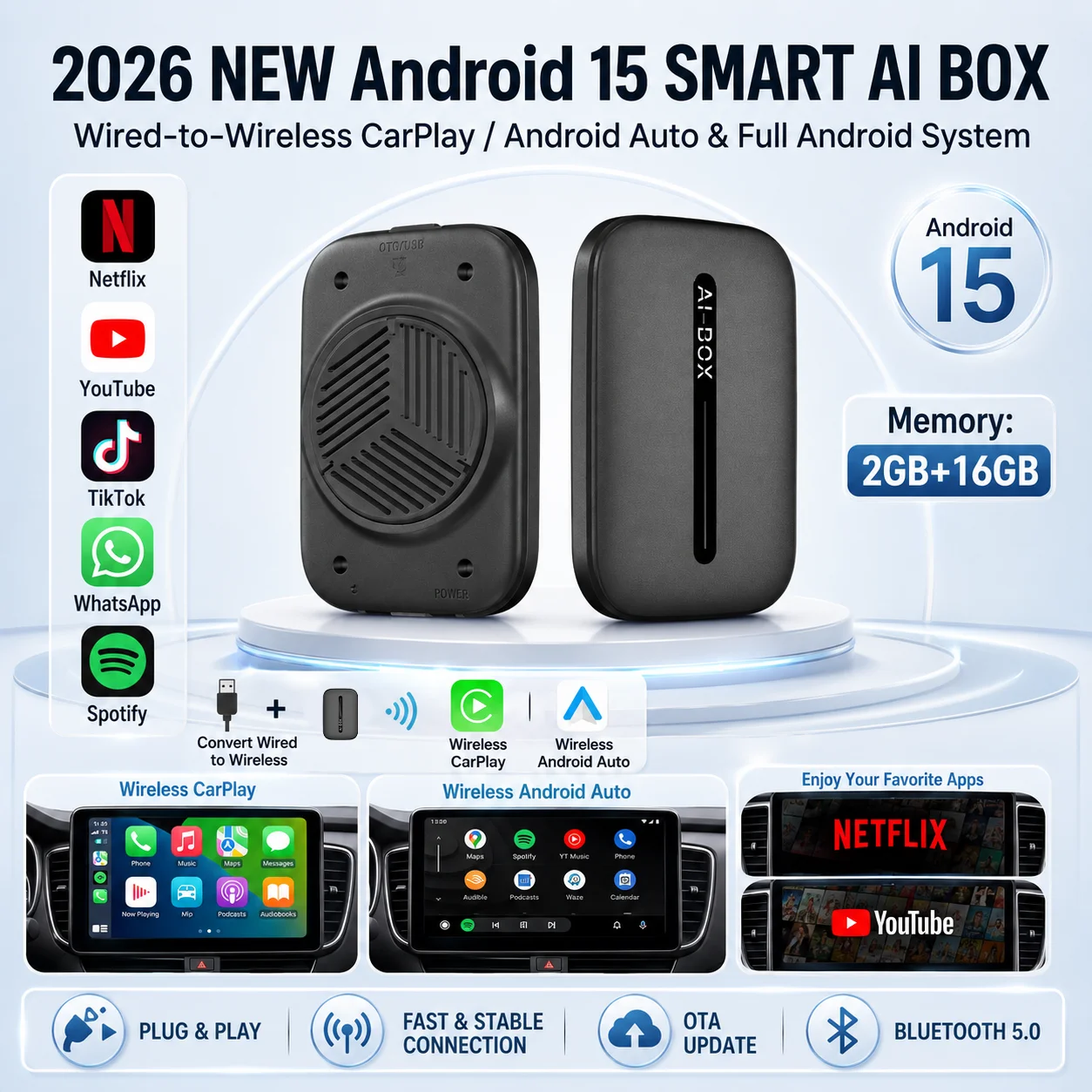
Android 15 CarPlay AI Box Wired to Wireless CarPlay Android Auto Adapter Support Netflix YouTube Plug and Play For VW Toyota


Android 15 CarPlay AI Box Wired to Wireless CarPlay Android Auto Adapter Support Netflix YouTube Plug and Play For VW Toyota
SPECIFICATIONS
Brand Name: NONE
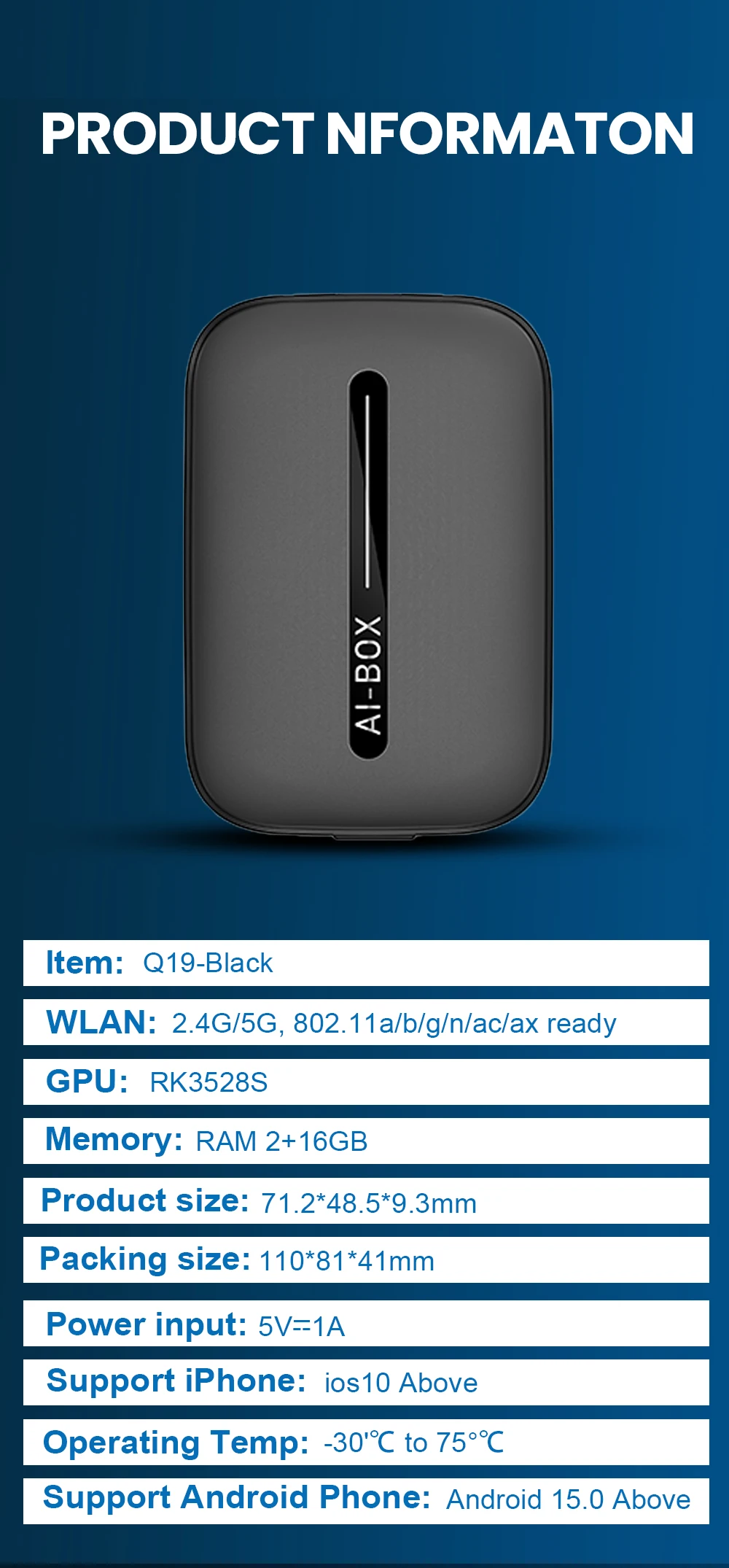
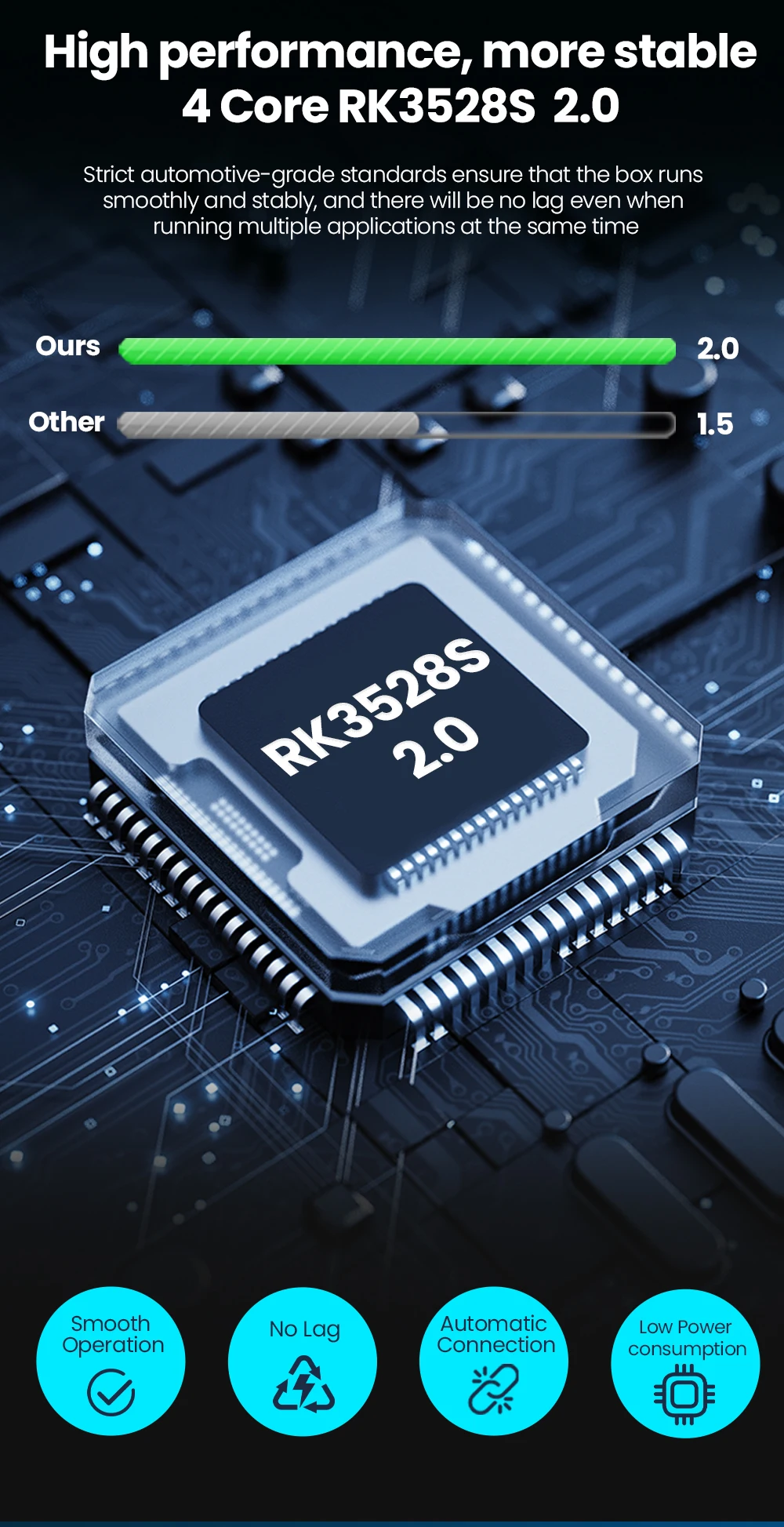
Chip: RK3528S
Choice: yes
Feature: Wireless Mirror
Feature1: Wireless Carplay
Feature2: Wireless Android Auto
Feature3: Wireless Android System
Feature4: For Youtube
Feature5: For Netflix
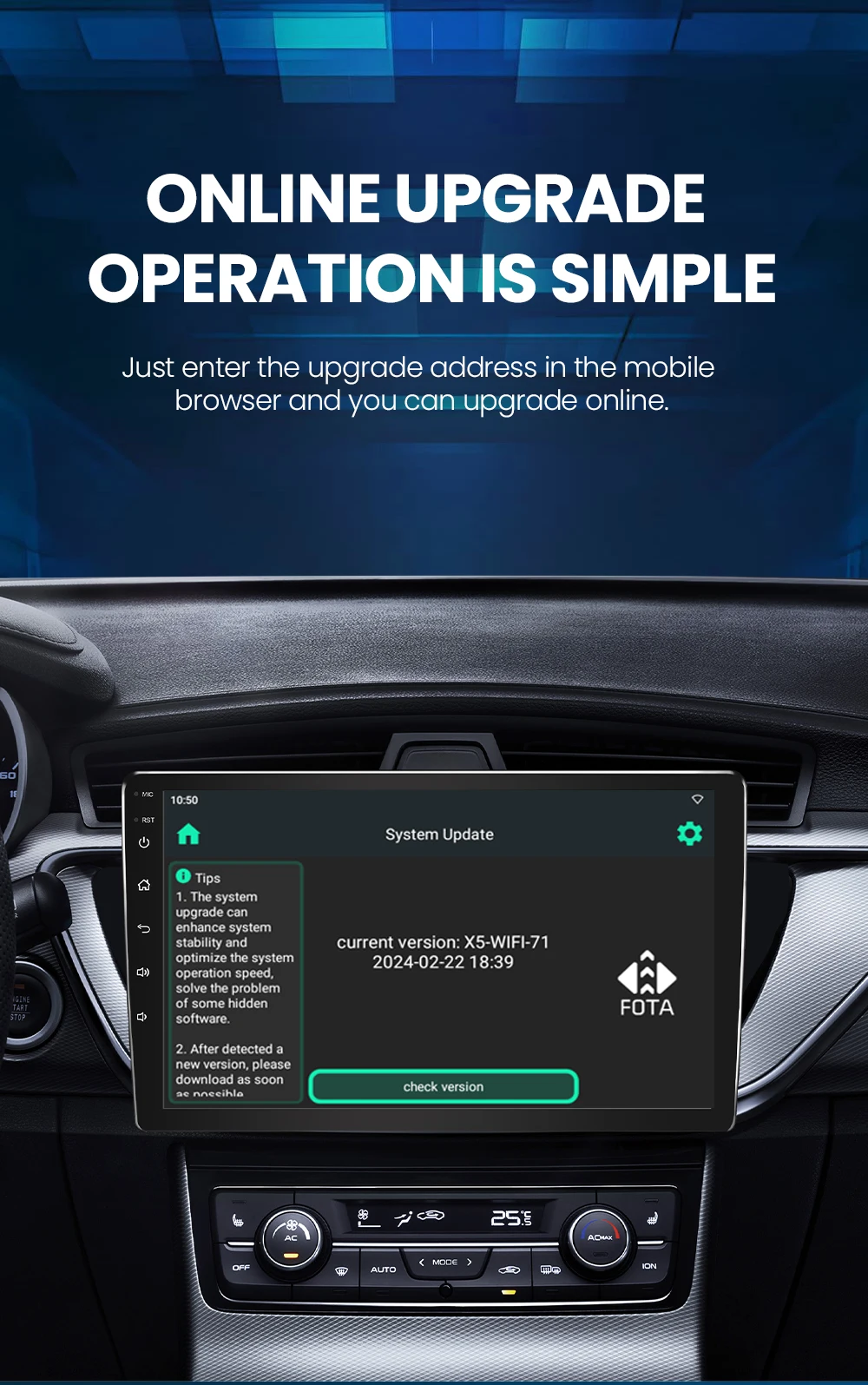
Feature6: Fota Update
High-concerned chemical: None
Origin: Mainland China
RAM: 2+16GB
System: Android 15
Note before buying
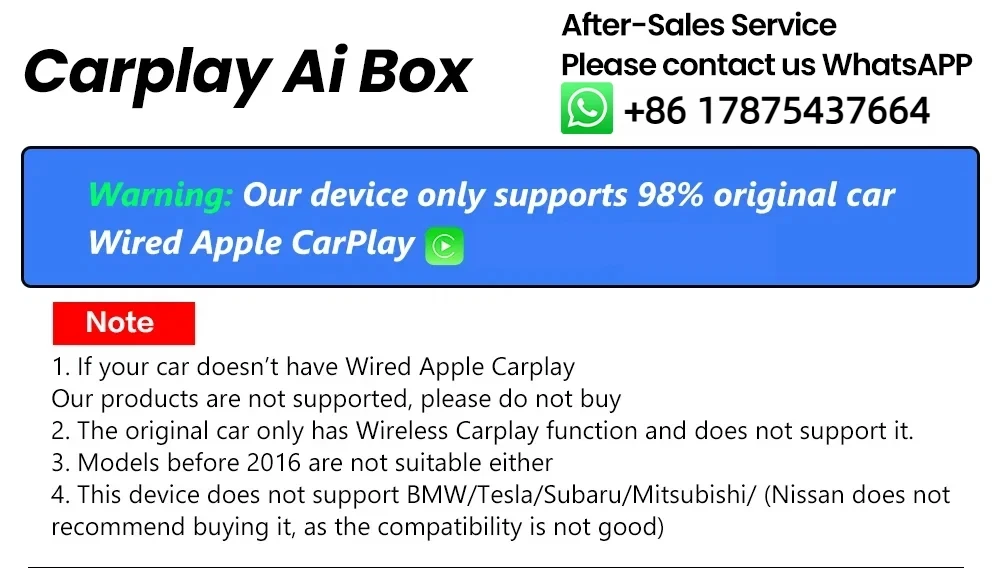
"1. lf your car doesn't have Wired Apple Carplay Our products are not supported, please do not buy.
2. The original car only has Wireless Carplay function and does not support it.
3.Models before 2017 are not suitable either
4. This device does not support BMW/Tesla/Subaru/Mitsubishi/ (Nissan does notrecommend buying it, as the compatibility is not good)"
Regarding mobile phones
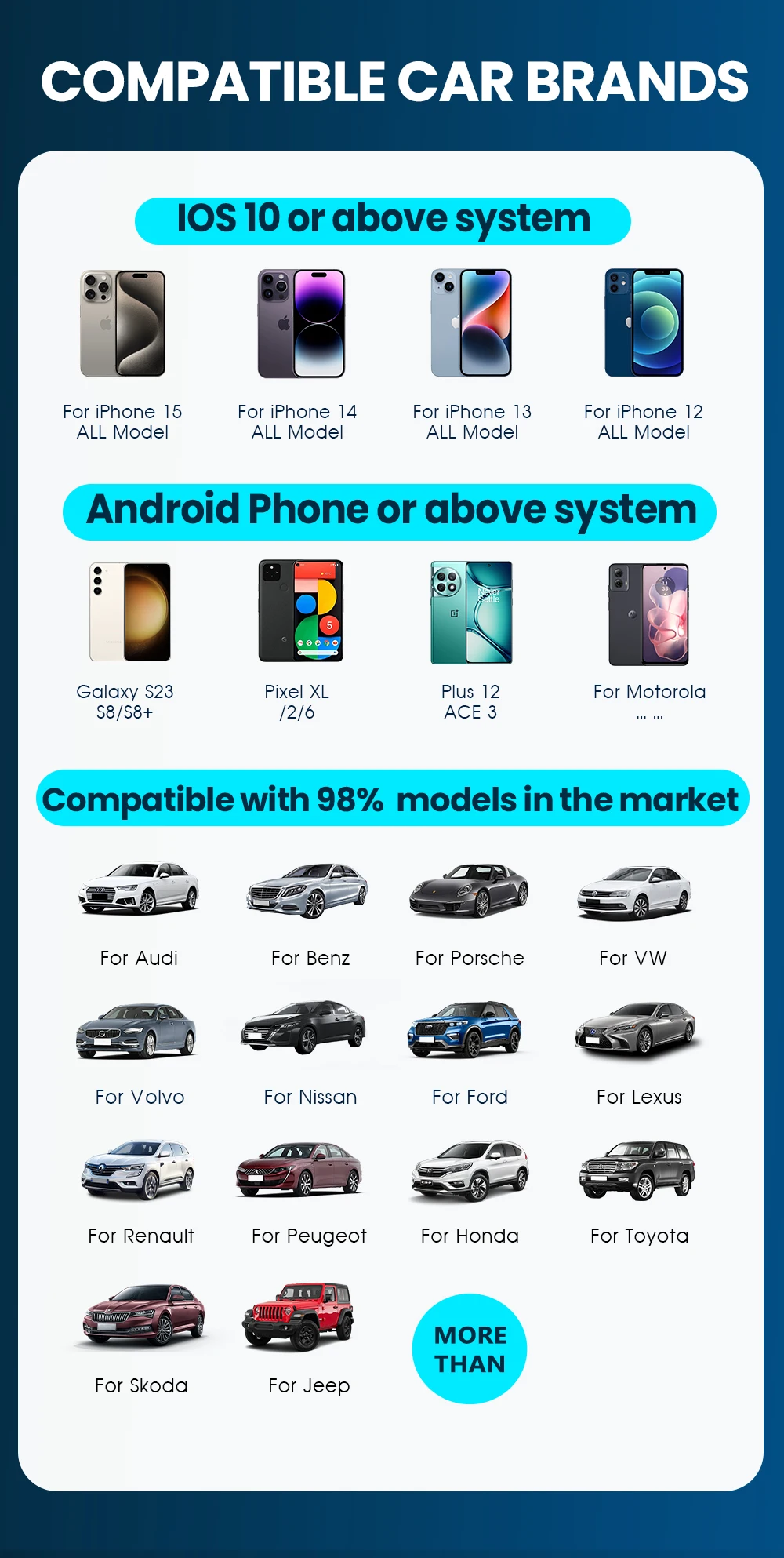
1.Support Apple phones and Android phones
2. For Carplay: Supports iPhone 6 and above, and the software version is iOS 10 and above.
3. For Android Auto: Supports Android 11 and above models, and the phone supports wireless Android Auto
4. Huawei mobile phones are quite special. Huawei devices have their own mobile operating system - EMUI. Unfortunately, Android Auto Wireless does not support EMUI."
The main function
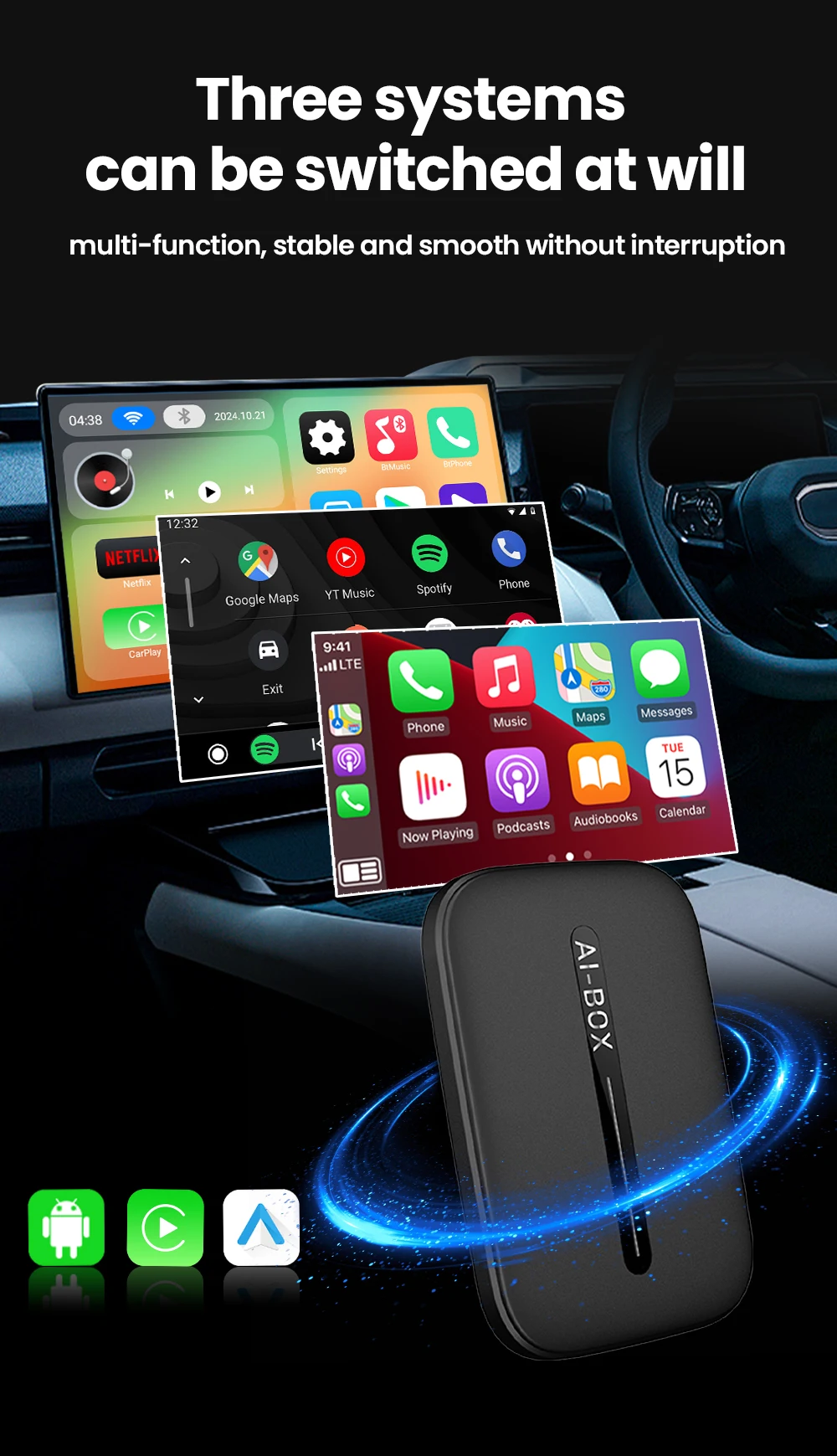
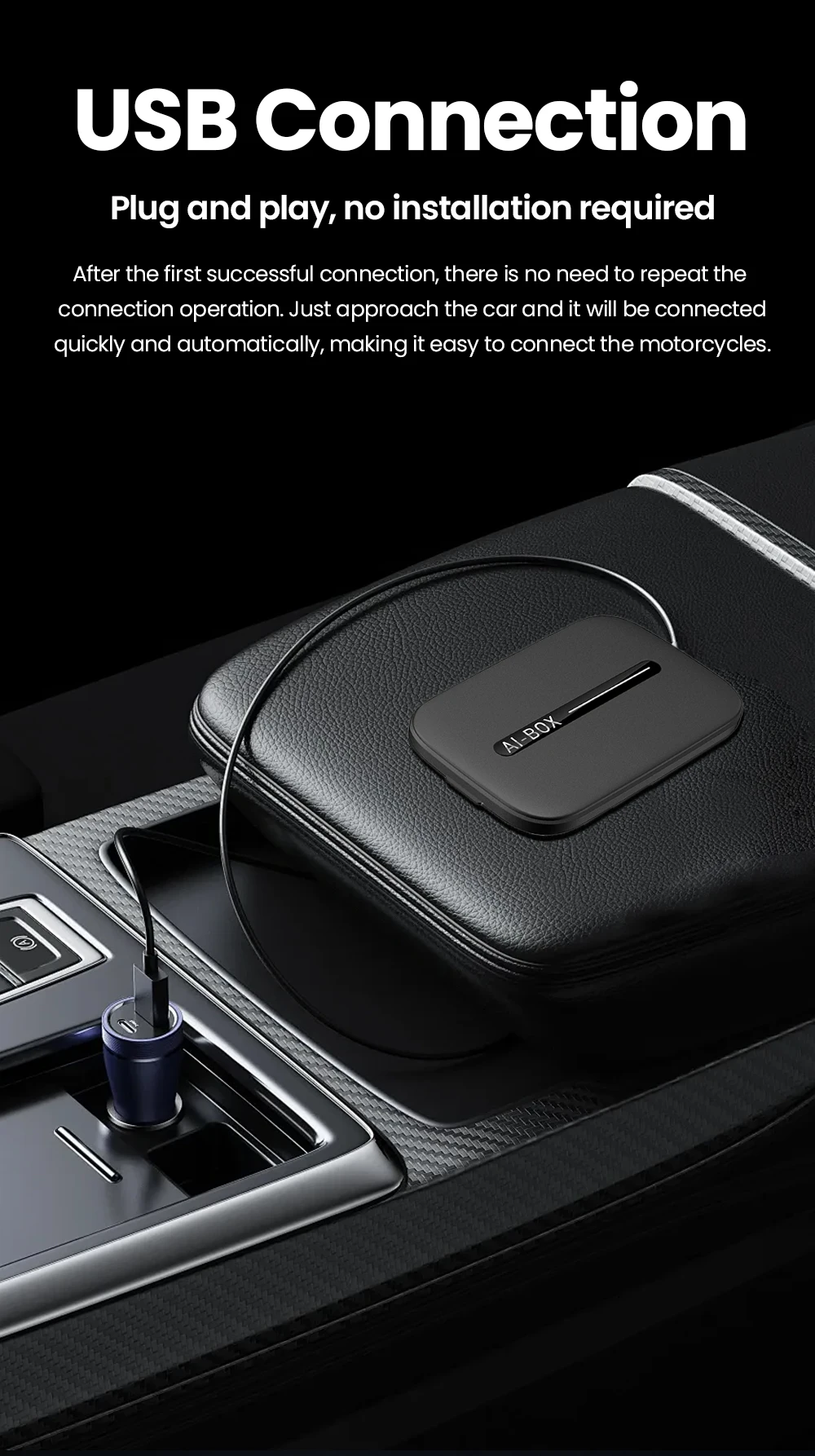
1.Wired CarPlay to Android 15.0 System
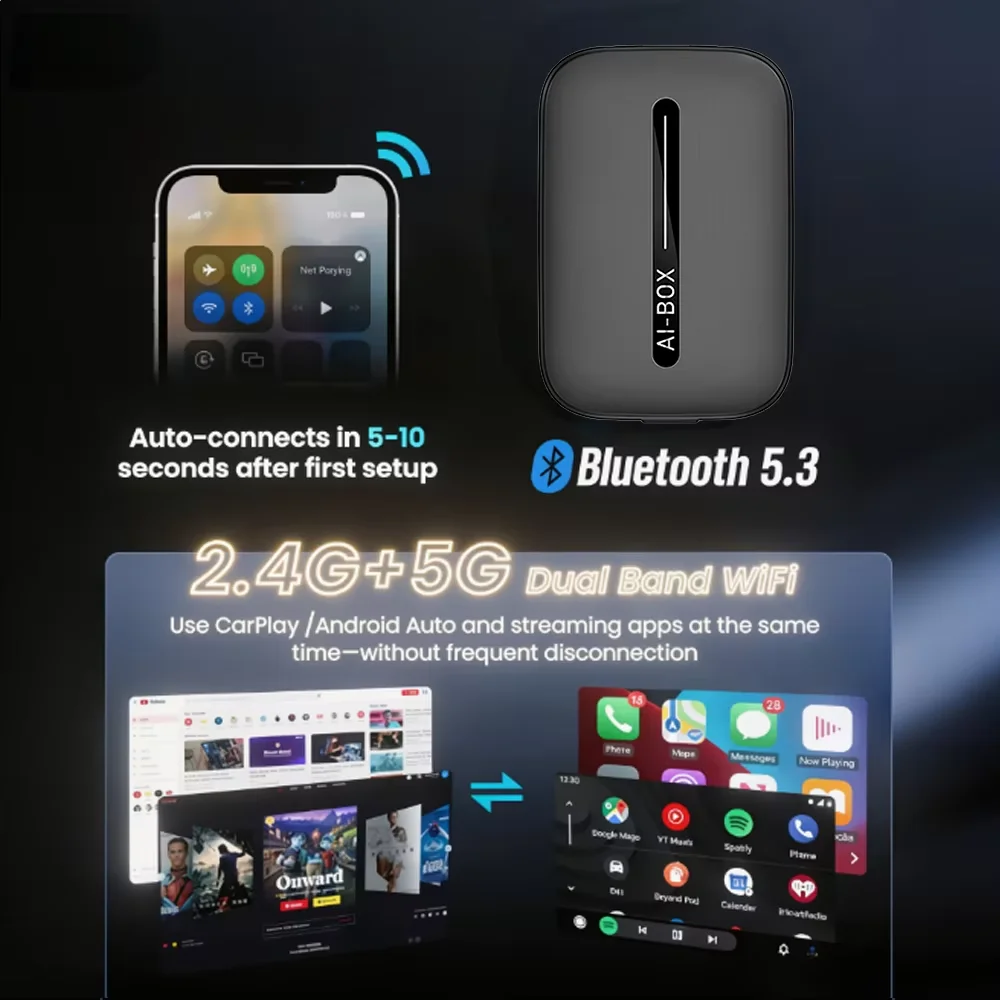
2.Wired CarPlay to Wireless CarPlay
3.Wired Android Auto to Wireless Android Auto
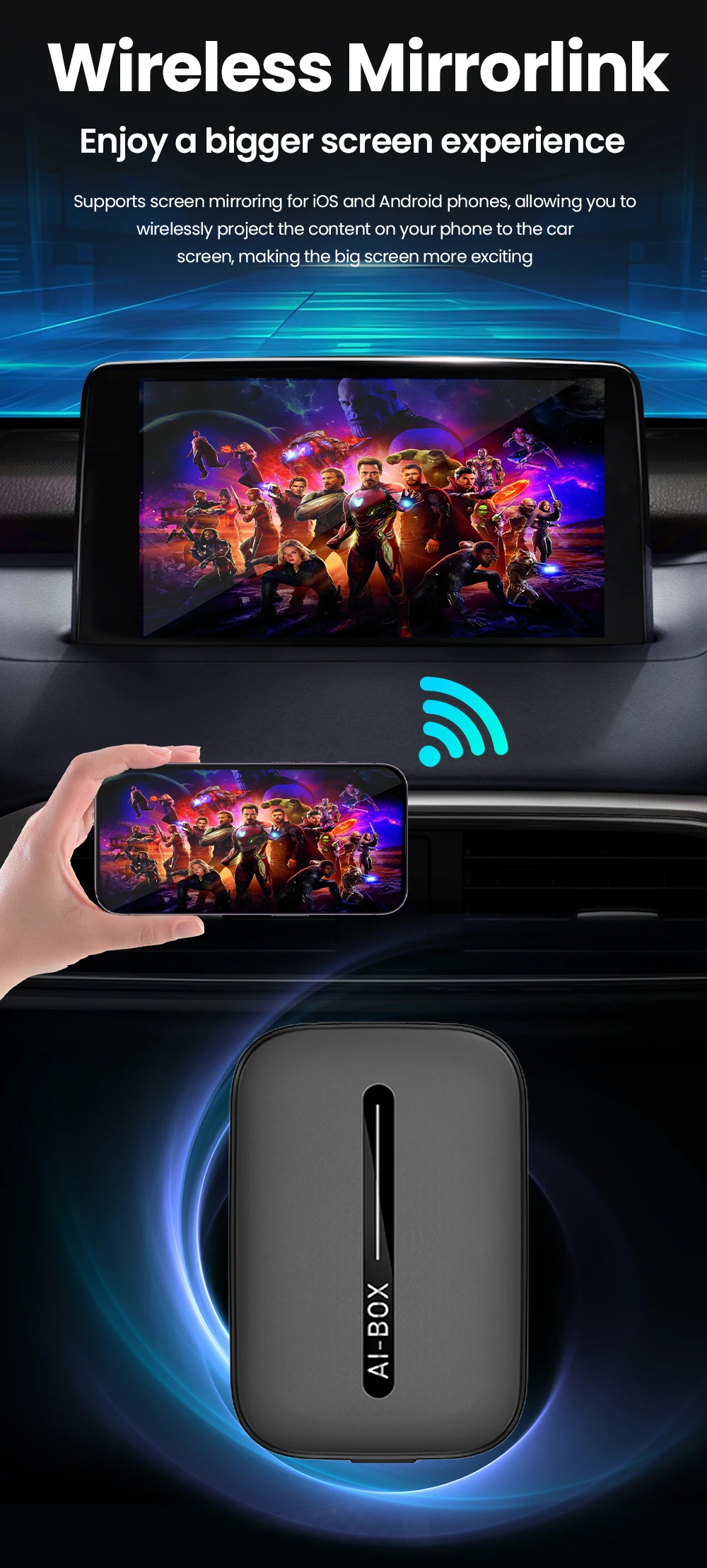
4.Wireless Mirror for iphone and android phone
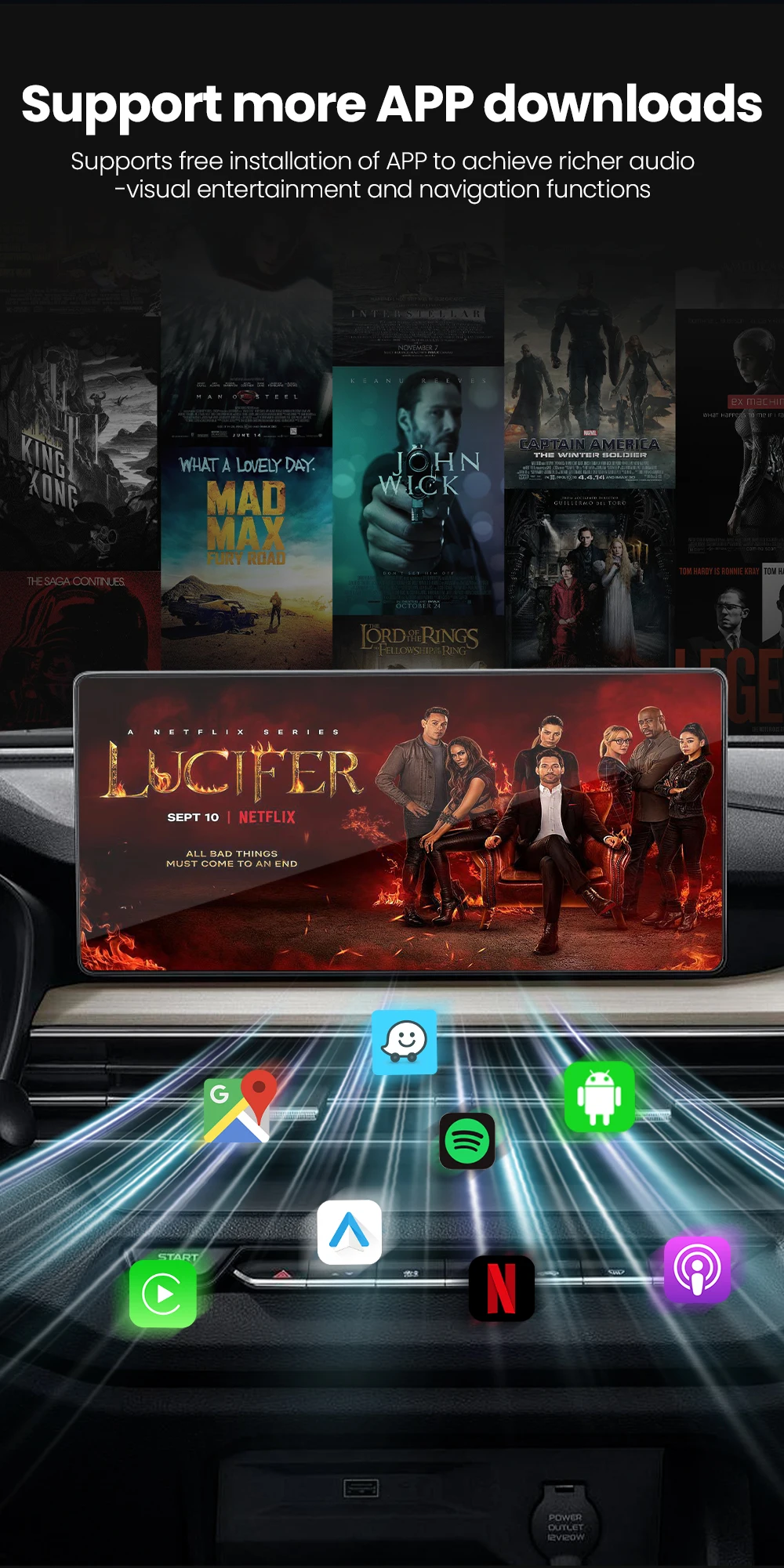
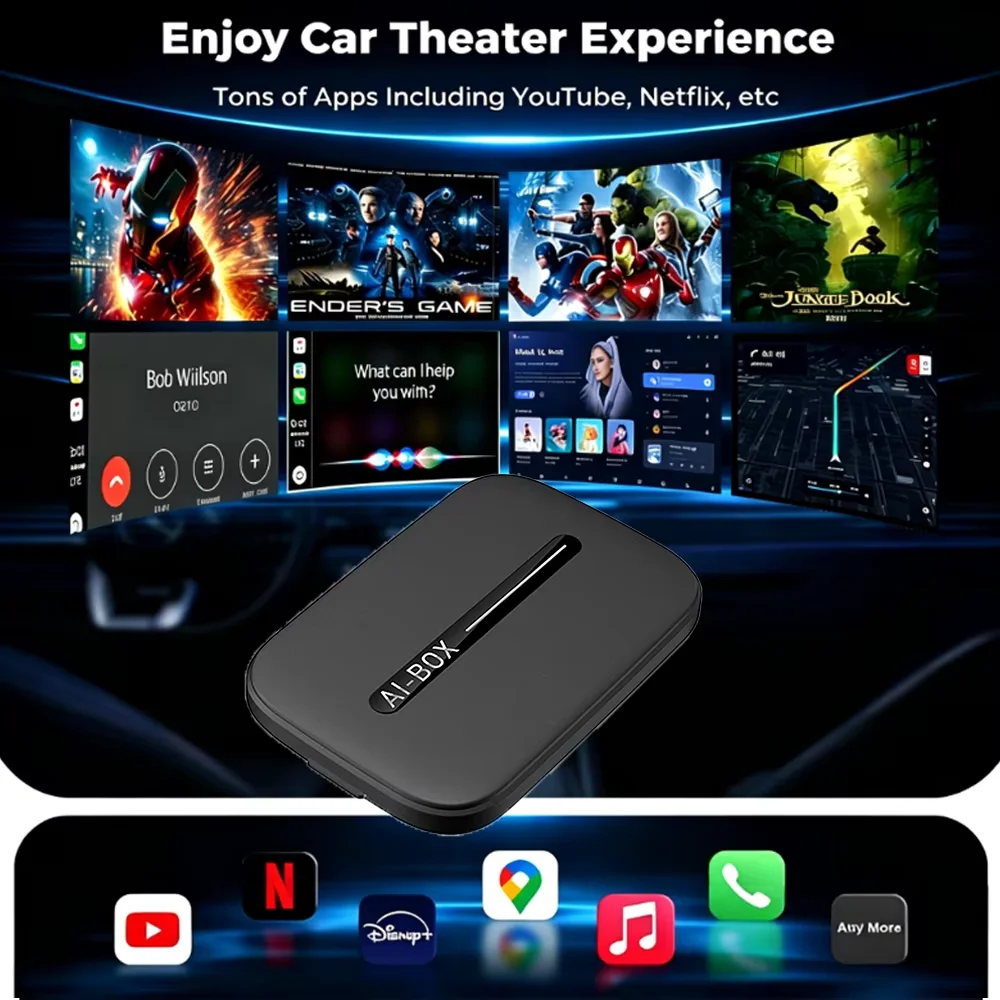
5.Built in Youtube and netflix
6.Suppprt Download other apps from Google Store
7.2+16GB/accepts 256GB extended memory TF card
Product parameters
"Hardware configuration: RK3528S
CPU:Quad-core A53 2.0
GPU:Adreno ™ six hundred and ten
System: Android 15.0
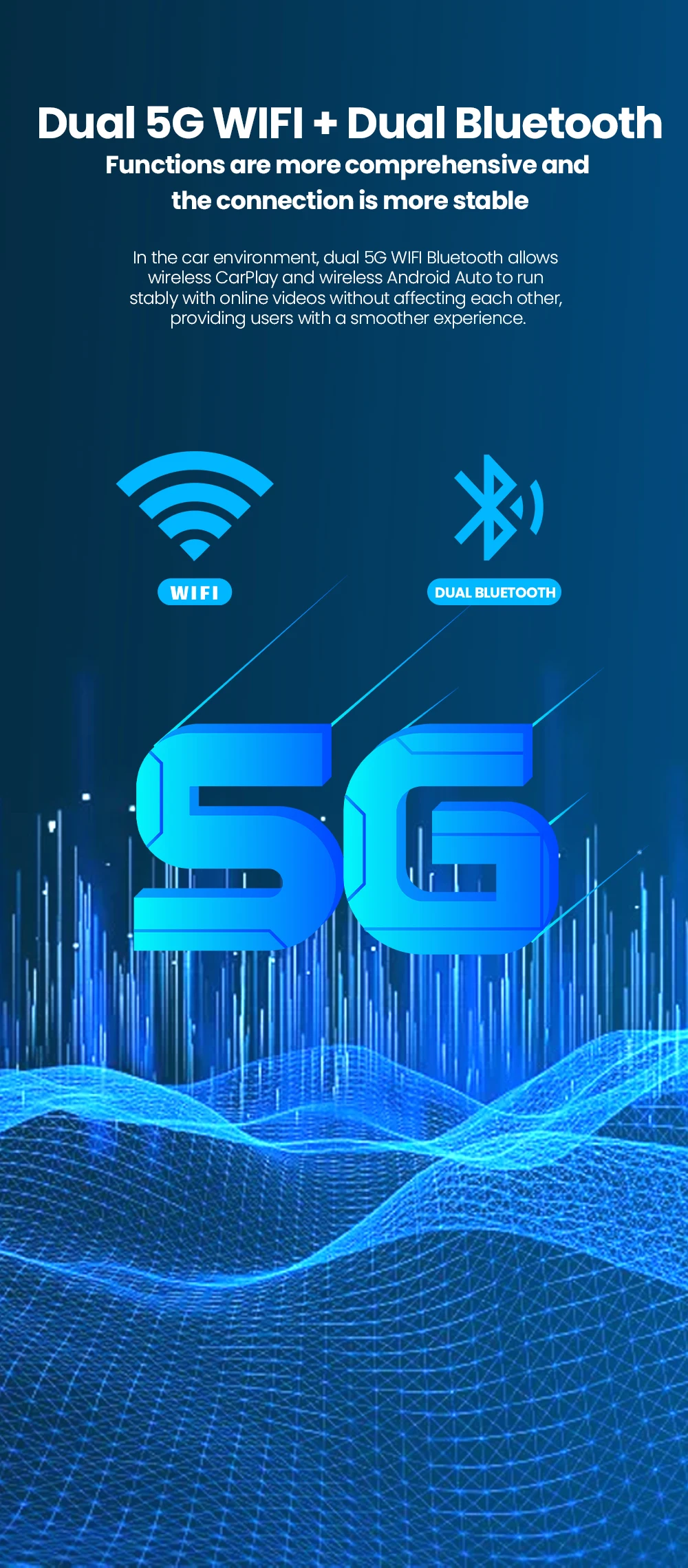
Wireless network: 2.4G/5G, 802.11 a/b/g/n/ac/ax ready
Bluetooth communication: 5.1BLE+5.0BLE
Power input: 5V=1A
Working environment: -30 ℃~75 ℃
Conditions of use: Only supports original cars with wired carplay"
How to use wireless Carplay?
"1. Please click ""SpeedPlay"" APP to enter the connection page
2. Turn on Bluetooth and WIFI on your Apple phone
3. Search the Bluetooth name ""Smart Ai Box"" displayed on the car on the Bluetooth interface of your mobile phone and click Pair."
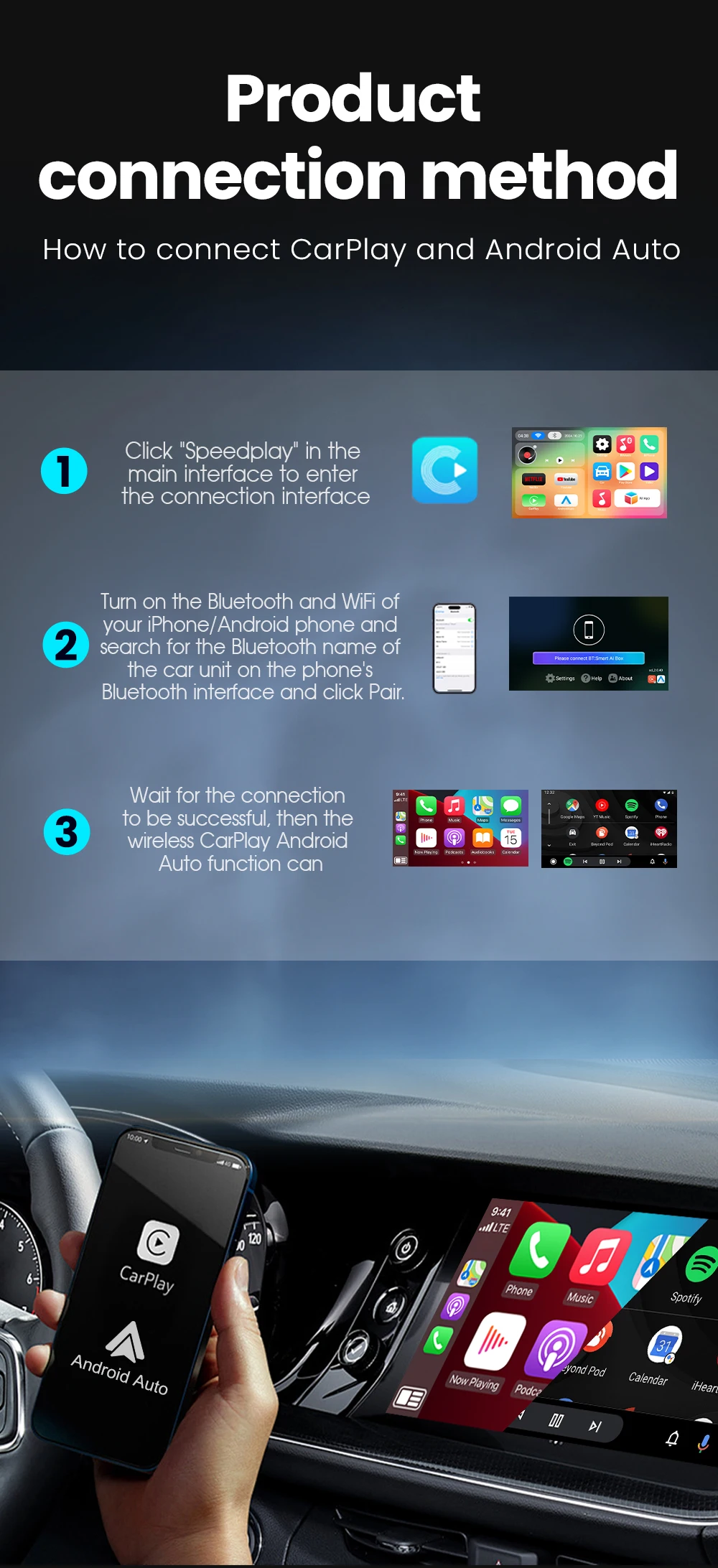
How to use wireless Android Auto?
1. Please click ""SpeedPlay"" APP to enter the connection page
2. Turn on Bluetooth and WIFI on your Android phone
3. Search the Bluetooth name ""Smart Ai Box"" displayed on the car on the Bluetooth interface of your mobile phone and click Pair."
How to mirror an Apple phone?
1. Use your mobile phone, turn on the hotspot, let the device connect to the mobile hotspot, and maintain the same network
2. Click on the ""Carbitlink"" application
3. Click ""Airplay"" on your phone to cast the screen"
How to mirror Android phones?
"1. Download the ""Carbitlink"" APP on your Android phone first
2. Use your mobile phone, turn on the hotspot, let the device connect to the mobile hotspot, and maintain the same network
3. Click the ""Carbitlink"" application on the device
4. Click ""Carbitlink"" on your phone to mirror"
" How to update online? "
"1. Click ""System Upgrade""
2. Check version
3. Tip (need to be connected to the Internet to update online."""