
Auriculares Traductor DeIdioma 2026 HTC NE49 Translator Headphones AI Real-Time Translation BT6.0 TWS Gaming HiFi Bass IPX5


Auriculares Traductor DeIdioma 2026 HTC NE49 Translator Headphones AI Real-Time Translation BT6.0 TWS Gaming HiFi Bass IPX5
SPECIFICATIONS
Active Noise-Cancellation: Yes
Brand Name: HTC
Category: Earphones & Headphones
Charging Time: 2
Choice: yes
Communication: WireLess
Control Button: No
Control Method: Touch,Remote
Department: Unisex-adult
High-concerned chemical: None
Material: Plastic
Origin: Mainland China
Speaker maximum output power: 10mW
Style: Tws in-ear headphones
Vocalism Principle: Dynamic
Volume Control: Yes
Wireless Type: Bluetooth
semi_Choice: yes




Please connect the headphones according to this method
1. Charge the earphones for 1-2 hours before use
2. Remove the earphones and wait for 5-10 seconds to allow them to connect (Successful installation of the earphones: One earphone indicator light is flashing. The other earphone is not lit)
3. Turn on your phone's Bluetooth and wait until your phone searches for the Bluetooth headset by its name
4. Click on the "Bluetooth" name to connect
If one of the earphones is experiencing no sound, please reset the earphones according to the following method to restore sound
1. Confirm that both the left and right earphones are in the powered-on state
2. Confirm whether the left and right earphones are successfully paired
3. Wipe the charging contacts on the end of the earbuds and the charging probe of the charging case with a clean cloth, then place the earbuds into the charging case for 5 minutes before removing them
4. Clear the pairing information of the left and right earphones, and re-pair and connect them to the phone
## 🚀 Fast Shipping & Authentic Quality
✅ **Ready Stock** – Order with confidence, priority shipping after checkout
✅ **Fast Shipping** – Ships within 24 hours
✅ **Certified Products** – All brands certified, reliable quality guaranteed
---
## 📱 Compatible Devices
The earbuds support **iOS** (iPhone/iPad) and **Android** (Samsung, Huawei, Oppo, Vivo, etc.), as well as tablets.
---
## 📦 Order Information
- Each product is shipped within **24 hours** of order placement
- Quality of every product is **inspected before shipping**
---
## 💬 Customer Service
If you have any questions, please click **"Chat"** to contact us.
**Business hours:** Monday – Saturday, 9:40 AM – 6:30 PM
---
## 🎧 Product Introduction – HTC NE49
---
### ✅ Standard Version Features
| Feature | Description |
| --- | --- |
| **Bluetooth 6.0 Technology** | High-speed, ultra-low latency, stable transmission |
| **Wireless Range** | Approx. 10 meters (no obstacles) |
| **Remote Call / Camera Control** | Conveniently answer calls and take photos |
| **13.2mm Dynamic Driver** | Enhanced sound experience with larger driver |
| **Seamless Touch Control** | Easy touch control, reduces accidental touches |
| **Daily Water Resistance** | Suitable for everyday use |
| **360° Dolby Atmos Sound** | Theater-like surround sound experience |
---
### ✅ New AI Functions (AI Earbuds)
| Function | Description |
| --- | --- |
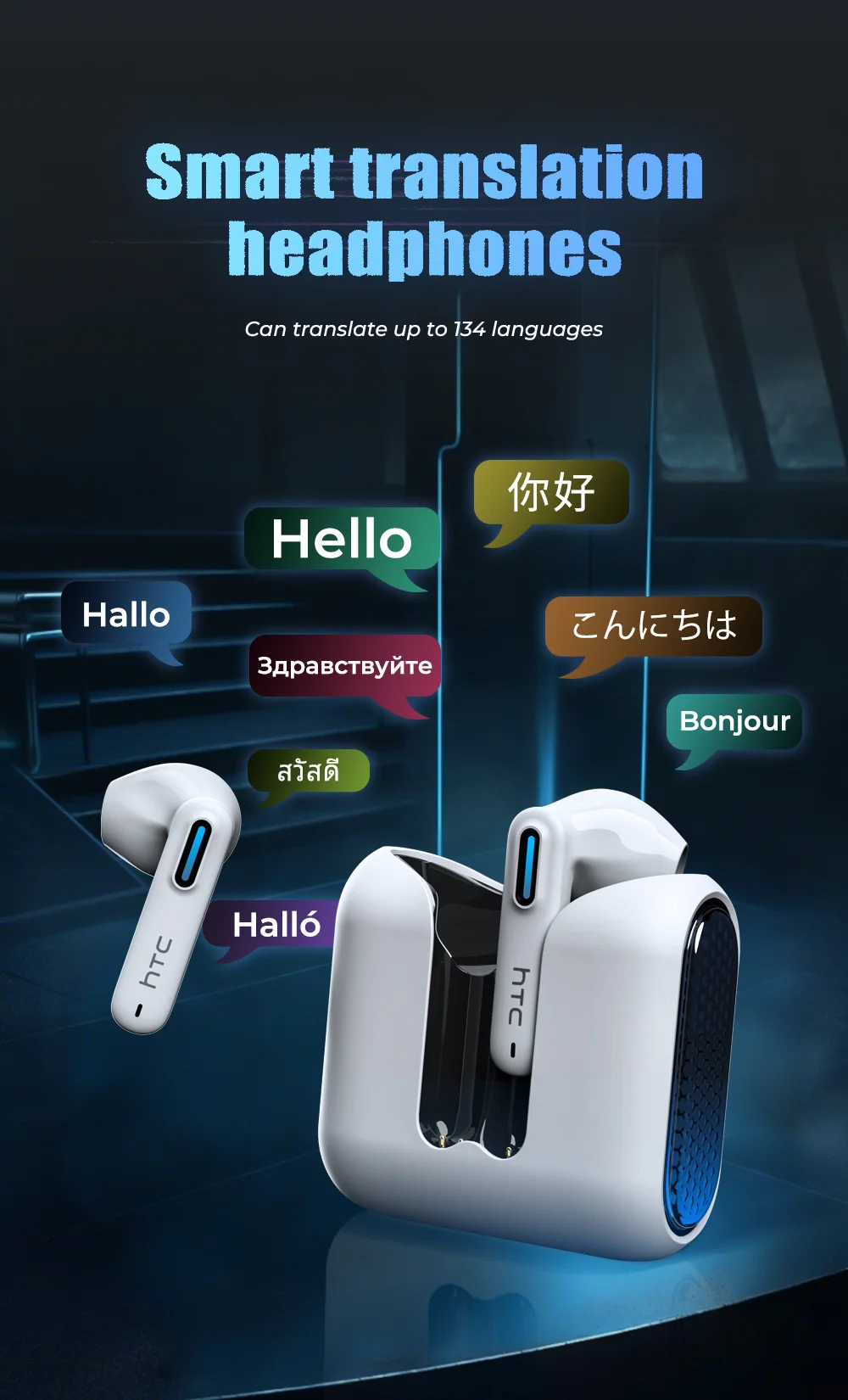
| **AI Translation Earbuds** | Supports real-time translation of **135 languages** with Capaz translation engine |
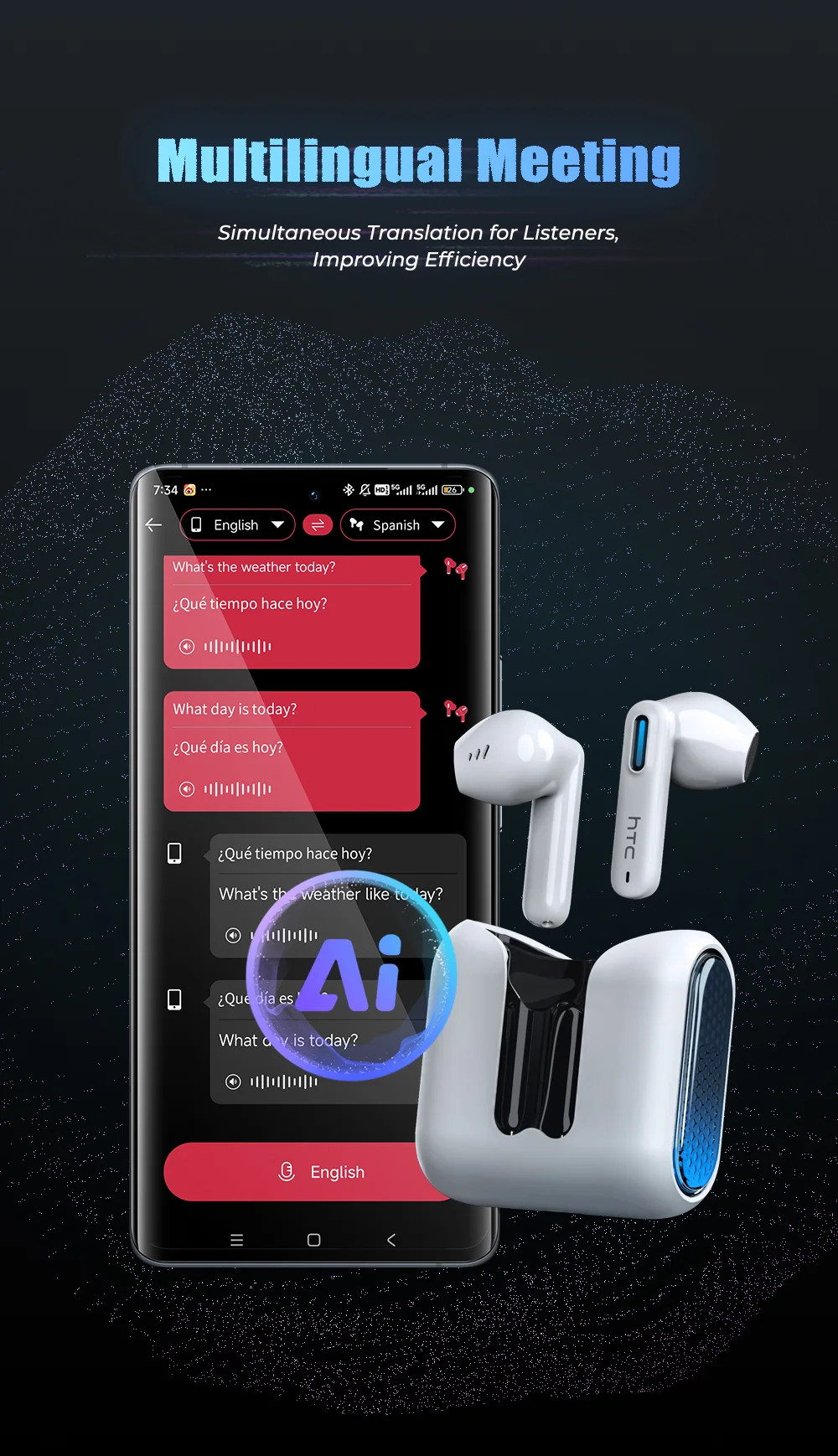
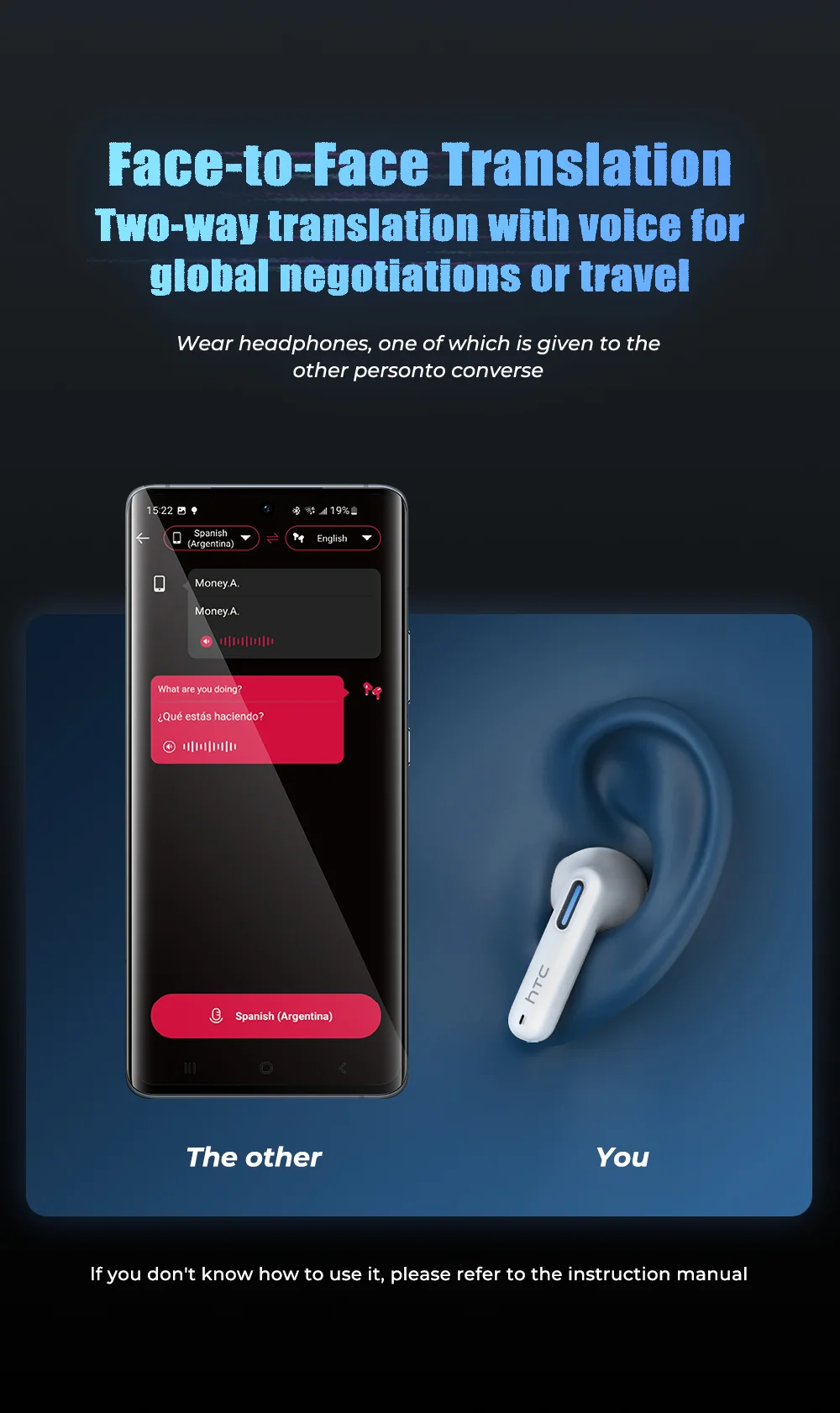
| **Multi-Person Translation Mode** | Perfect for meetings or daily conversations – smooth communication assistance |
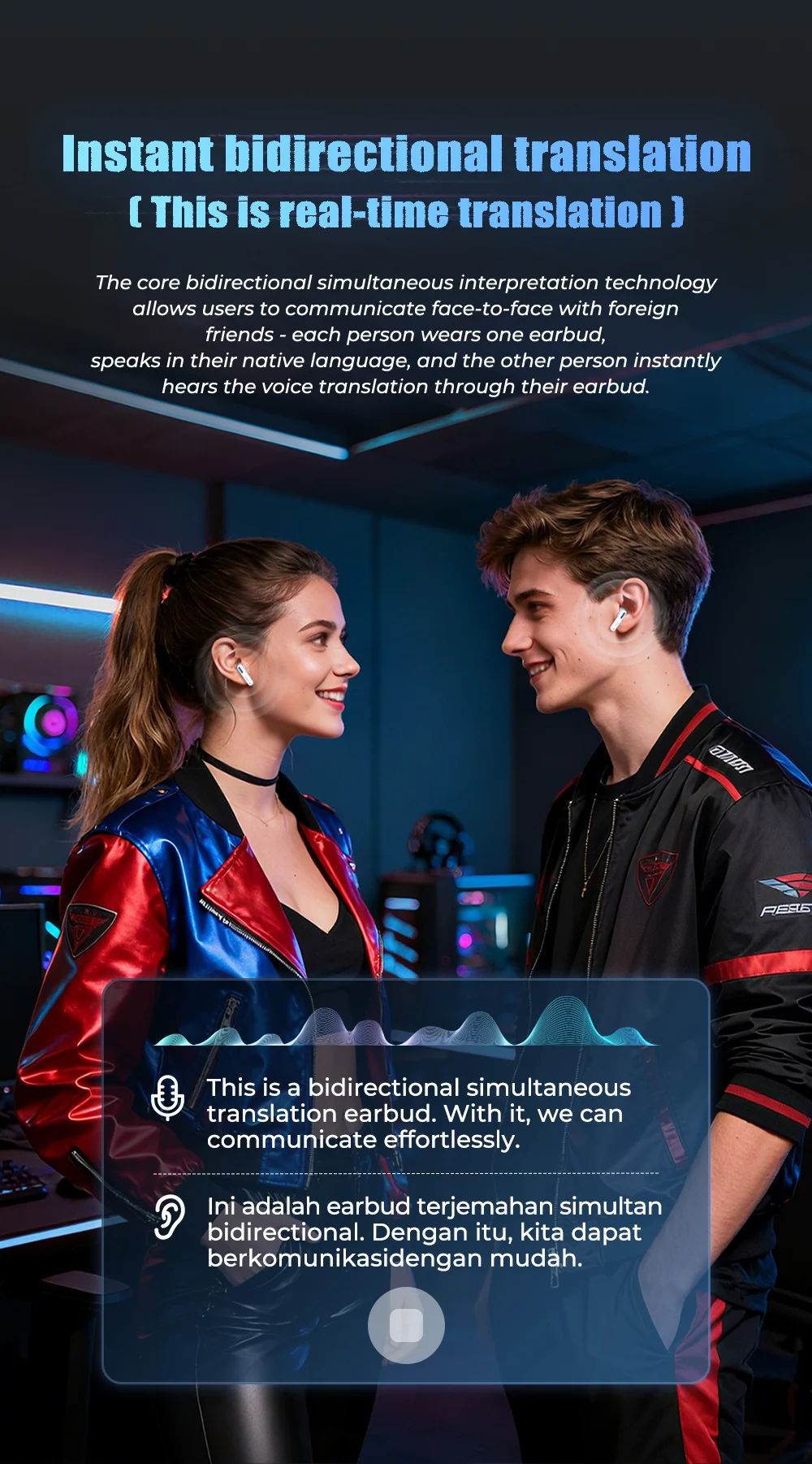
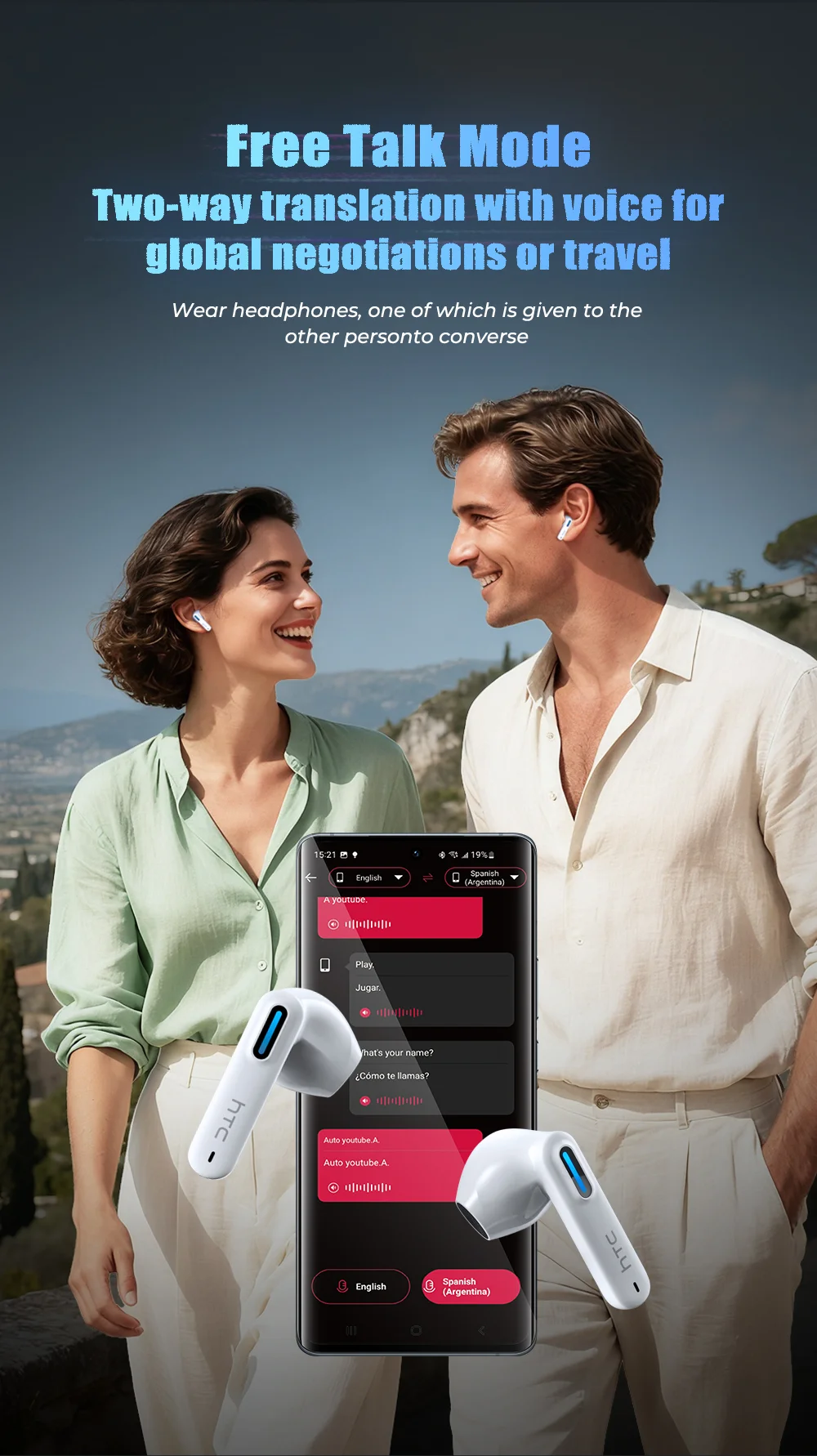
| **Two-Way Voice Translation** | Ideal for global communication or travel |
| **High-Definition Microphone** | Smart noise reduction for high-quality calls – great for online learning or meetings |
| **Anti-Loss Function** | Earbuds will sound an alert to help you locate them |
---
## 📖 User Guide – How to Use the Earbuds
### 🔹 Bluetooth Connection
1. Open the Bluetooth settings on the device you want to pair
2. Search for Bluetooth device named **"HTC NE49"** and click to pair
### 🔹 Touch Control Operations
| Operation | Function |
| --- | --- |
| Single click (right earbud) | Volume up |
| Double click (left earbud) | Volume down |
| Triple click (left earbud) | Previous song |
| Triple click (right earbud) | Next song |
### 🔹 Mode Switching
| Mode | Operation |
| --- | --- |
| **Game Mode** | Press and hold right earbud for 2 seconds – hear two beeps |
| **Music Mode** | Press and hold right earbud again for 2 seconds – hear two beeps |
### 🔹 Indicator Light Status
| Status | Light Behavior |
| --- | --- |
| Power on | Light blue light flashes |
| Power off | Light blue light turns on then off |
| Pairing successful | Special blue light flashes |
| Connection successful | No light |
| Charging earbuds | Charging case indicator stays on; earbud light turns off when fully charged |
| Charging case status | Blue light flashes while charging; stays on when fully charged |
---
## 📊 Product Specifications – HTC NE49
| Specification | Details |
| --- | --- |
| Model | HTC NE49 |
| Bluetooth Version | BT 6.0 |
| Charging Interface | Type-C |
| Wireless Range | 10 meters |
| Supported Systems | iOS / Android / Windows |
| Charging Time | Approx. 1.5 hours |
| Charging Case Capacity | 400mAh (provides 20 hours of battery life for earbuds) |
| Earbud Battery Capacity | 40mAh |
---
## 📦 What's in the Box
- **1 ×** HTC NE49 Earbuds (pair)
- **1 ×** USB Charging Cable
- **1 ×** User Manual
---
## 💖 Any questions or requests?
Please feel free to contact us. **Happy shopping!**
