
CarRocket 4in1 Wireless CarPlay Adapter for Apple Mirror Link Android Auto Car Intelligent Systems For Car With Wired CarPlay


CarRocket 4in1 Wireless CarPlay Adapter for Apple Mirror Link Android Auto Car Intelligent Systems For Car With Wired CarPlay
SPECIFICATIONS
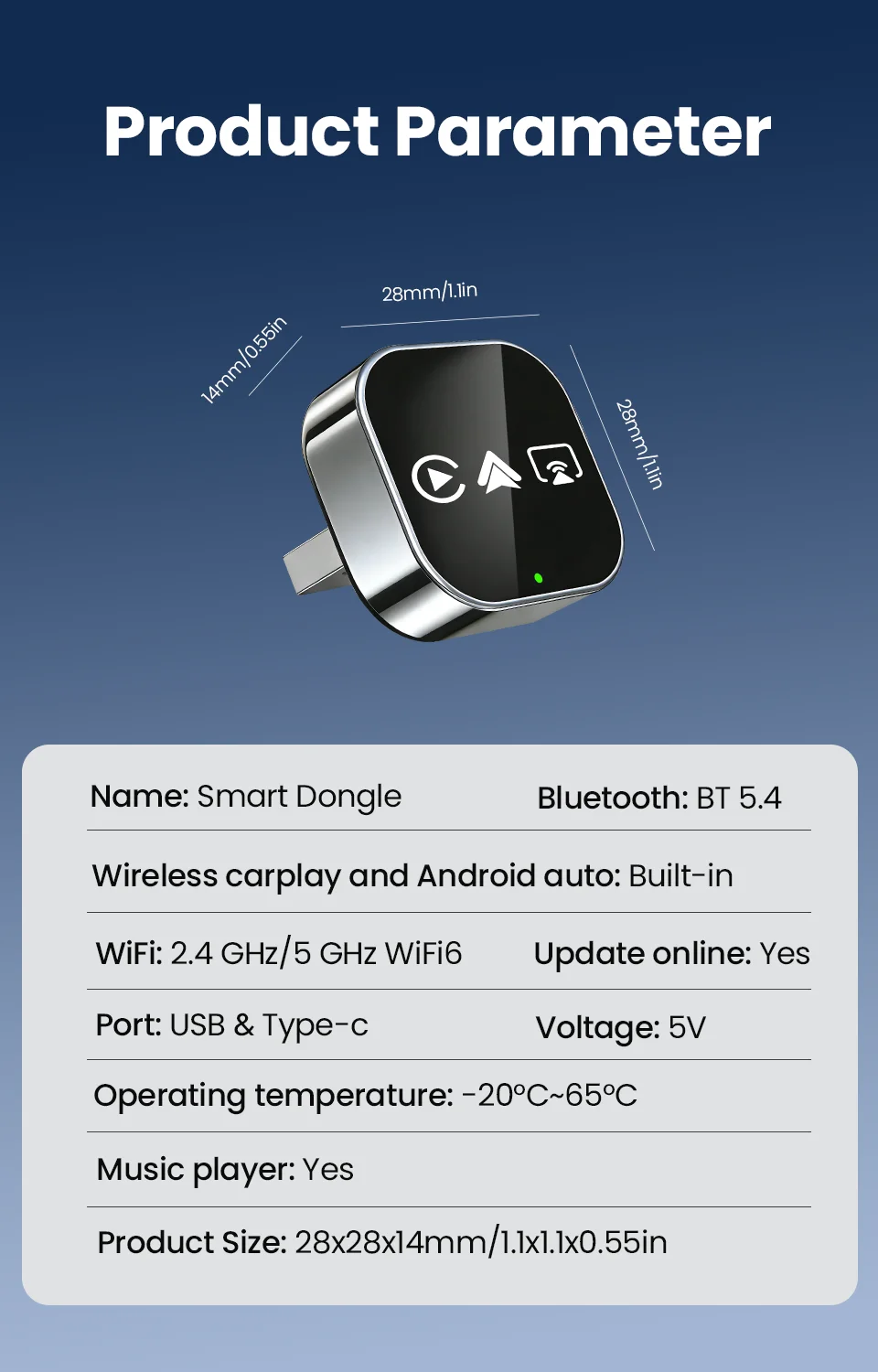
Blunetooth: 5.0
Brand Name: NONE
Choice: yes
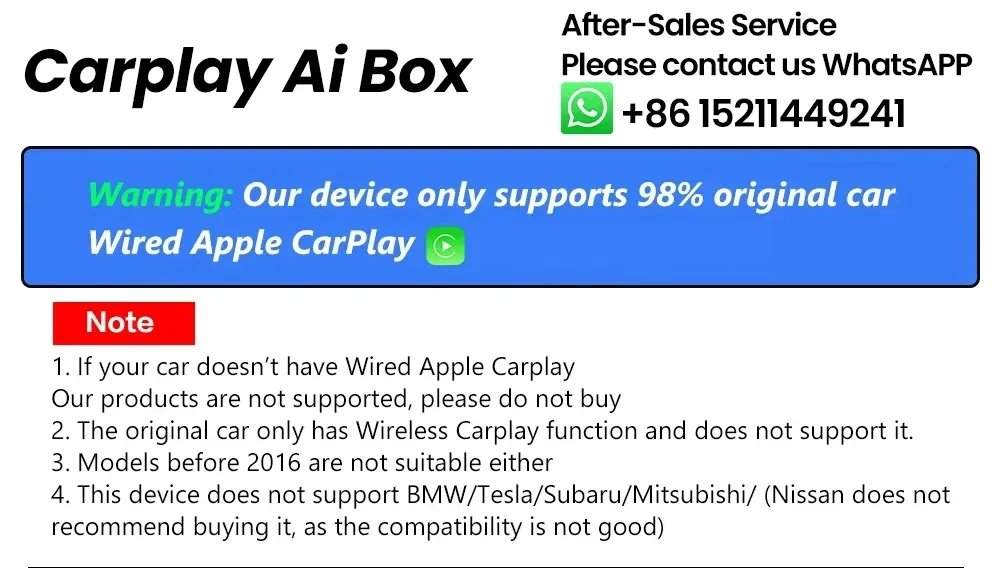
Conditions of Use: This product has been converted from wired CarPlay to wirelessCarPlay/Android Auto/Mirror link.
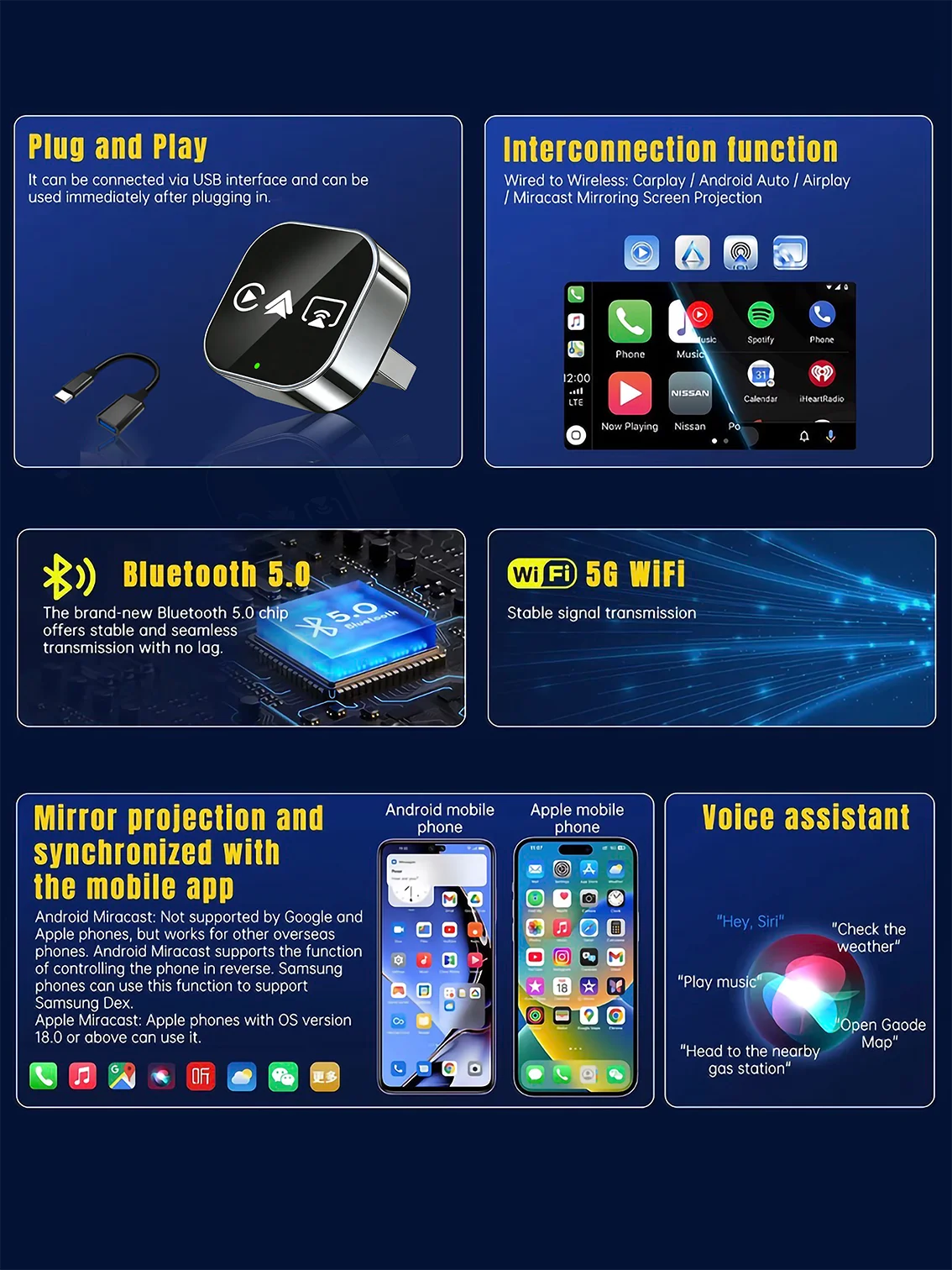
Feature: Wireless Carplay
Feature1: Wireless Android Auto
Feature2: For Airplay
Feature3: For Miracast Link
Feature4: Fota Update
Feature5: Plug and play
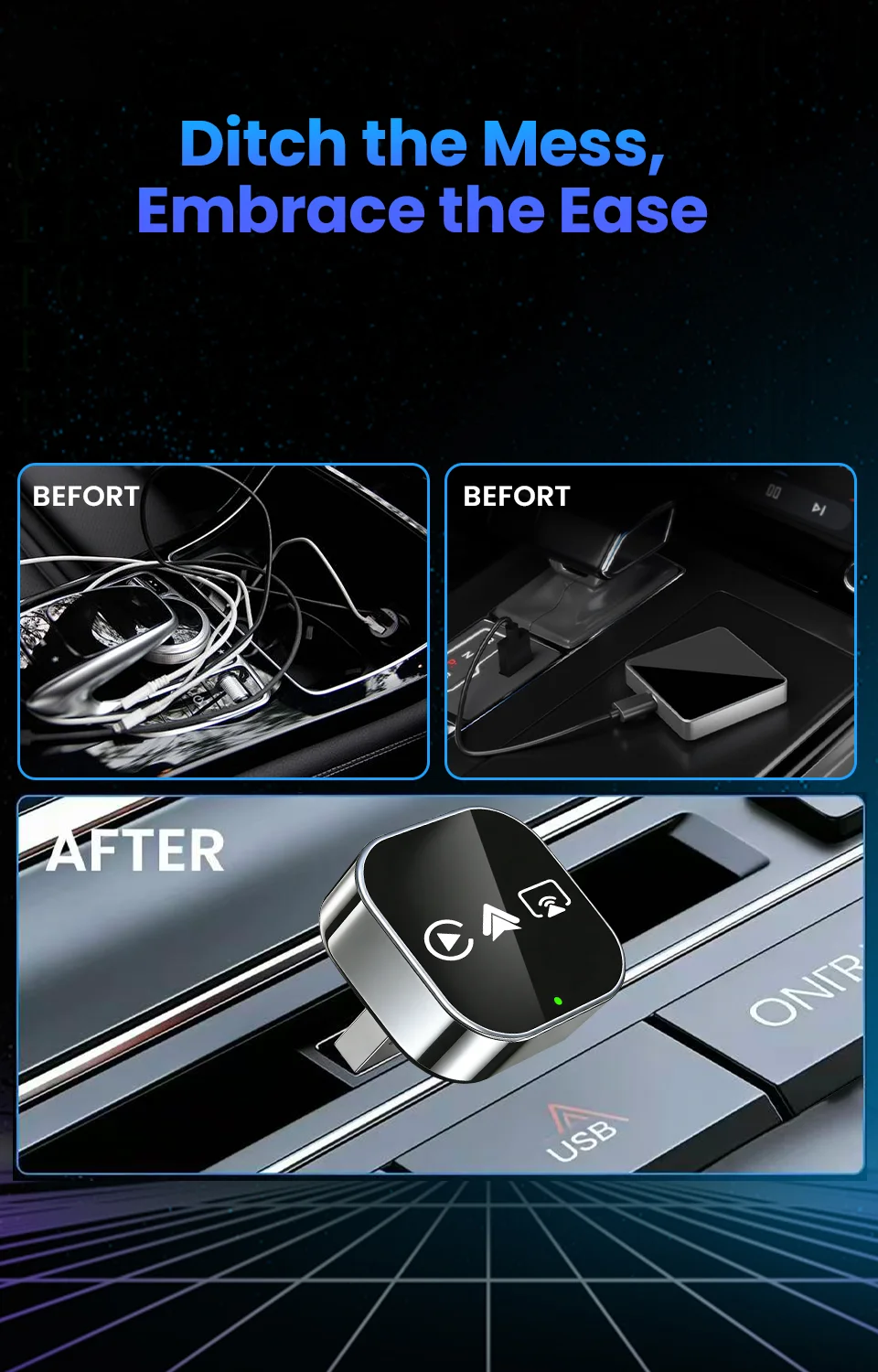
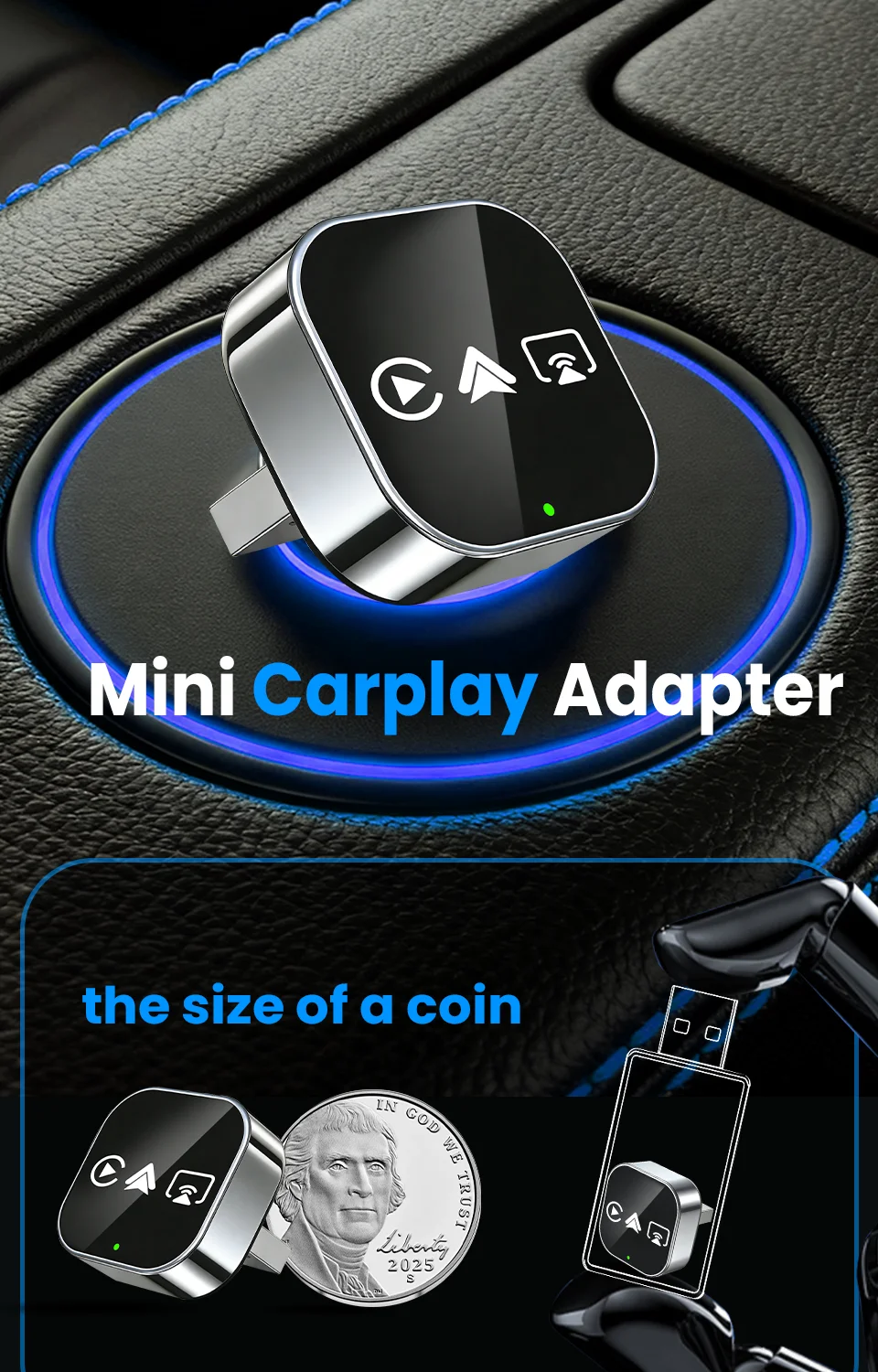
Feature6: Small Size
Feature7: Rapid heat dissipation
Feature8: 365-Day Warranty
High-concerned chemical: None
Origin: Mainland China
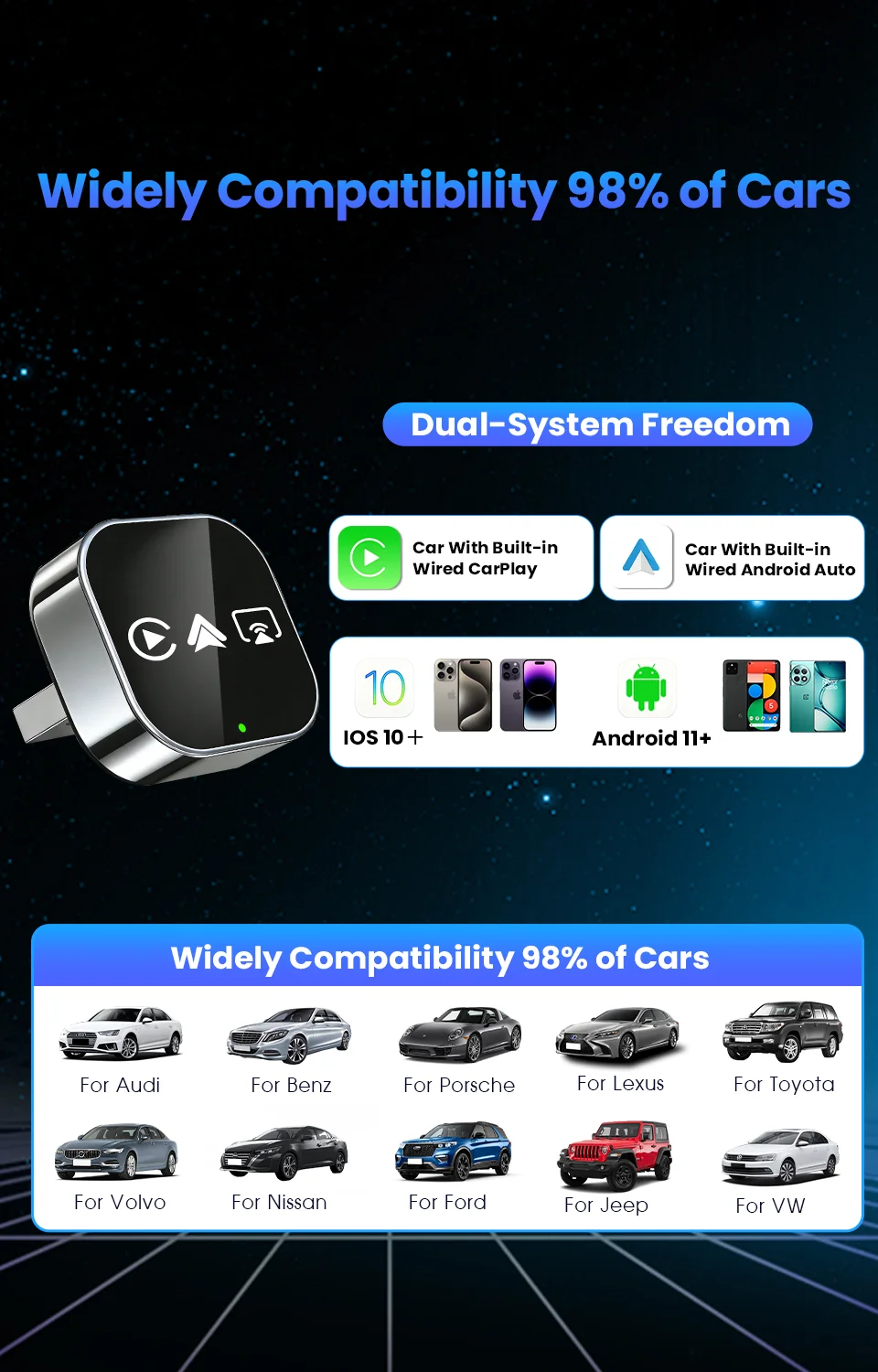
Support the Car: For Audi Benz Volvo VW Toyota Skoda Seat Nissan Mazda Lexus Kia Jeep Jaguar Hyundai,For Honda Haval GMC Ford Chevrolet Citroen Buick Cadillac Chery MG
Wifi: 2.4G+5G
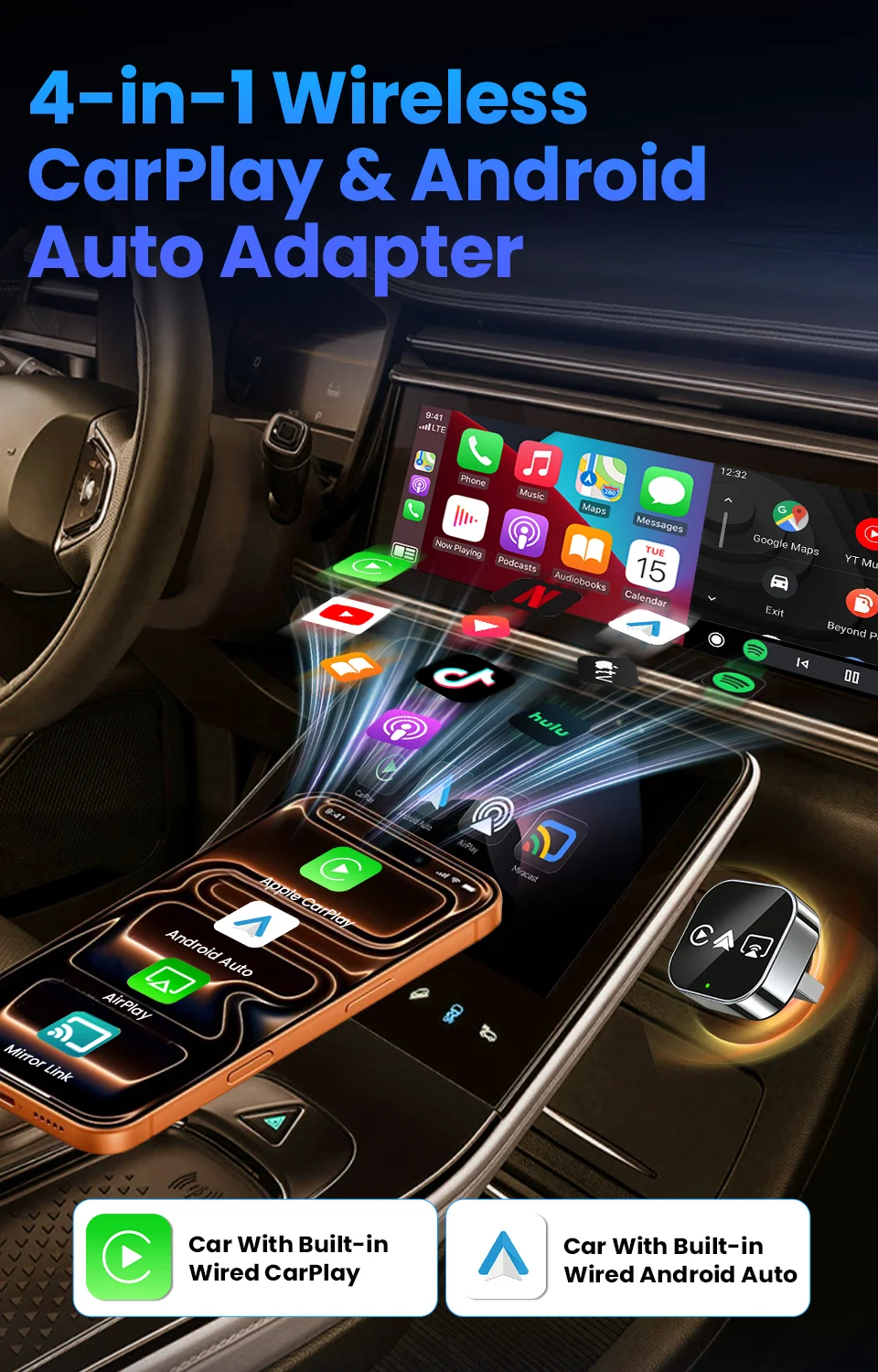
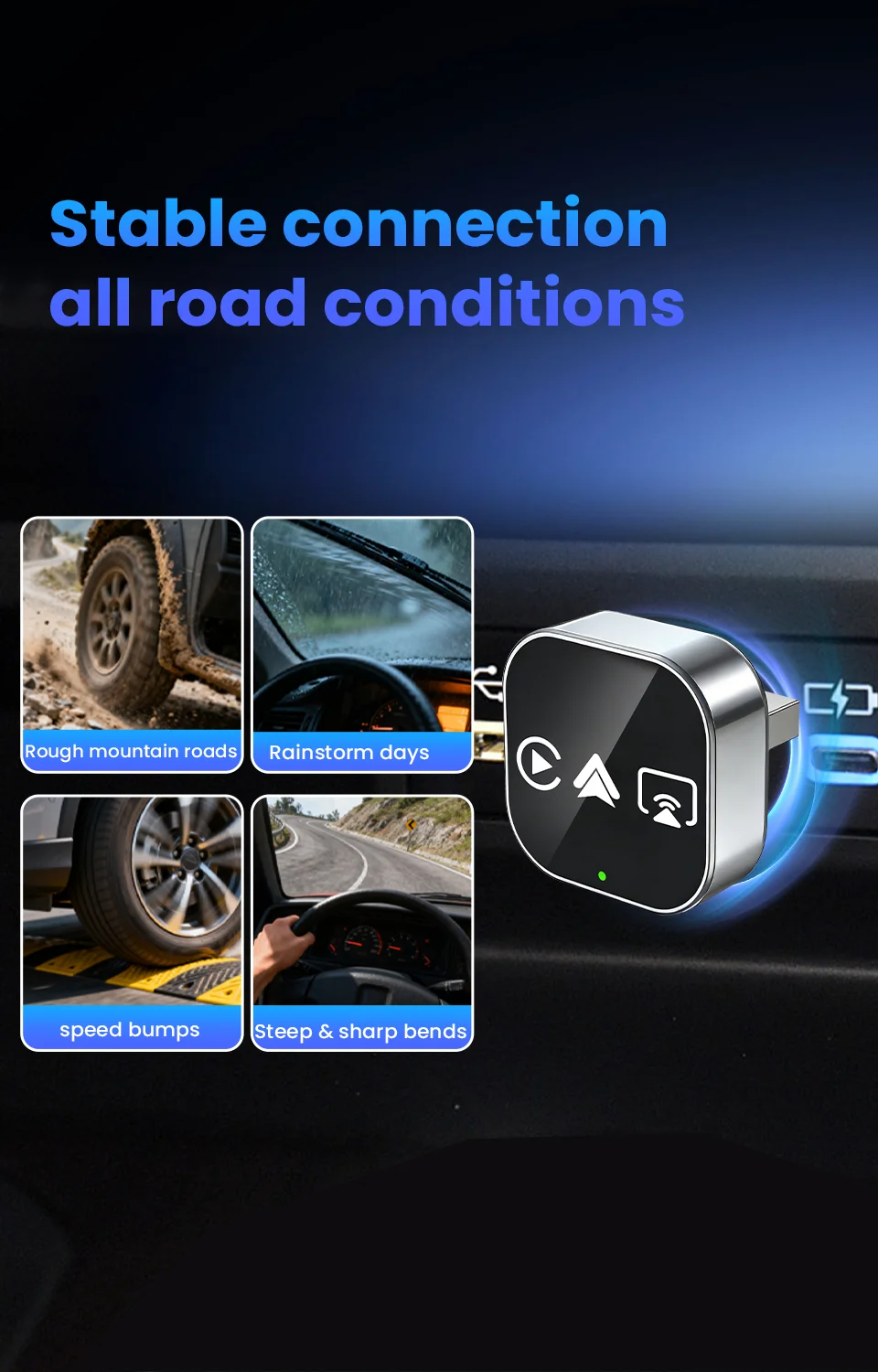
🔥 4-in-1 Wired to Wireless Converter: CarPlay/Android Auto/AirPlay/Mirror Link | Auto-Reconnect & Stable WiFi | Plug & Play for iOS/Android
▶ For Phones
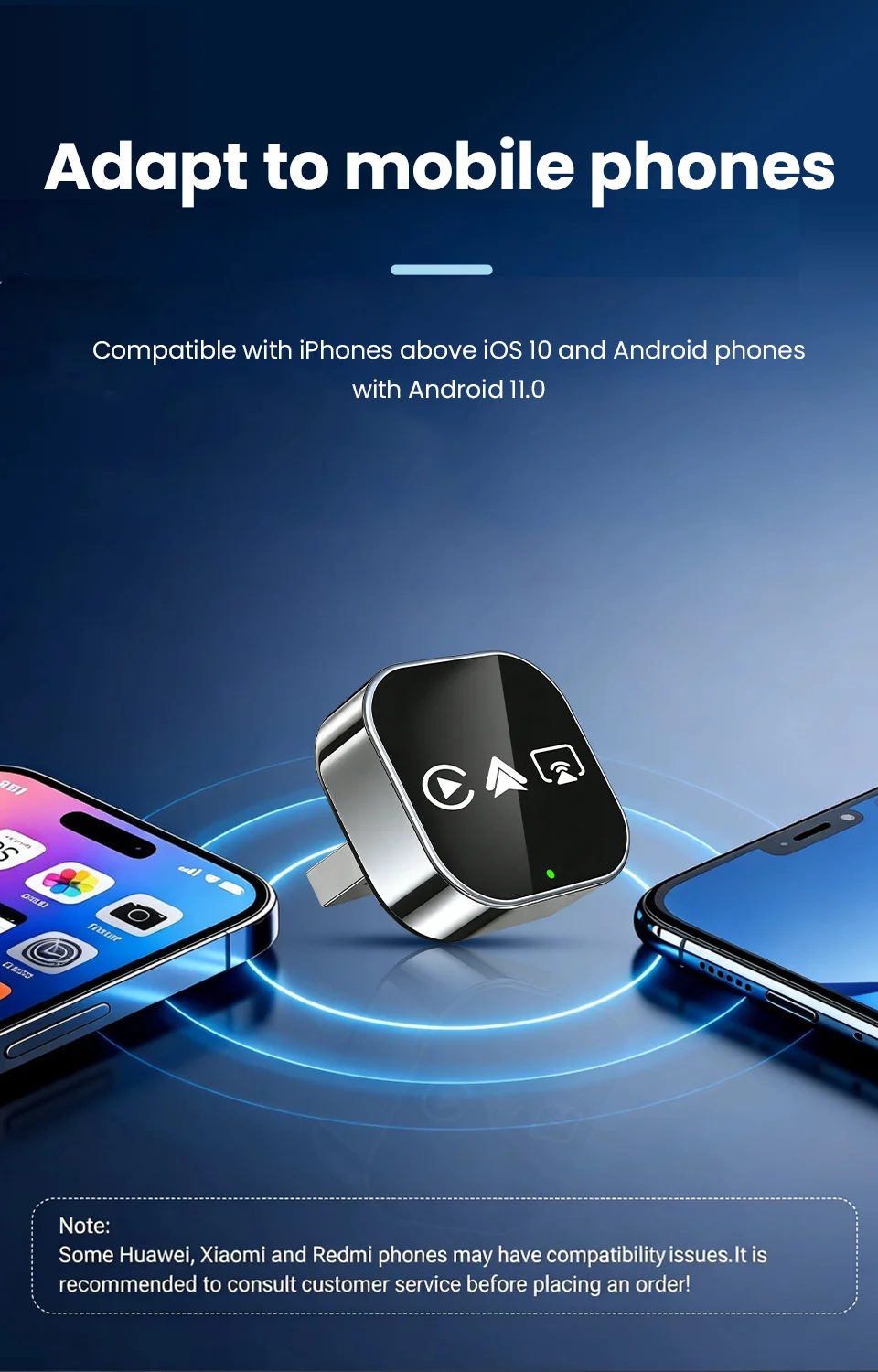
📱 Mobile compatibility:
▪️ IPhone (for CarPlay): iPhone 6+/iOS 10+; (For AirPlay): iOS 18+
▪️ Android (suitable for Android cars): Android 11+/phone supports wireless Android cars
▪️ Huawei phones (EMUI system): Huawei devices have their own mobile operating system - EMUI. Android Auto Wireless does not support EMUI, please do not use it
▶ How to connect Carplay/Android Auto?
📲 Quick Connection Guide (30s Setup):
Step 1: Plug the adapter into your car’s wired CarPlay USB port.
Step 2: On the adapter’s interface, click the [CP/AA] icon.
Step 3: Turn on Bluetooth + WiFi on your phone.
Step 4: Search for the adapter’s Bluetooth name (e.g., “SmartBox-xxxx”) and pair.
Step 5: Auto-recognizes and connects to CarPlay/Android Auto – done!
▶ For Airplay/Miracast
🖥️ Wireless Screen Mirroring:
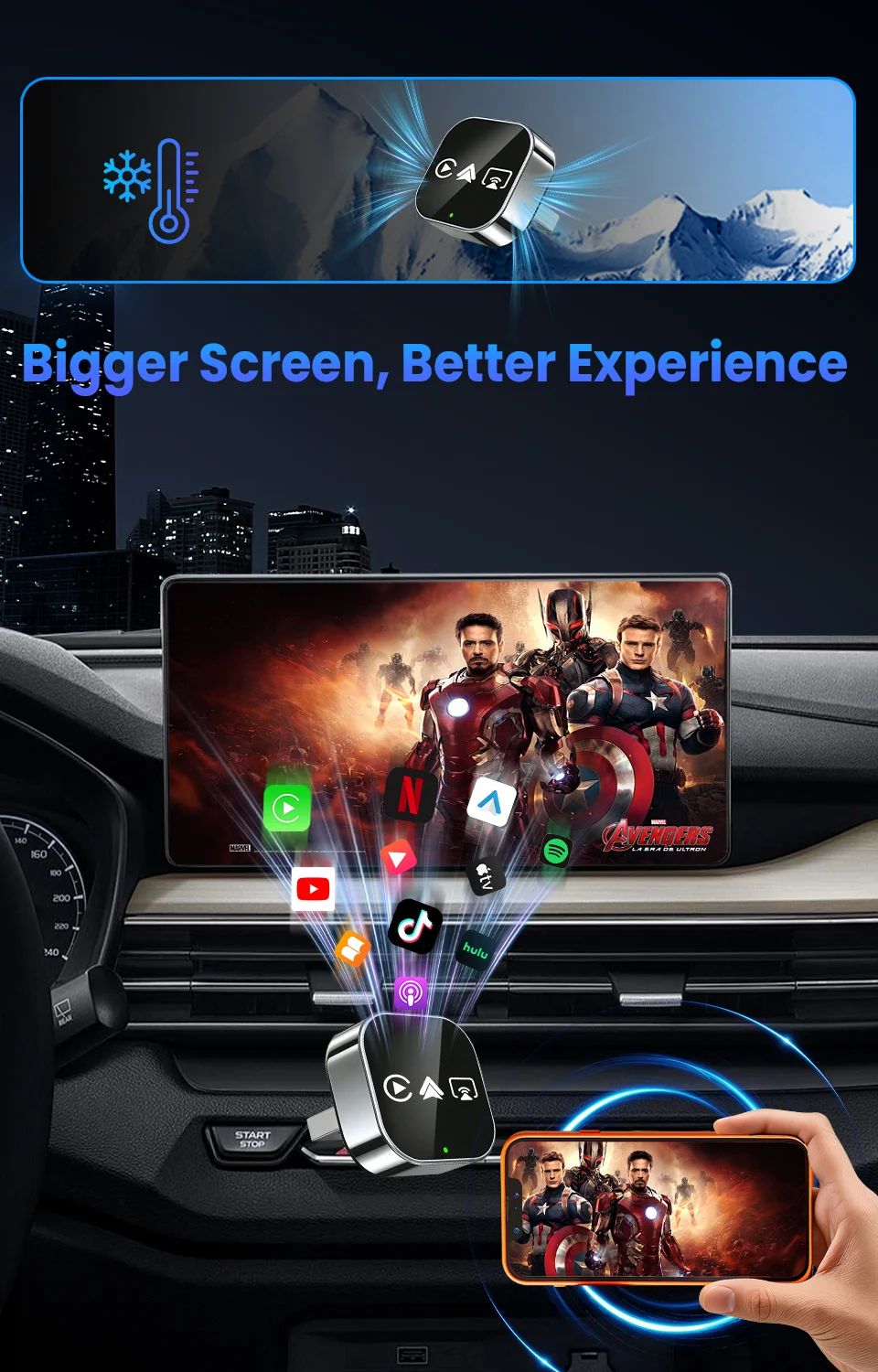
▪️ AirPlay (iPhone): iOS 18+ required | Sync apps, movies, navigation to car display – ideal for long drives.
▪️ Miracast (Android): Android 11+ required | Cast phone screen in real-time – no lag for maps/games.
▶ How to connect Mirror link?
🖇️ Mirror Link Setup:
Step 1: Turn on WiFi on your phone.
Step 2: Open wireless screen mirroring (find it in: Drop-down menu → Settings → Display → Wireless Projection).
Step 3: Select the adapter’s device name (e.g., “SmartBox-xxxx”) from the list.
Step 4: Connected instantly – start casting!
▶ OTA upgrade
🔧 OTA Upgrade (Fix Issues & Get New Features):
Why upgrade? Resolve connection failures/disconnections, add new functions.
Step 1: Turn on your phone’s WiFi.
Step 2: Connect to WiFi: Name → “SmartBox-xxxx” | Password → “12345678”
Step 3: Open phone browser, enter URL: 192.168.1.101 (correct punctuation!)
Step 4: Enter OTA page → Click “Upgrade” and wait 2-3 minutes.
📌 Important Reminders:
▪️ Copyright Notice: Due to copyright protection, some copyrighted apps/videos may not be supported – this is a standard industry limitation, thank you for your understanding.
▪️ Keep the adapter away from high temperature (e.g., car dashboard in direct sunlight) to ensure stability.
▪️ If connection fails, try OTA upgrade first or contact our support team.
▶ After-sales Guarantee
🛡️ After-sales Support:
Wireless carplay adapter
✅24/7 customer service
✅30 day free return policy
✅24 month warranty period
