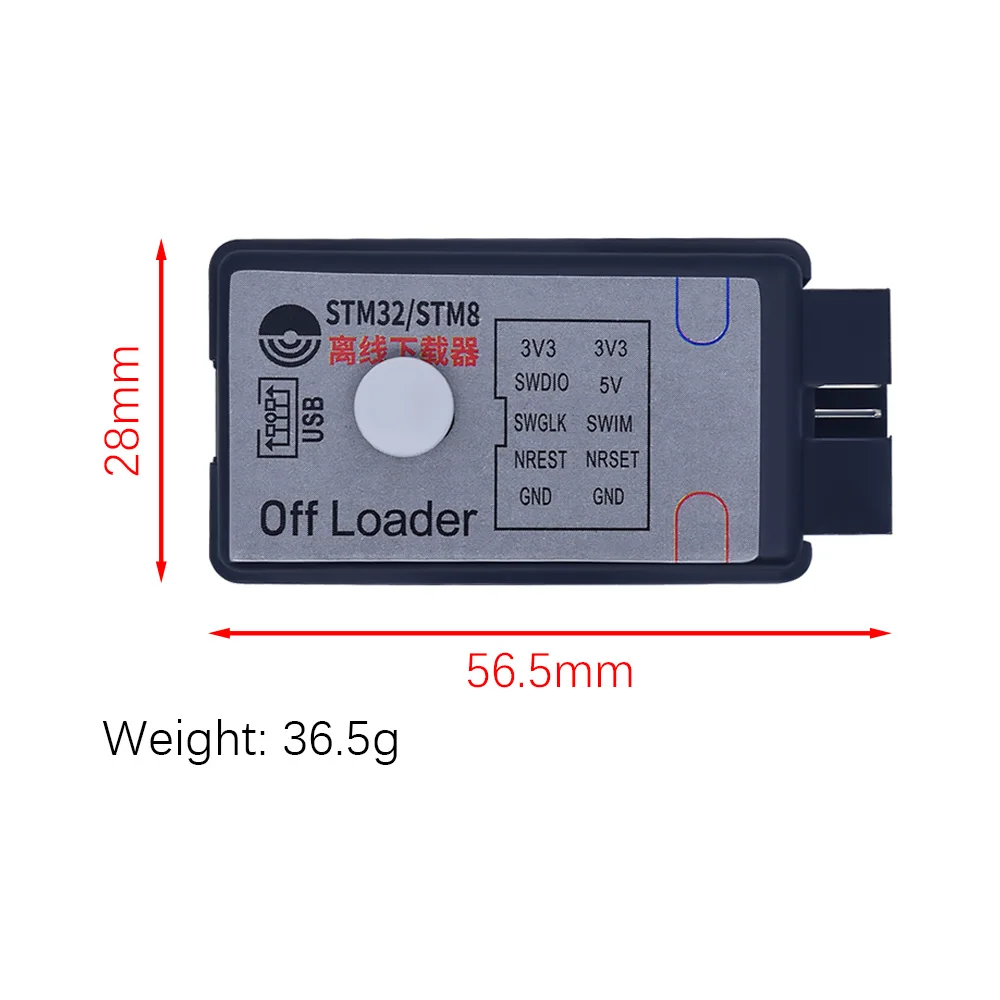
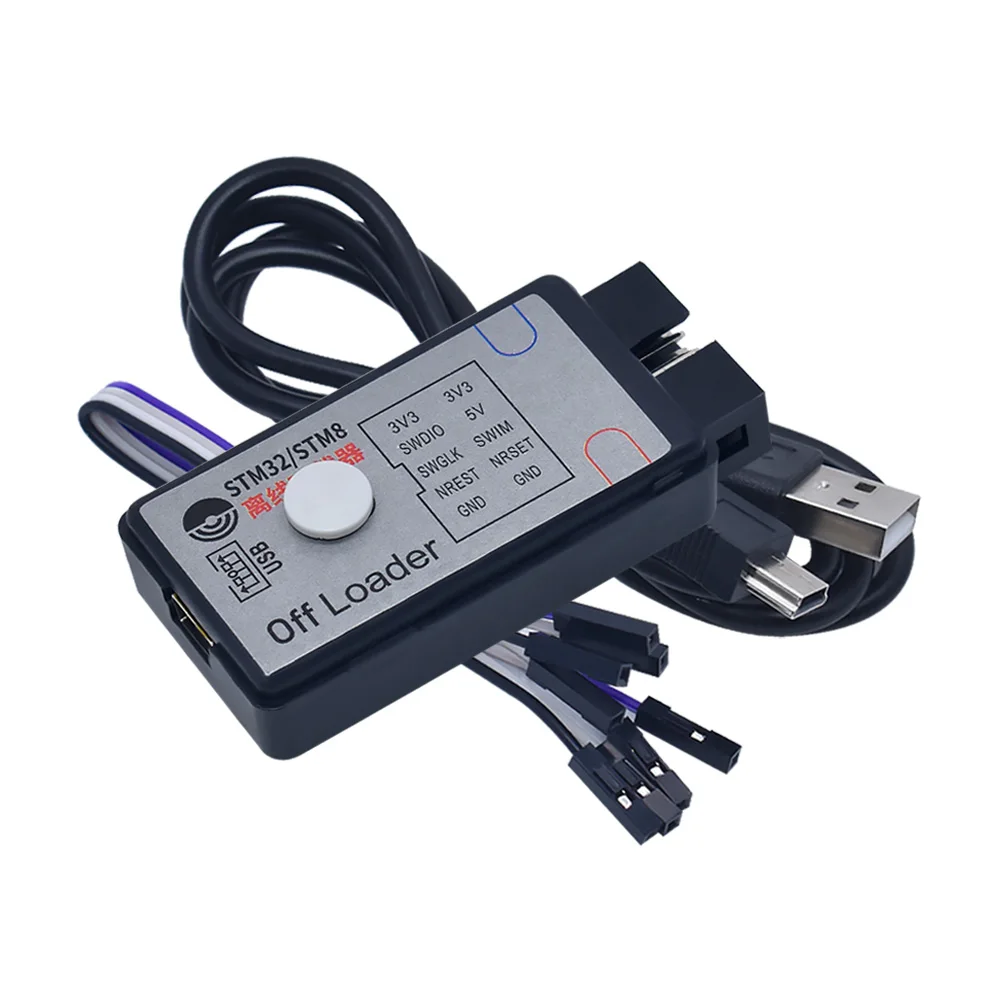
DAPLINK STM32/STM8 Offline downloader + online emulator to replace J-Link OB STLINK


DAPLINK STM32/STM8 Offline downloader + online emulator to replace J-Link OB STLINK
SPECIFICATIONS
Brand Name: NONE
High-concerned chemical: None
Origin: Mainland China
Product Features
1. Hardware does not need driver, plug and play. Software installation is not required.
2. Including SWD and SWIM interfaces, STM32 and STM8 can be downloaded offline respectively
3. In addition to STM32, it also supports GD32, CH32, CKS32, APM32 and other domestic microcontrollers.
4. Automatic download function, detect the chip burning directly, and wait for he next test burnin.
5. With reverse power supply function, you can use the target board from the output end of 3.3V or 5V power supply to the burner, play without USB line to the burner power supply can be burned. Very suitable for target board in electric recording.
Description of LED and buzzer status
|
State of the lamp |
Red light |
Blue light |
Buzzer |
|
Access to electricity |
Normally on |
It is on for 0.5 seconds and then off |
Plug computer has 2S music only power supply does not ring |
|
In the burning |
Flashing |
Destroy |
Don't ring |
|
Burn complete |
Normally on |
Normally on |
Short ring 1 |
|
Burning failure |
Normally on |
Flashing |
Short ring 3 |
Buzzer description
|
Plug the computer |
There are 2s music |
|
Power on the computer without plugging it in |
Don't ring |
|
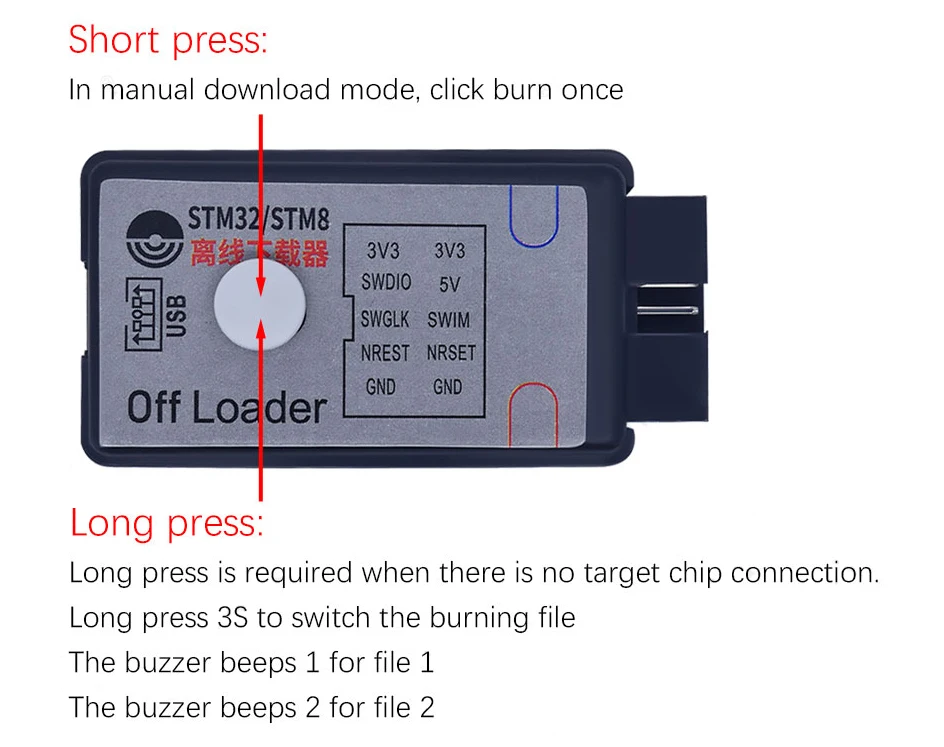
Hold down the key to switch to file 1 |
Long rang |
|
Hold down the key to switch to file 2 |
Short ring 2 |
|
Burn success |
Short ring 1 |
|
Burning failure |
Short ring 3 |
Button that
Directions for use
Software installation
The Lu-offload software does not need to be installed and can be used by copying the data package to the desktop.
The Communication Status page is displayed
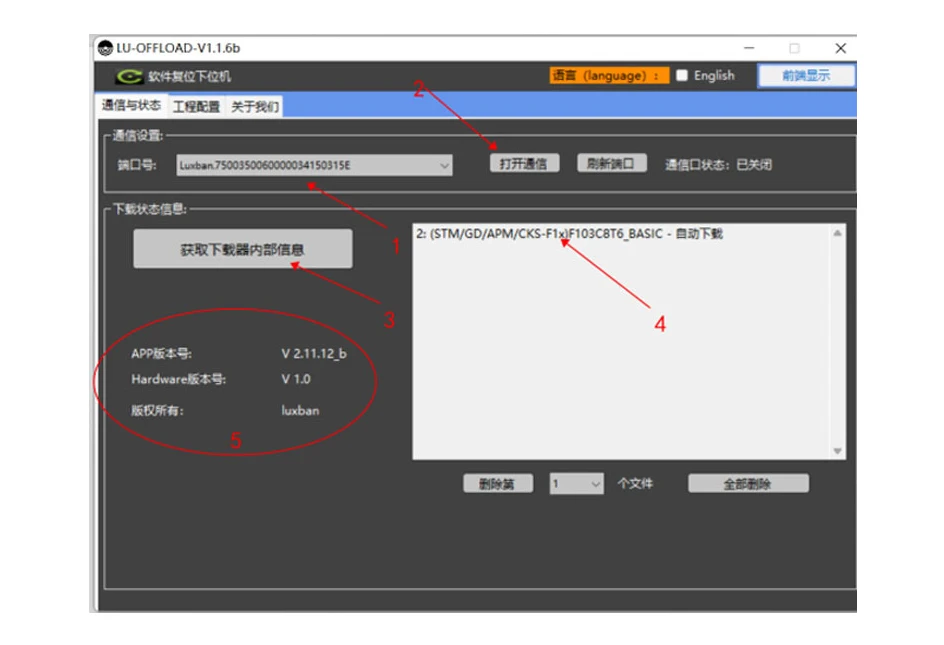
Double-click to open the software, the unique device code of the downloader can be seen in "7". Click "2" to open communication, the upper computer software will establish communication with the burner. Click "3" to obtain the internal information of the downloader, and you can see the software version information at "5" and the burning file information at "4". 2 at the beginning of the file in formation refers to file 2, (STM/GD/APM/CKS/F1x) refers to the single-chip model selected by file 2, "F103C8T6_BASIC is the name of file 2, and "Automatic download" means that the file is configured with automatic download mode.
You can click to delete the 1/2 file, or click to delete all files. When configuring a file, the new file will automatically overwrite the original file.
If you prefer English, select English. If you want the interface of the software always keep in the front, please click "front display".
The Project Settings page is displayed
Select the project configuration screen with communication enabled. Select the chip first and select your corresponding chip model interface according to the following figure. Including STM32, STM8 and many corresponding domestic models.
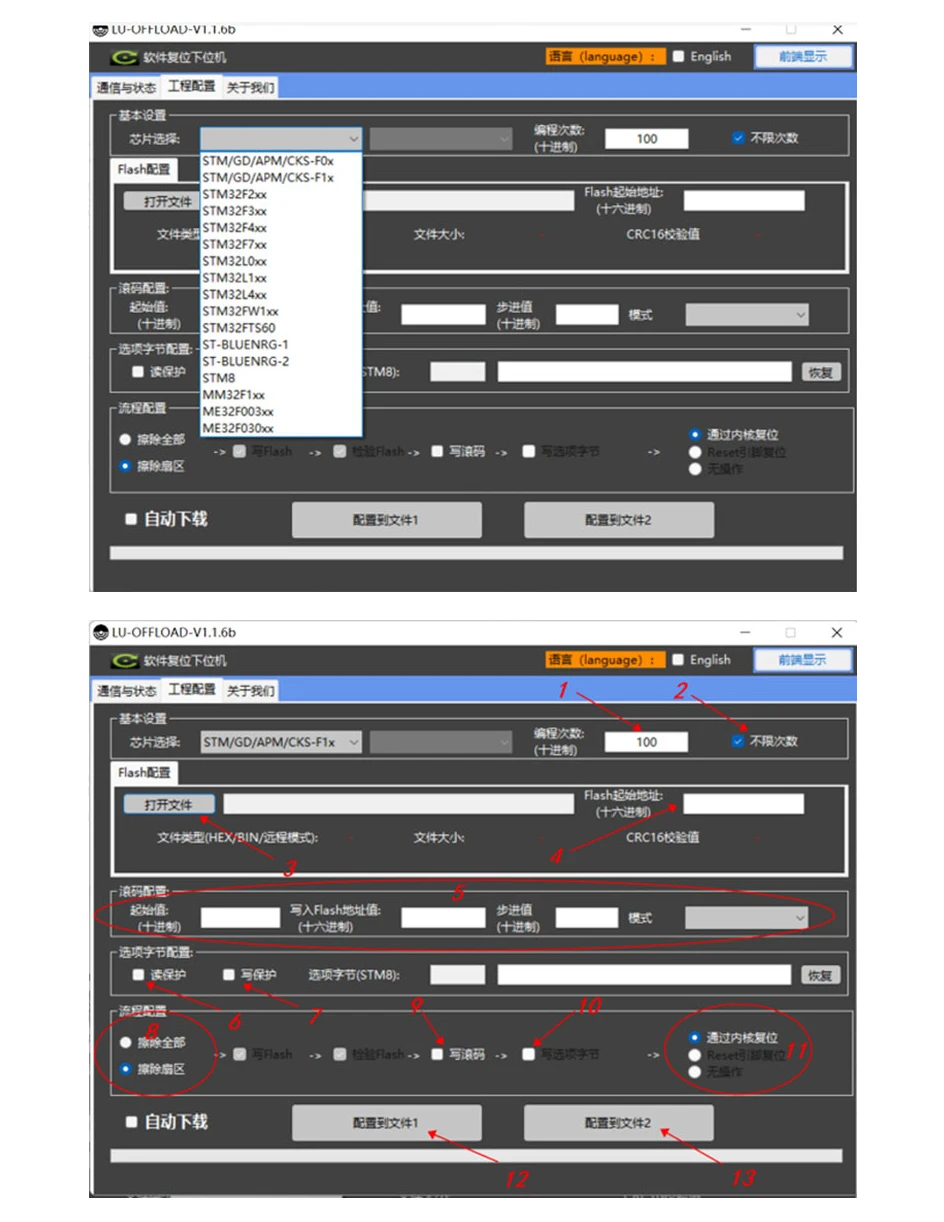
1. For programming times limit setting, can limit the use of the burner firmware times, play the role of firmware confidentiality. You can also check the unlimited number of times at ②;
2. Unlimited number of places;
3. Open the file to select the HEX and BIN files to be burned. Currently, remote files are not supported. The start Flash address of the HEX file is " ", and the start Flash address of the BIN file is " ". The format size, and CRC check value of the file are also displayed.
4. Is the Flash start address;
5. Is set to roll code, that is, to set a variable in Flash, so that every time it burns Flash, the data at this point will increase according to the set step value. Note The configuration takes effect only after you select 9.
6. It is read protection, and the firmware after the target microcontroller is burned cannot be read;
7. Write protection is selected, the target microcontroller can no longer be burned after burning firmware;
8. The option of erasing part or all sectors during burning firmware;
9. The write roll code is selected to take effect, if not selected, it does not take effect;
10. If write protection and read protection are selected, they will not take effect if they are not selected.
11. Select the target chip reset mode, generally select "reset through the kernel";
12. To configure the file and configuration information into file 1;
13. You need to configure the file and configuration information in file 2.