OTTOCAST Express Wireless CarPlay Android Auto Adapter for HDMI Multimedia Video Converter for TV Sticks TV Box Car TV Mate


OTTOCAST Express Wireless CarPlay Android Auto Adapter for HDMI Multimedia Video Converter for TV Sticks TV Box Car TV Mate
SPECIFICATIONS
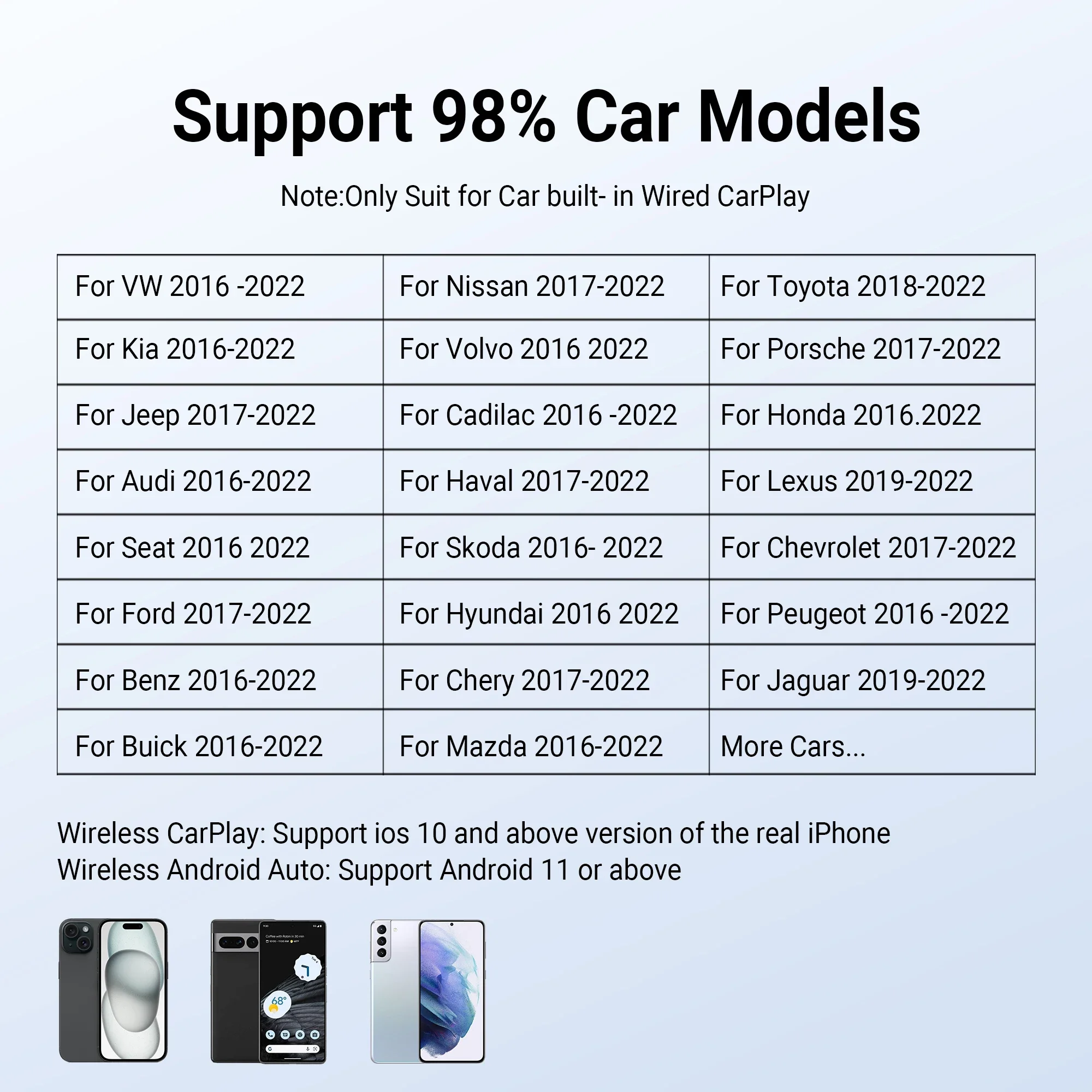
Applicable: Car built in wired CarPlay
Brand: OTTOCAST Express
Brand Name: OTTOCAST
Car Not Support: cannot support for BMW/TSL
Choice: yes
Connectors Adapter: USB Type-C, USB-A,HDMI 1.4
Connectors USB Car Charger: USB Type-C *2 ,USB A*2 ,Micro USB*1
Expandable Memory: USB flash drive, up to 128 GB
Function: Support for Wireless CarPlay or Android Auto
HDMI input: 2K (2560* 1440) 60Hz, 1080P (1920* 1080) 60/ 50Hz, 720P (1280*720)
High-concerned chemical: None
Memory: 128MB RAM + 16MB ROM
Memory RAM+ROM: 2GB LPDDR4+16GB eMMC
Model: Car TV Mate
Operating System: Linux
Origin: Mainland China
Phone Not Support: cannot support for HUAWEI ,not for xiaomi redmi.
Power Input: Adapter USB 5V; USB Car Charger DC 12V
Wi-Fi: Dual-band 802.11 a/b/g/n/ac 2.4 GHz
semi_Choice: yes
Warm tip:
🚫❌cannot download any other apps.
🚫❌No support for car without wired CarPlay function
🚫❌cannot support for HUAWEI ,not for xiaomi redmi.
🚫❌cannot support for BMW/TSL
Ottocast Car TV Mate only fit car with factory wired CarPlay. Before payment , please confirm this protocol.
The working principle of the product is: Car TV Mate C4 is first paired with your car through the CarPlay protocol. Then convert CarPlay to Android Auto.
Product Description
●Newest in Generation Ottocast Car TV Mate - Elevate Your In-Car
Make your driving journey more exciting! Car TV Mate is a state-of-the-art in-car companion designed for modern drivers who seek ultimate convenience and entertainment. 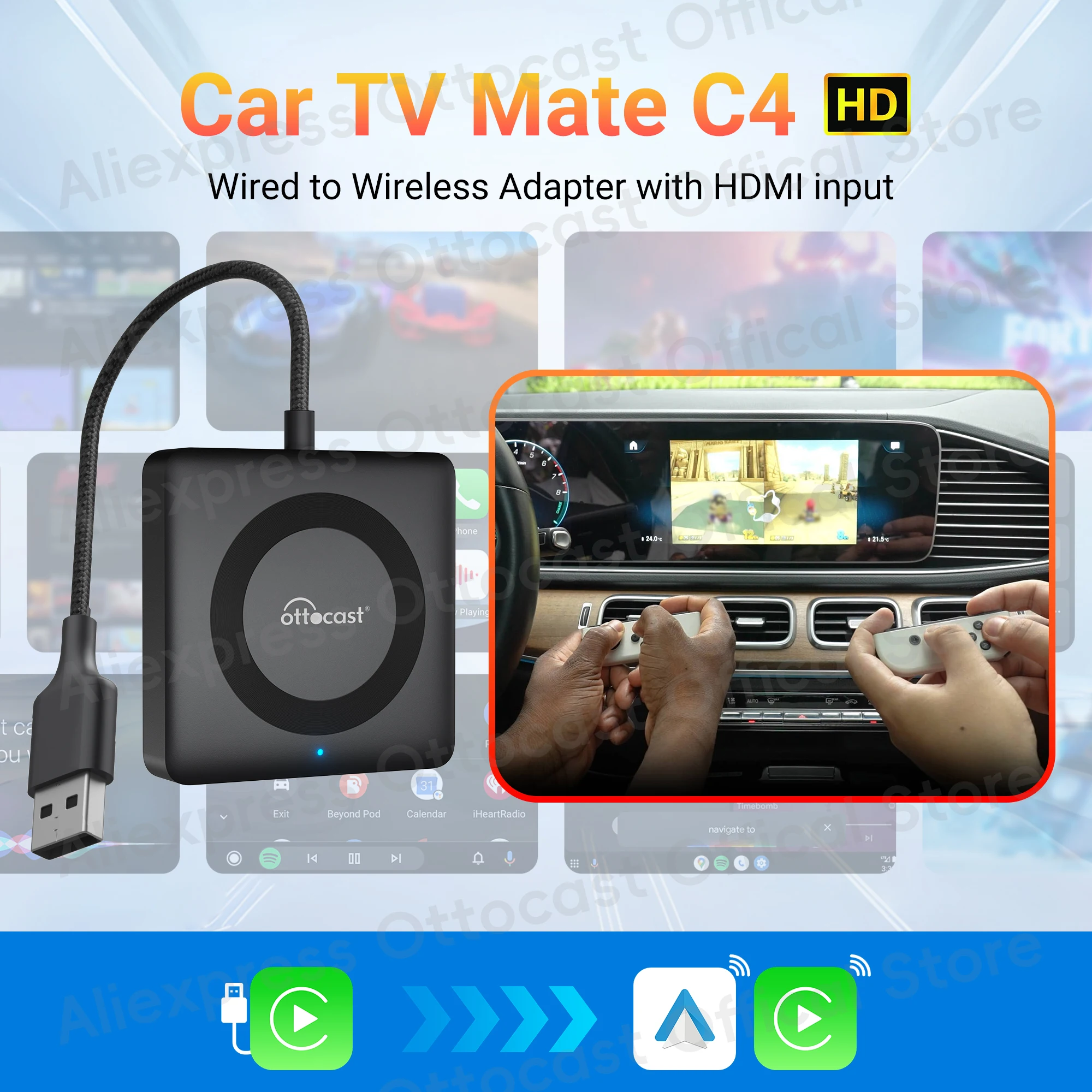
●HDMI Multimedia Adapter
By supporting the original wired CarPlay protocol, converting wired CarPlay to wireless CarPlay or Android Auto, and offering versatile HDMI input, Car TV Mate breathes new life into your vehicle.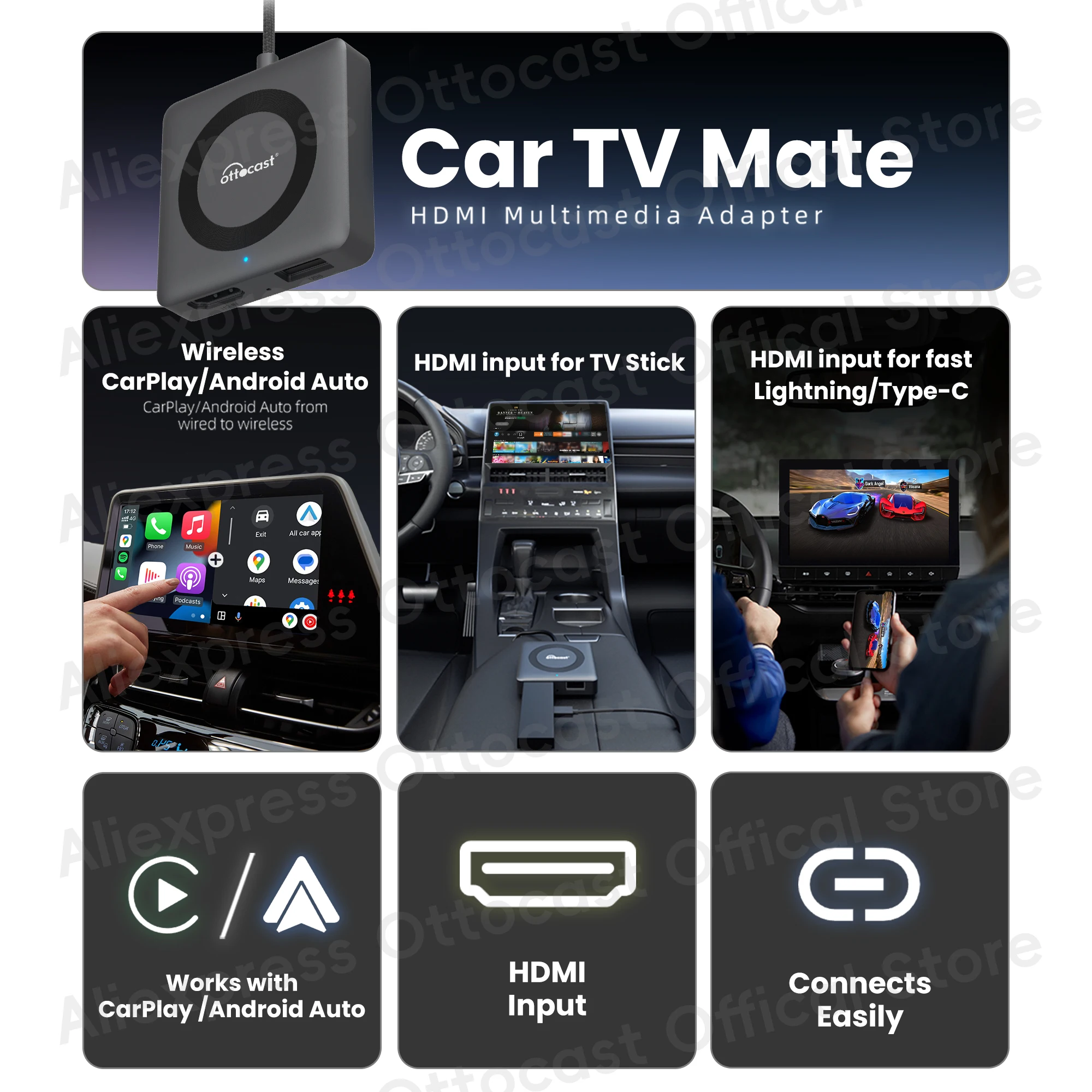
● Versatile HDMI Input
Not just for phones! Connect your game console, TV stick, computer, or other devices to enjoy big-screen entertainment on the go.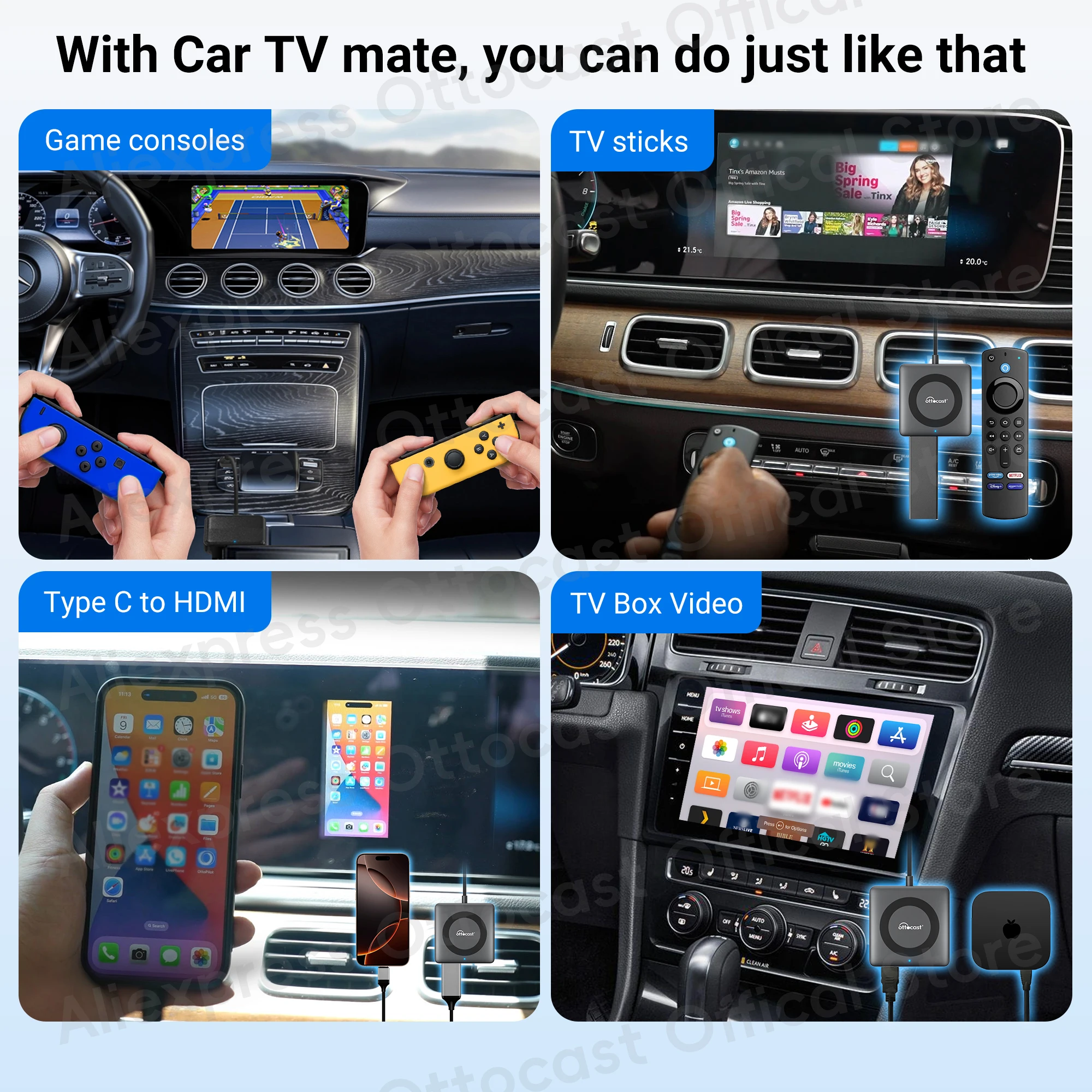
● Quick Setup, Auto-Connect, Plug and Play
After the first successful connection, subsequent connections are automatic, making it hassle-free.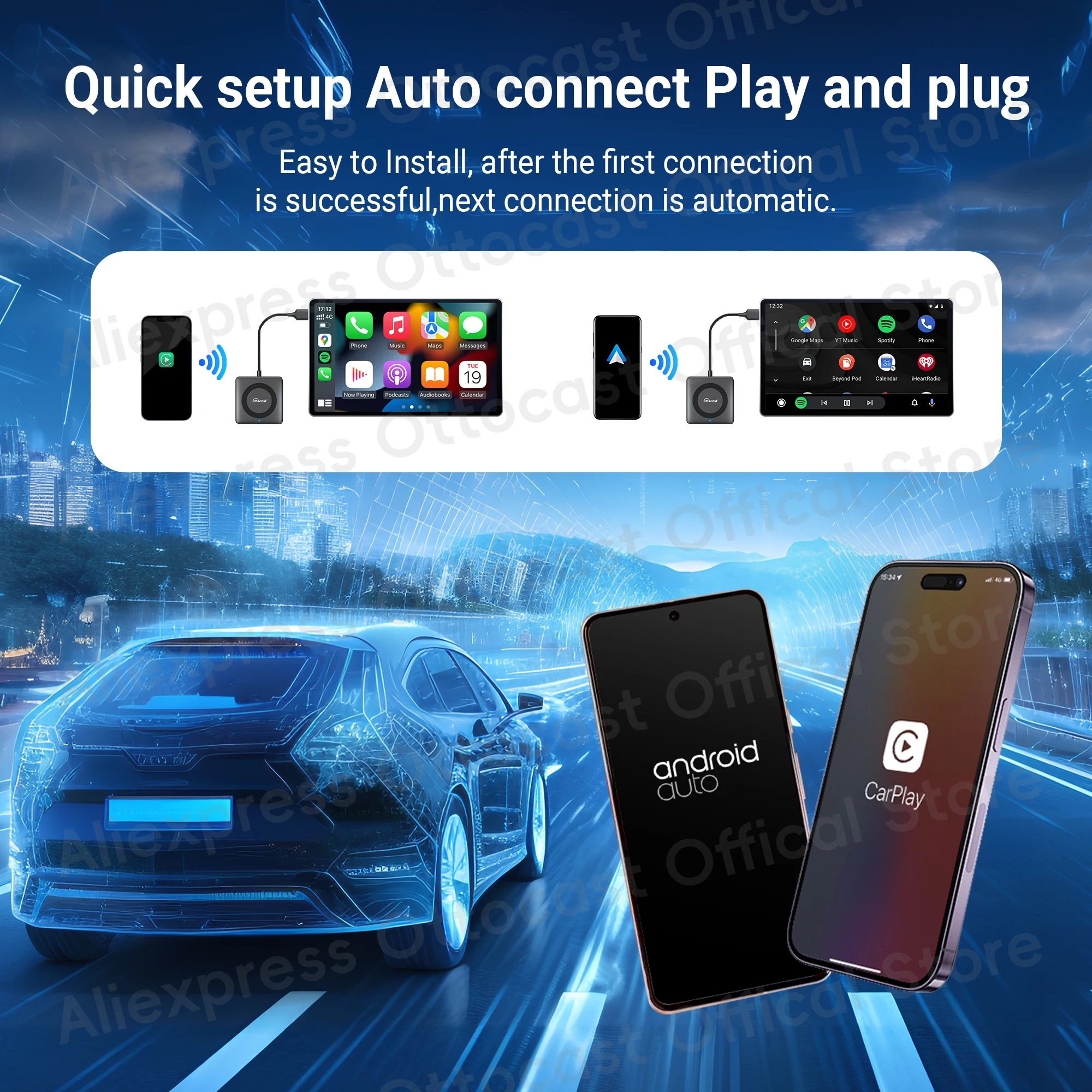
● Supports Multiple Resolutions
Up to 1080P 60Hz, enhancing your entertainment experience. ● How to Use
1. Plug into USB Port: Insert the product into your car's USB port.
2. Connect External HD Device: Plug in your game console, TV stick, computer, or other device via the HDMI port.
3. Enjoy High-Definition Quality Immediately: Once connected, enjoy high-definition picture quality right away.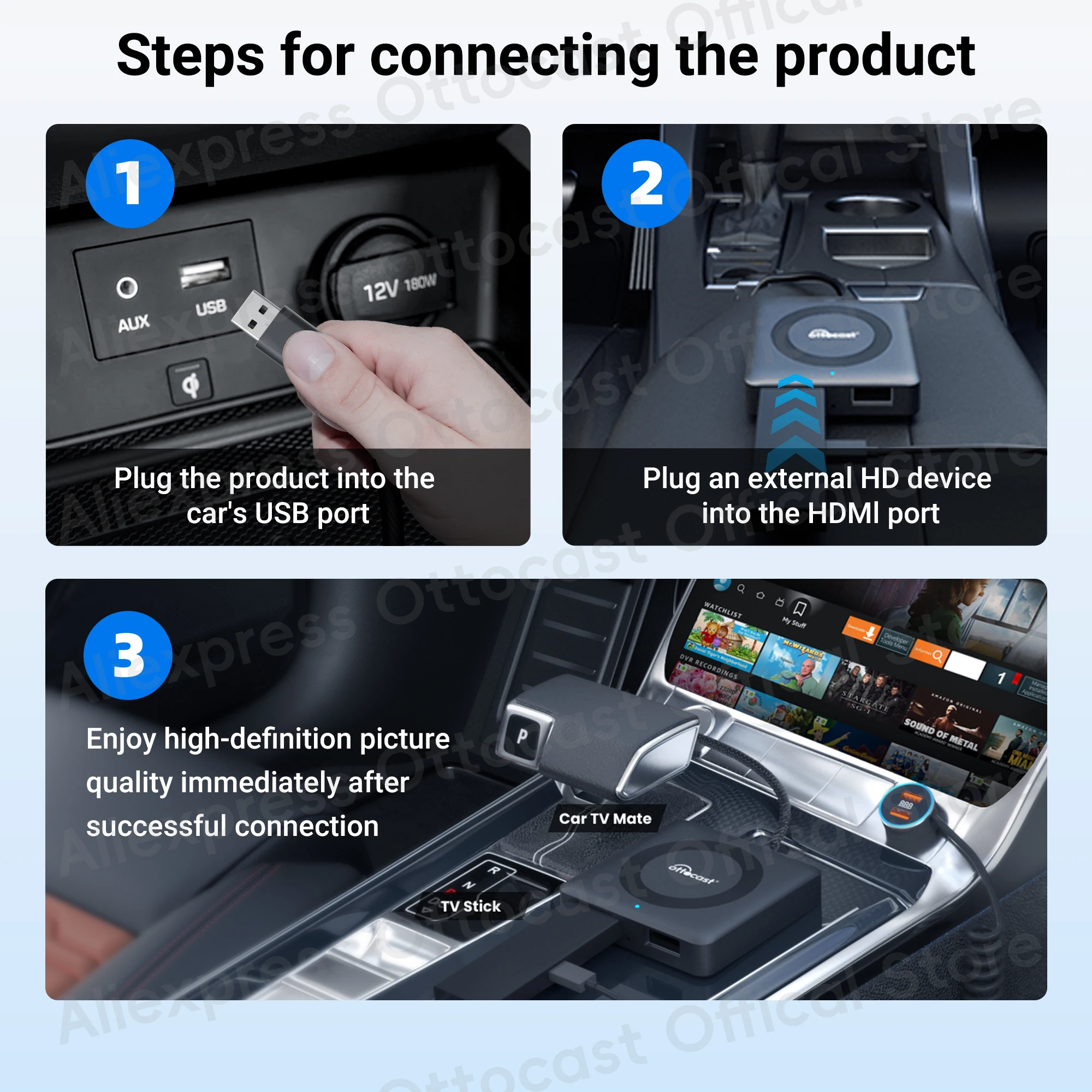
● Other parameters 
●Car compatibility
Warm tip: this adapter only fit car with factory wired CarPlay.