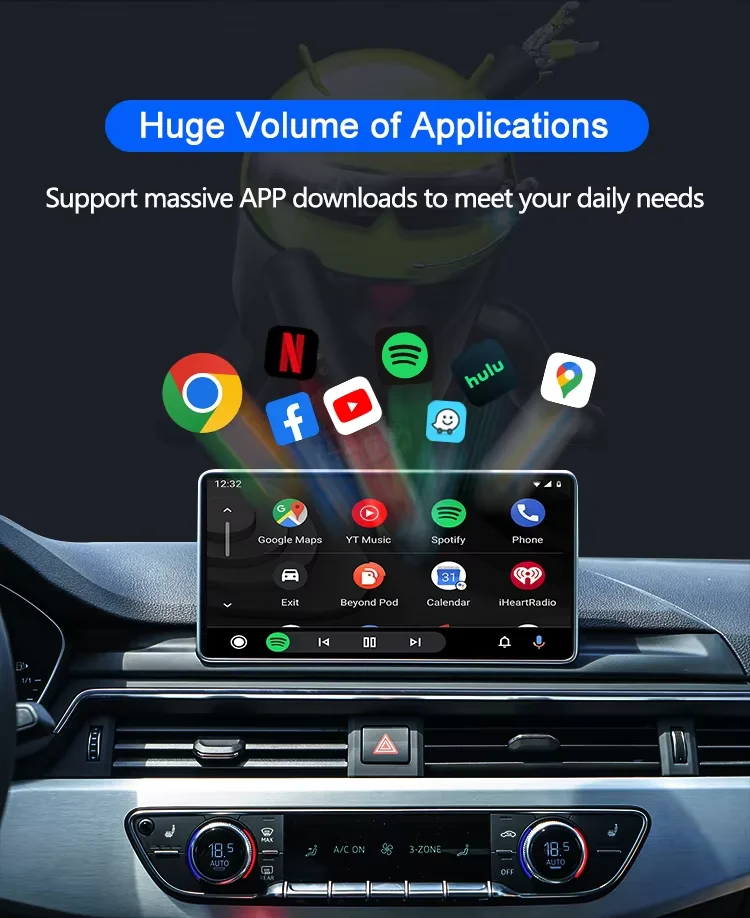
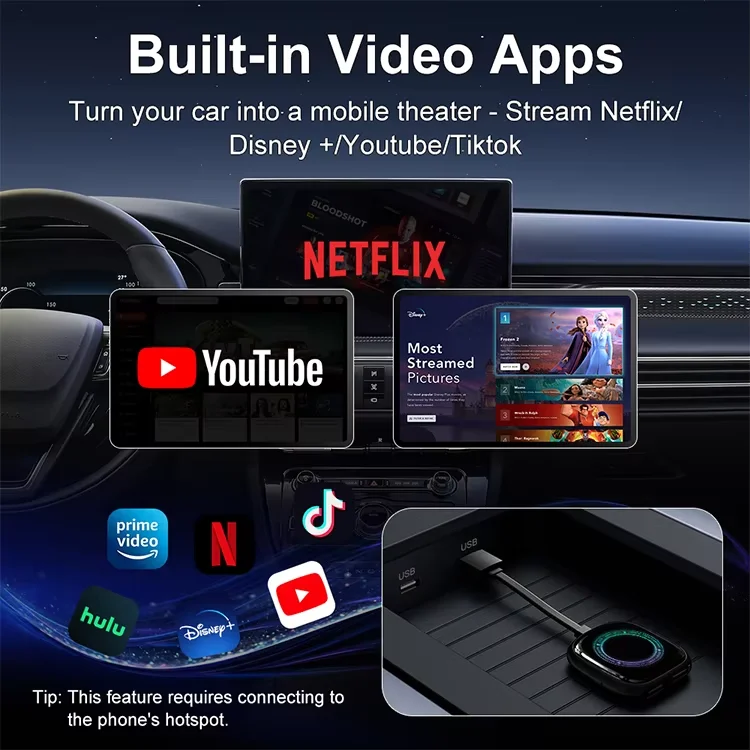
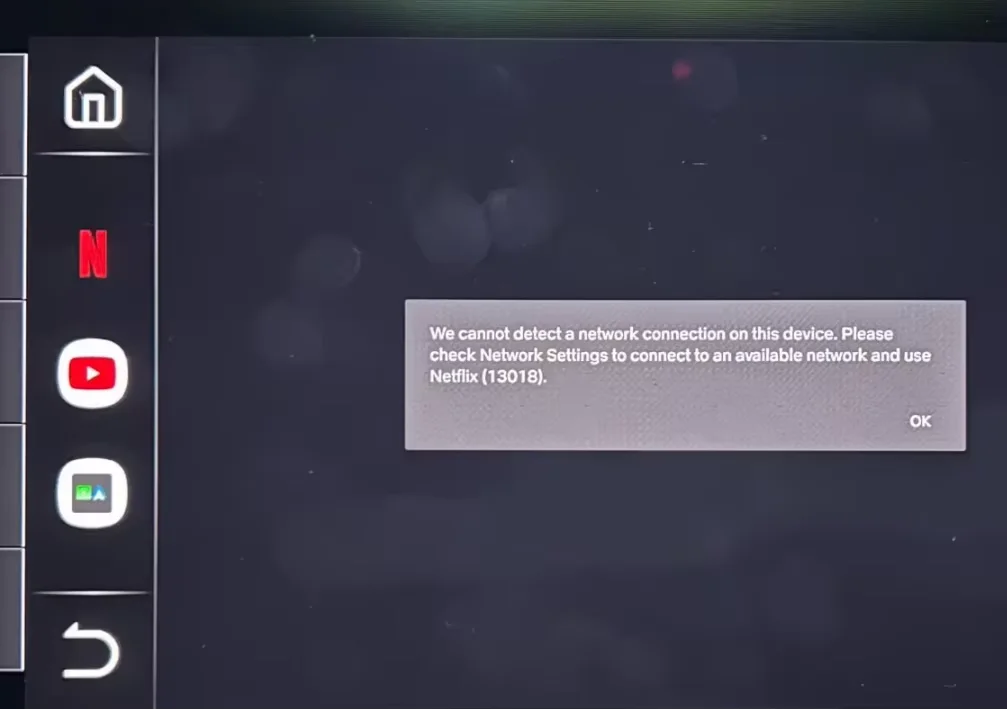
Q1: If the Ai Box is not connected to Wifi or hotspot, can I watch online videos on Netflix?
A: It needs to be connected to Wifi or hotspot to play online steaming videos from Youtube, Netflix.If not, you can insert a TF card to play videos and music offline.
Q2. The device does not connect to the phone's Bluetooth (BT)?
A:Method 1- Unplug the device and then reconnect.
Method 2- Turn off the BT and forget the device, then reconnect it.
Method 3- Delete connection history on car screen and then reconnect.
Q3. BT/WiFi/Hotspot connection automatically turn on and off?
A:Method 1- Turn off the "Do not disturb mode" of the phone and restart the phone.
Method 2- Follow user manual to update the device.
Q4.What is the reason why the device cannot play Netflix and YouTube when using wireless CarPlay or wireless Android Auto functions, and how can we solve the problem.
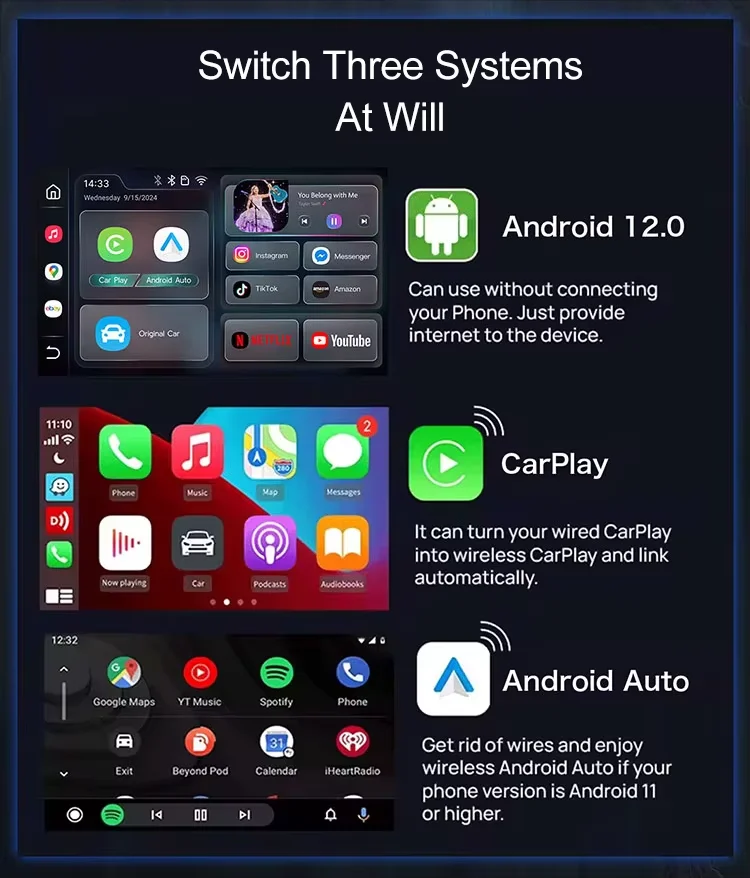
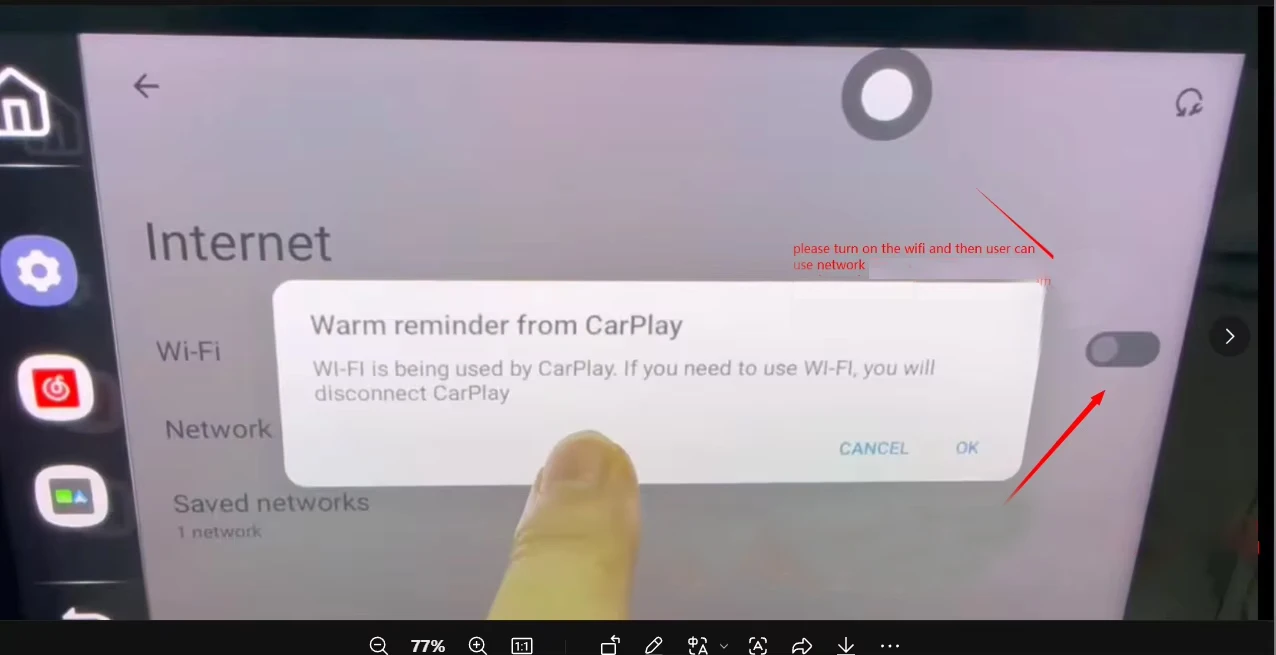
A:The reason is that this product uses WIFI transmission, while Carplay is transmitted through WiFi. Therefore, when using Carplay function, it is not possible to watch videos simultaneously on the WiFi network. Step Setting - netework&internet - turn on wifi and then you can use the network. Please remember not to watch video apps at the same time when using CarPlay or Android Auto functions. Because this product rely on WiFi transmission,it is very important.
Q5.Why doesn't the product work?
A:The first reason is that the phone is connected to the original car's Bluetooth. Please disconnect all other Bluetooth devices when using the product. Please disconnect the Bluetooth pairing between the original car device and the mobile phone.
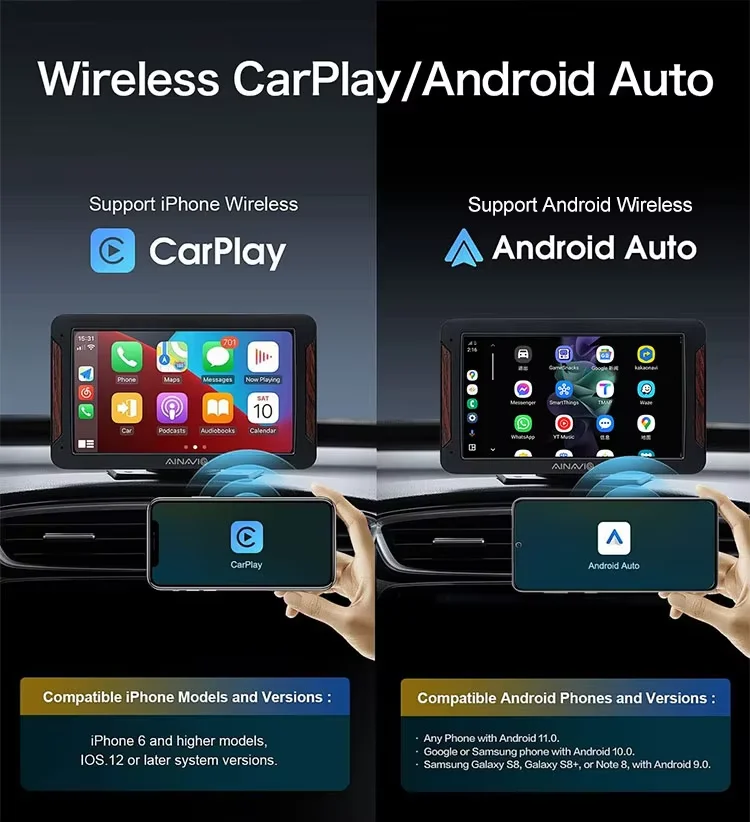
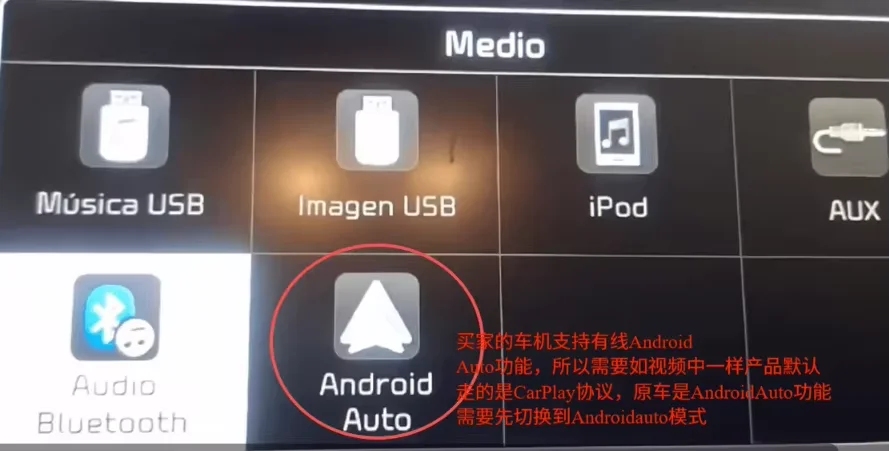
The second reason is that the product is only suitable for original car consoles with wired CarPlay or wired Android Auto functions.If your car is not with factory OEM wired carplay, even buy our product, it can not use wireless carplay or android auto function.
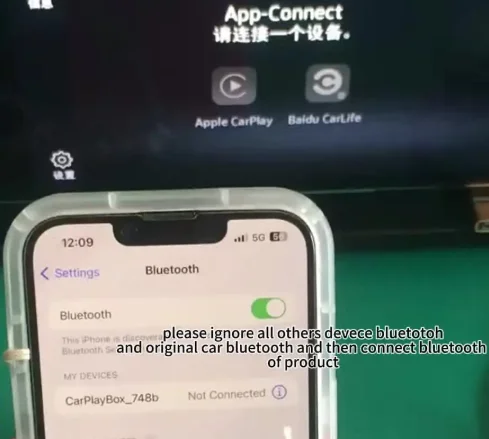
Q6.why there is no network?why it say we can not detect a network connection on this device?
A:The reason is that this product uses WIFI transmission, while Carplay is transmitted through WiFi. Therefore, when using Carplay function, it is not possible to watch videos at the same time simultaneously on the WiFi network. Step Setting - neteworkinternet - turn on wifi and then you can use the network.
Q7.why some car use the product gets stuck sometimes?
A:Some cars occasionally experience lag issues due to weak decoding of the buyer's original car's infotainment system. Please follow the steps for the buyer to operate, as follows Setting --- Engineering Mode - splice smoothness settings.
Q8.How to solve the problem if sometimes GPS signals cannot be captured or the latest program cannot be installed?
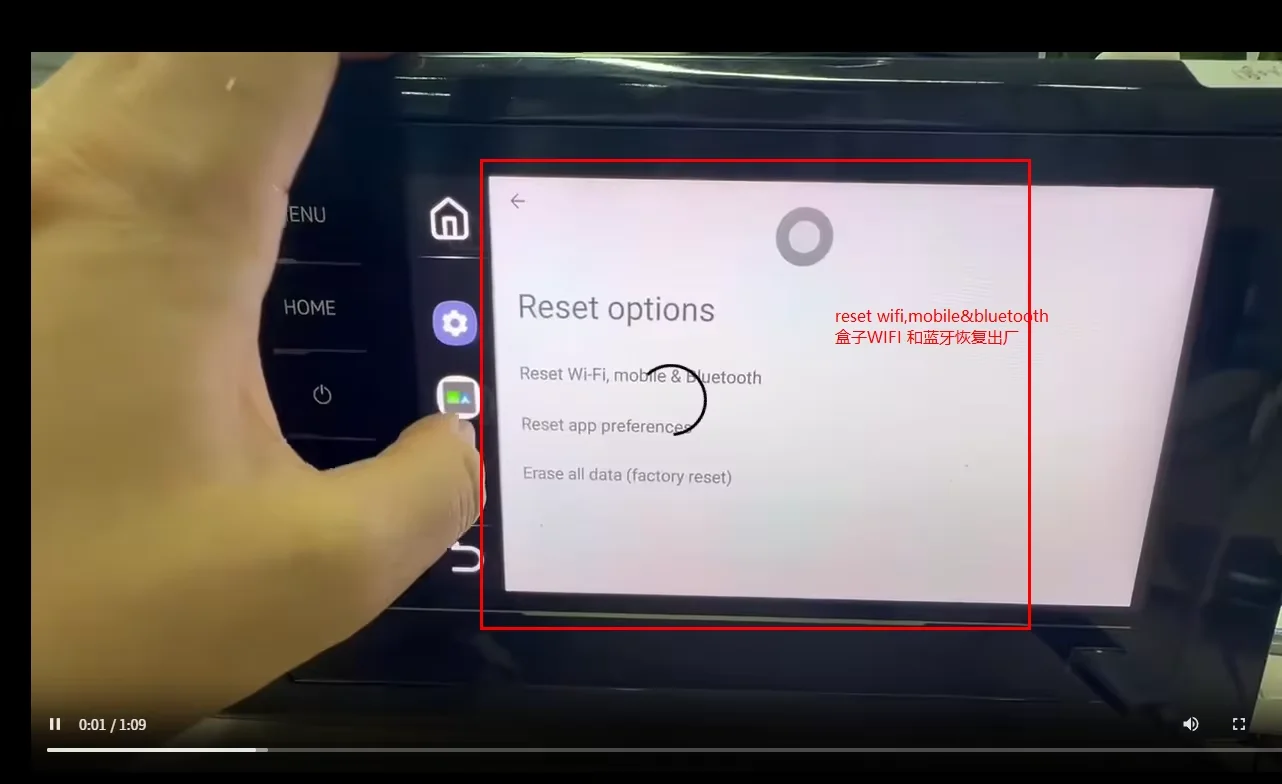
A:The user needs to reset the WIFI and Bluetooth settings of the product to factory settings, turn off and then turn on the mobile WIFI hotspot when connecting, search again, and then connect again. Finally, the user can use the APP and install programs, etc,please do as follows,setting-system-reset options-reset Wifi,mobile and bluetooth-reset settings-and then connect network again then user can use app.
Q9.if you can not search the wifi and what you can do to solve the problem?
The user needs to reset the WIFI and Bluetooth settings of the product to factory settings, turn off and then turn on the mobile WIFI hotspot when connecting, search again, and then connect again. Finally, the user can use the APP,please do as follows,setting-system-reset options-reset Wifi,mobile and bluetooth-reset settings-and then connect wifi network again then user can use app.
Q10.How should some customers operate their Android phones to achieve wireless Android auto functionality.
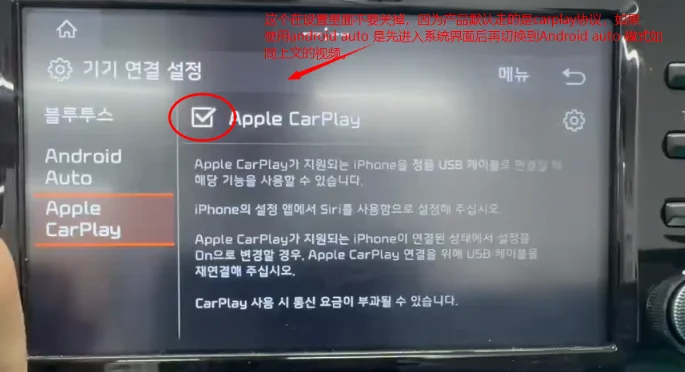
A:Our product defaults to CarPlay connection, If you want to implement wireless Android auto function, you can open it in the settings. First, open Apple CarPlay. If you want your Samsung phone to connect to Android auto, you can also open CarPlay first to enter the system interface and then connect to Android auto to successfully connect.