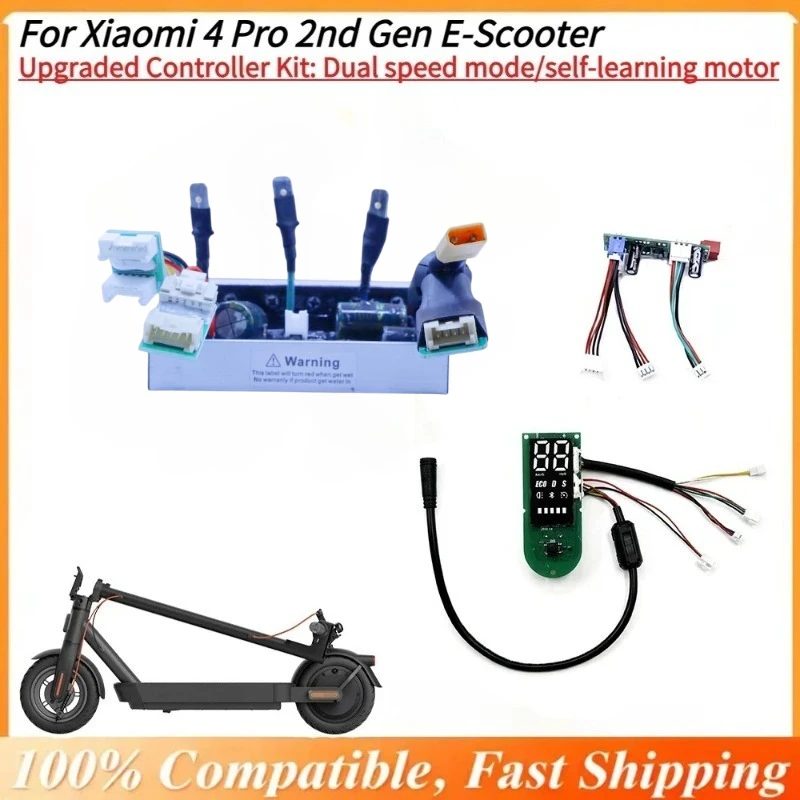
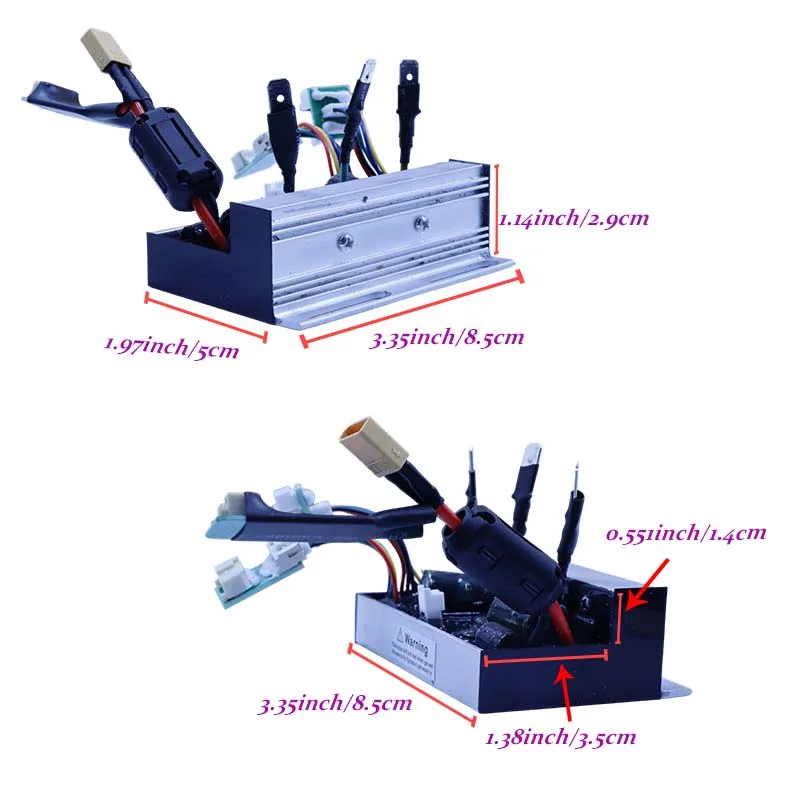
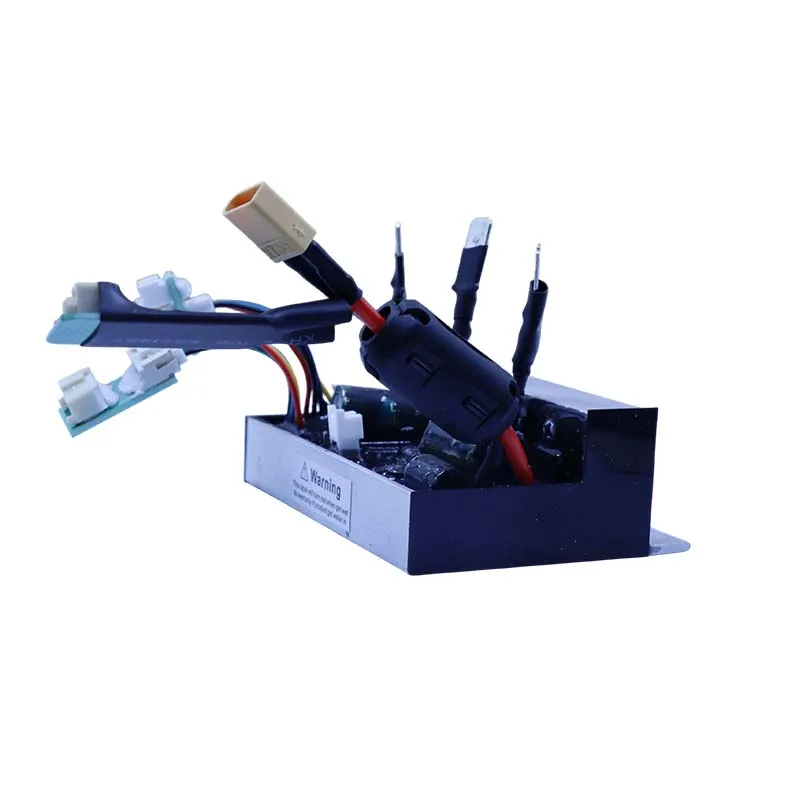
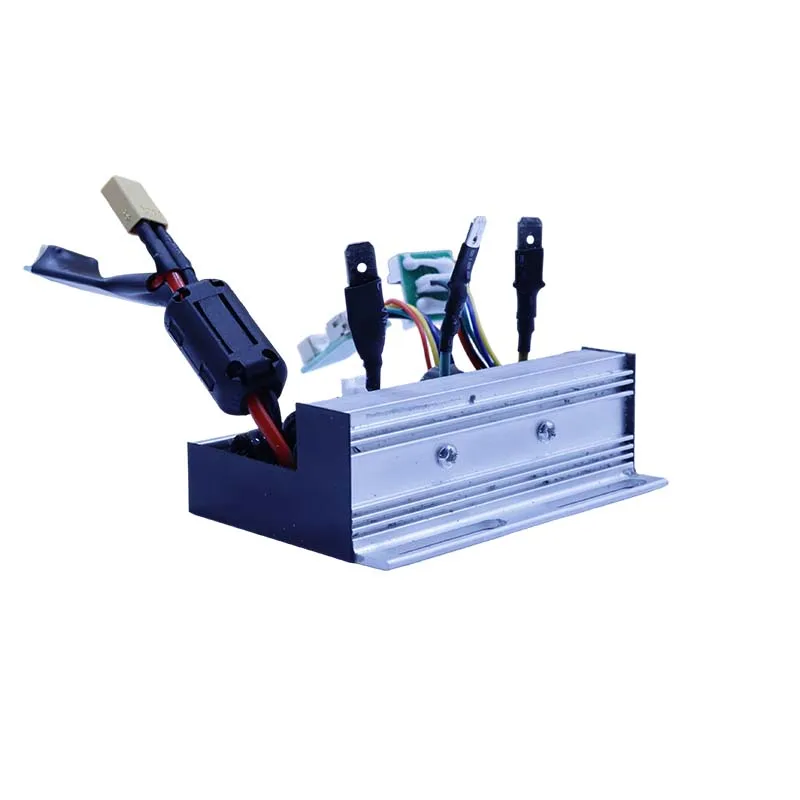
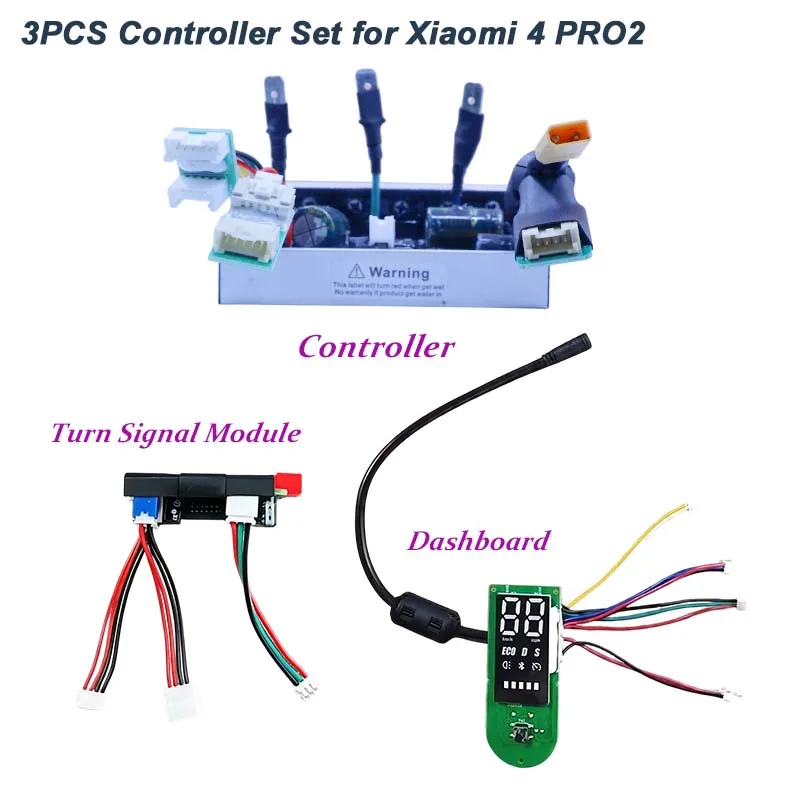
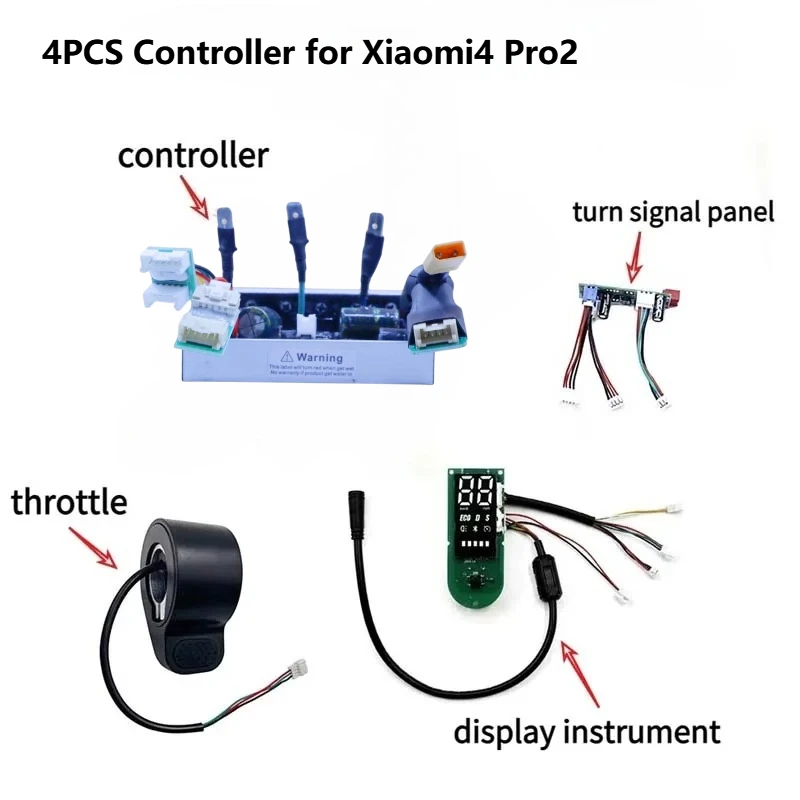
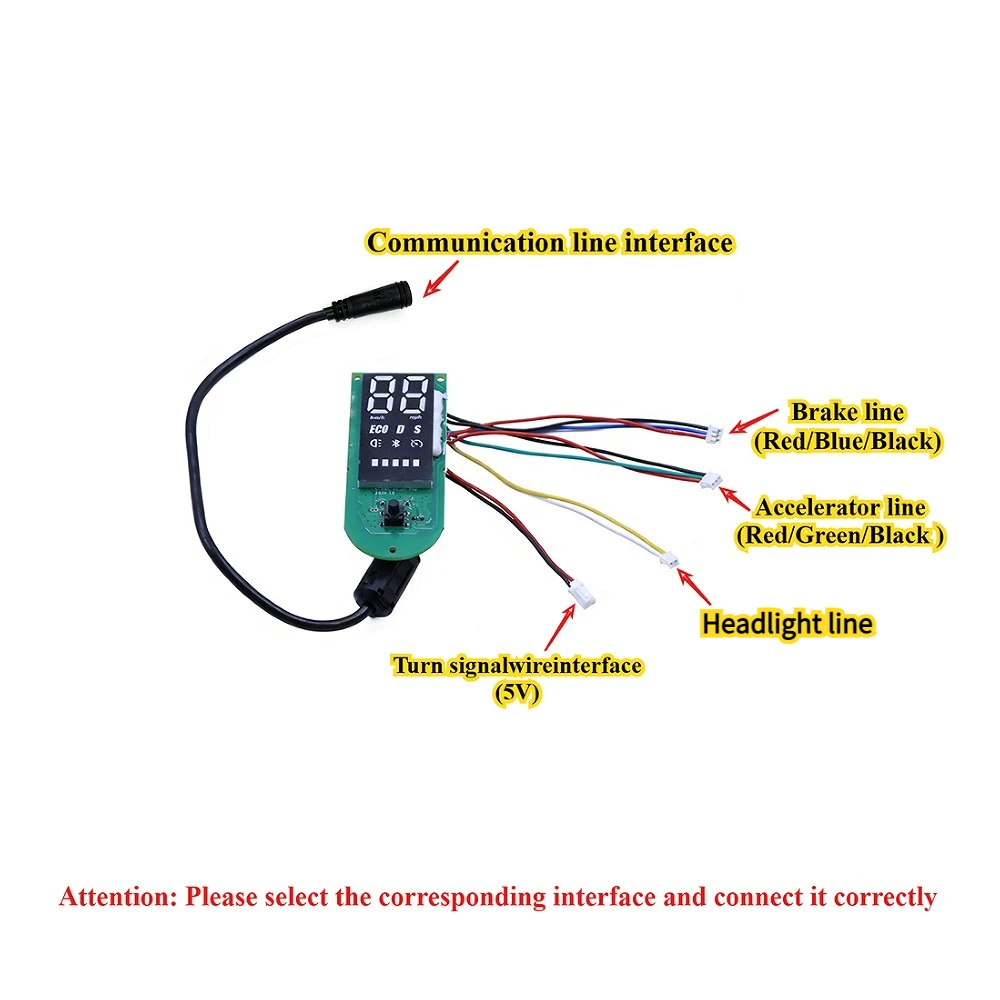
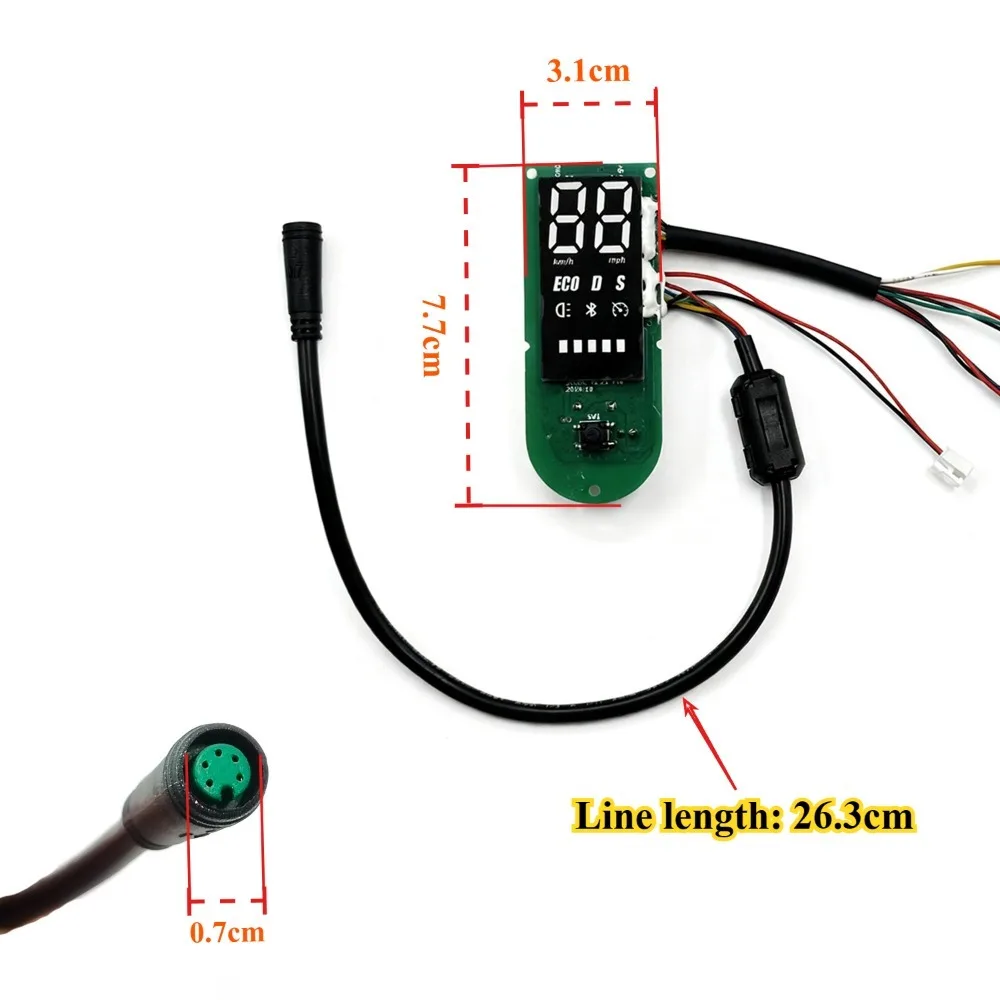
Upgraded 55km/h E-Scooter Controller Kit For Xiaomi 4 Pro2 E-Scooter -Speed Unlock, Motor Self Learning Motherboard Replacement


Upgraded 55km/h E-Scooter Controller Kit For Xiaomi 4 Pro2 E-Scooter -Speed Unlock, Motor Self Learning Motherboard Replacement
SPECIFICATIONS
Brand Name: hiwheel
Choice: yes
Current: 24V-63V
High-concerned chemical: None
Model Number: For Xiaomi 4Pro 2nd Gen
Origin: Mainland China
Power: 250-1200W
Speed mode: Speed limit/no speed limit
Voltage: 7-25A
function: Motor self-learning
semi_Choice: yes
Motor Self-Learning (⚠️⚠️⚠️First Step After Wiring)
1. Power OFF, wheel off ground → hold power button 10s (1s: beep+display on; 10s: 3 beeps) → ~80s → 3 beeps = done.
2. If motor runs backward → swap phase wires(such as yellow-blue) → repeat Step 1 until forward.
⚠️ Do not perform any other operations during self-learning.
�� Unlock Your Speed: Switch between Street Mode (25km/h) and Sport Mode (up to 55km/h) easily. Perfect for both daily commuting and off-road fun.
�� Smart App Control: Customize speed limits, view riding data, and enable cruise control directly from your smartphone.
�� Intelligent Self-Learning: Features a 10-second self-learning calibration to ensure perfect motor matching and smooth acceleration.
�� Cruise Control System: Automatically maintains your speed after 10 seconds for a fatigue-free long-distance ride.1. Self-Learning Calibration (Initial Setup) Essential for first-time use to match the motor.
Step 1: With the scooter powered OFF, press and hold the Power Button for 10 seconds.
Step 2: You will hear a "Beep" in the first second (screen lights up). Keep holding until you hear 3 short beeps.
Step 3: The self-learning process starts (approx. 80 seconds).
Step 4: Wait for another 3 beeps to confirm calibration is complete.
2. Speed Modes & Settings (Via App)
-
Limited Mode (Street Legal):
Gear 1: 6 km/h
Gear 2: 15 km/h
Gear 3: 20-28 km/h (Adjustable in App: 20/22/25/28 km/h)
-
Unlimited Mode (Off-Road/Sport):
Gear 1: 6 km/h
Gear 2: 15 km/h
Gear 3: 40-55 km/h (Max Power)
3. How to Switch Speed Modes (Hidden Unlock) Switch between Limited and Unlimited modes without the App.
Action: Hold the Brake Lever + Press Power Button (Long press, short press, or multiple clicks all work).
Result: Release the brake to confirm the mode switch.
4. Cruise Control
Enable: Turn on "Cruise Control" in the Mobile App.
Activate: Hold the throttle steady for 10 seconds while riding. The scooter will maintain speed automatically.
Deactivate: Twist the throttle again or squeeze the brake lever.