
WiFi eWeLink Smart switch Timer switch circuit breaker support RF2.4G remote control works with ALexar Google home vioce control


WiFi eWeLink Smart switch Timer switch circuit breaker support RF2.4G remote control works with ALexar Google home vioce control
SPECIFICATIONS
Brand Name: sixwgh
Choice: yes
EU LVD Voltage: High voltage: Above 50Vac or 75Vdc
Origin: Mainland China
Voltage: Other
Wiring method diagram:
Note: Both its input and output terminals need tobe connected to Live wire and Neutral wireOpen the protective cover with screws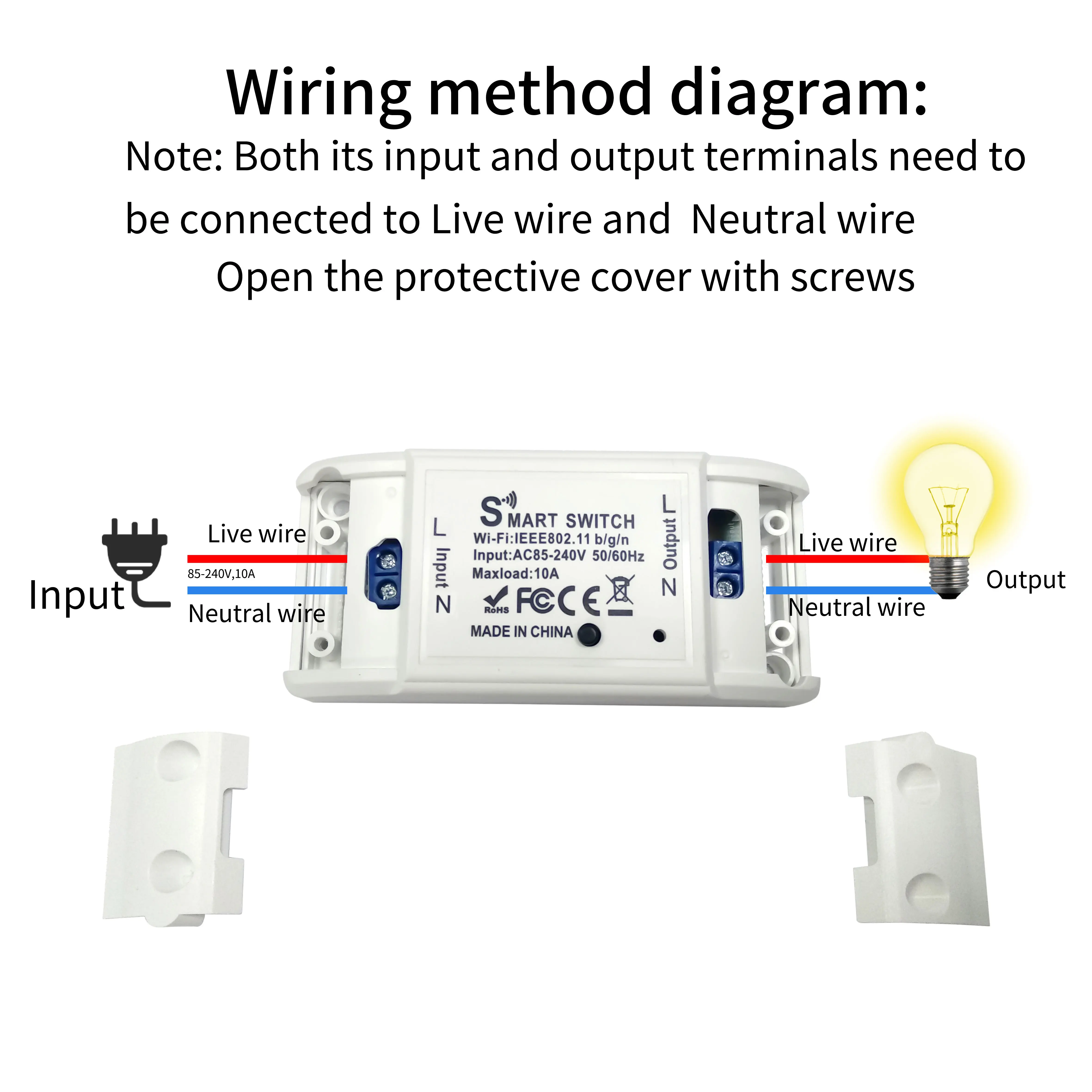
✅✅How to connect to the APP
1. Turn on Bluetooth and 2.4G on your phone wifi.
2. Press and hold the receiver button for more than 5 seconds, the indicator light will flash quickly twice and remain on once to enter the distribution mode.
3. Open eWeLink APP, click on the “+” in the upper right corner, and the app willautomatically scan the device.
4.Click the “+” on the rightside of thescanned device and wait for connection.
✅✅If the indicator light flashes slowly, you need to select compatibility mode to connect to the APP。Alternatively, press and hold the socket button until the indicator light flashes twice and stops once, release it, and then connect to the app
✅Wifi receiver parameters
1.Working voltage: AC85-240V 60HZ/50HZ
2.WIFI: IEEE 802.11 b/g/n 2.4Ghz
3.RF Working frequency: 2.4GHz(Note: It does not support RF 433MHz)
✅Our advantage:
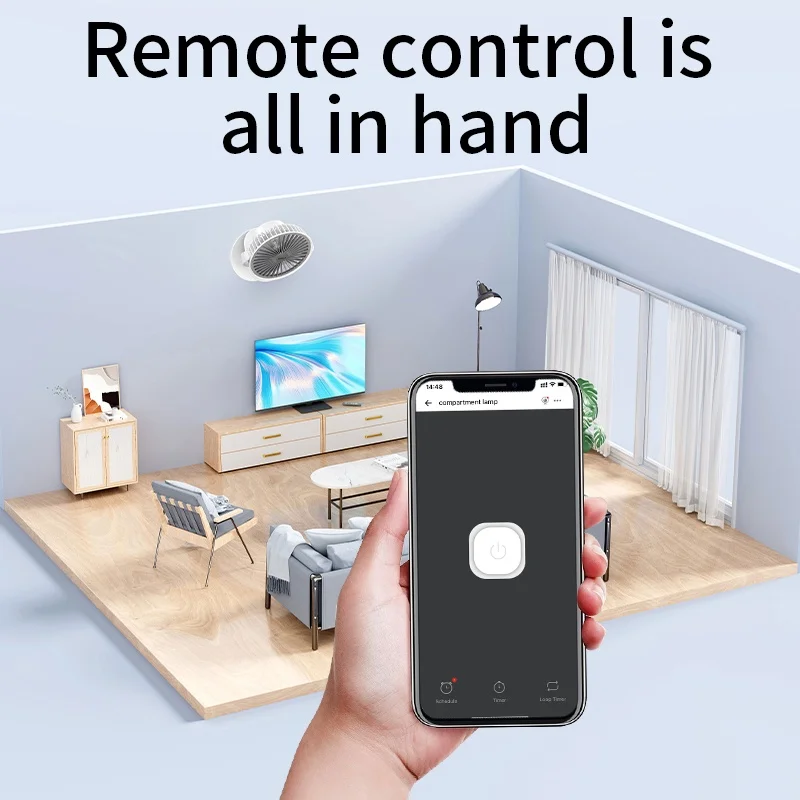
✅APP control:
As long as there is a network signal, it can be controlled anywhere
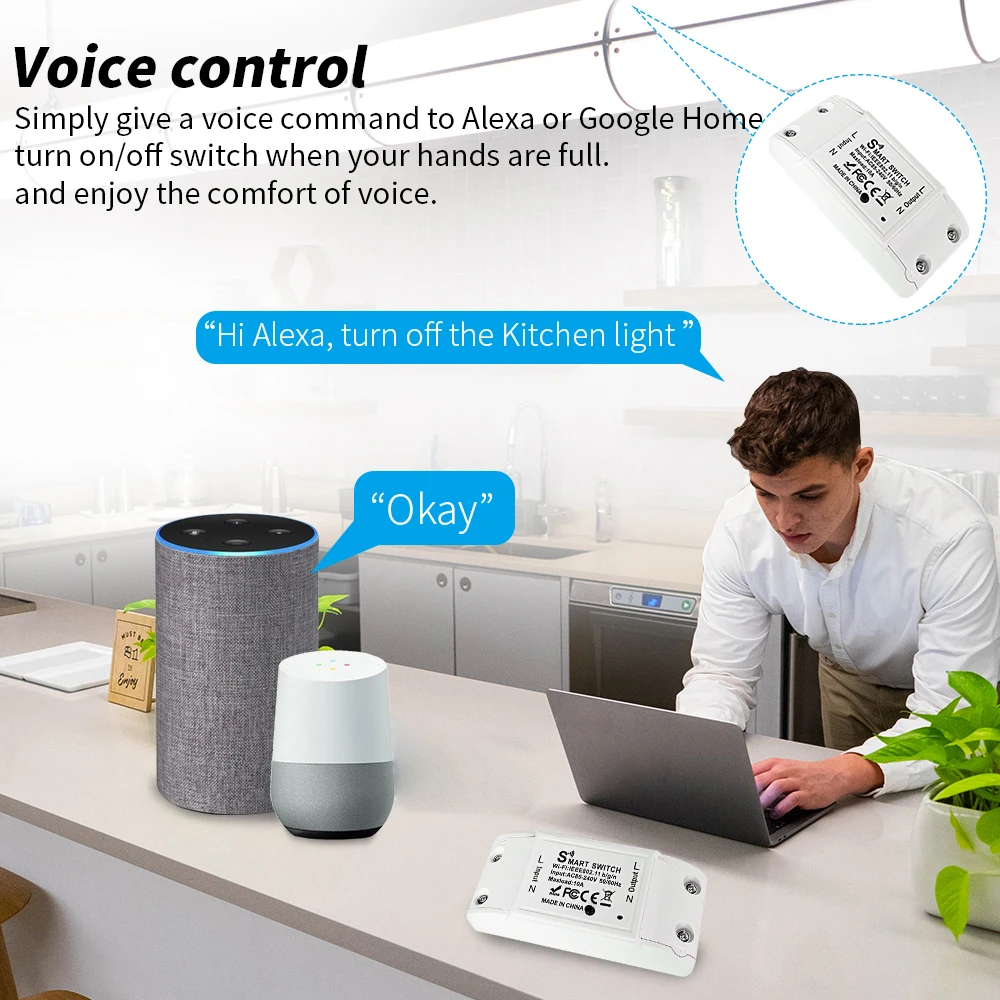
✅Voice control:
Works perfectly with Alexa,Google Home AI speaker.
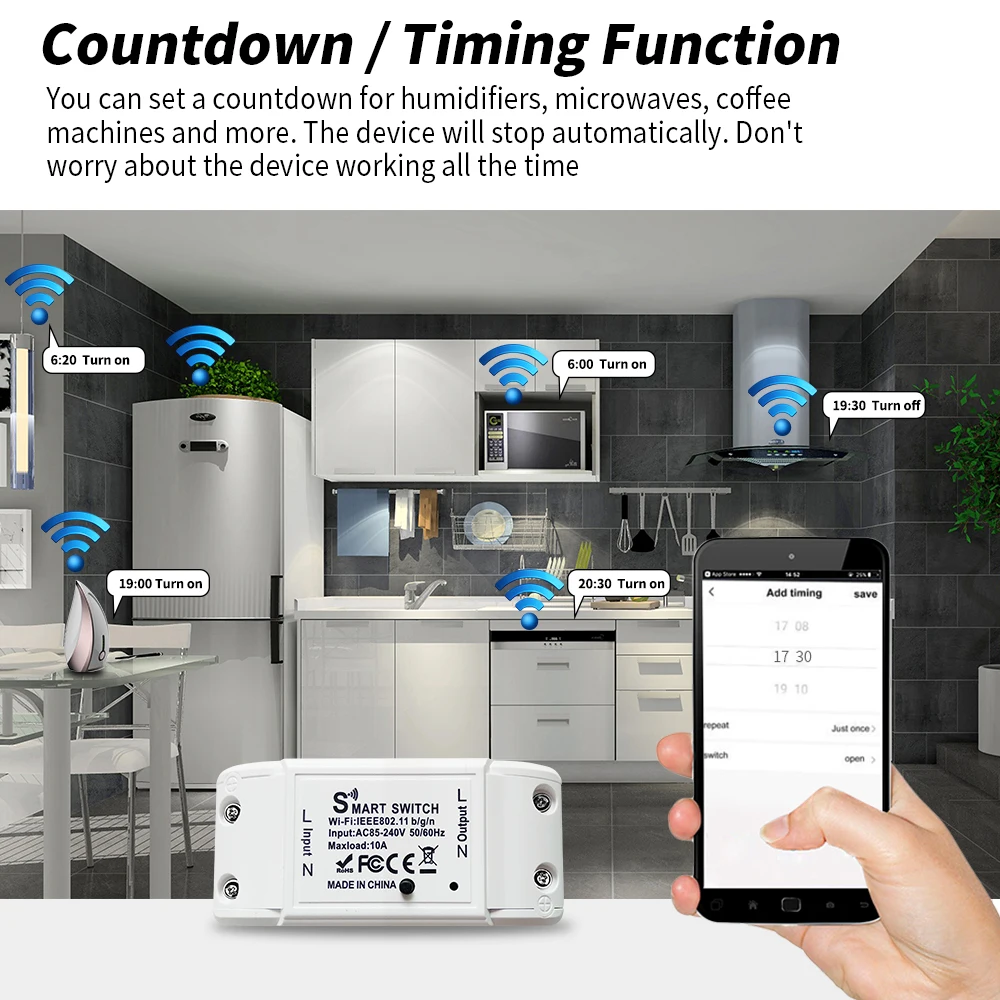
✅Countdown function
You can set a countdown for humidifiers, microwaves, coffee machines and more. The device will stop automatically. Don't worry about the device working all the time
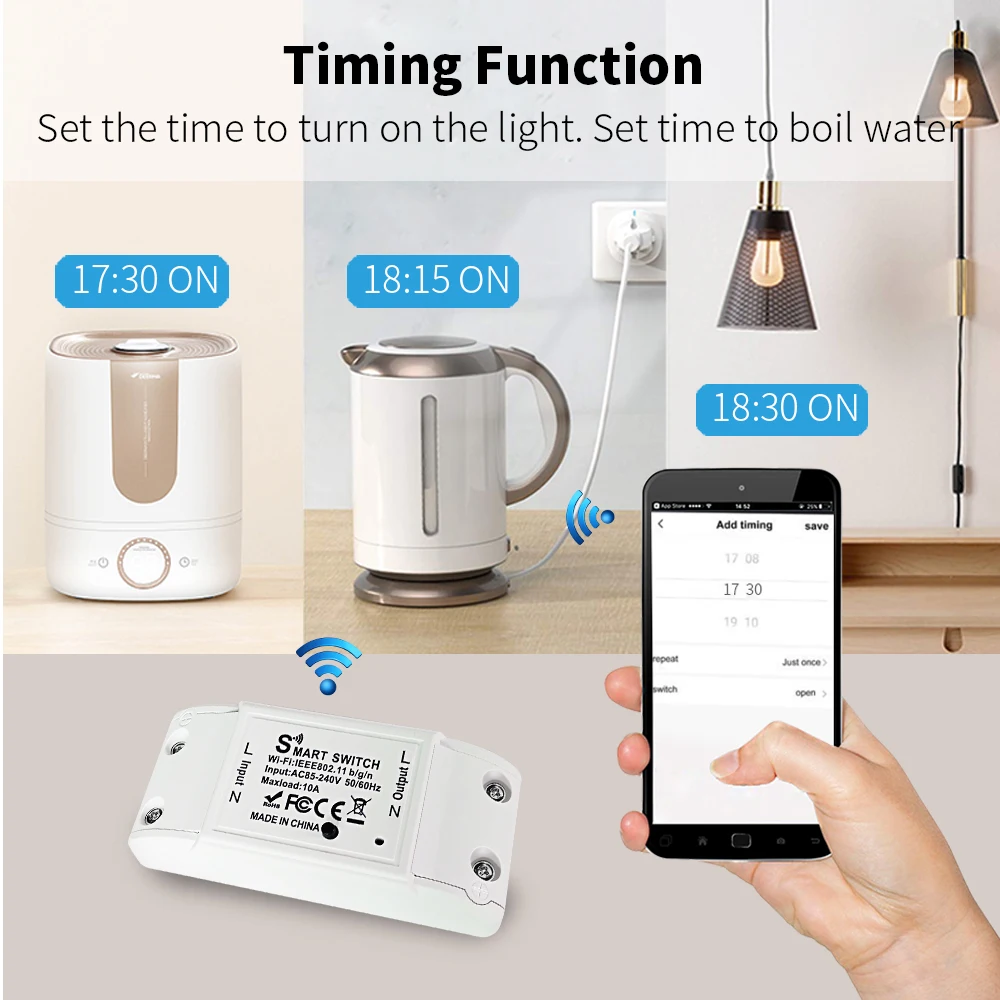
✅Timing Function
Set the time to turn on the light.
Set time to cook rice...
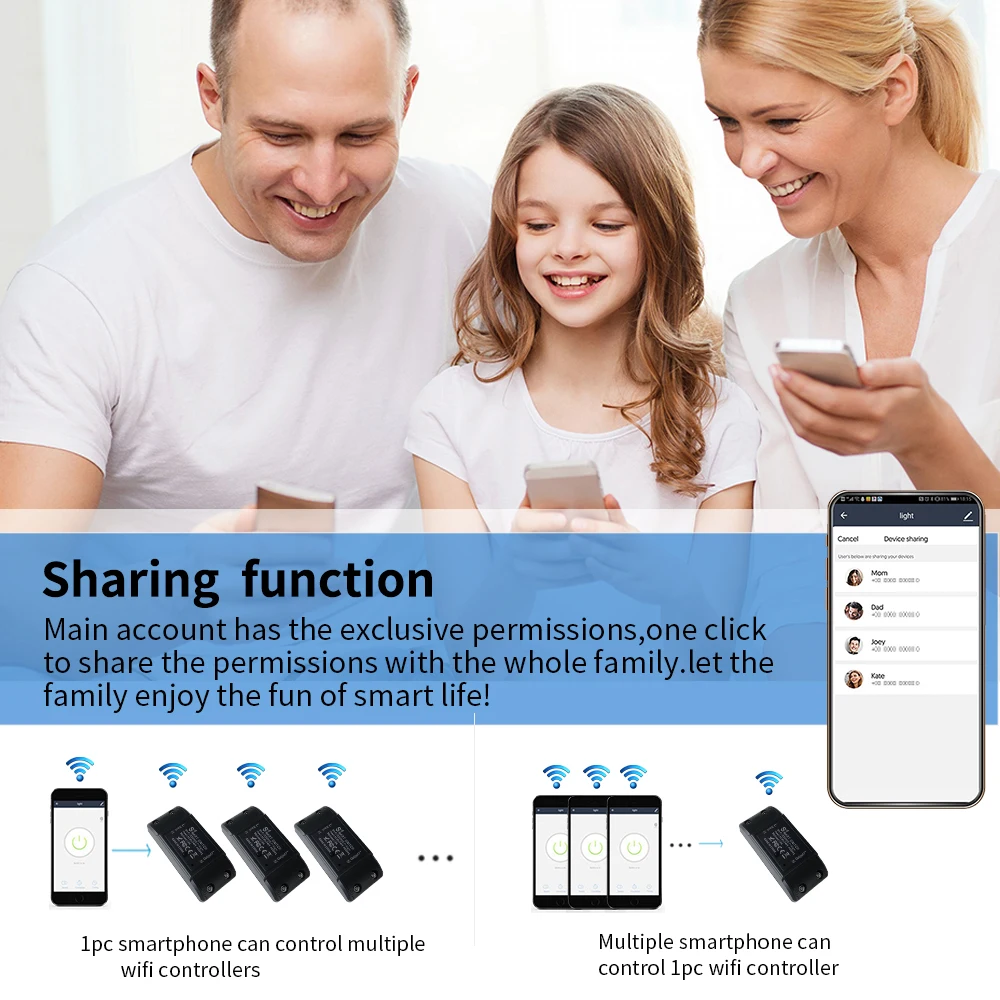
Family Sharing Control Fun
✅main account has the exclusive permissions,one click to share the permissions with the whole family.let the family enjoy the fun of life!
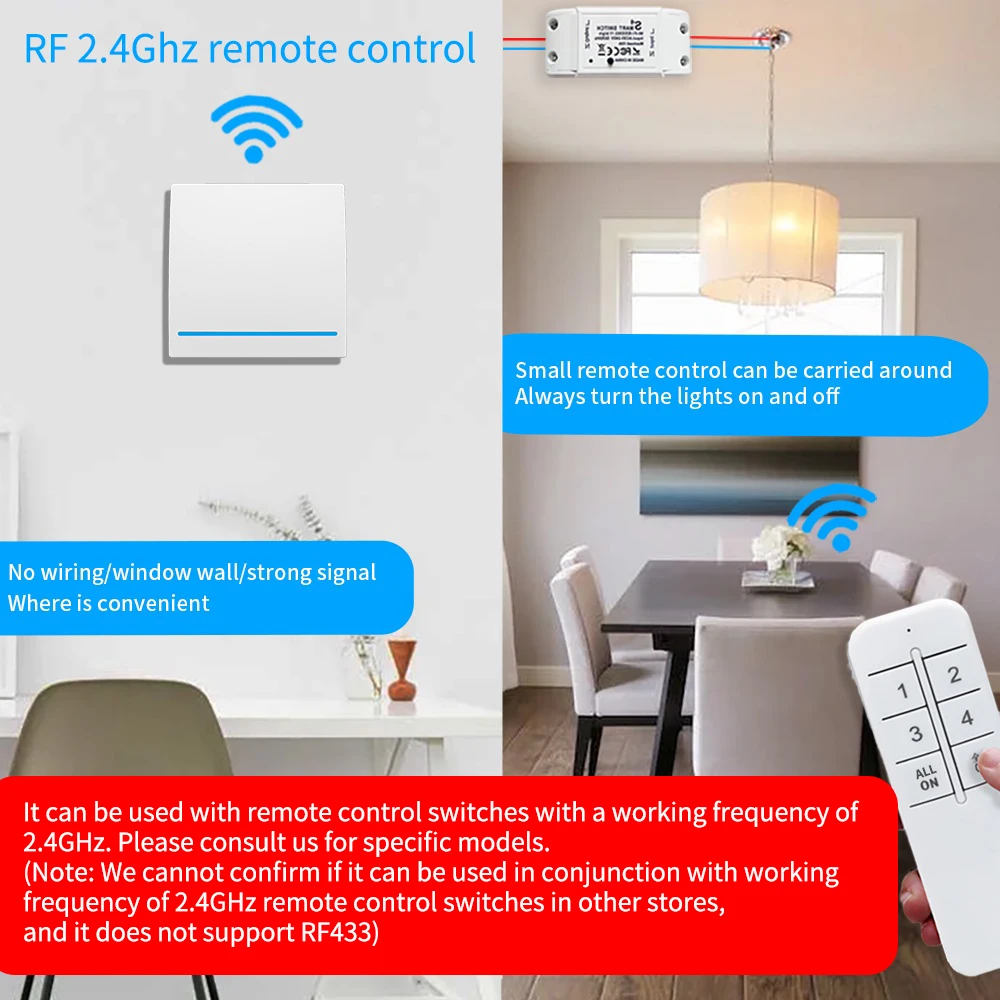
More convenient remote control fun
✅When you wake up at night, the wireless switch is more convenient,and will not affect the rest of the baby and family.
✅3 Kinds Of Restart State
No need to worry about the status of the lights when going out
It can be used together with our store's wireless switch with a frequency of 2.4GHz. (Note: It does not support wireless switches with an RF frequency of 433MHz)
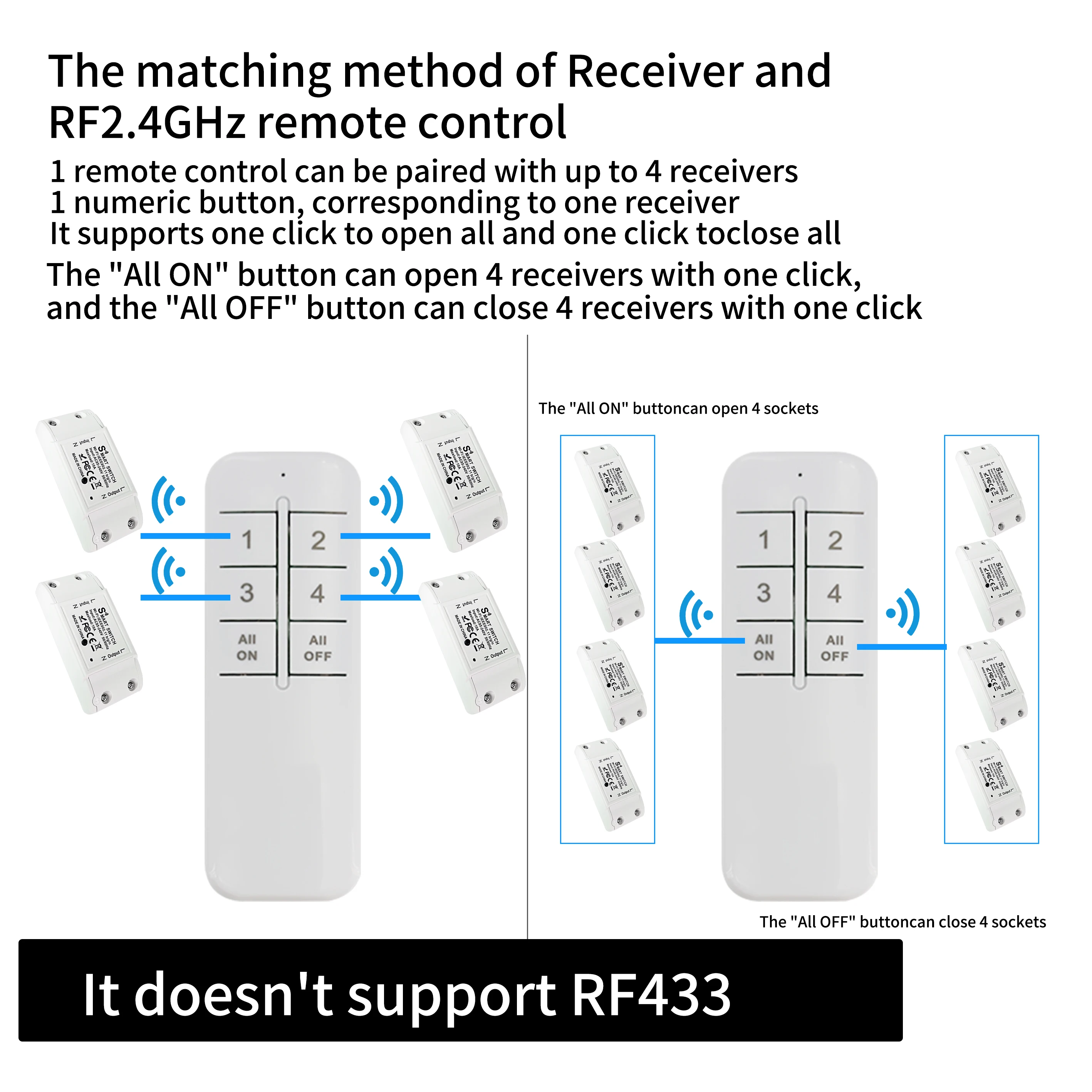 ✅ ✅The remote control needs to be paired with the receiver as follows:
✅2.4G remote Off line pairing:
When in non pairing mode, quickly and continuously press the button 2 times on the receiver, At this time, the indicator light flashes twice and stops once.,the receiver will enter pairing mode. At this time, press the switch remote control once, and if the receiver is controlled, pairing is successful; (If pairing is not successful, please repeat the above operation)
✅Attention:
If the indicator light flashes slowly or rapidly, it indicates that the pairing has entered invalid pairing mode and cannot be successfully paired. You need to clear the pairing code of the receiver and then perform the pairing operation again. (The indicator light must flash twice and stop once before pairing can be successful)
✅Clear pairing:
When in non pairing mode, continuously press the button on the socket 8 times (within 5 seconds) to turn off the indicator light and clear the successful pairing.
