
Wooboobox Wireless CarPlay Dongle, Support 2 Phones Memory & One-Tap Switch, Low Latency USB Adapter for OEM Cars


Wooboobox Wireless CarPlay Dongle, Support 2 Phones Memory & One-Tap Switch, Low Latency USB Adapter for OEM Cars
SPECIFICATIONS
Brand Name: wooboobox,WOOBOOBOX
Choice: yes
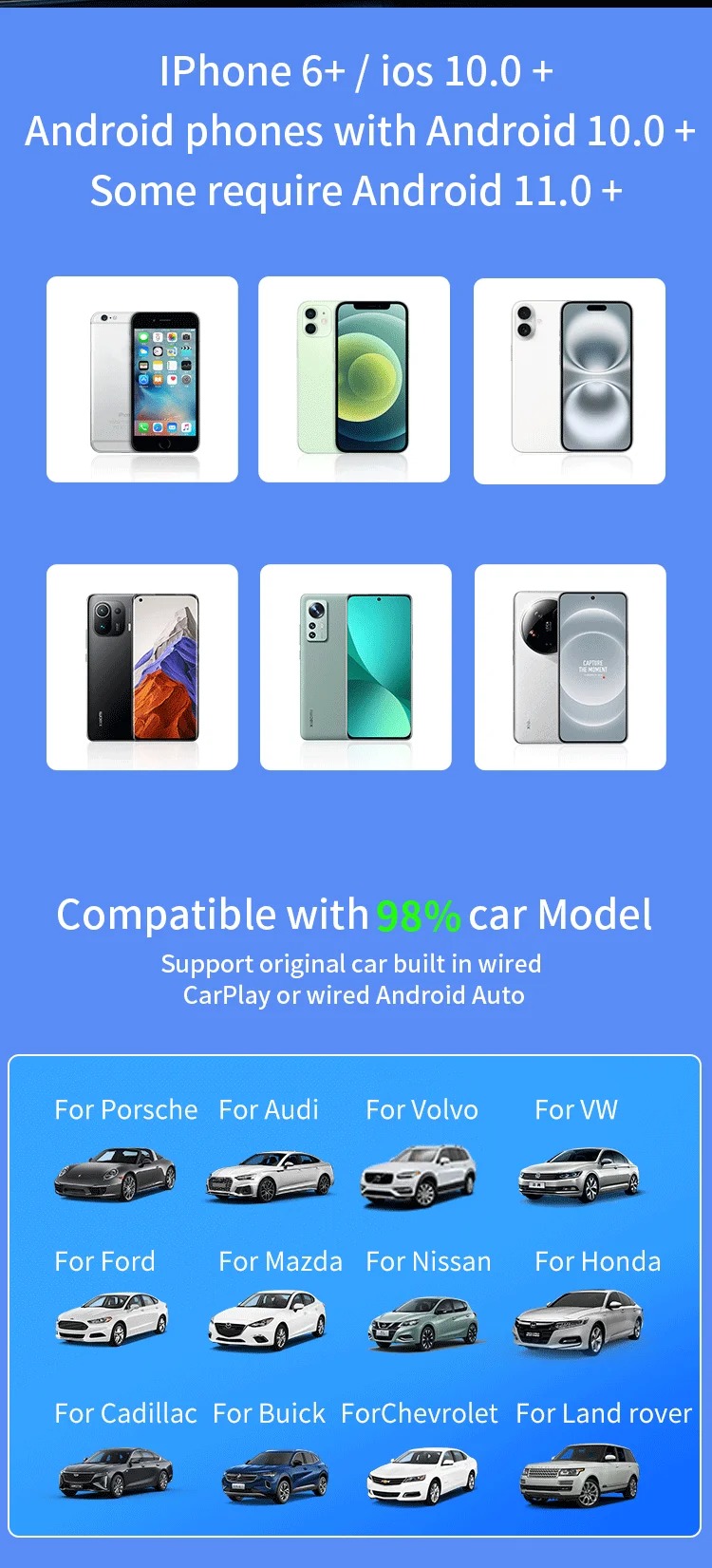
Compatible Car: Car with factory wired CarPlay /wired Android Auto
Compatible Mobile phone: Phone 6 and above, iOS 10 and above, Android phone with Android 11.0 and above
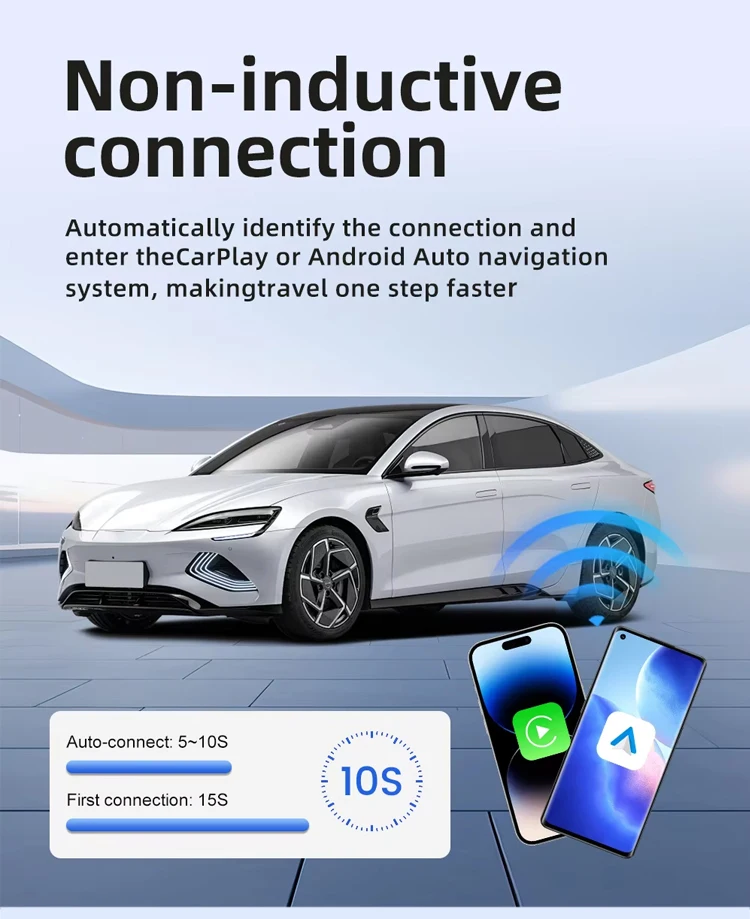
Features 1: Plug and play, non-inductive connection, say goodbye to wired constraints
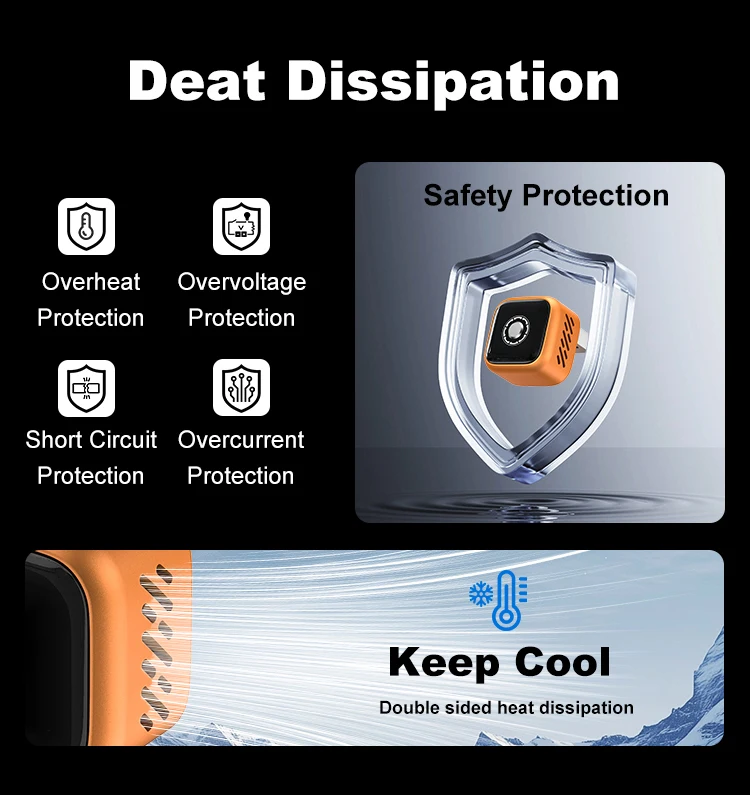
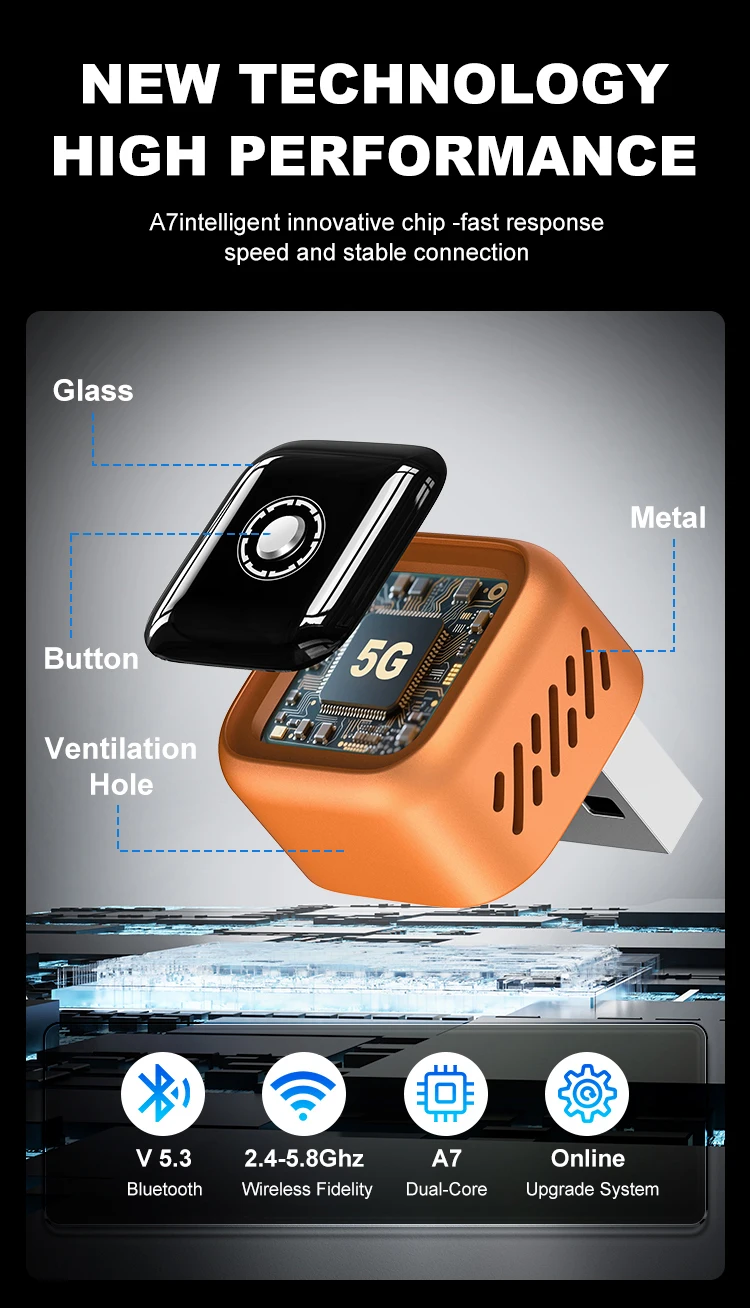
Features 2: Alloy body for superior heat dissipation and enhanced durability
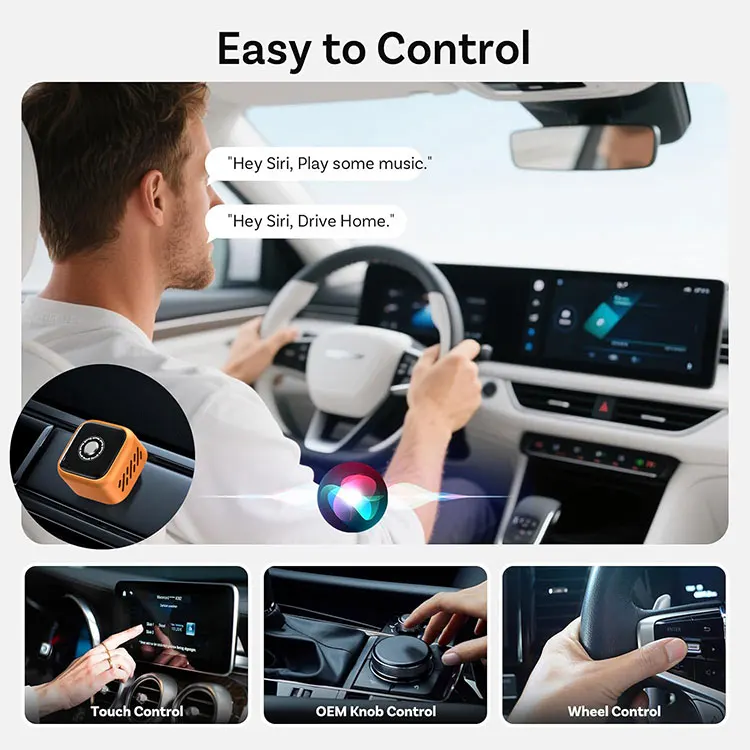
Features 3: Retain original vehicle buttons, knobs, microphone and sound quality
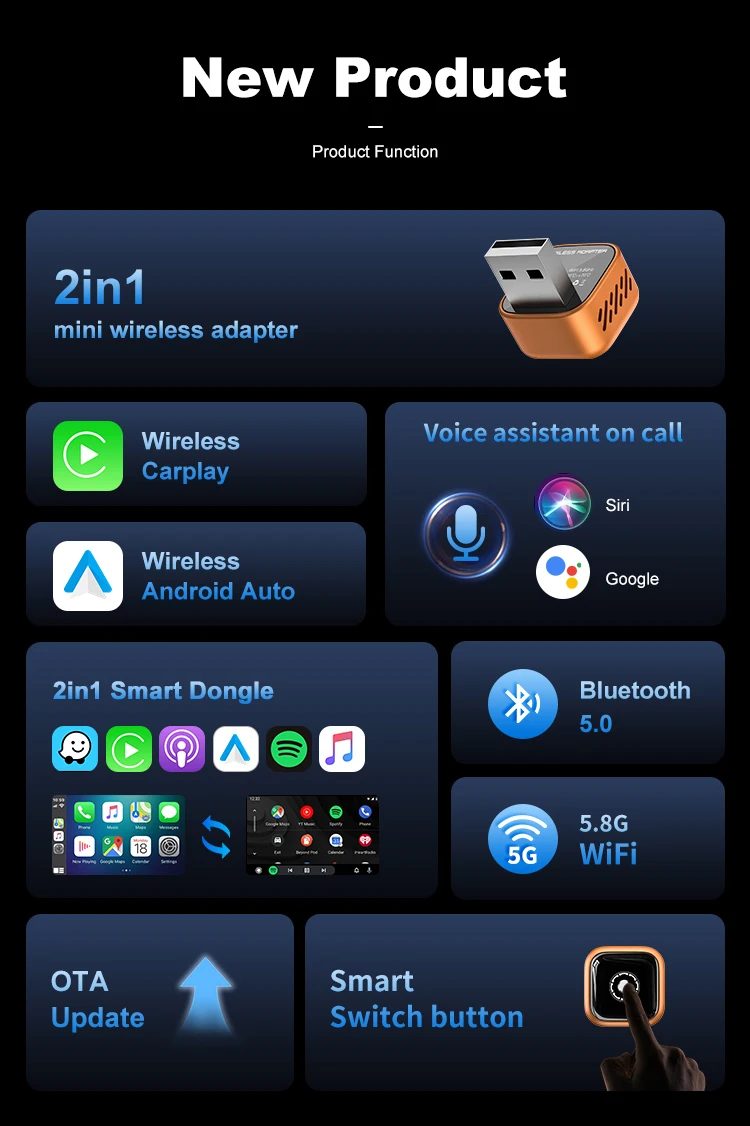
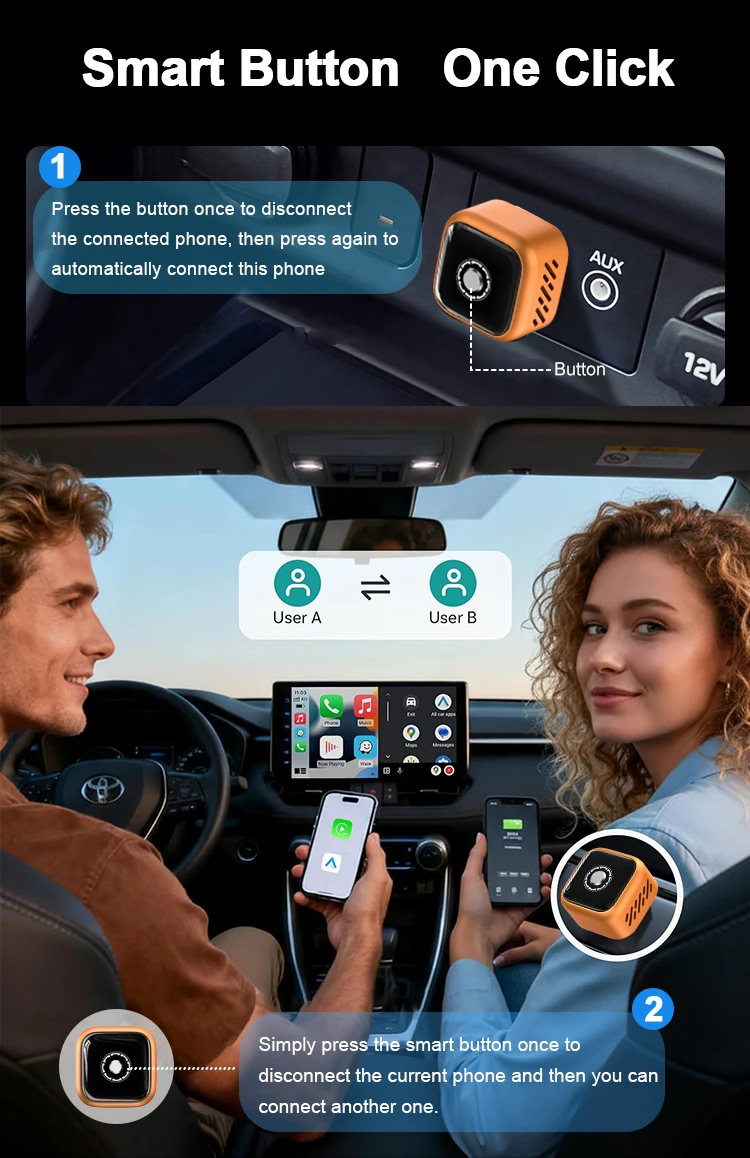
Features 4: Remember two Phones, One button switch
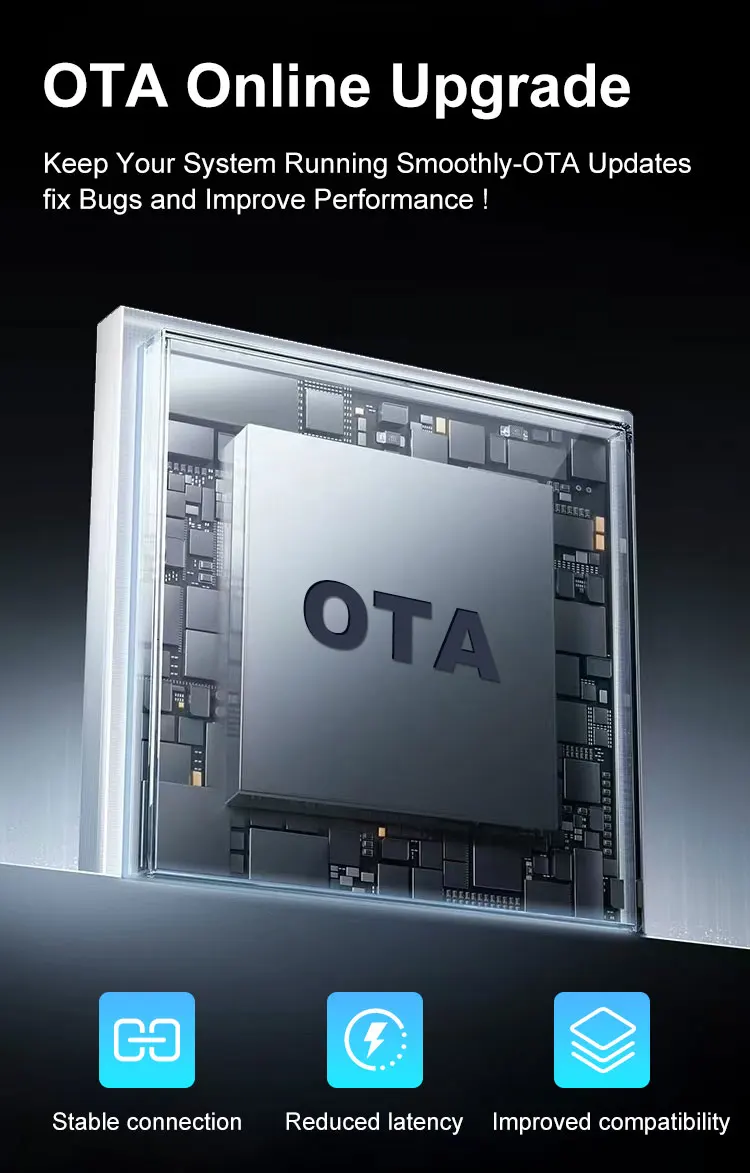
Features 5: Support OTA upgrade, online feedback, solve problems quickly
High-concerned chemical: None
Language: Automatically switch according to the Phones language environment
Material: Alloy body
Origin: Mainland China
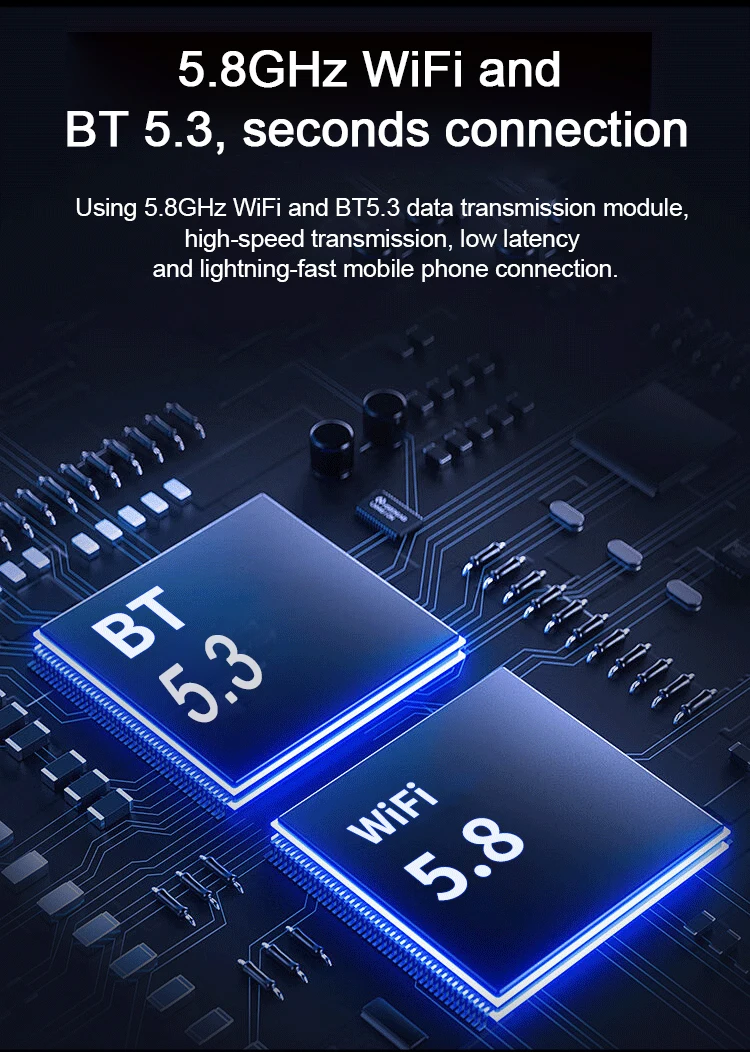
WiFi Frequency: 5.8Ghz
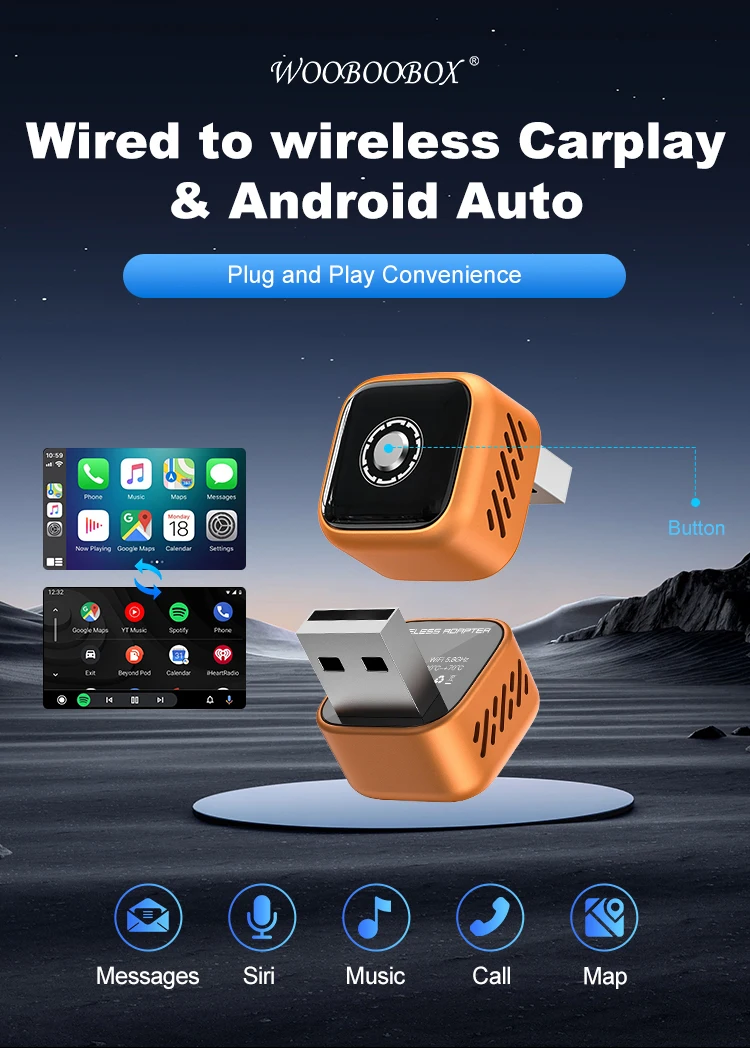
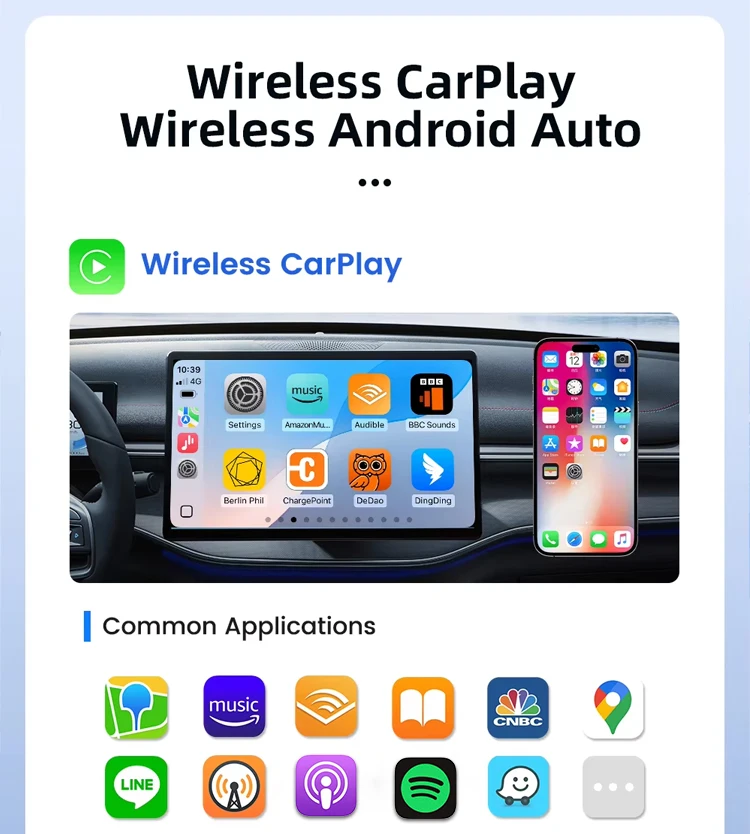
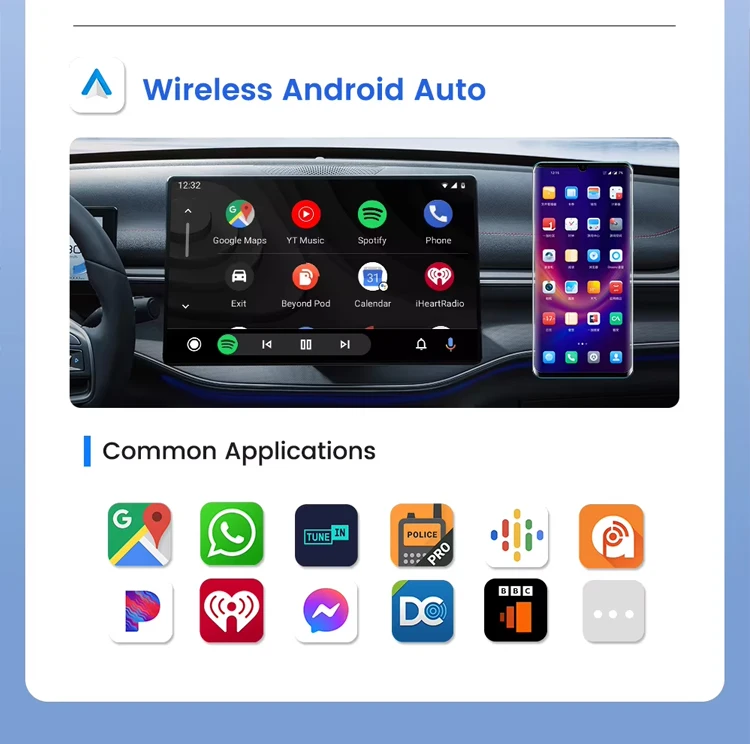
This product converts factory wired CarPlay / Android Auto into wireless CarPlay / Android Auto.
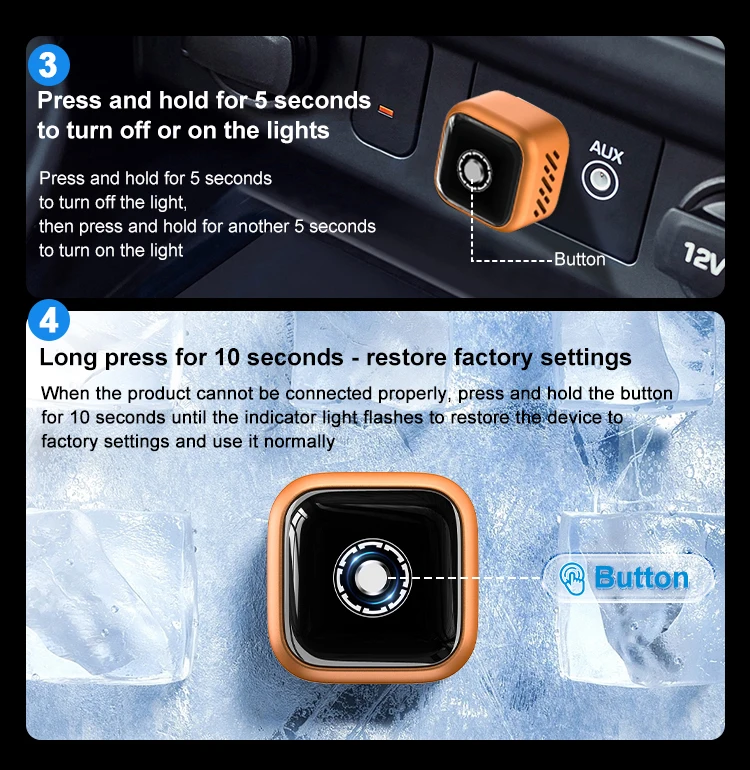
It comes with a physical button, allowing you to one-click switch connection between your phone and your family’s phones.
Please read carefully before purchase!
Please ensure your car is equipped with original factory CarPlay. This product is compatible with 98% of vehicles with factory wired CarPlay. If you are unsure, please contact customer service for consultation.
CarPlay supports iPhone 6 and above, with iOS 10 or later.
Android Auto supports Android 11 and above. Please note that Huawei phones are incompatible. Huawei devices run on its own operating system EMUI. Unfortunately, wireless Android Auto does not support EMUI.
Features
Wired to wireless CarPlay adapter, no more wired connection. Plug and play via USB, stable and fast. No need to remove the original car radio.
Certified 5GHz WiFi module delivers a faster and better wireless experience.
Auto reconnection after the first successful pairing. Supports OTA online firmware upgrade.
OTA online firmware upgrade.
FAQ
1. How to check if my car is compatible?
Your car radio is original factory equipment.
-
Your car supports wired CarPlay or wired Android Auto.If you have any doubts, please consult customer service before purchasing.
2. Why can't my Android phone connect to CarPlay?
3. Why is there a slight audio delay when using the product?
Turn off idle Bluetooth devices, as unnecessary Bluetooth signals will interfere with the connection.
Disconnect and reconnect Bluetooth again.
4. Why can't wireless Android Auto connect properly?
For phones running Android 9 / Android 10 (lower versions), if Android Auto is not available in Google Services, please download the Android Auto app manually.
Make sure your phone’s Bluetooth and WiFi are turned on. Android Auto requires both Bluetooth and WiFi for data transmission.
Forget the original car Bluetooth on your phone, and disconnect all other redundant Bluetooth connections.
Ensure the adapter’s Bluetooth is not occupied by other devices. Disconnect any other paired devices and try again.
 Notice:
This product is suitable for models with the original car with wired CarPlay
or with wired Android Auto,
If the car only has the Wired CarPlay but do not have the wired Android Auto,
it cannot use the wireless Android Auto
