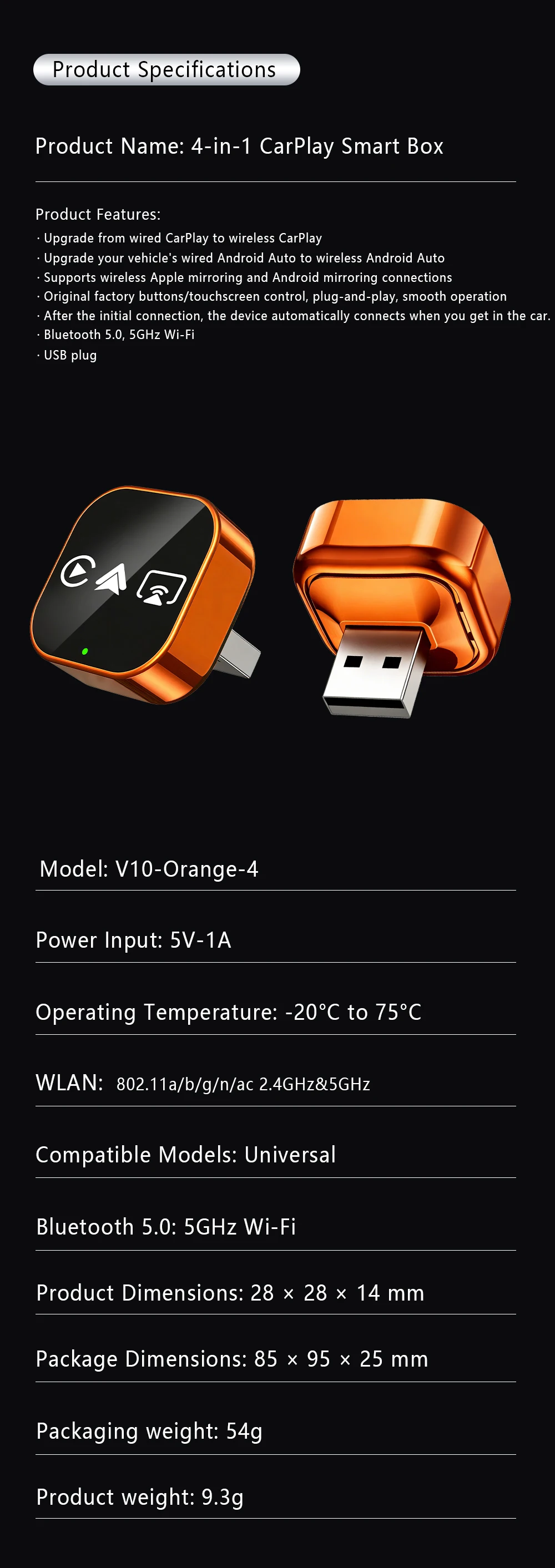
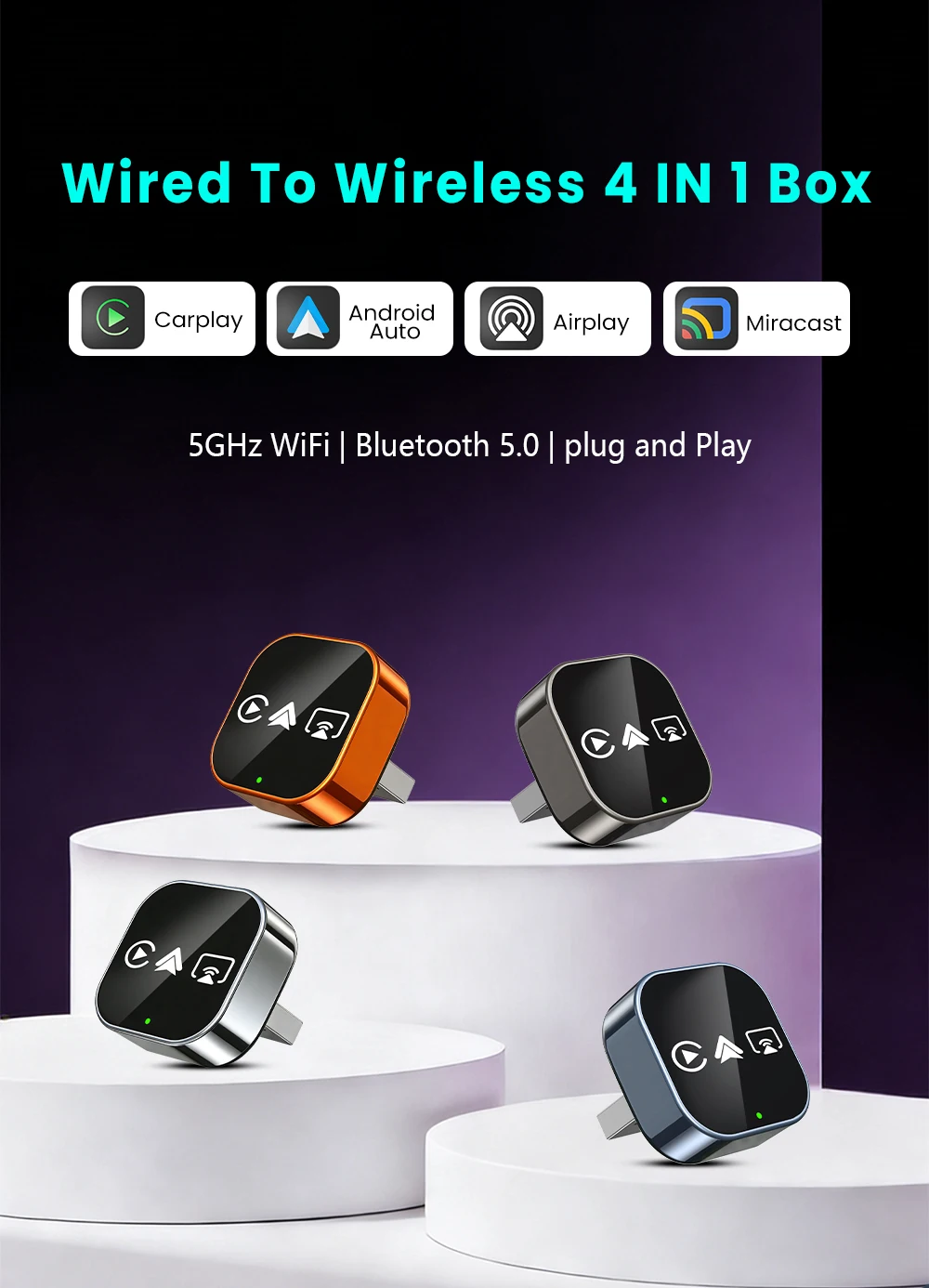
4IN1 Dongle Wireless Carplay Adapter USB Plug Play WiFi Bluetooth for iPhone Carplay Airplay Android Auto Mirrorlink Connect


4IN1 Dongle Wireless Carplay Adapter USB Plug Play WiFi Bluetooth for iPhone Carplay Airplay Android Auto Mirrorlink Connect
SPECIFICATIONS
Bluetooth: 5.0
Brand Name: NONE
Choice: yes
Conditions of Use: Only Support Original Car With Wired Carplay
Feature: Wireless Carplay
Feature1: Wireless Android Auto
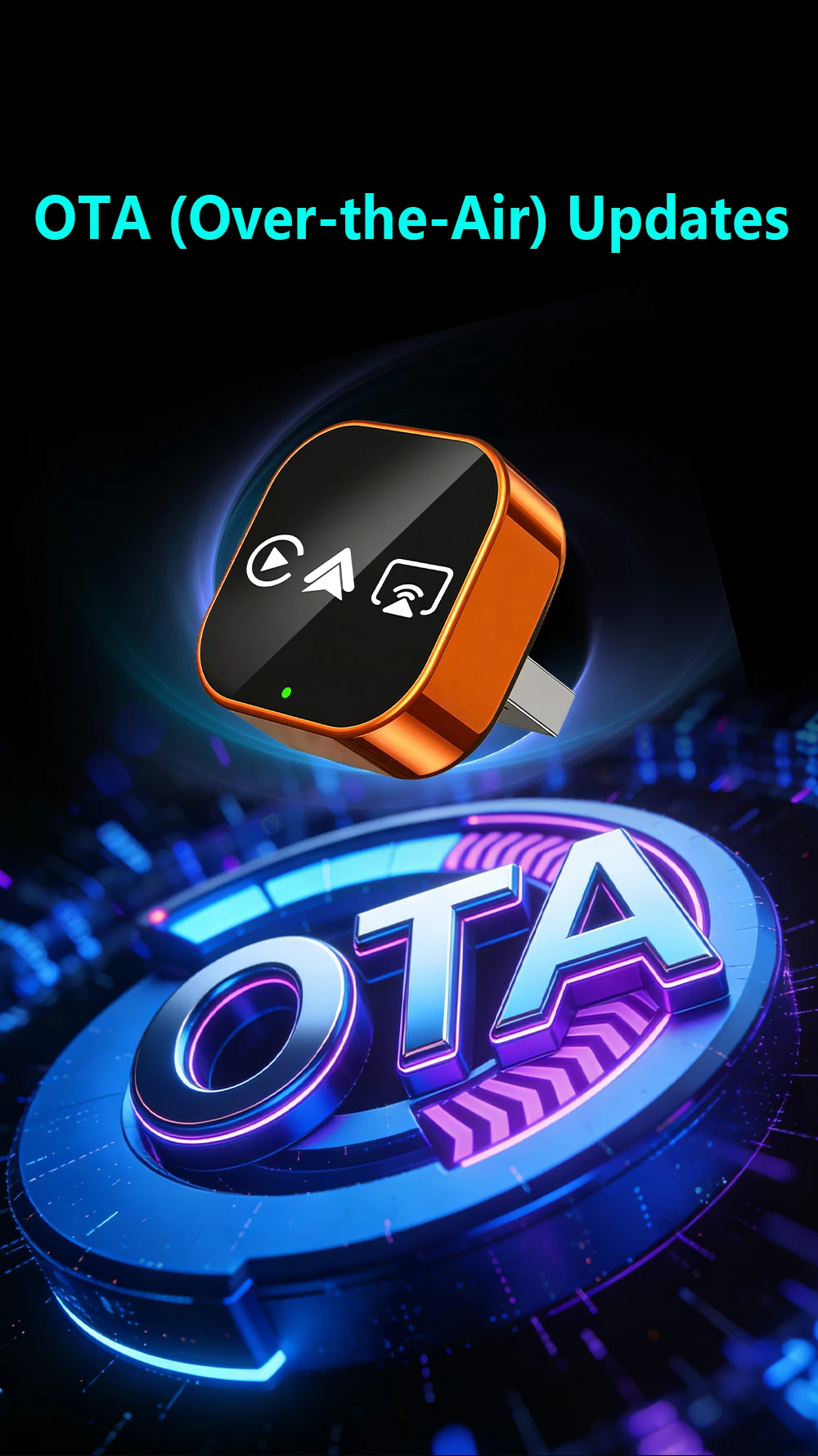
Feature2: OTA Update
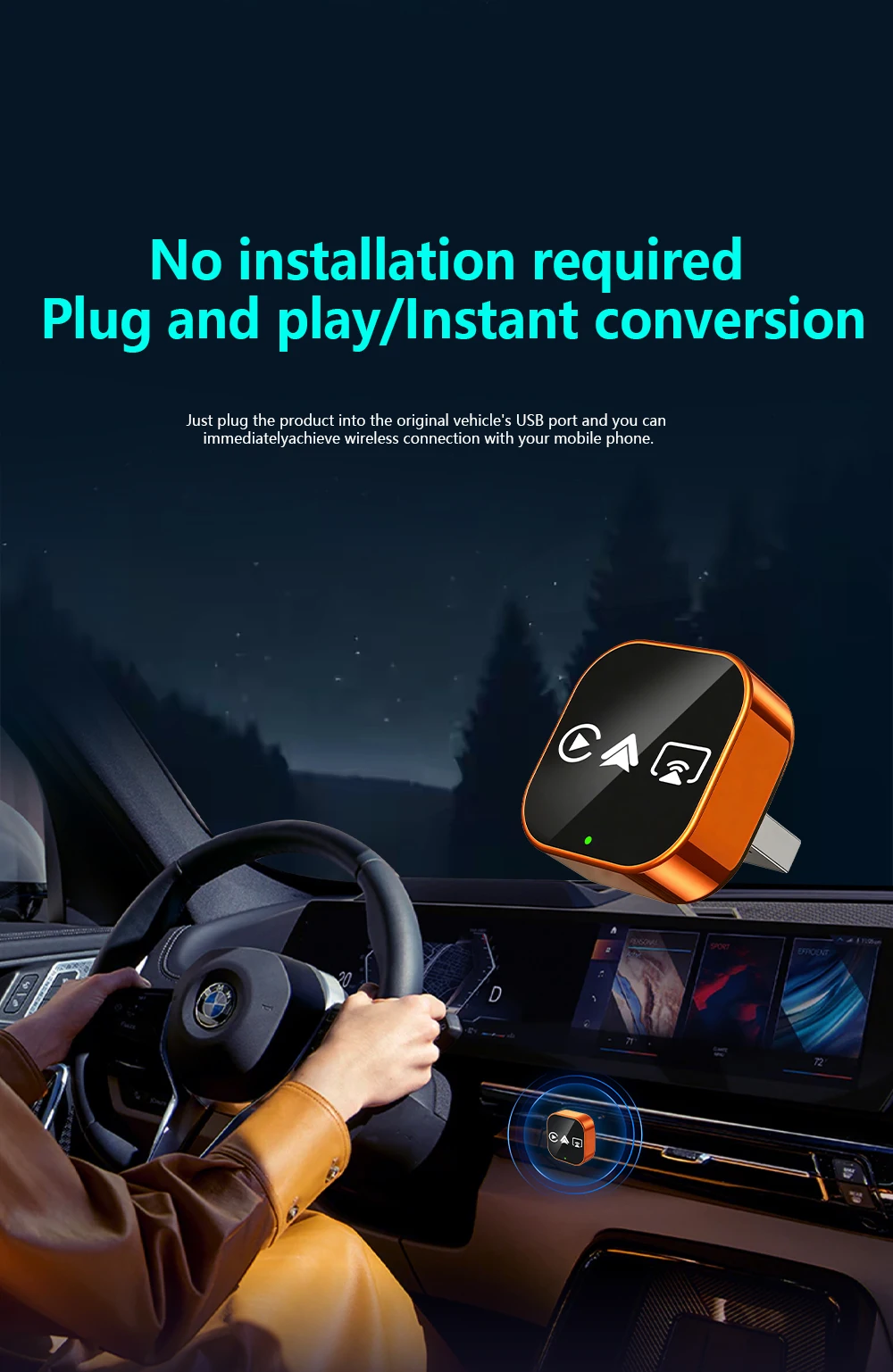
Feature3: Plug and play
Feature4: Carplay adapter
Feature5: Android auto adapter
Feature6: Airplay
Feature7: Miracast
Feature8: Smart Screen Mirroring
High-concerned chemical: None
Origin: Mainland China
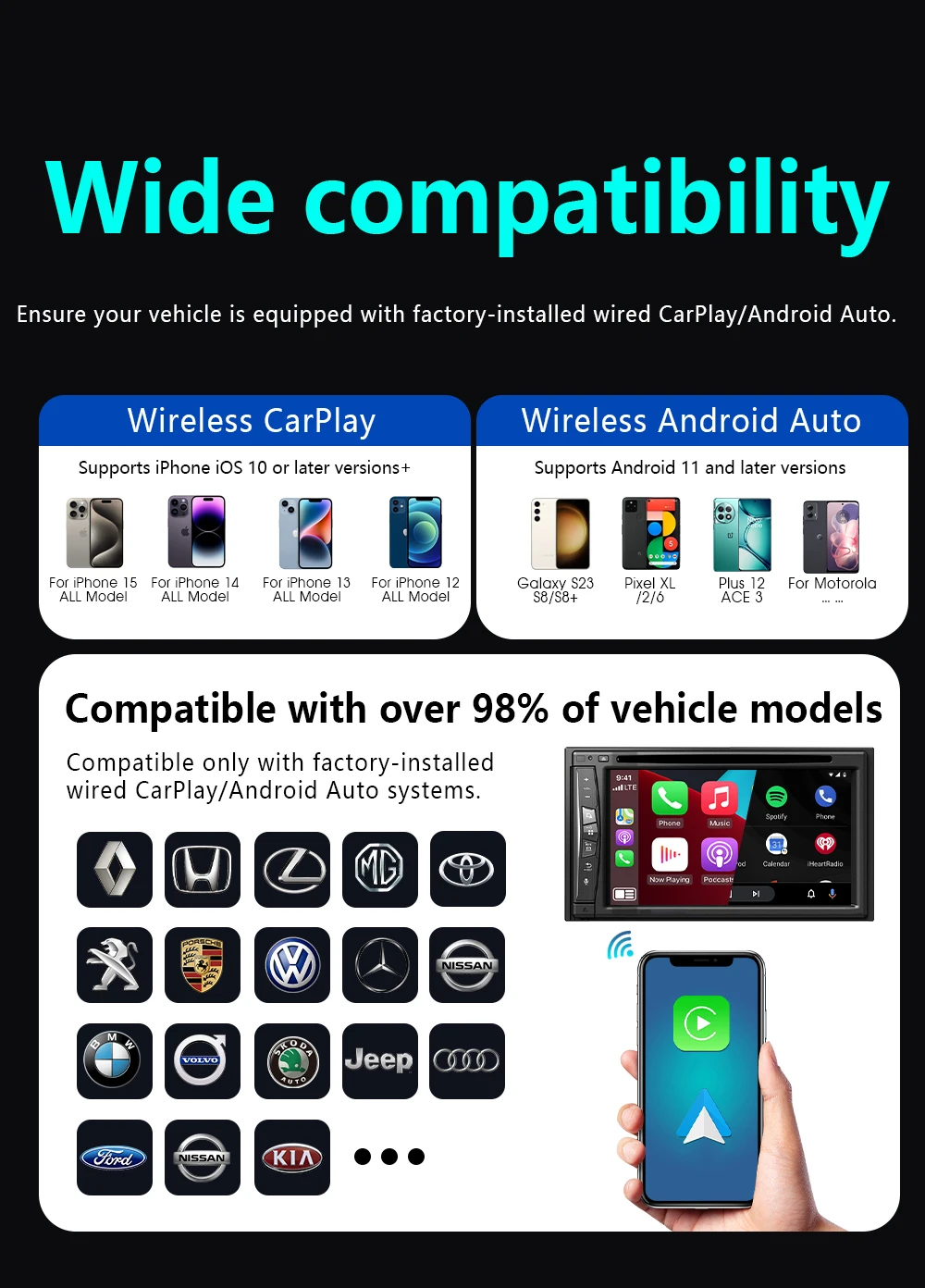
Support the Car: For Audi Benz Volvo VW Toyota Skoda Seat Nissan Mazda Lexus Kia Jeep Jaguar Hyundai,For Honda Haval GMC Ford Chevrolet Citroen Buick Cadillac Chery MG
Wifi: 2.4G+5G
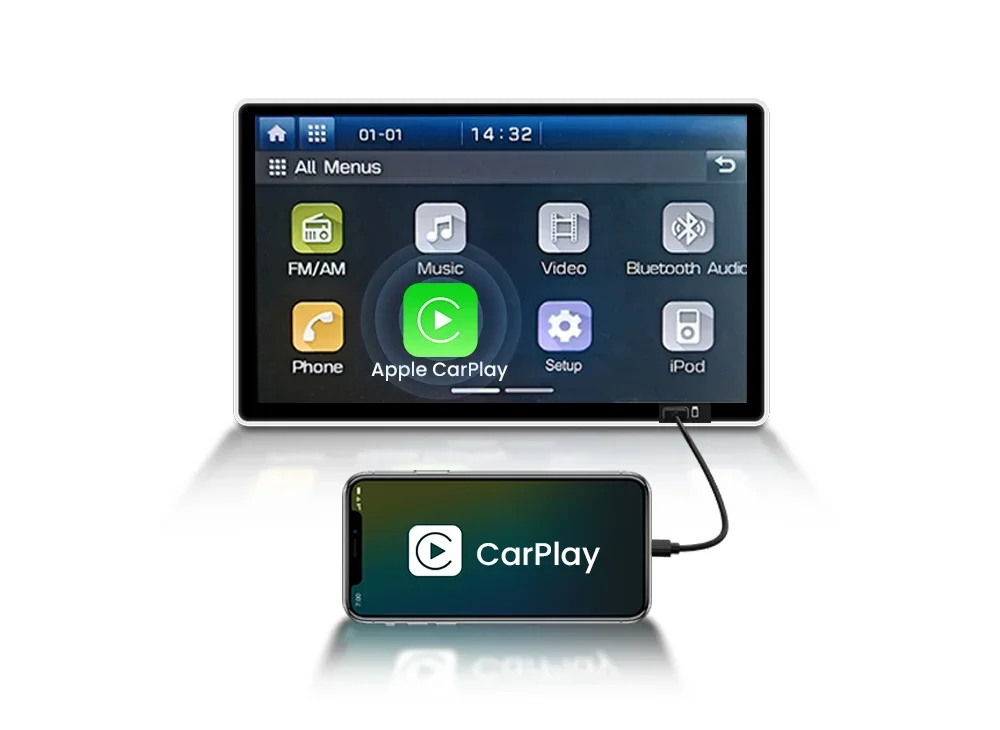
How to check for wired CarPlay
Insert the iPhone into the car's USB port using the original USB cable.
If the CarPlay logo pops up on the screen → compatible; No CarPlay after wired connection → incompatible
📬Note before buying:
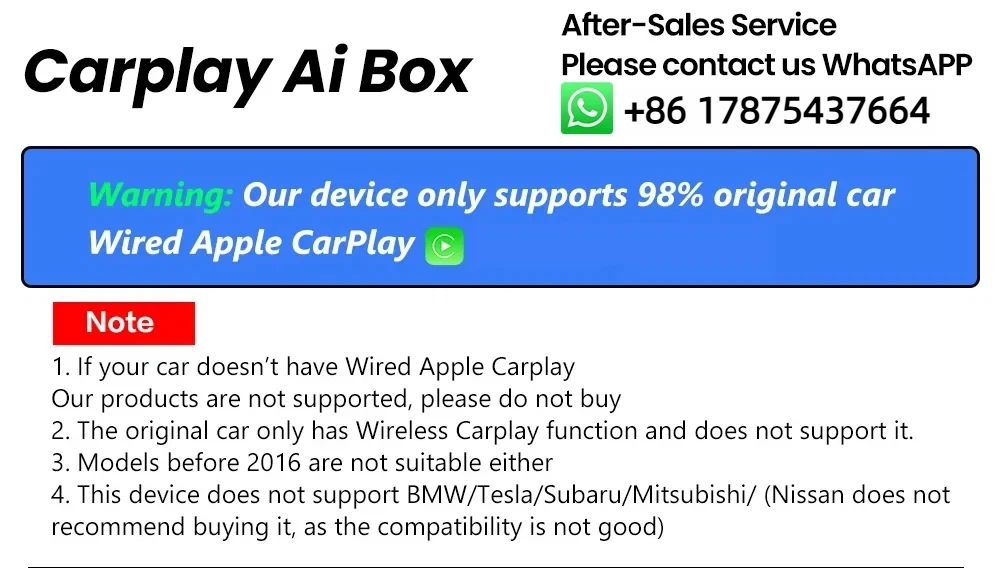
1. Please make sure your original car has OEM CarPlay, If not available, please do not purchase
2. This product is suitable for 98% of original wired CarPlay cars. BMW, Tesla, and some models are not compatible. If you're not sure. You can contact customer service for consultation.
3.Carplay supports iPhone 6 and above models, with software versions of iOS 10 and above.
4. Android cars support Android 11 and above models. Please note that Huawei phones are very unique. Huawei devices have their own mobile operating system EMUl. Unfortunately, Android Auto Wireless does not support EMUl.
🎁Product Features
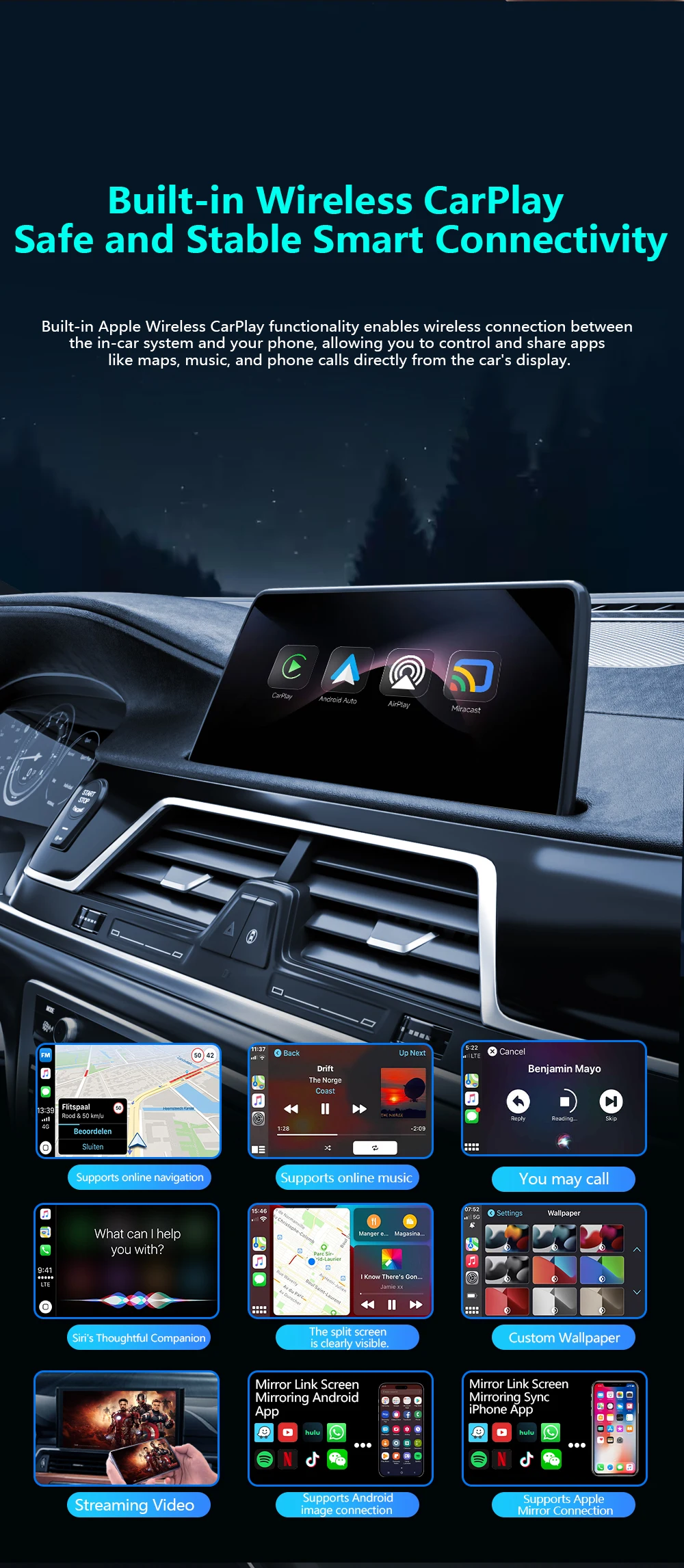
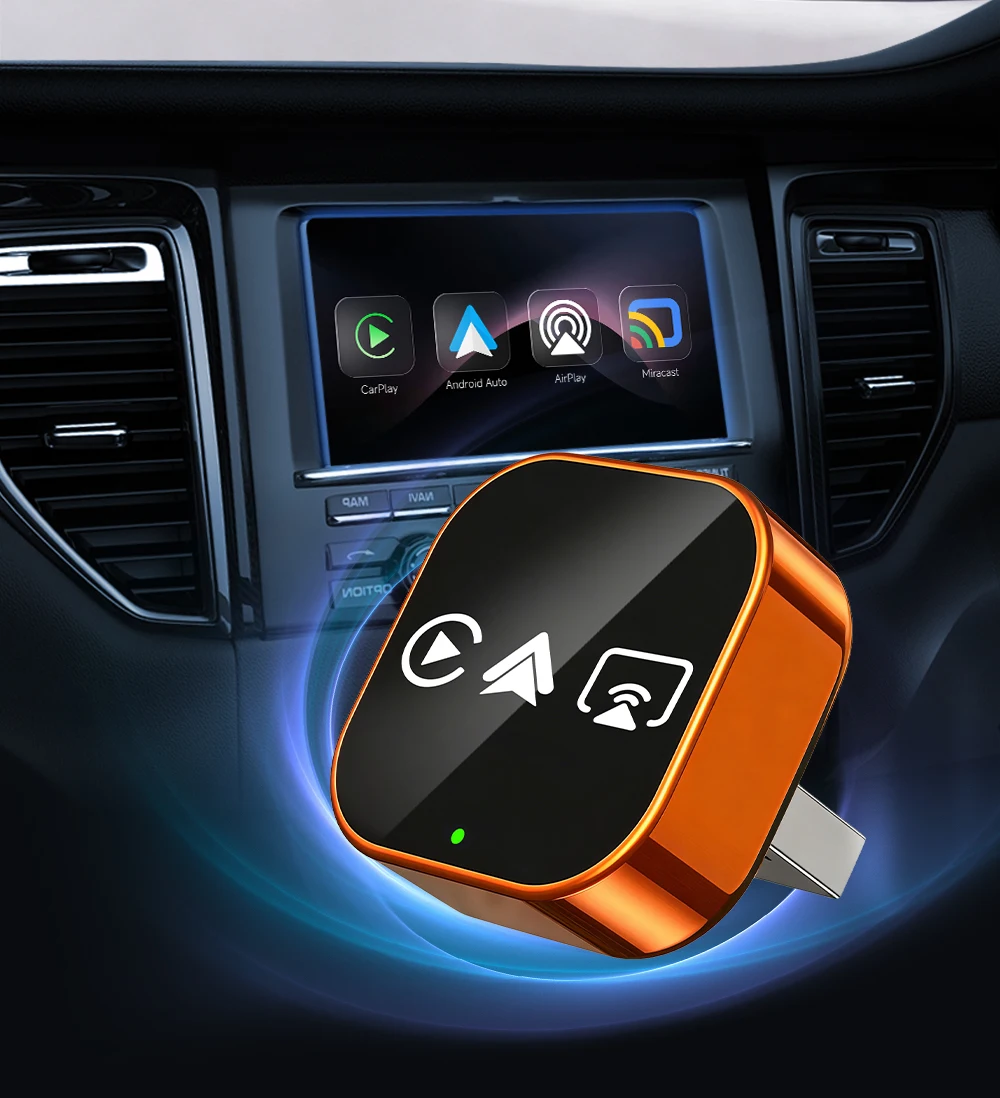
✅Upgrade from wired CarPlay to wireless CarPlay
✅Upgrade your vehicle's wired CarPlay to wireless Android Auto
✅Supports wireless Apple mirroring and Android mirroring connections
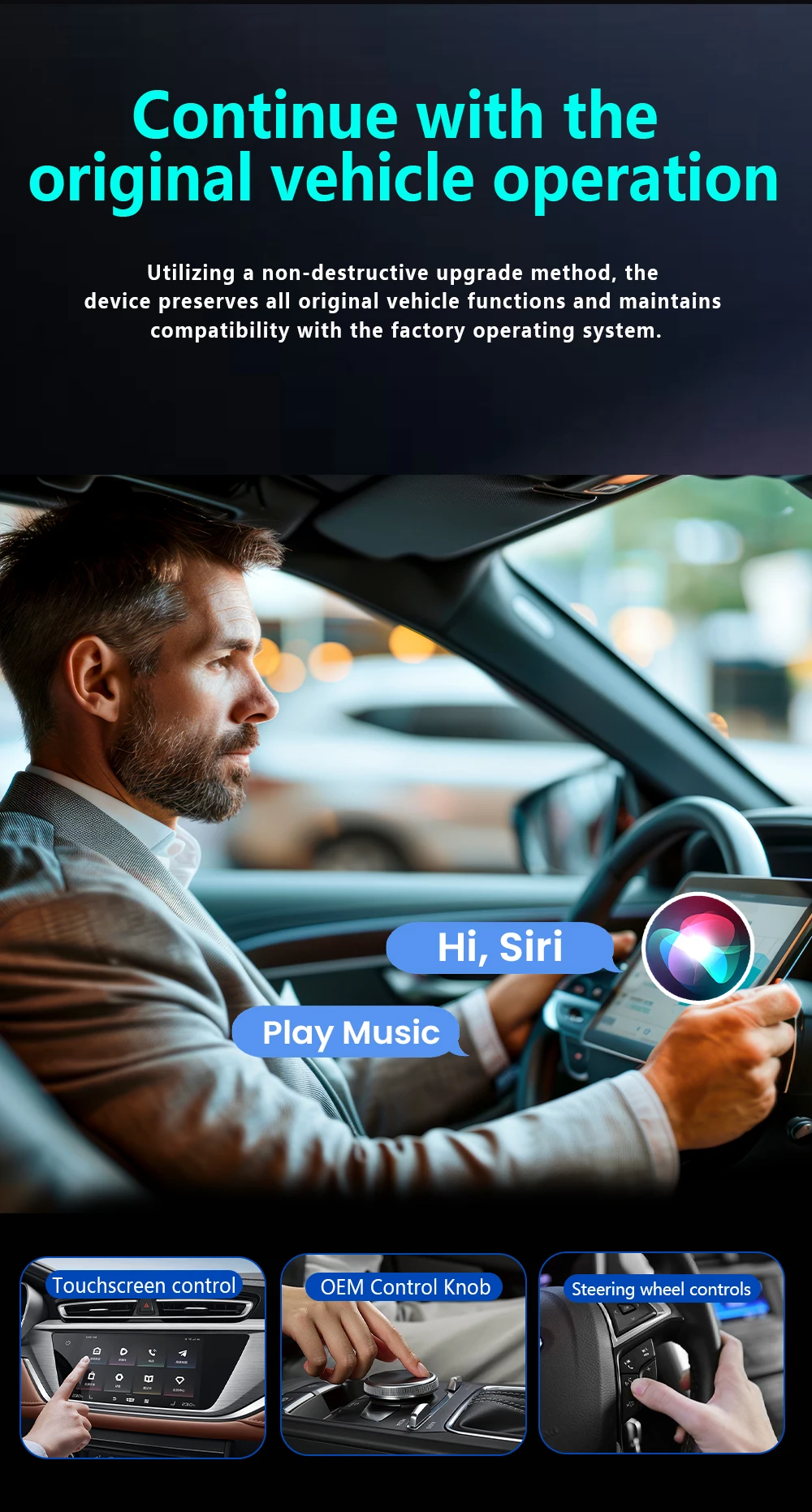
✅Original factory buttons/touchscreen control, plug-and-play, smooth operation
✅After the initial connection, the device automatically connects when you get in the car
✅Bluetooth 5.0, 5GHz Wi-Fi
✅USB plug
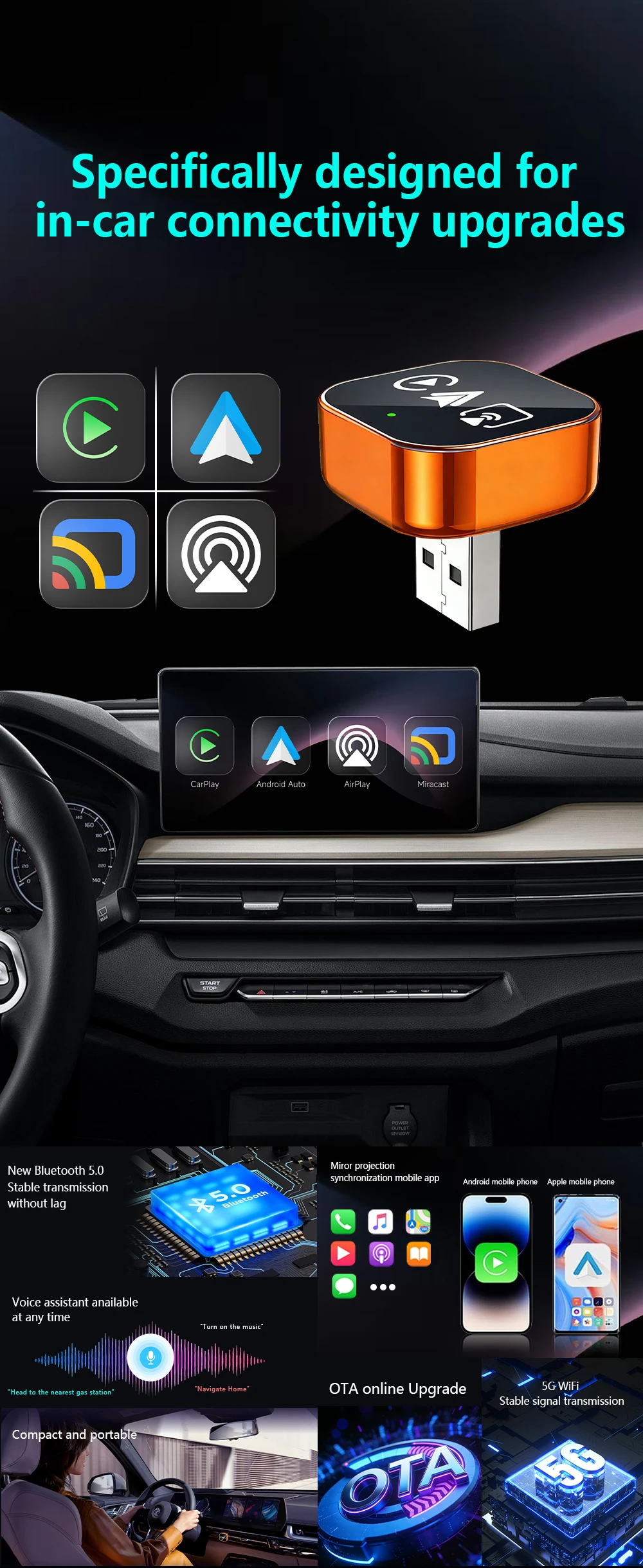
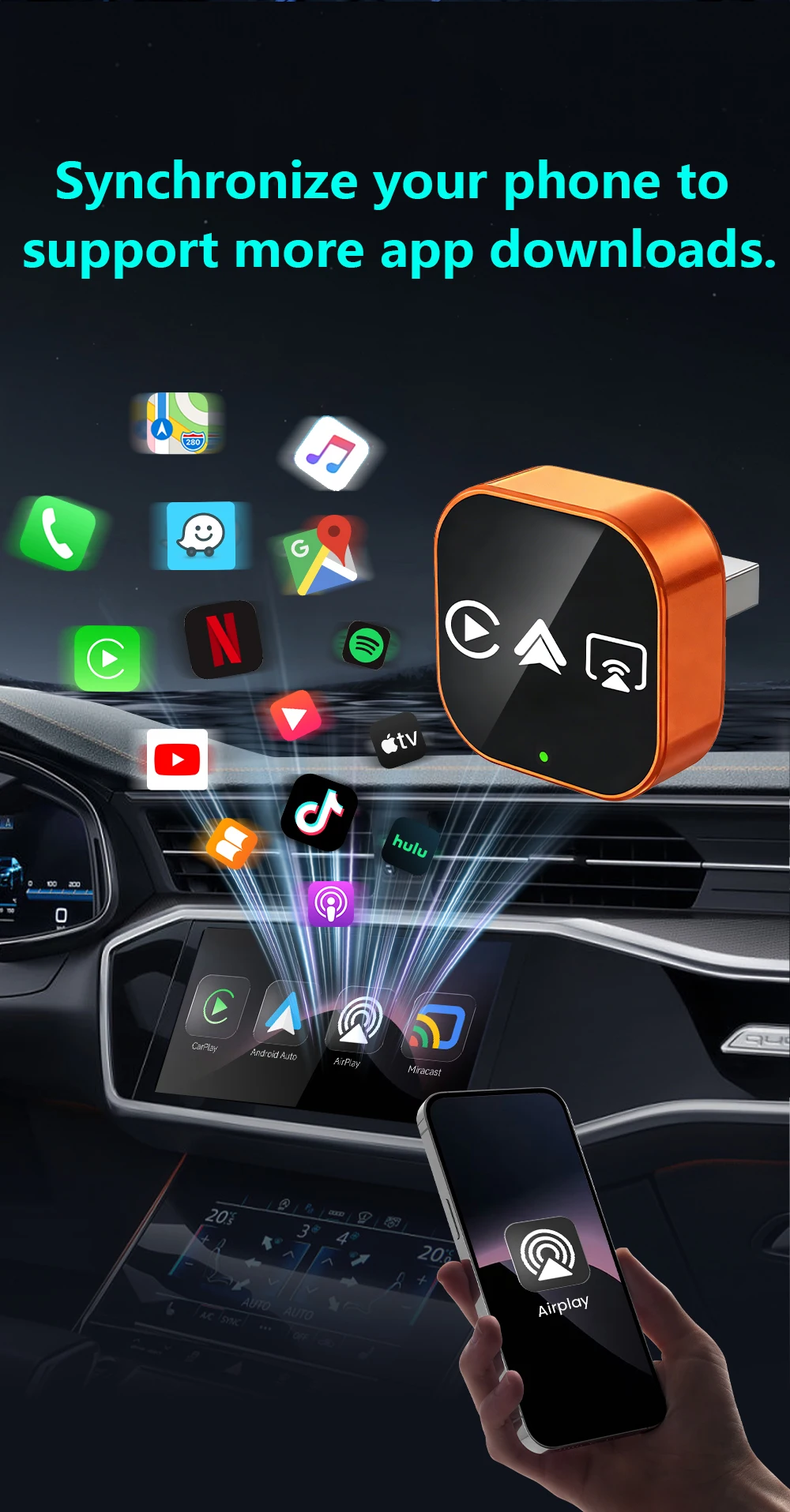
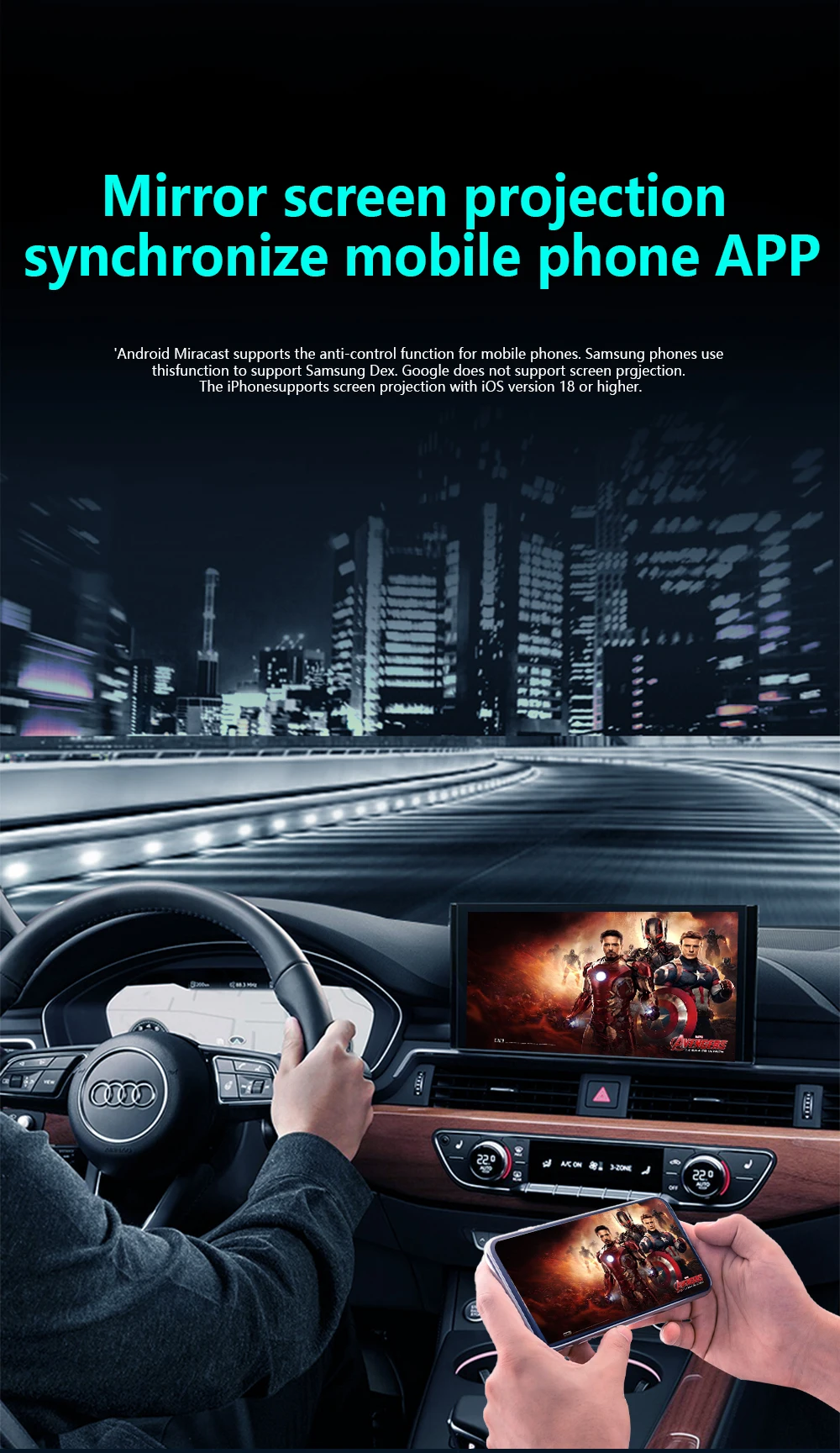
Airplay projection screen
Sync mobile APP
IPhone image projection screen, mobile phone system iOS. 18 and later
Miracast projection screen
Sync mobile APP
Android image projection screen, mobile version needs to be Android 11 or above
Airplay/Miracast Enabled: Allows wireless streaming of music, videos, and more from phone devices directly to your car’s display.
(Attention: We are unable to screen copyrighted apps, and some copyrighted videos cannot be played. We apologize for any inconvenience caused)
How to connect Mirror link?
1:Turn on WiFl on your phone
2: Click on wireless screen mirroring
3: Find the wireless screen projection entrance onyour phone(usually available in the drop-down menufunction list)or search for itin the settings
4: Find the device name of the box in the wirelessscreen casting list.
5: Click on the device nome to connect and casthe screen for use.
How to use wireless Carplay/Android Auto?
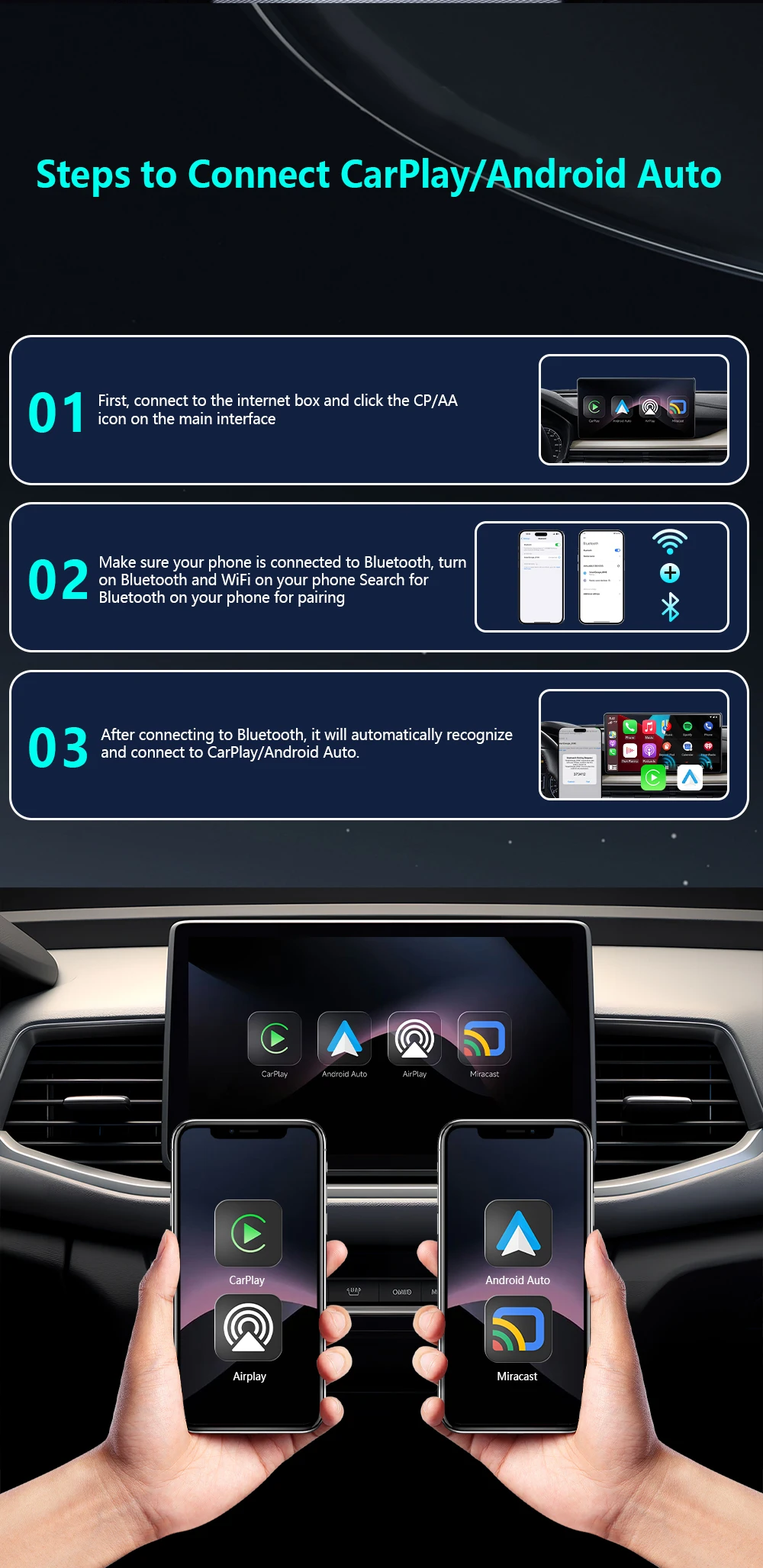
Step 1: Plug the adapter into your car’s wired CarPlay USB port.
Step 2: On the adapter’s interface, click the [CP/AA] icon.
Step 3: Turn on Bluetooth + WiFi on your phone.
Step 4: Search for the adapter’s Bluetooth name (e.g., “SmartBox-xxxx”) and pair.
Step 5: Auto-recognizes and connects to CarPlay/Android Auto – done!