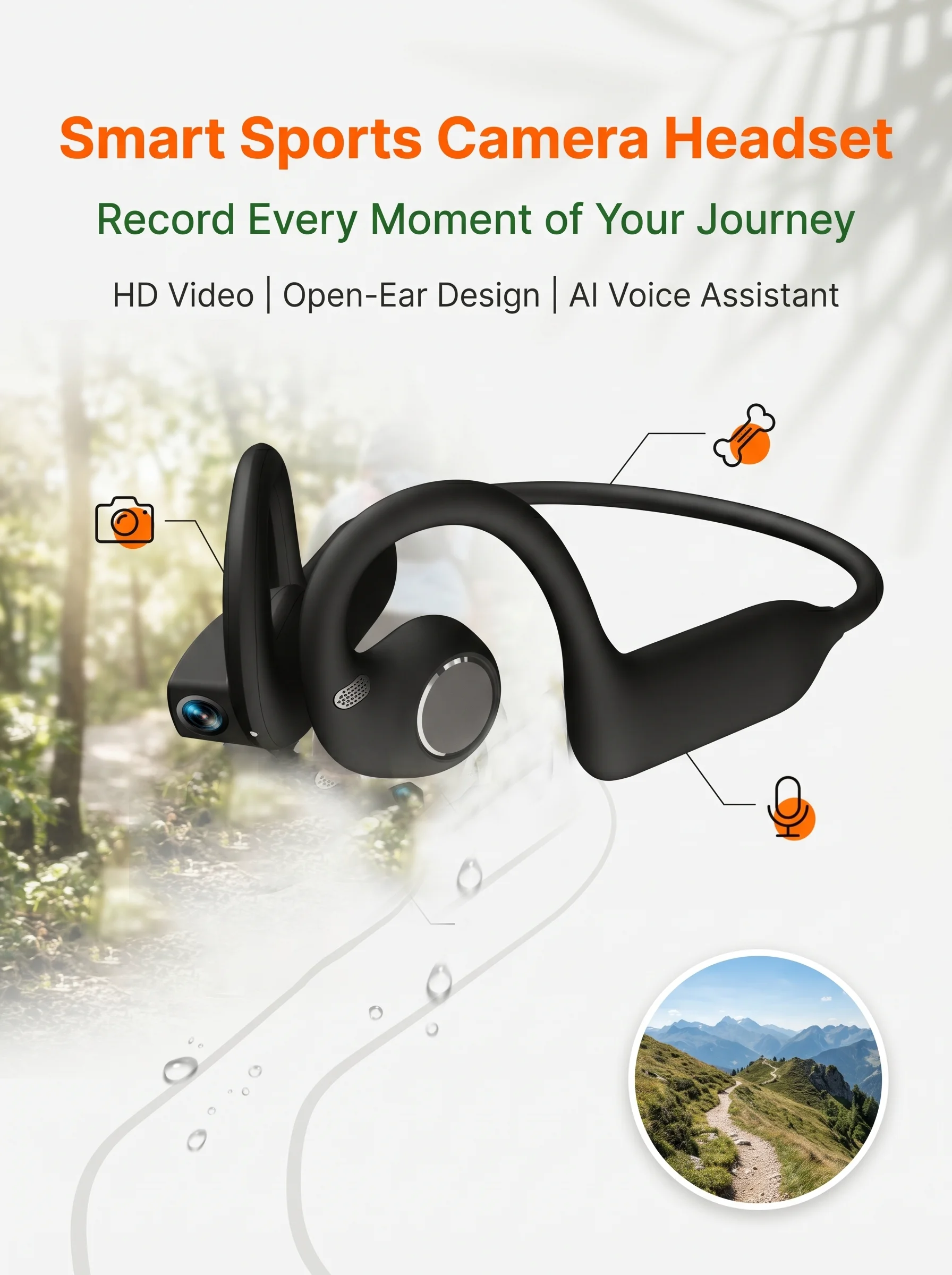
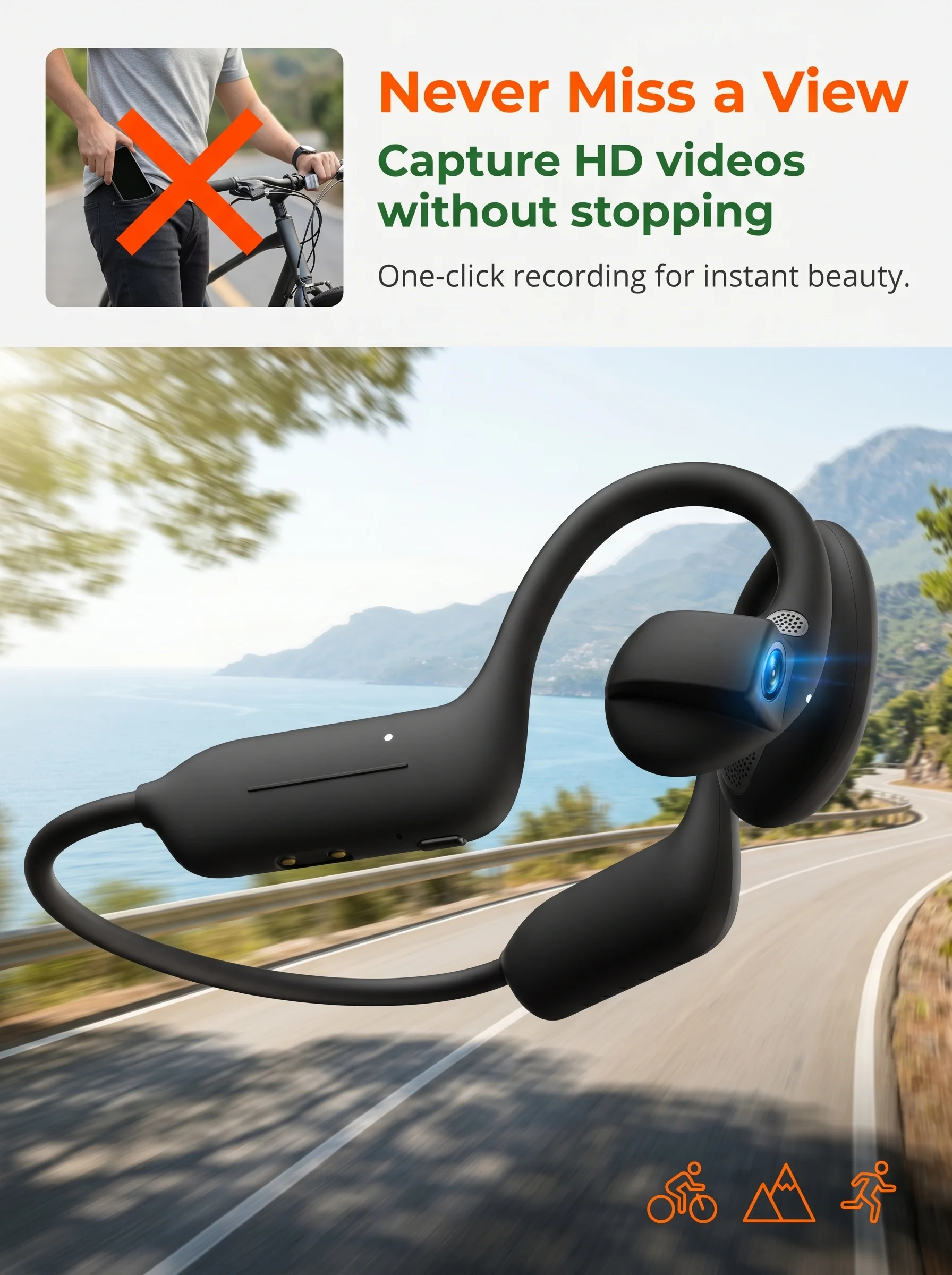
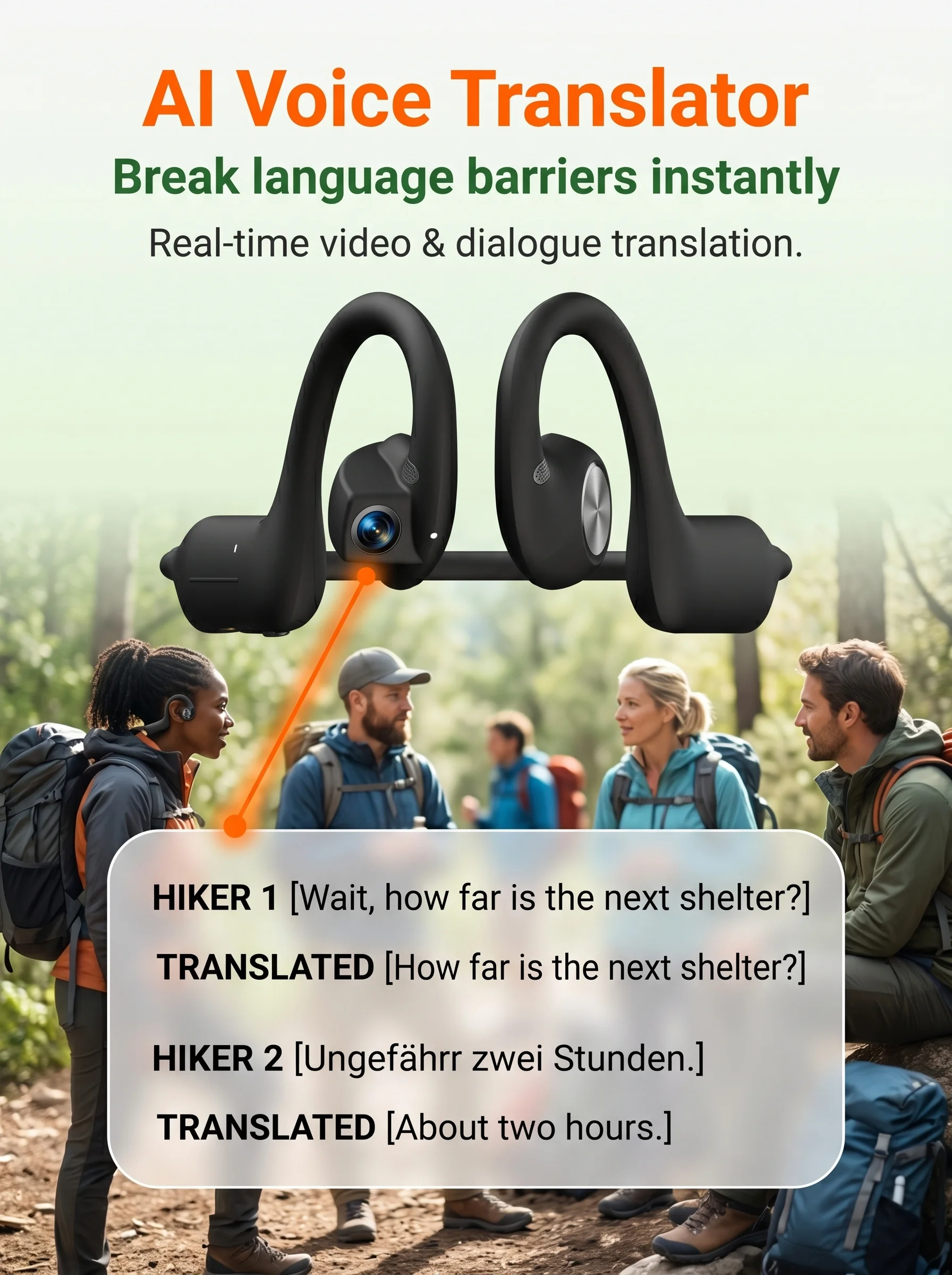
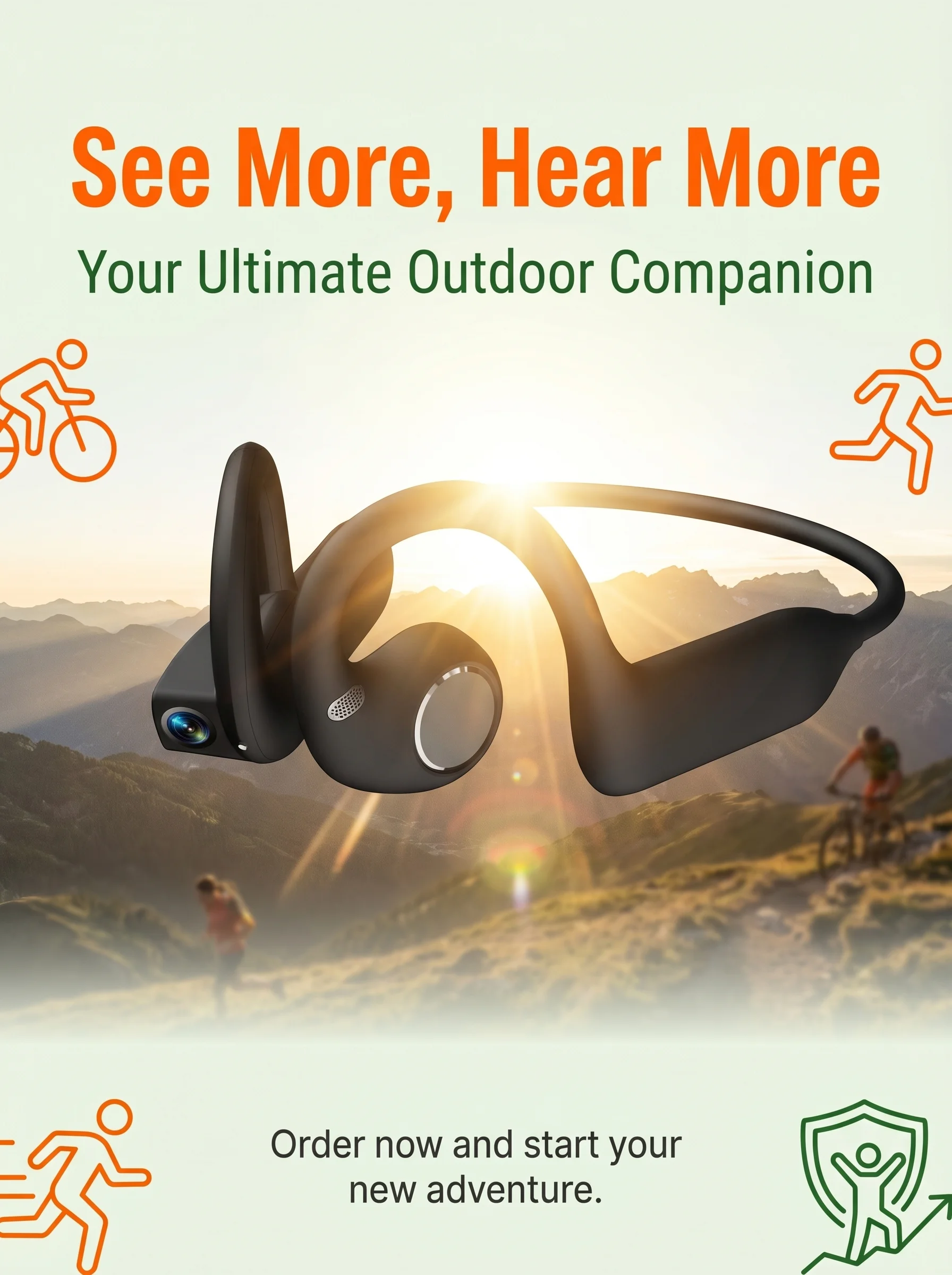
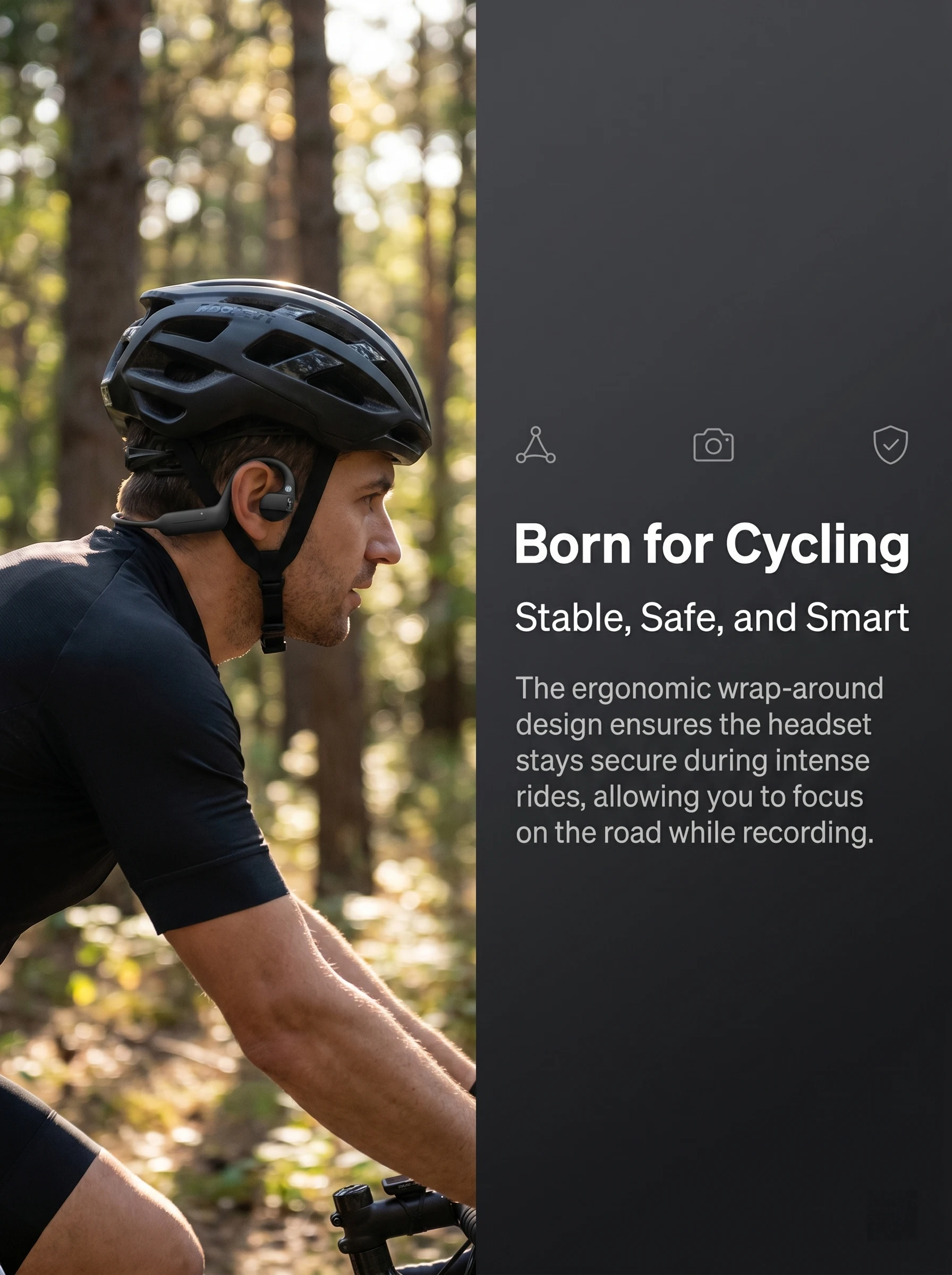
AI Camera Headphones 8MP HD Recording Smart AI Translation Ear Hanging Air Conduction Earphones Bluetooth Outdoor Cycling Record


AI Camera Headphones 8MP HD Recording Smart AI Translation Ear Hanging Air Conduction Earphones Bluetooth Outdoor Cycling Record
SPECIFICATIONS
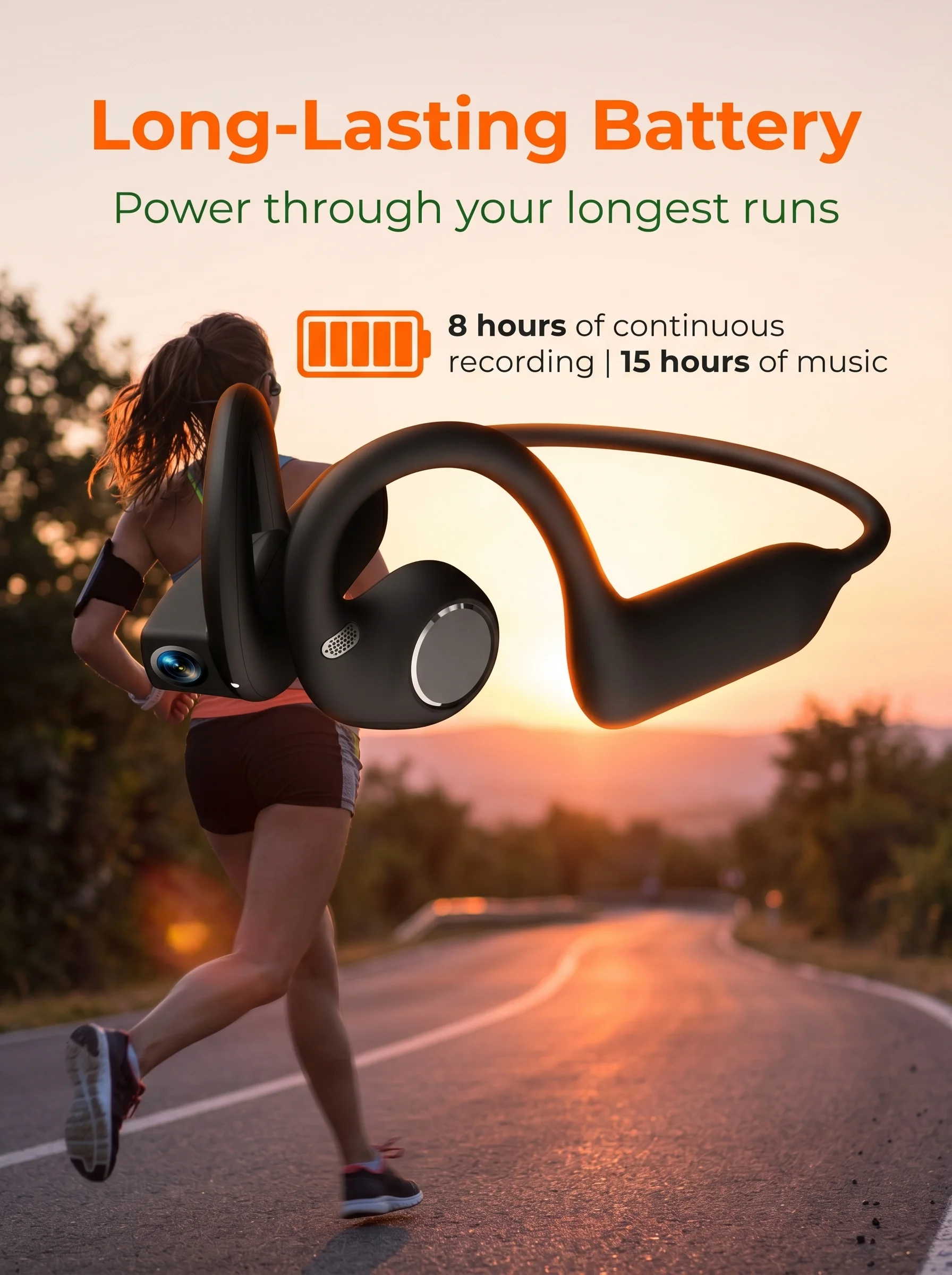
Battery Capacity[mAh]: 220
Brand Name: EOENKK
Category: Earphones & Headphones
Certification: CE,FCC,RoHS
Communication: WireLess
Control Button: Yes
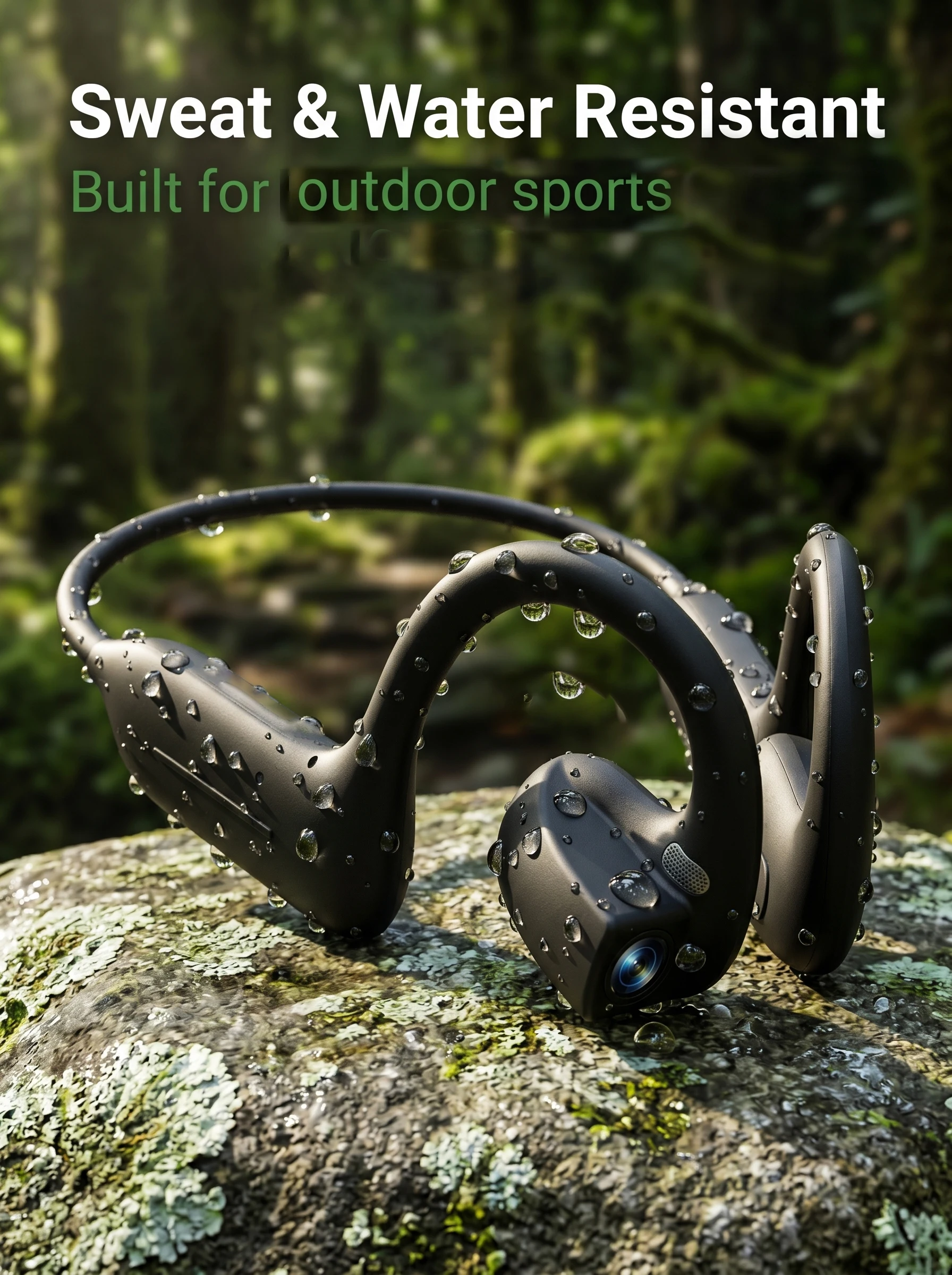
Features: Waterproof,With microphone,Apple Siri Support,Google Assistant Support,Amazon Alexa Support
Function: for Video Game,Common Headphone,HiFi Headphone,for Powersports,For Mobile Phone,Sport,For Office,For Outdoor
High-concerned chemical: None
Is wireless: Yes
Material: ABS
Origin: Mainland China
Package List: User Manual,Charging Cable
Style: Ows ear hook headphones
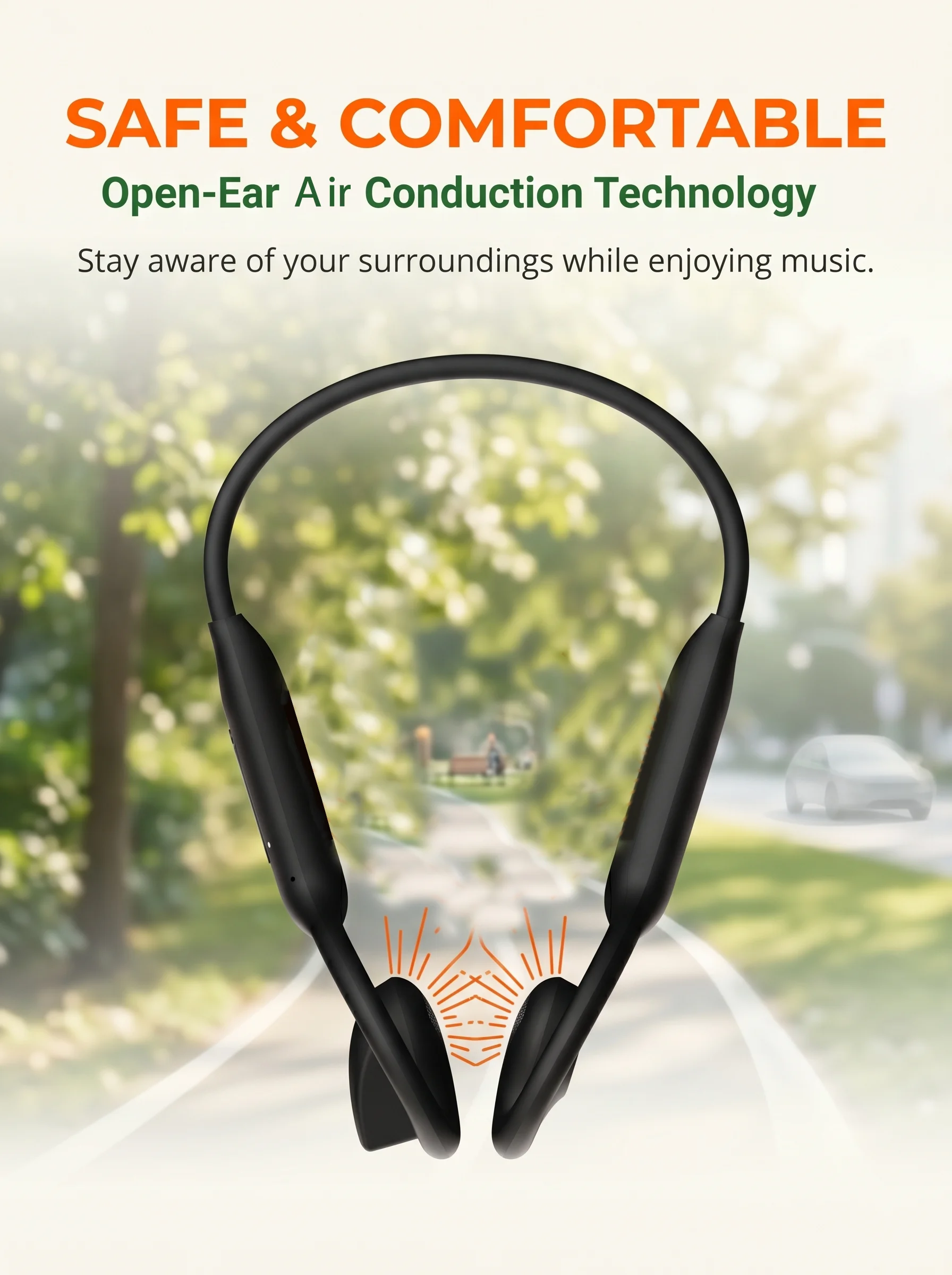
Vocalism Principle: Air Vocalism Principle
Volume Control: Yes
Waterproof: Yes
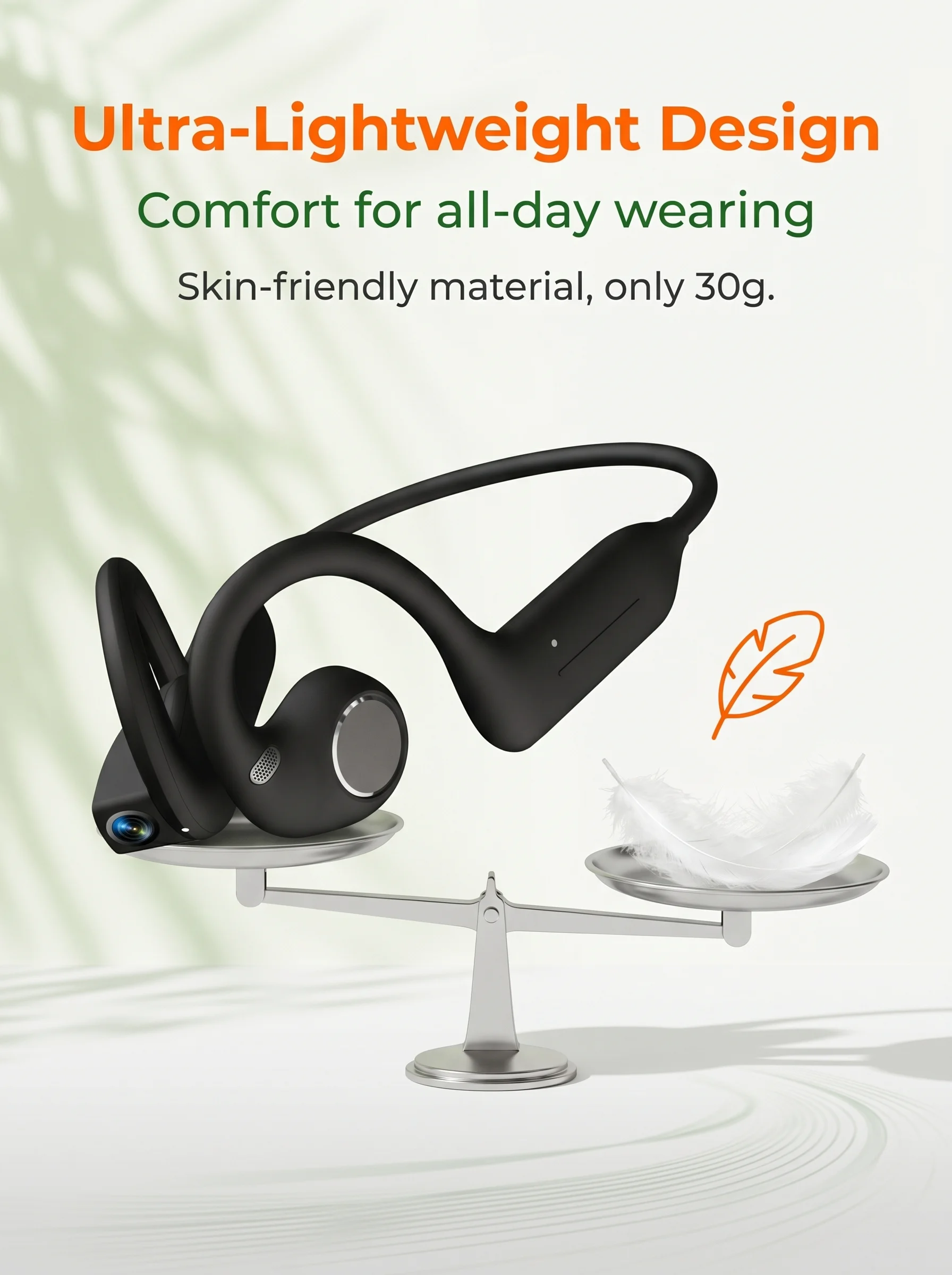
Weight[g]: 34.8
Wireless Type: Bluetooth
With Microphone: Yes
Headphone parameters
Storage: 8GB
DDR:DDR3 1G
FLASH:128M BIT
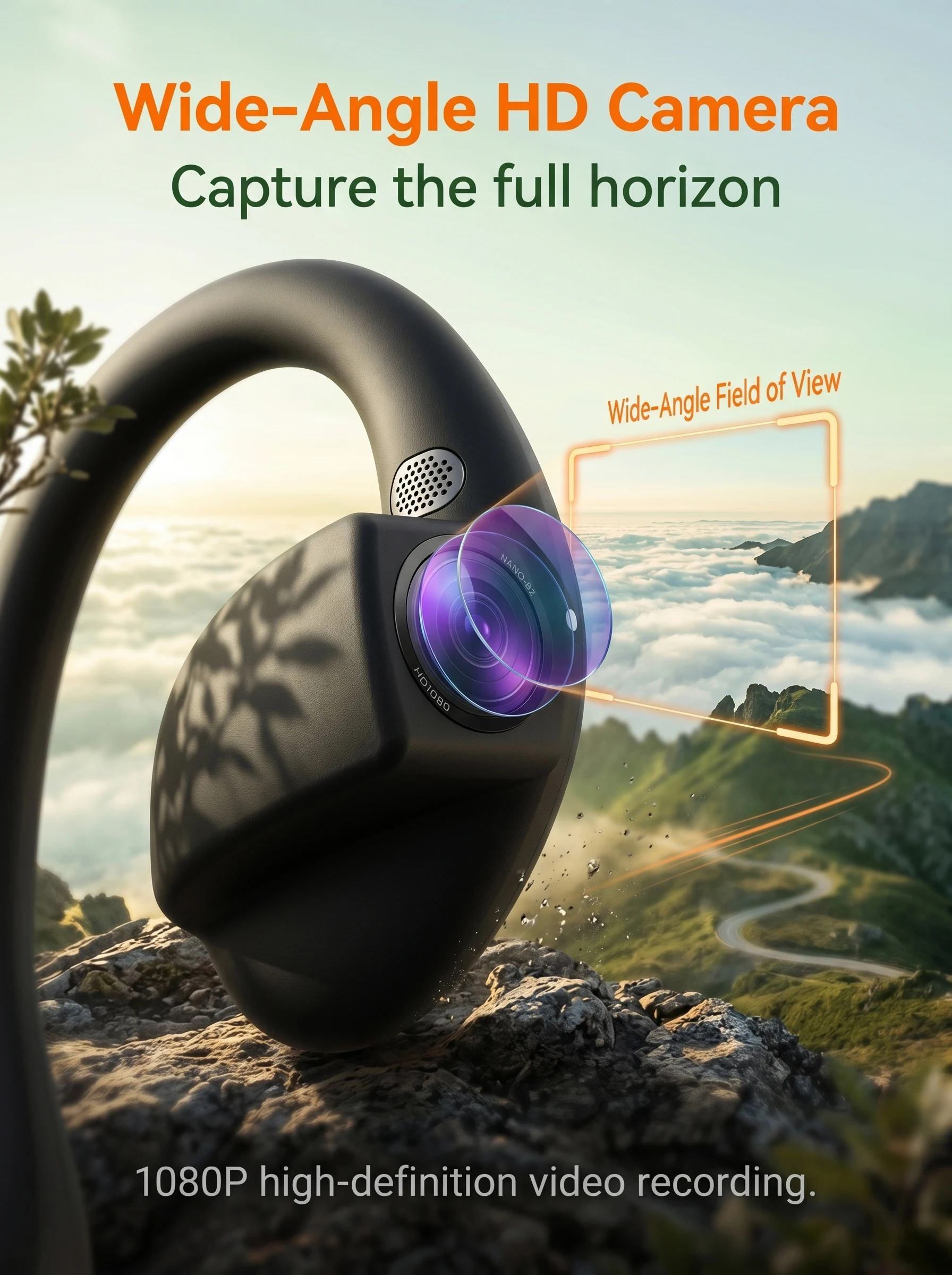
Camera: SONY IMX219 8 million
Anti shake: software anti shake
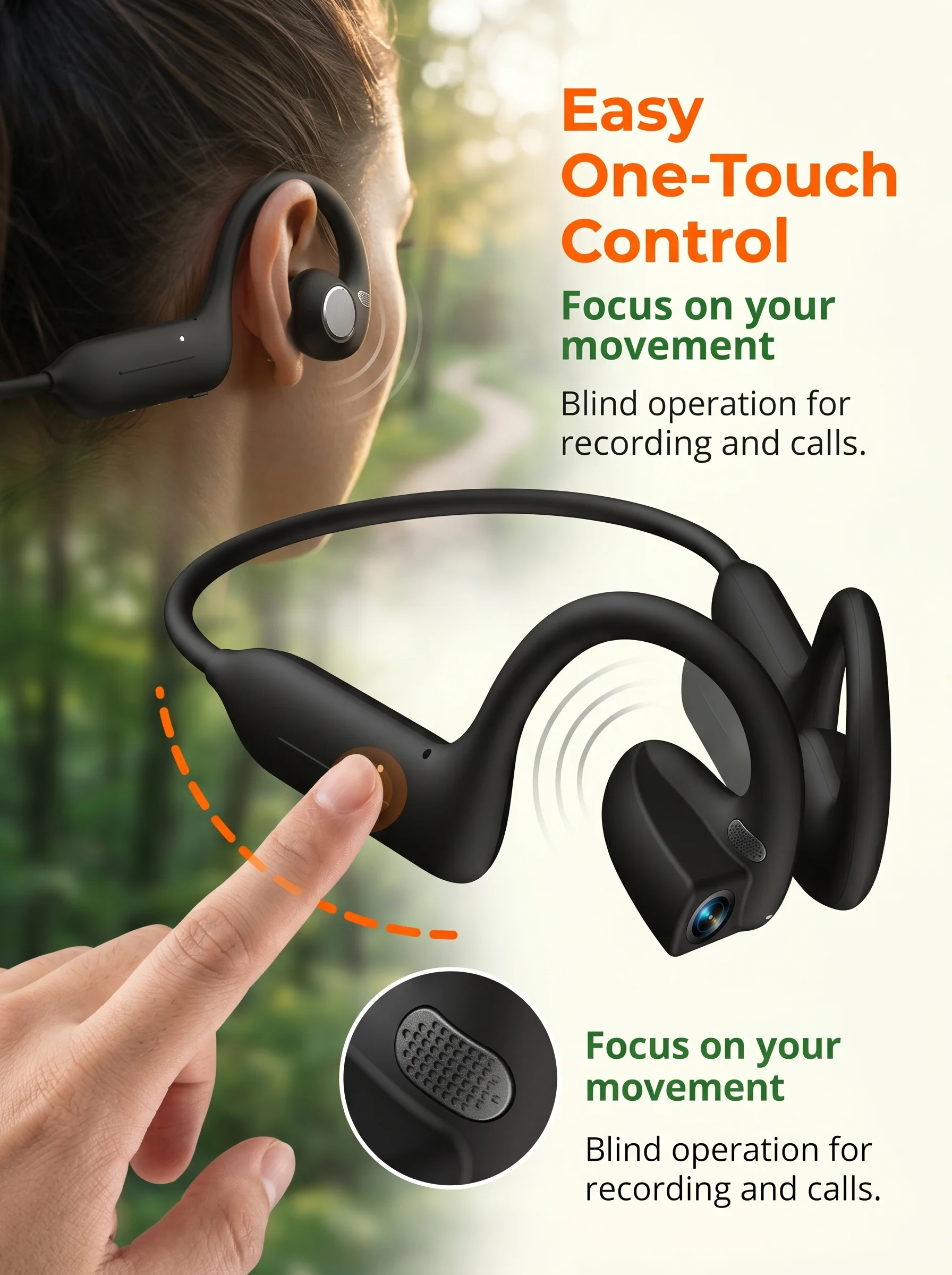
Touch button: 1, camera/video/recording/power on/off
Speaker: HiFi Speaker 16MM
Charging method: Dual PIN magnetic
Data transmission: WIFI transmission
Button:
Power on/off: Long press for 3 seconds to turn on/5 seconds to turn off
Photo: Short press
Recording: Double click the button to enter recording, short press to end recording
Recording: Press three buttons to enter recording, press briefly to end recording
Force restart device: Long press for 10 seconds
Automatic shutdown: If not connected to the app, it will automatically shut down after 3 minutes; Disconnect BT Bluetooth connection after 2 minutes, it will automatically shut down if not connected
Status indicator light:
Not connected: Flashing blue light until connected
Connected: Stop flashing blue light
Shutdown: Flashes red light twice when shutting down
Charging: The red light will turn on while charging, and it will turn off when fully charged
Shooting indicator light:
Photography: Single shot, flash the white light once
Recording: During the recording, the privacy light is white and breathing, while the status light is flashing green
Video recording: In the video, the privacy light is white and breathing, and the status light is white and flashing
Touch control board:
Play/pause music: double-click the touch area, double-click the next track/triple tap the touch area, triple tap the previous track
Adjust volume: slide forward to increase volume, slide backward to decrease volume
Switch to the next track: double-click on the touch area, double-click on the next track/triple tap on the touch area, triple tap on the previous track
Volume increase: Slide the touch area forward to increase the volume
Volume reduction: Slide the touch area backwards to decrease the volume