
CarlinKit Mini Ultra 3 Carplay Adapter Wireless Bluetooth Dongle Android Auto 5G Hz WiFi Auto Connect for Toyota Mazda Kia Volvo


CarlinKit Mini Ultra 3 Carplay Adapter Wireless Bluetooth Dongle Android Auto 5G Hz WiFi Auto Connect for Toyota Mazda Kia Volvo
SPECIFICATIONS
Brand Name: Carlinkit
Compatible car: for 98% OEM cars with wired Carplay or Android Auto
Compatible phone: for i Phone and android phone which support wireless android auto
Connection method: wifi connecting after bluetooth paired
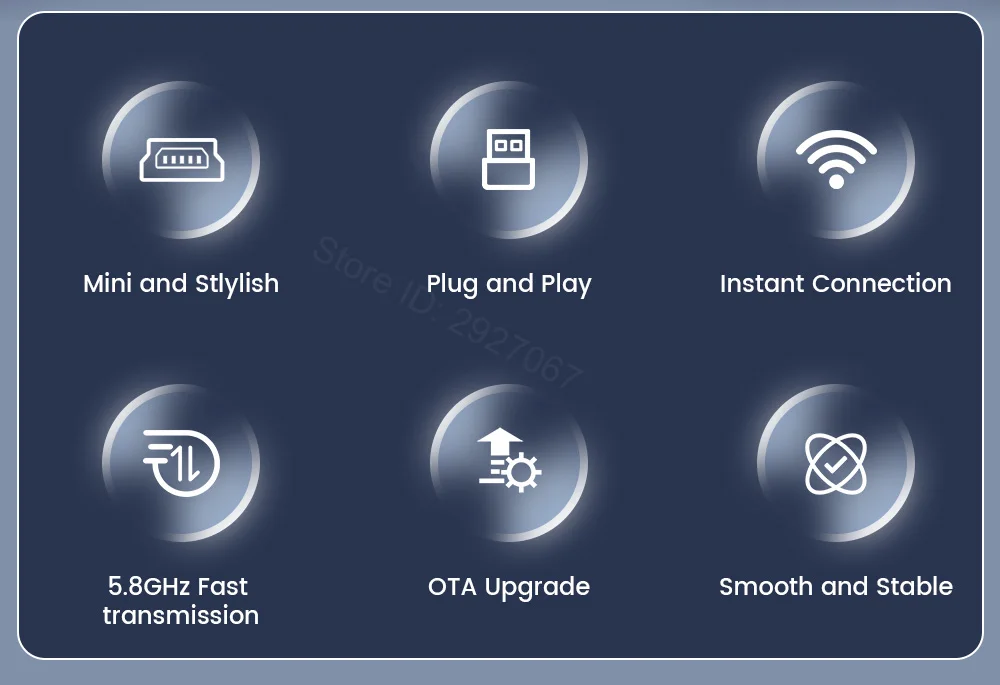
Feature 1: Plug and Play
Feature 2: seamless connection
Feature 3: OTA update
Feature 4: Continue original control methods
High-concerned chemical: None
Language: Automatically switch according to original language of the car
Main function: Convert OEM wired CarPlay or Android Auto to wireless
Origin: Mainland China
Product name: Mini Ultra 3
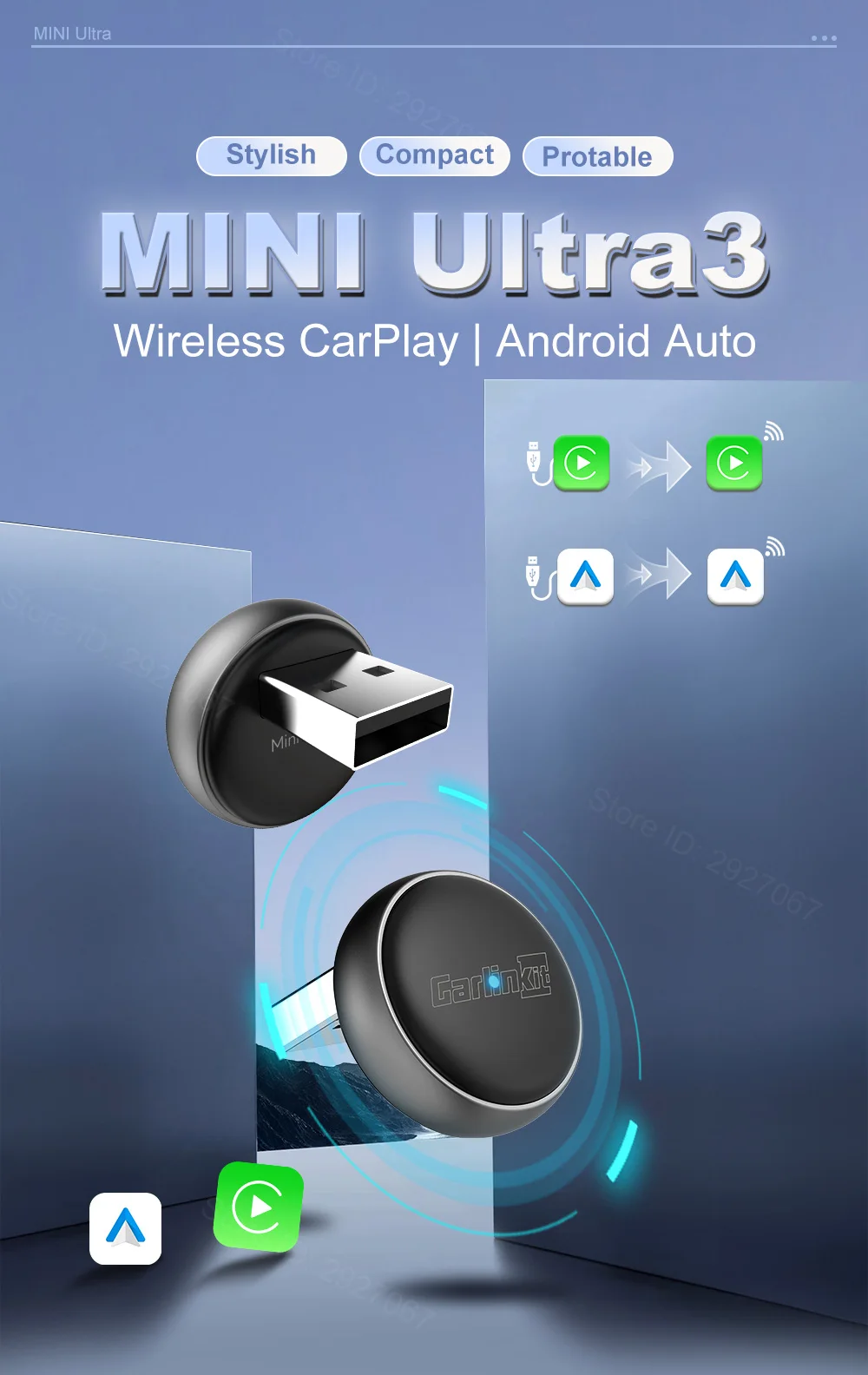
CarlinKit New Mini Ultra 3
Wireless CarPlay Android Auto Adapter for OEM Carplay OEM Android Auto Car
Note:
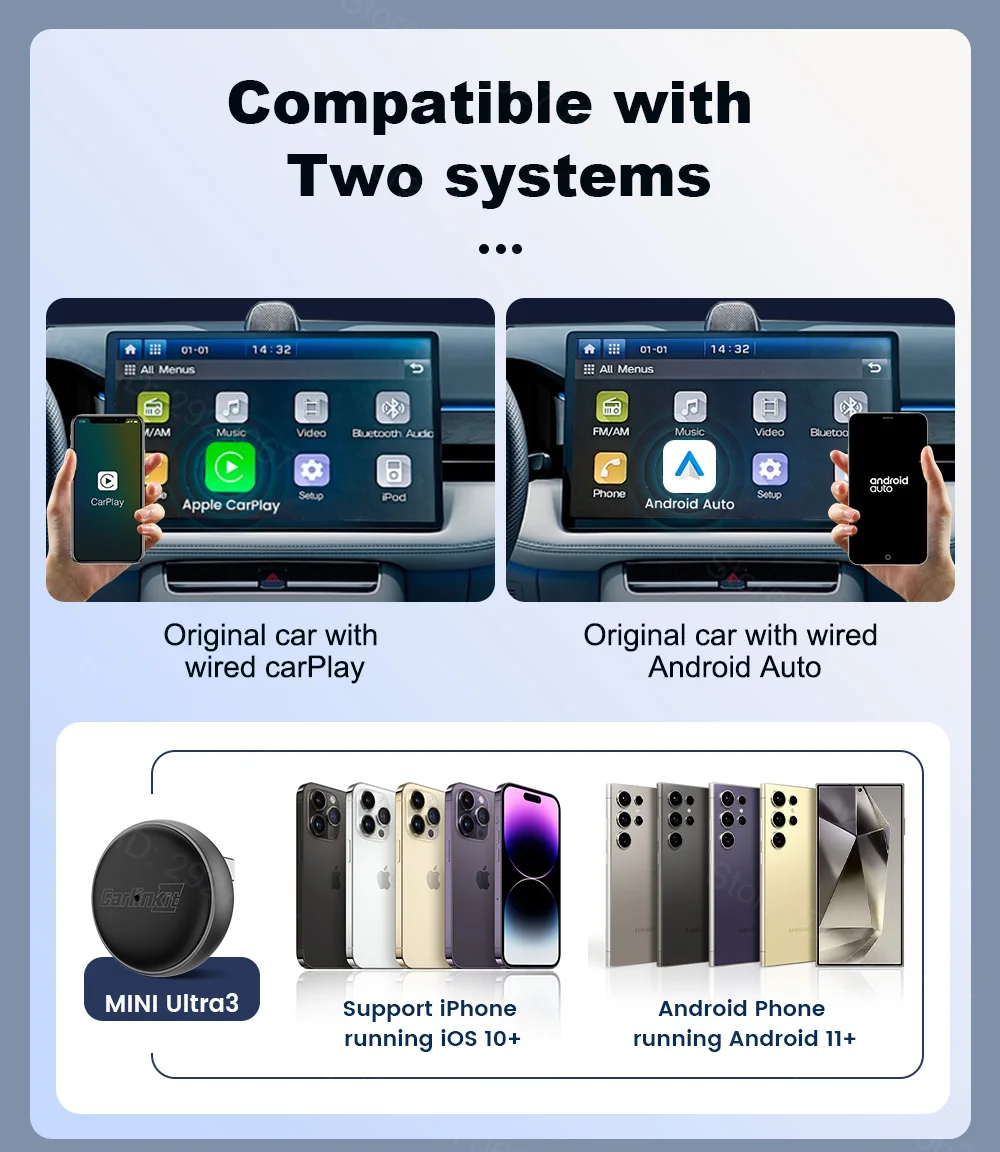
This product is only compatible with vehicles equipped with factory-installed wired CarPlay or Android Auto systems.
CarPlay supports connection with iPhones only, Android Auto supports connection with Android phones only.
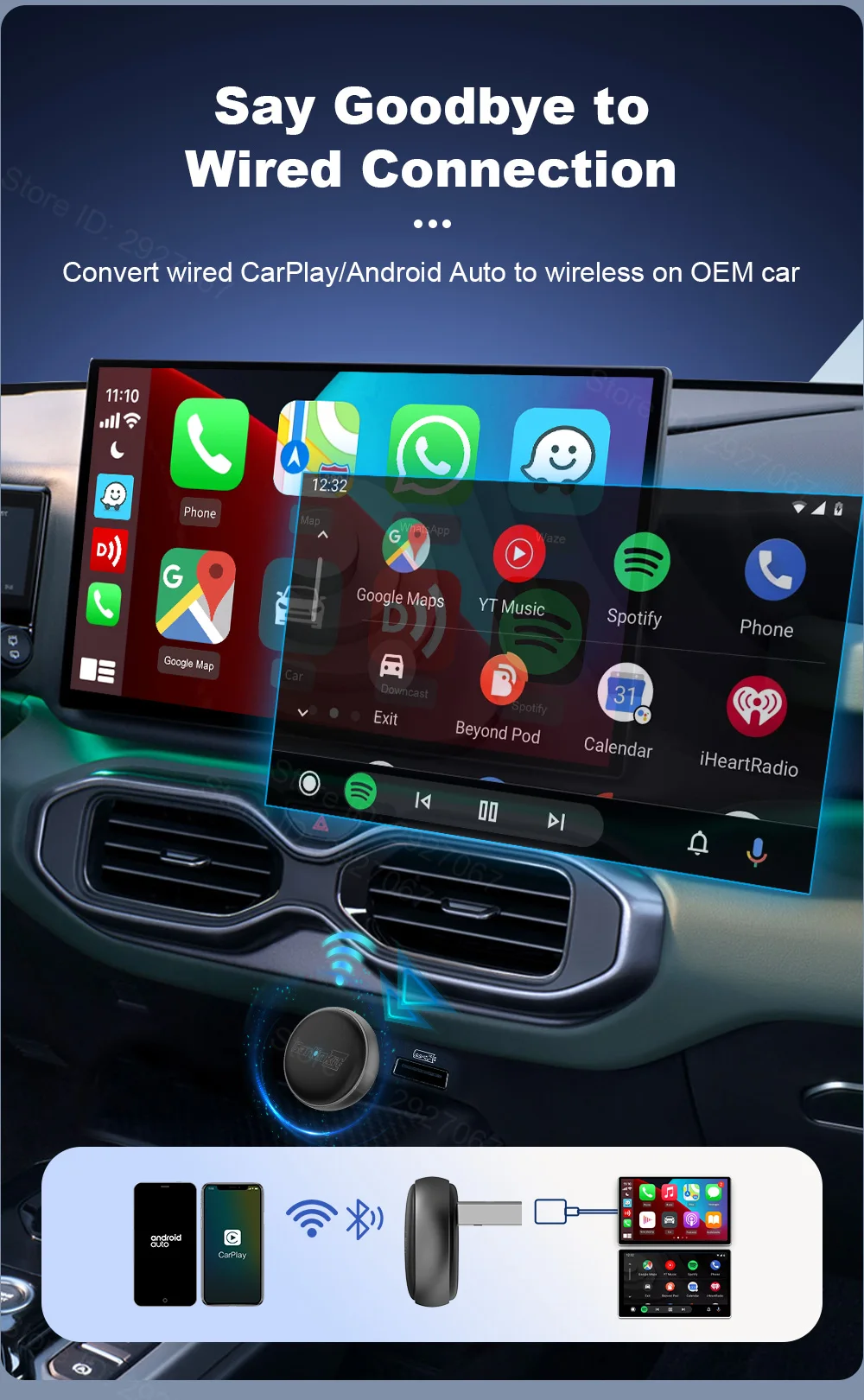
Convert your car's wired connection to wireless connection
Say goodbye to the constraints of wired connections
Enjoy stable, fast, and free wireless connectivity.
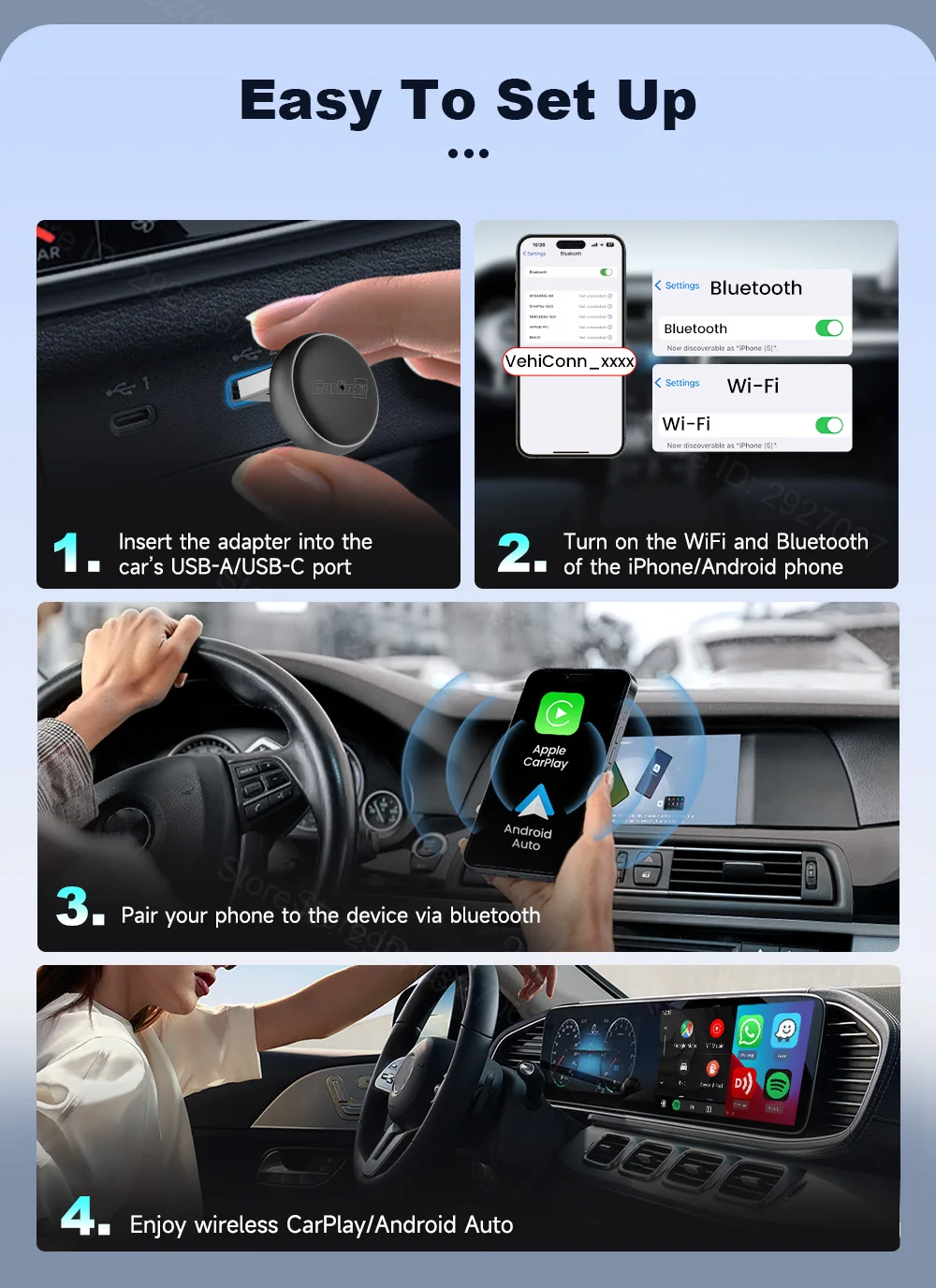
Simple Connection Method
Wireless connection can be achieved in just a few steps
1. Insert the device into your Car's USB port
2. Turn on the WiFi and Bluetooth of your Phone
3. Pair your phone to the device via Bluetooth
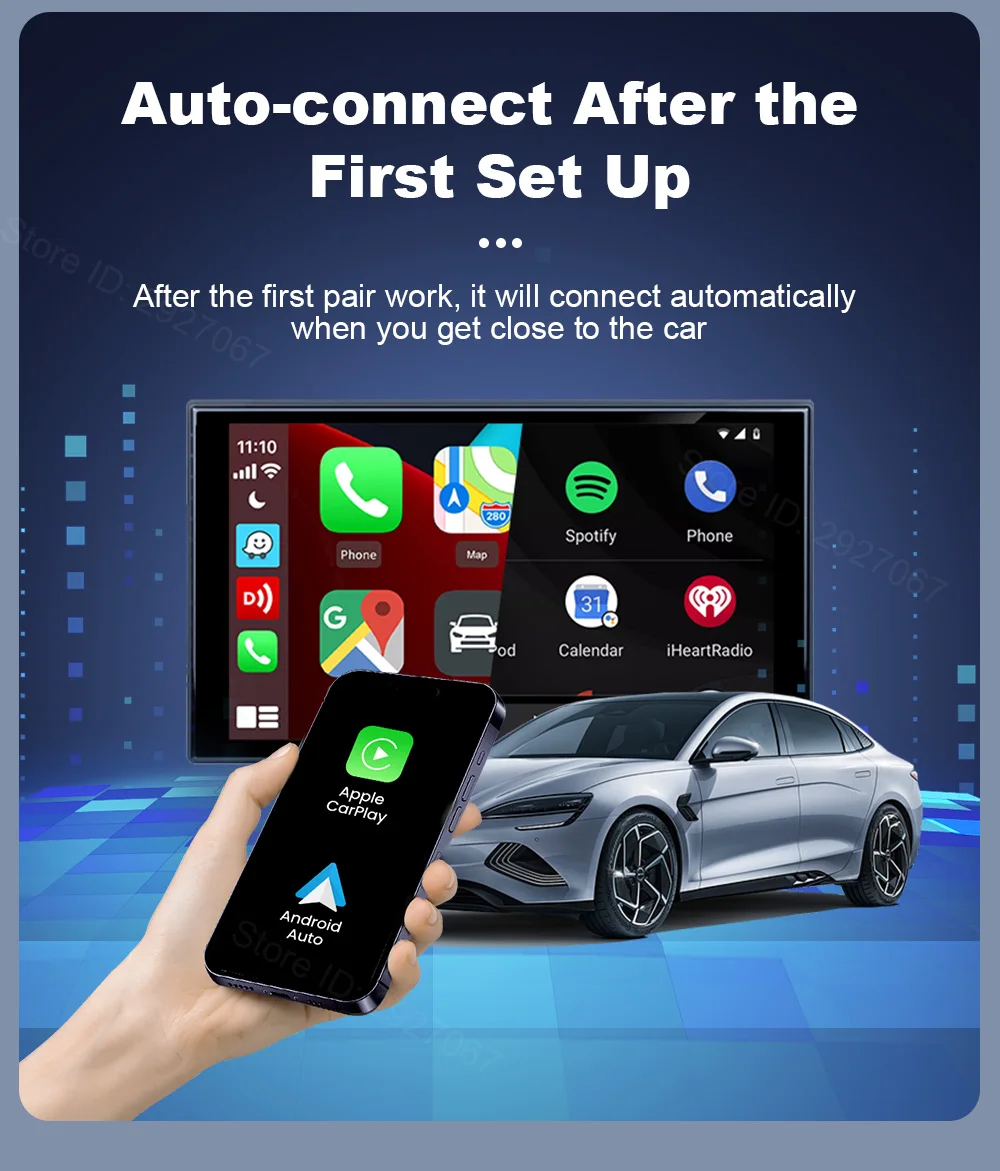
Automatically connect to your phone
After completing the initial pairing,
your phone will automatically connect to the device whenever you approach your car
No need to repeat the pairing steps
Once you turn off the car and then restart it, automatically connected with your phone within 20-30s as soon as you press the start button, navigation and music are able to be turned on immediately as you like
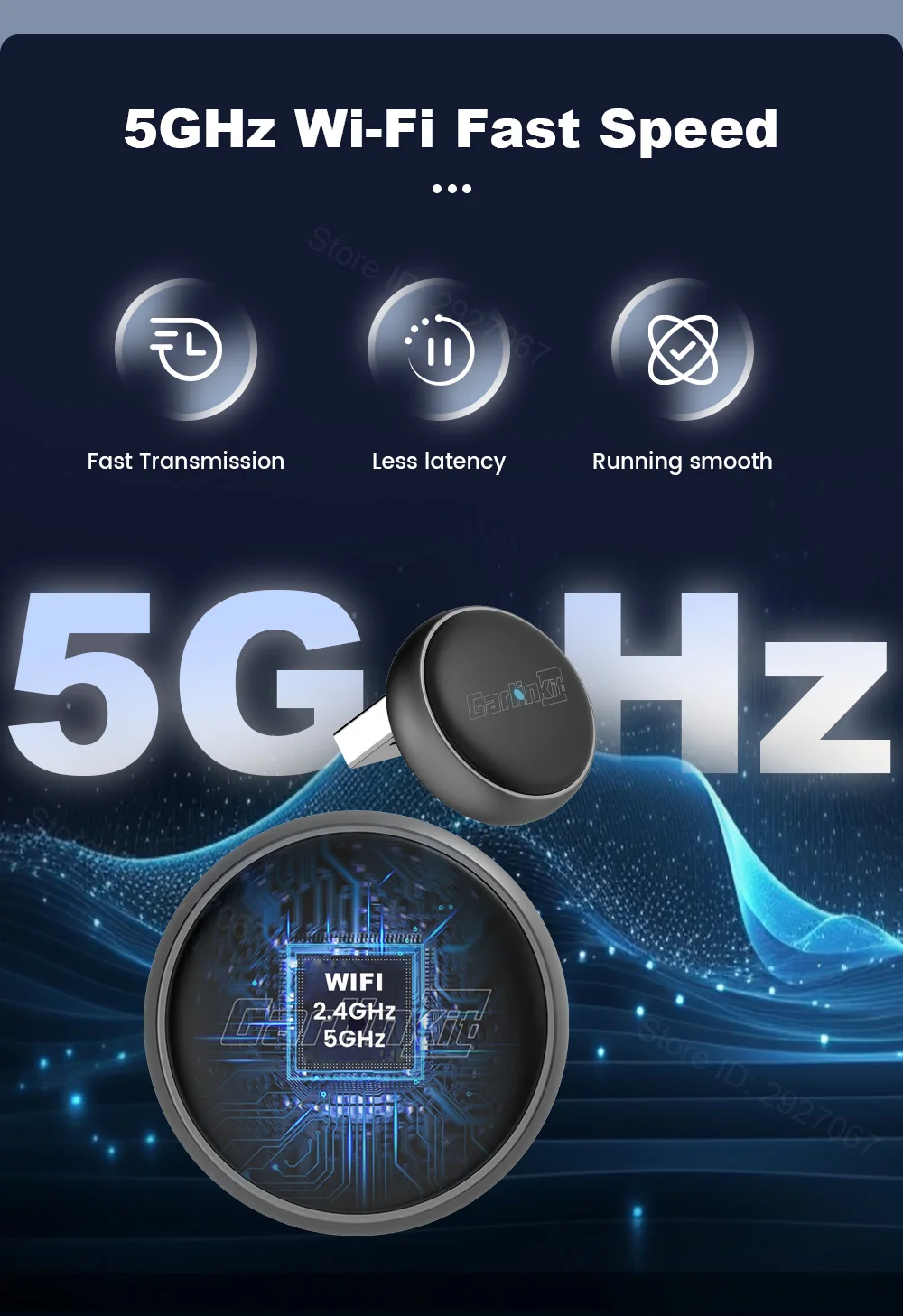
Fast and Stable Media Transmission
5GHz WiFi WiFi Frequency, Fast Speed data transfer and low-latency
make users to effortlessly establish wireless connections, making access to applications via the in-vehicle display easier, faster, and more convenient
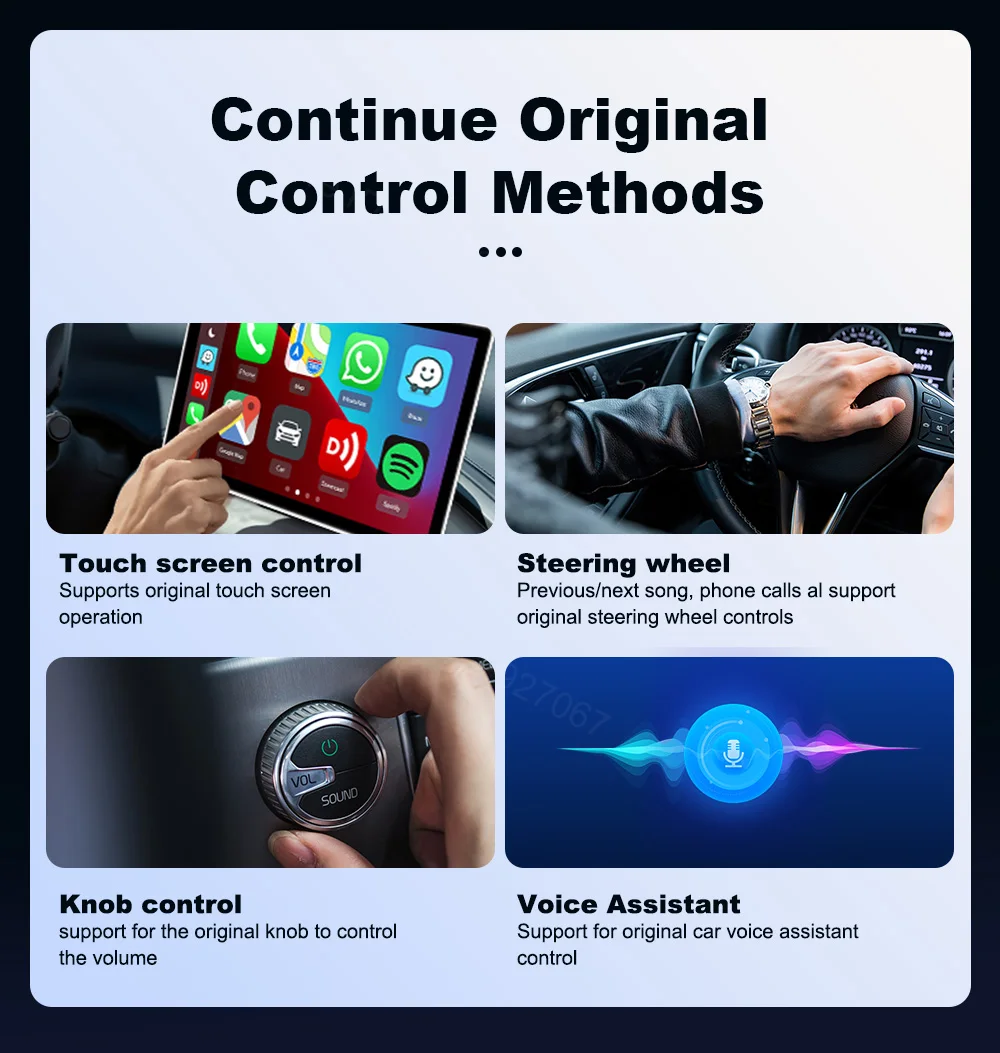
Keep the car's original features
Enable users to connect wirelessly without affecting the use of the vehicle's original functions
Such as steering wheel controls, voice assistants, rotary knobs, and touchscreen controls
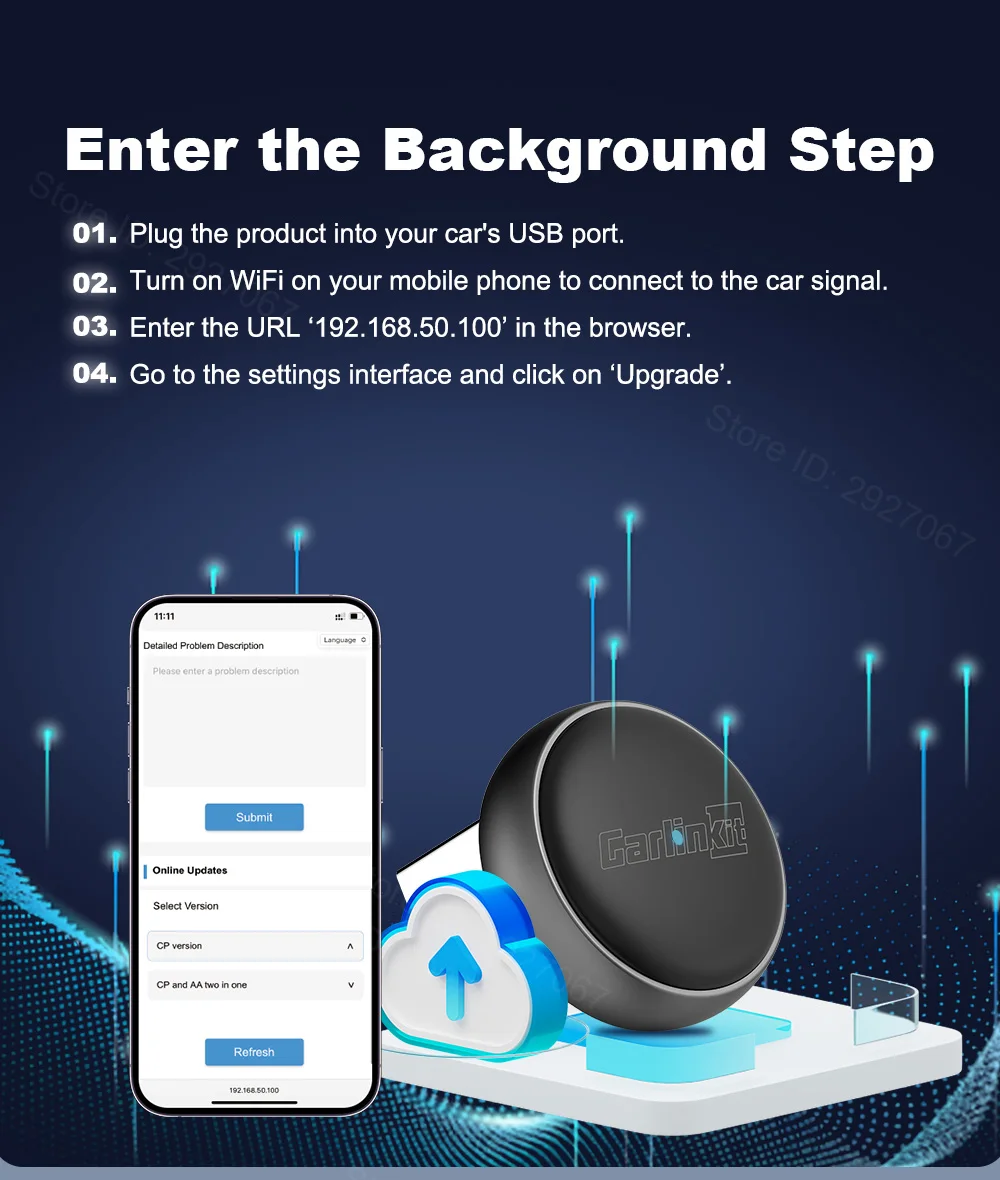
How do I access the device's backend settings webpage?
Here you can modify device settings and perform online upgrades for your device
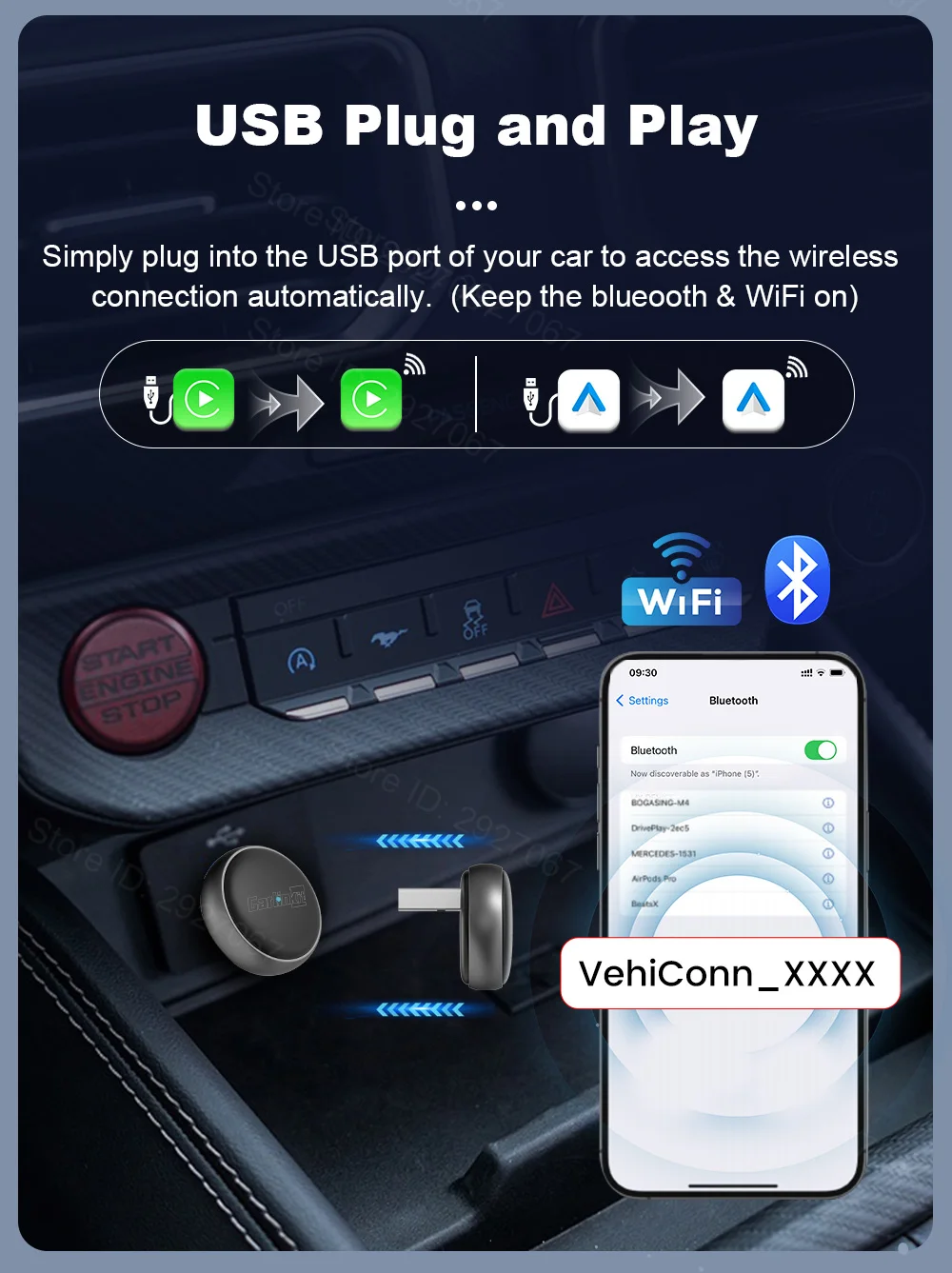
Plug and Play
Simply plug into the USB port of your car to access the wireless connection automatically
(Note: Keep the Bluetooth and WiFi on)
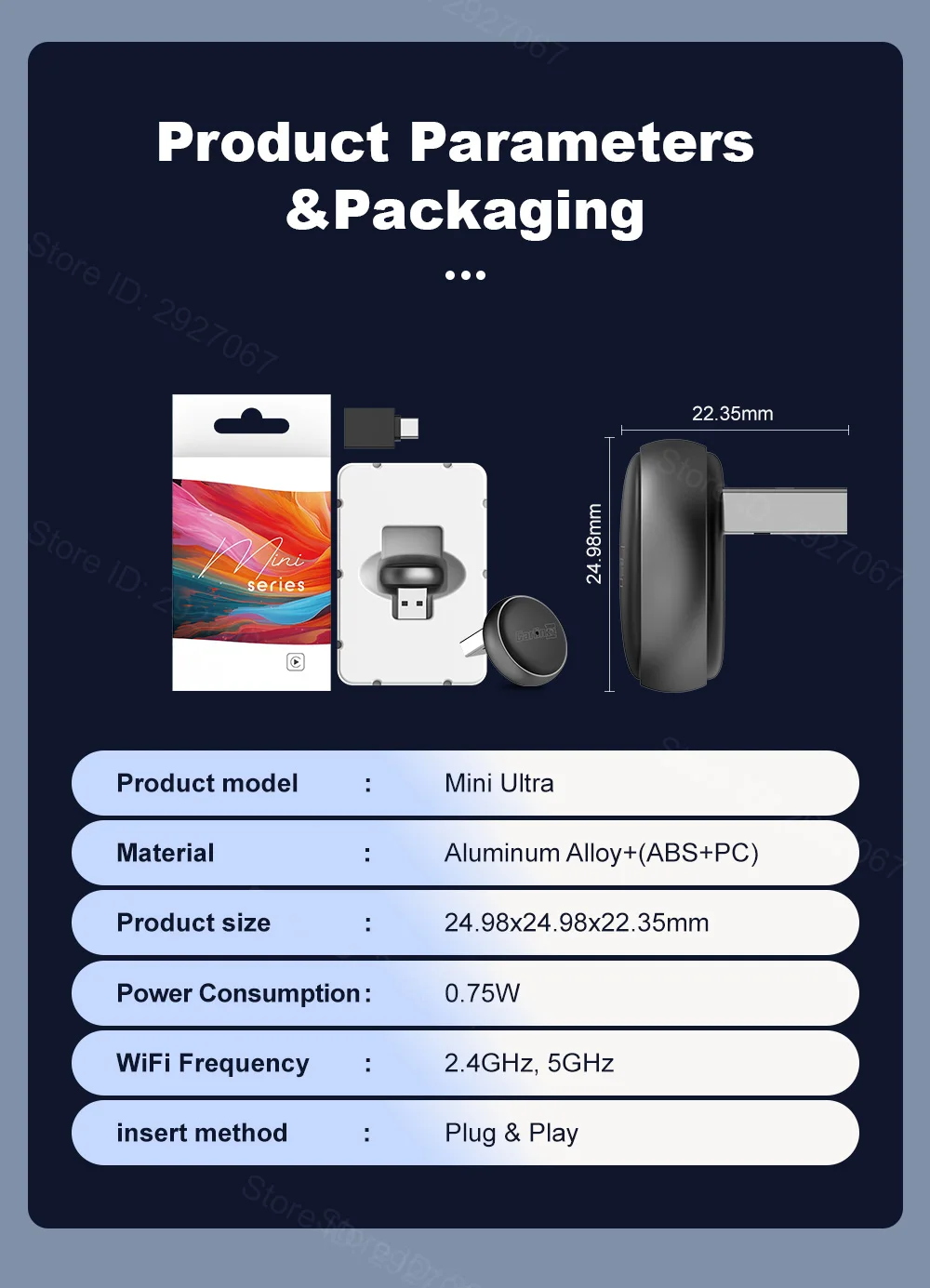
Compact size saves more space
Super compact size saves more space in your car
Only 24.98 millimeters

Specification And Packaging Of Mini Ultra 3
Connection Method:Wireless connection
Compatible Mobile phone: iPhone 6 or newer (iOS 10+); Android 11.0 or newer
Compatible Car:Car with OEM wired CarPlay or OEM wired Android Auto
Resolution:Adaptive (maintain the original protocol resolution)
Language:Automatically switch according to the vehicle language environment
Color: Dark gray+Black
Power Input:5V±0.2V 1.0A
Power Consumption:0.75W
Material:Aluminum Alloy+(ABS+PC)
About Us
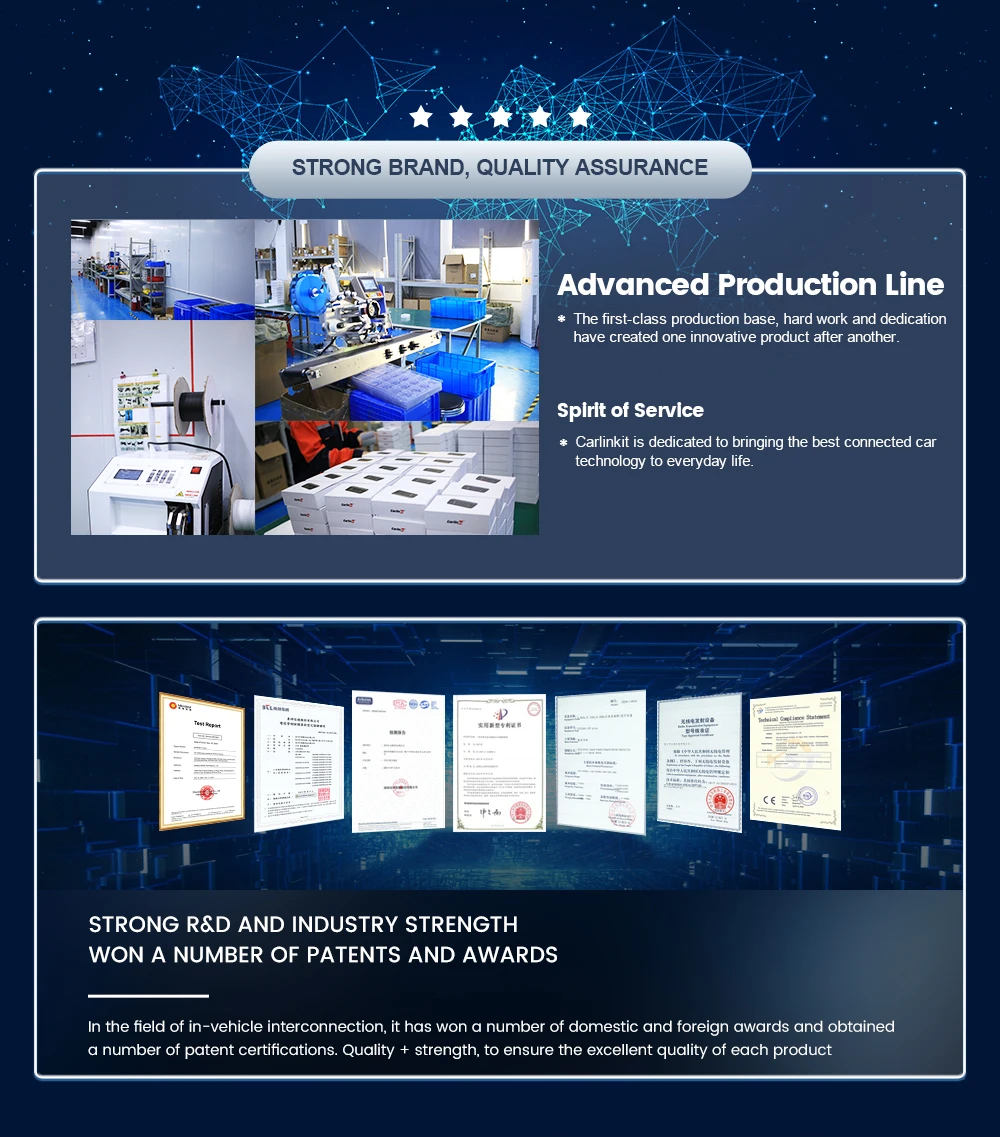
Carlinkit Direct Store is a factory store directly authorized by CarlinKit instead of a dealer, It is committed to sell 100% original authentic products.
Fast Delivery
Once payment completed, parcel will be shipped out within 24-48hours.
So please confirm the every detail of your order as soon as possible. Once shipped out, order cannot be cancelled.
Return & Refund
15 days no reason return and refund. This warranty don't fit for damage caused by accident, misuse, or modification.
365 days wanrranty
Within 365 days of confirming receipt, any quality problem which refer to non-human damages, which cannot be fixed after trying all our solutions, free repairing or replacement. Return at buyer's cost, shipping new one at seller's cost.
About Feedback
If you are satisfied with our items or service, please leave all 5 stars feedback to help others understand the item well.
Any questions, please contact us first, we will help you solve it as soon as possible.
Appreciate your kind feedback and support.
Customer service contact
E-mail:aesupport@carlinkit.com
CarlinKit official firmware website https://www.carlinkit.com/
Please update your device after contacting our customer service if it's necessary
