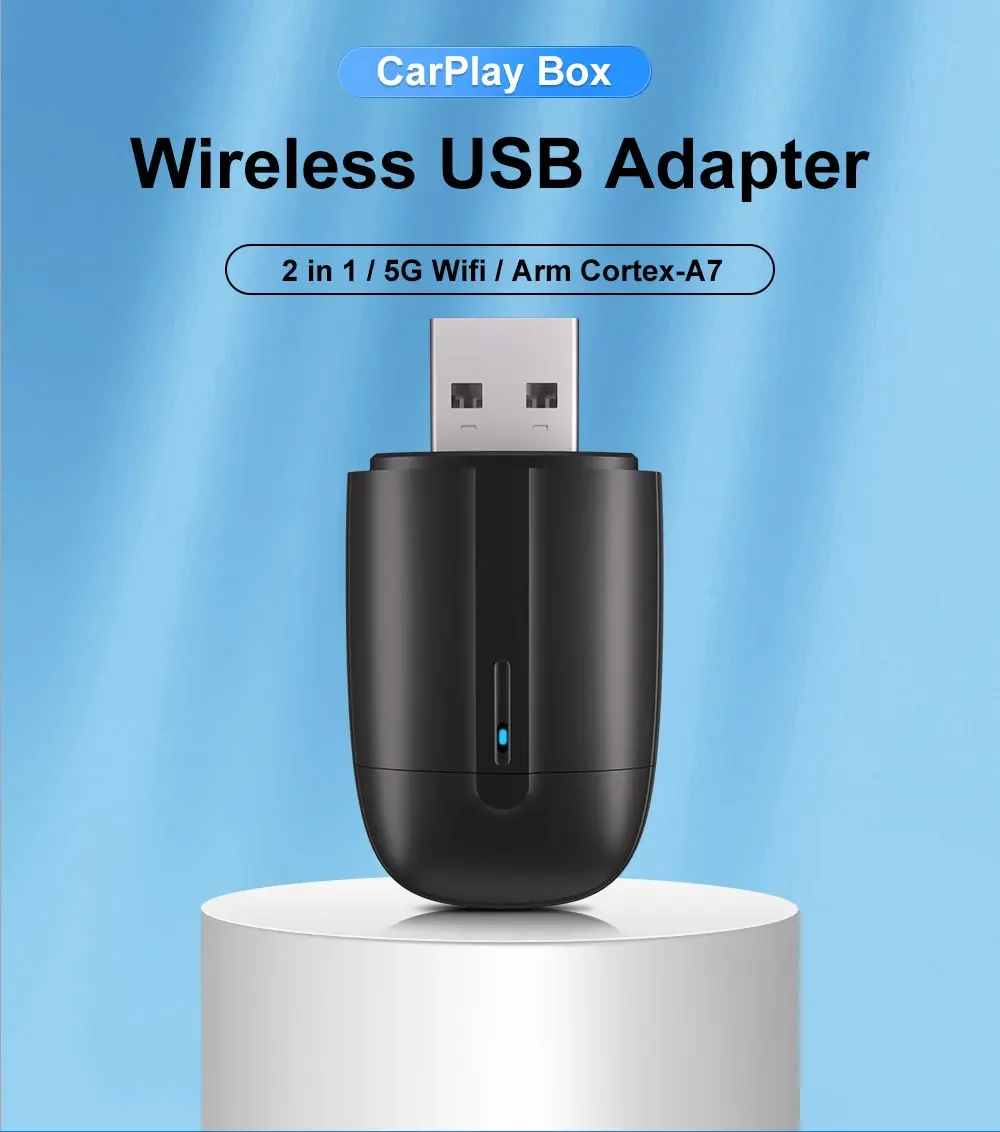
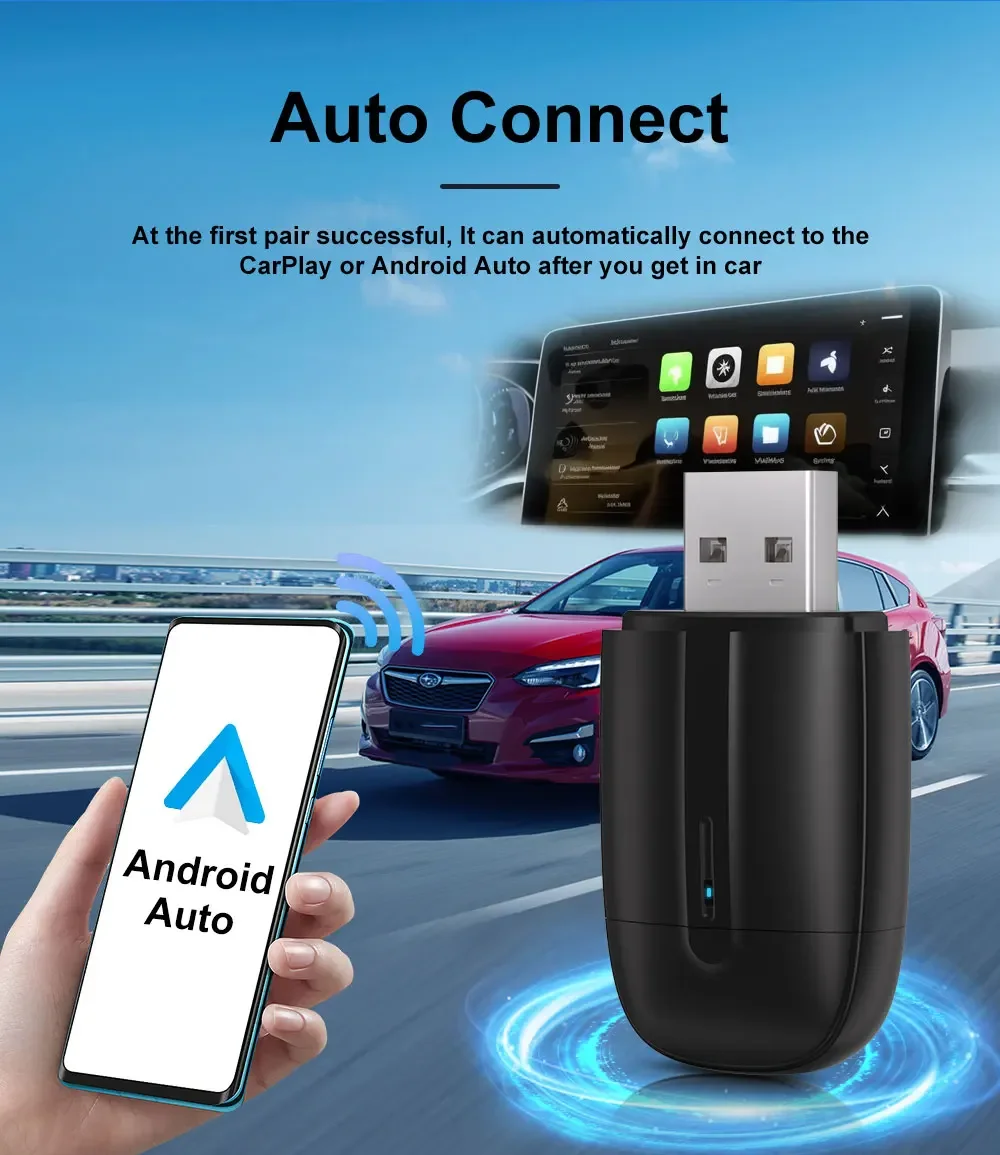
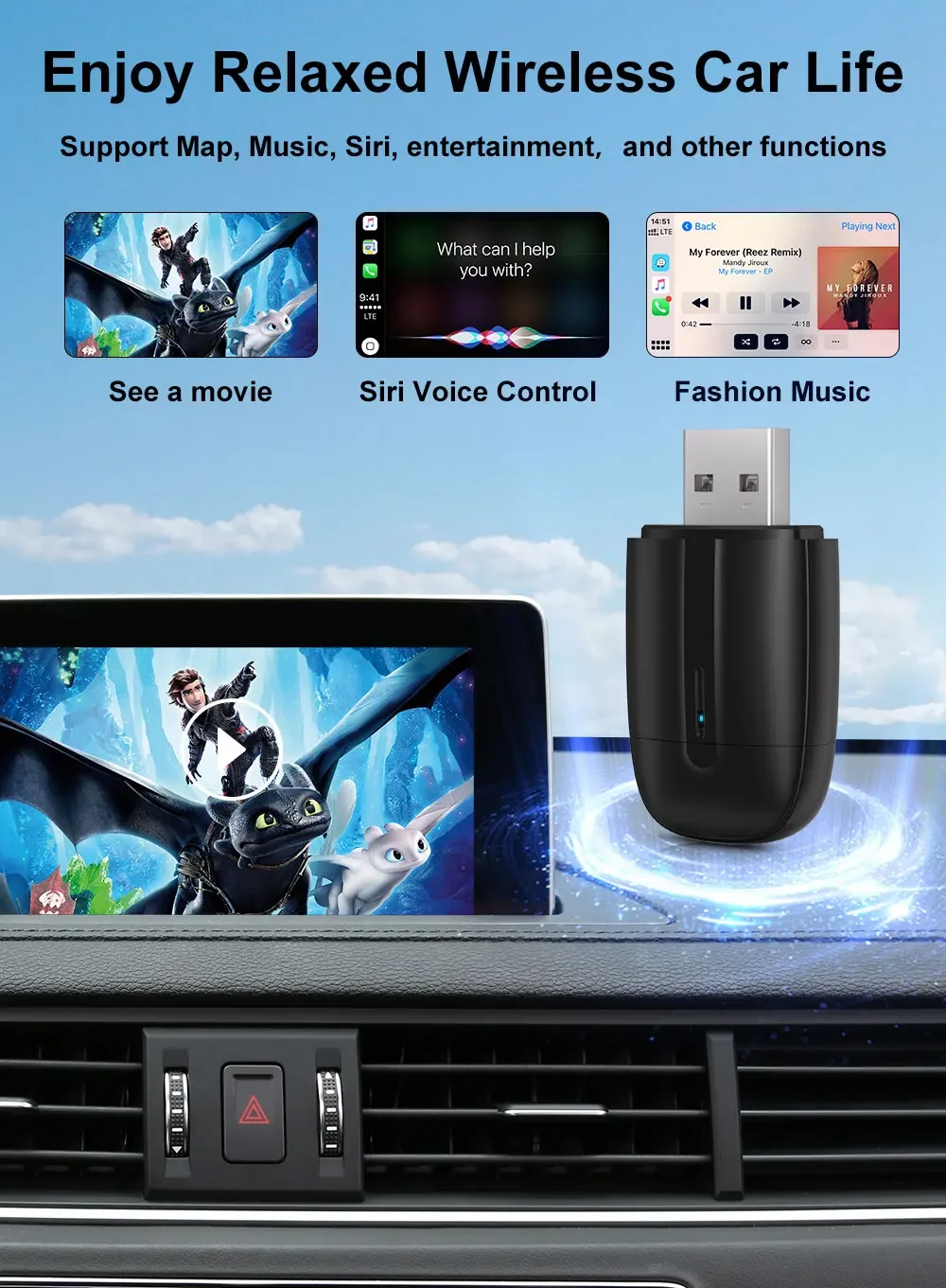
FLIXIVI 2 in 1 Interface Wireless CarPlay/Android Auto Wireless USB/TYPE-C Adapter Smart Mini Box Plug Fast Connect Universal
ST-U2
Prix promotionnel
$72.99
Prix régulier $101.99
Passer aux informations sur le produit

**Important Tips**


FLIXIVI 2 in 1 Interface Wireless CarPlay/Android Auto Wireless USB/TYPE-C Adapter Smart Mini Box Plug Fast Connect Universal
Prix promotionnel
$72.99
Prix régulier $101.99
Expédition calculée lors du paiement.
SPECIFICATIONS
Brand Name: FLIXIVI
Chip: Arm Cortex-A7
Choice: yes
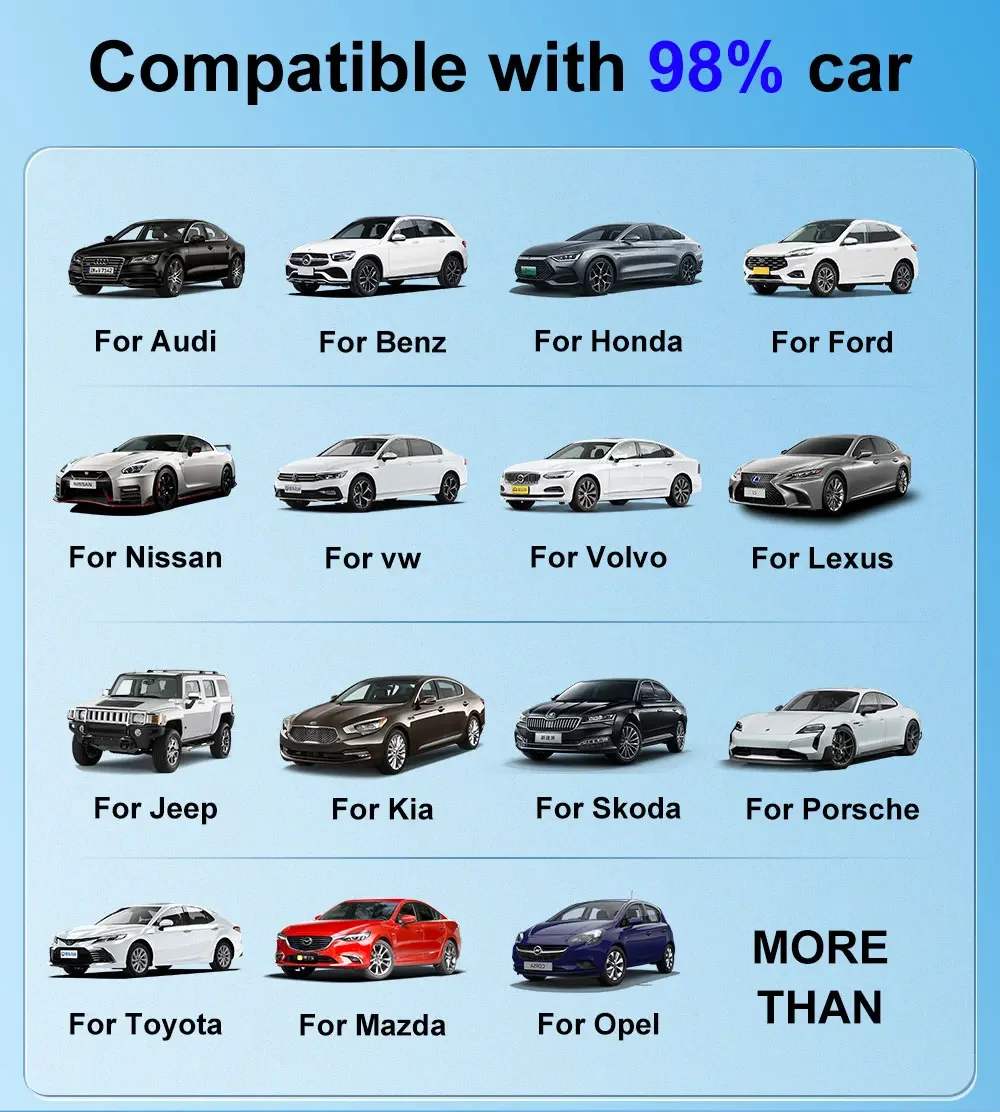
Compatible: More than 600 car models
High-concerned chemical: None
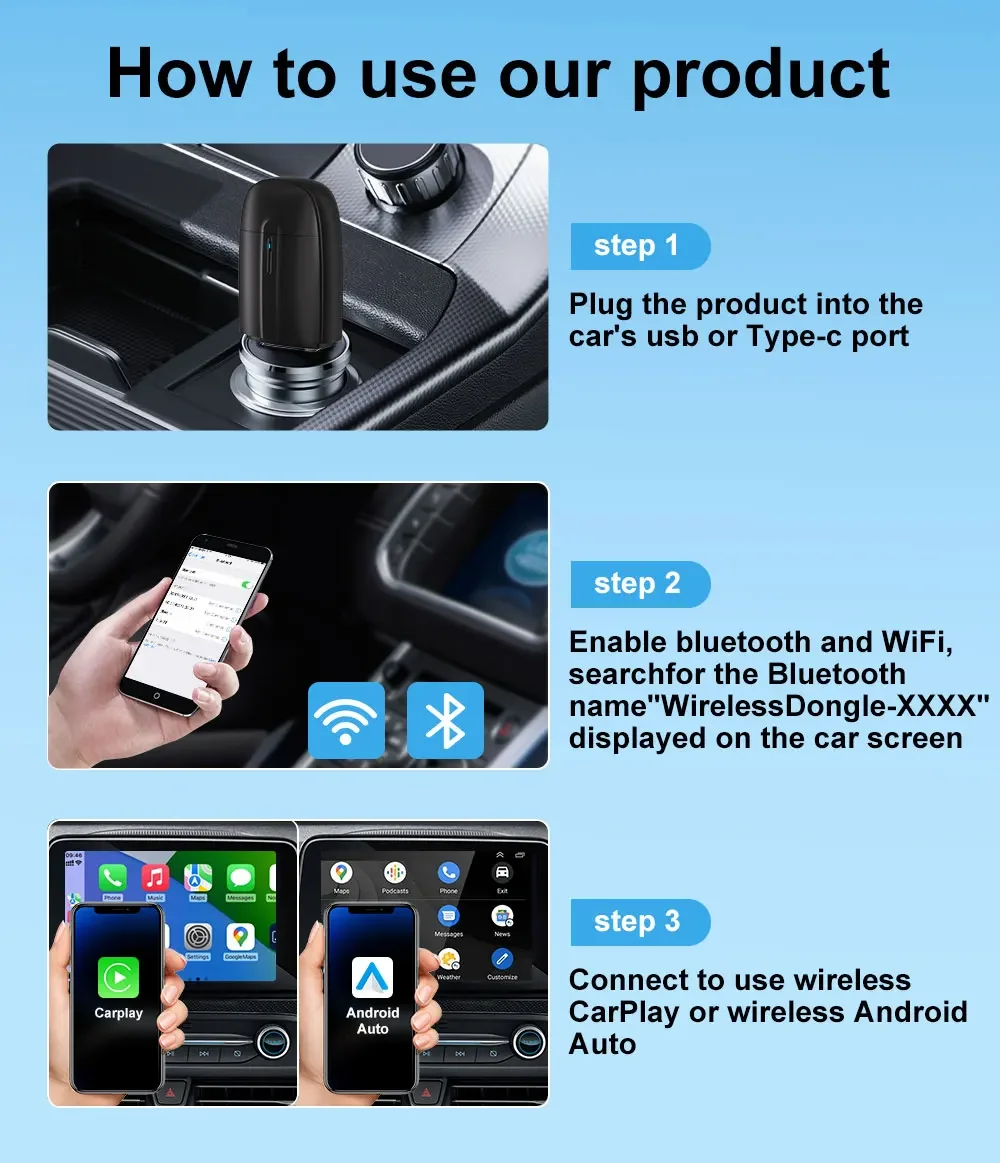
Interface: Car USB or Type-C
Material Type: Material Type
Model: Mini Android auto AI Box
Origin: Mainland China
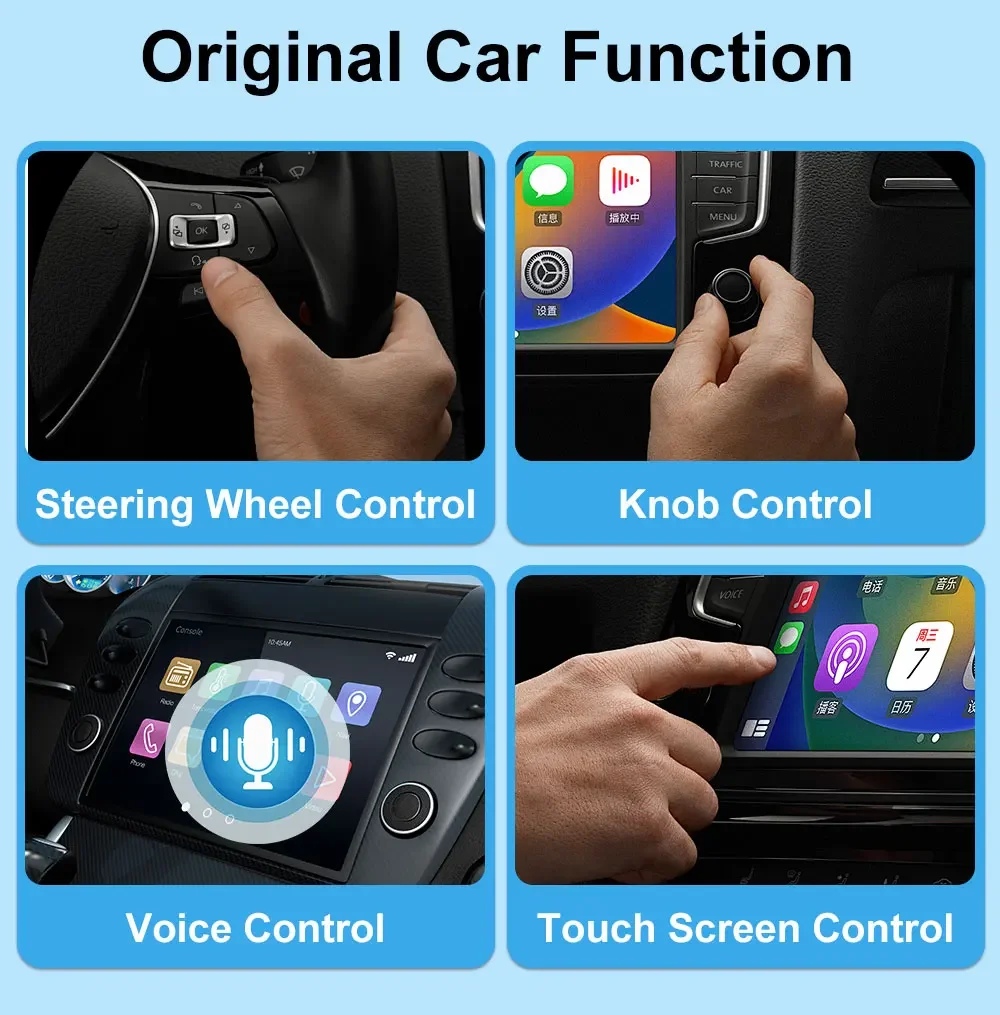
Support: OEM Knob Control,Touch Screen Control,Siri Voice Control
Support models: 98% Models Car
USB android auto adapter: Android auto dongle
Wired to Wireless android auto: Android auto Wired to Wireless
Wireless Android Auto: Android auto Wireless
1. This product is applicable to vehicles equipped with wired CarPlay or Android Auto, and is compatible with 99% of cars manufactured after 2016.
2. This product supports mobile phones running Android 11 or iOS 10 operating systems.
3. How to confirm if your car has wired CarPlay or Android Auto: Connect your phone to the car with a data cable, and you will see a relevant pop-up prompt. Alternatively, you can consult your car sales manager.
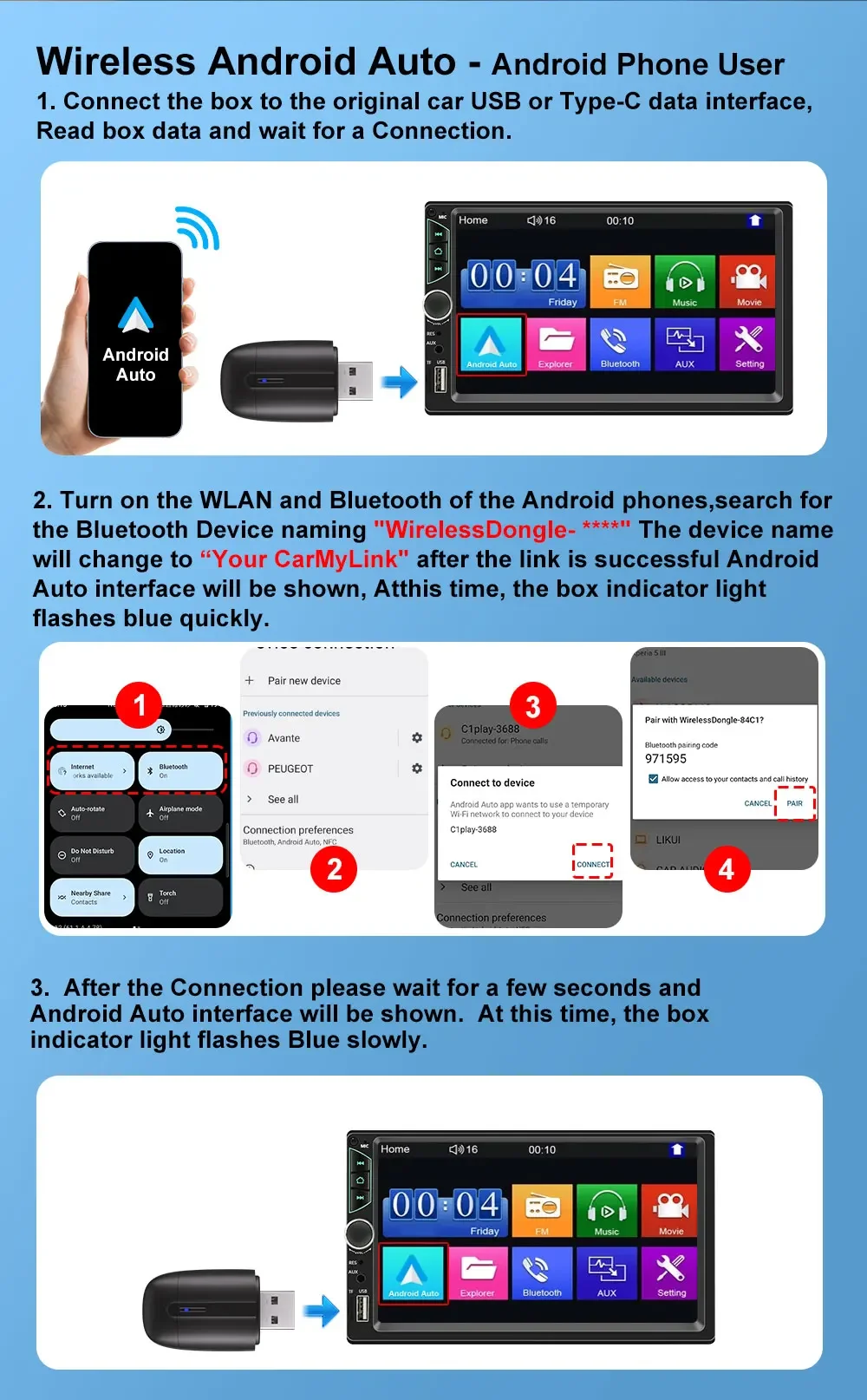
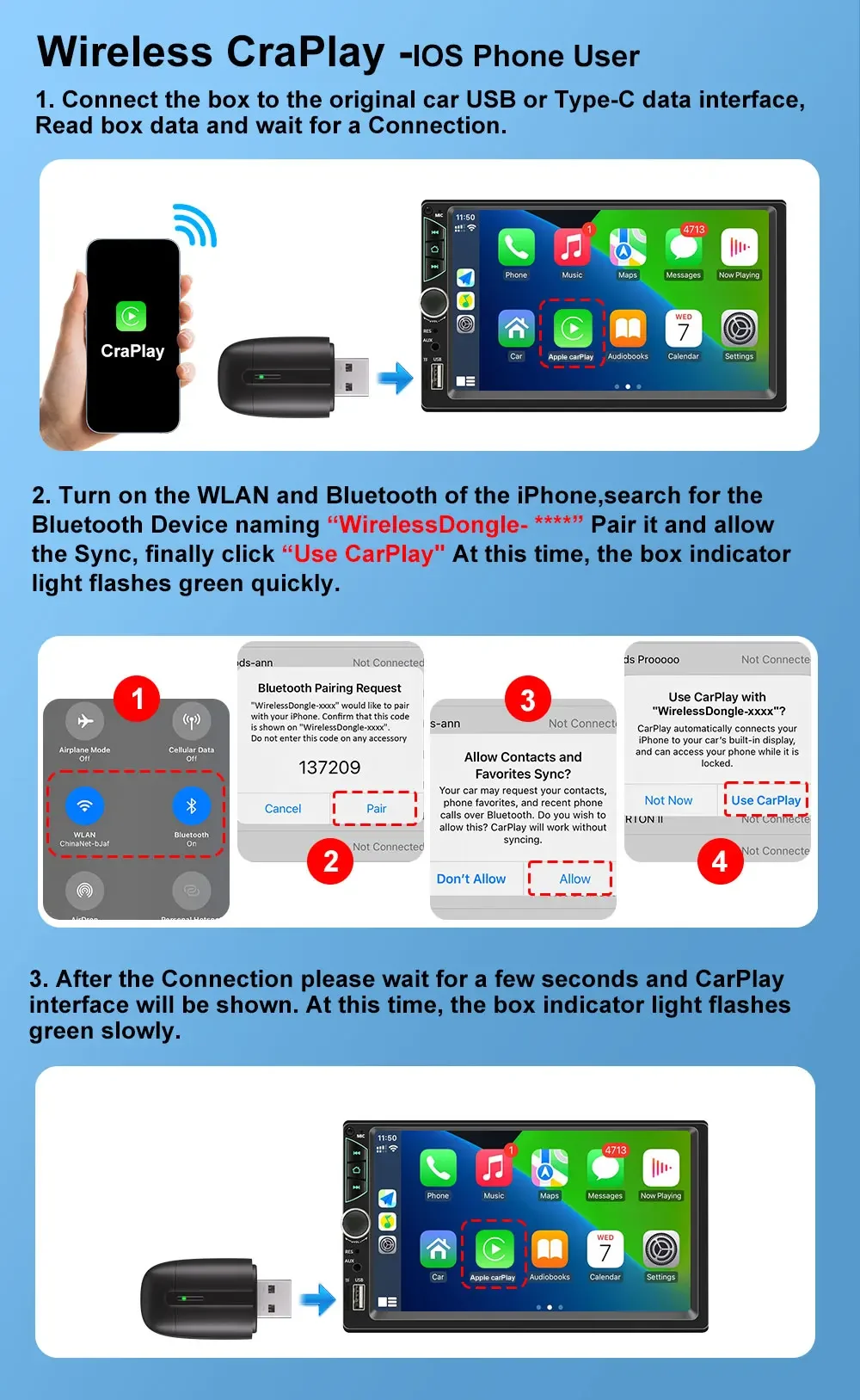
4. Please enable Bluetooth and Wi-Fi on your phone, then pair and connect to the device’s Bluetooth signal. Wi-Fi will connect automatically without entering a password.
5. The device prioritizes CarPlay activation. If you switch to an Android phone later, simply pair and connect to the device’s Bluetooth, and the device will switch modes automatically. This process takes 10–15 seconds.
6. If the connection is unstable, try switching the Wi-Fi frequency band. Relevant operations can be found in the user manual.