
HTC WS01 Speaker Sleeping Aid Wireless Bluetooth Speaker Bass HiFi Stereo Sound Low Latencyf Built-in Mic for Home Party


HTC WS01 Speaker Sleeping Aid Wireless Bluetooth Speaker Bass HiFi Stereo Sound Low Latencyf Built-in Mic for Home Party
SPECIFICATIONS
Active Noise-Cancellation: No
Battery life up to[hours]: 4-5hous
Bluetooth Version: Other
Brand Name: HTC
Category: Earphones & Headphones
Charging Method: Charging case
Charging Time: 2
Choice: yes
Codecs: AAC,sbc
Communication: True wireless
Connectors: Type c
Control Button: No
Control Method: Push button,Remote
Department: Unisex-adult
Driver Diameter: 13
Features: Waterproof,With microphone,Dual Connection
Frequency Response Range: 20 - 2000
Function: For Internet Bar,Monitor Headphone,for Video Game,Common Headphone,For Mobile Phone,HiFi Headphone,Sport,For Hearing Aid,For Outdoor,For Office,For Sleep,For Study
Headphone Pads Material: Other
High-concerned chemical: None
Impedance Range: up to 32 Ω
Is wireless: Yes
Line Length: 0
Magnet Type: Other
Material: Plastic,Silica Gel
Max Output: 22
Maximum wireless range[m]: <10m
Number Of Drivers: 2
Origin: Mainland China
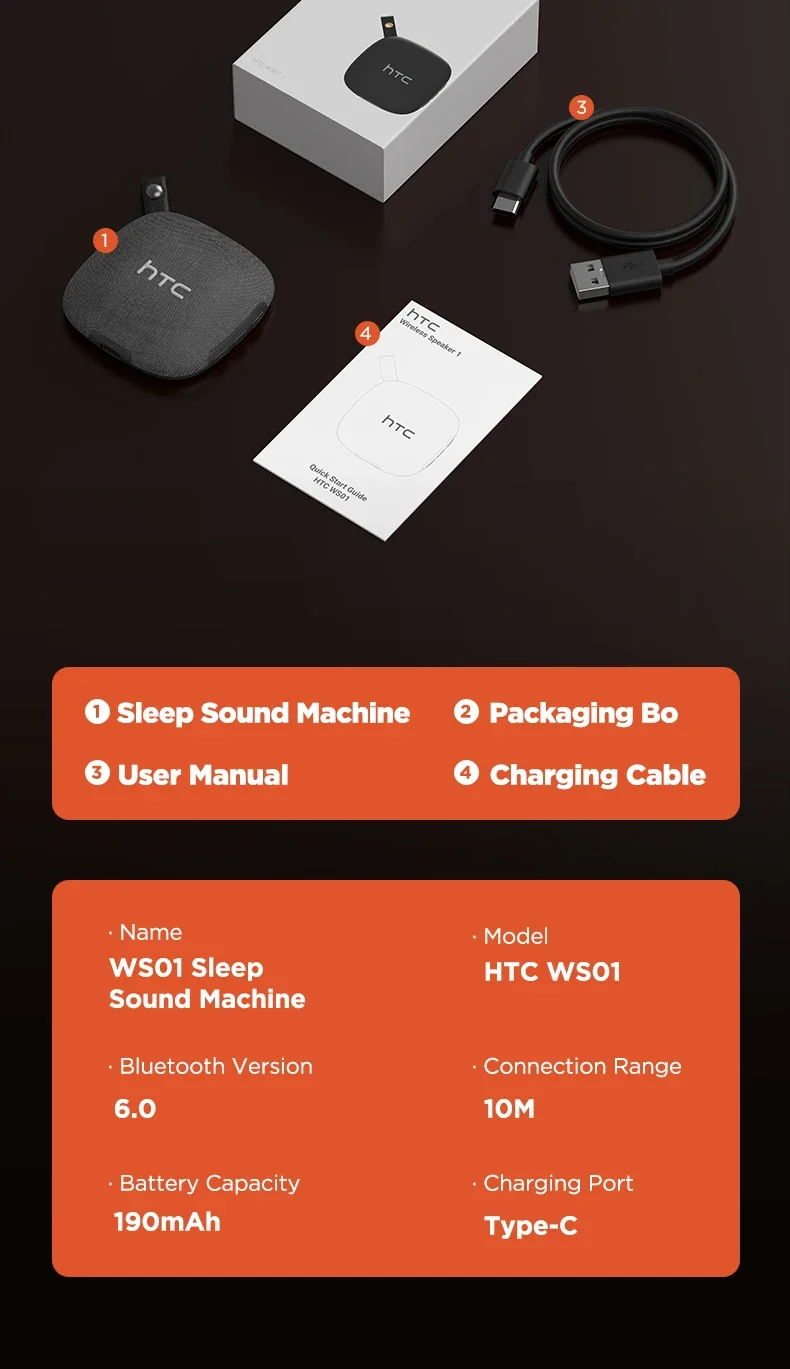
Package List: User Manual,Charging case,Charging Cable,Replaceable Pads Set
Plug Type: NONE
Resistance: 2
Sensitivity: 3
Sound Isolating: no
Speaker maximum output power: 20W
Style: Wired in-ear headphones
Support APP: No
Support Memory Card: No
Total Harmonic Distortion: 3
Vocalism Principle: Dynamic
Volume Control: Yes
Waterproof: No
Wireless Type: Bluetooth
With Microphone: Yes
semi_Choice: yes

Using
After removing the headphones from the charging compartment at the same time, the left and right headphones will automatically turn on and pair (after the two headphone chips are paired together: the main headphone light is on, the secondary headphone light is off), then turn on the mobile phone's Bluetooth and click connect ~ ps: You need to connect manually for the first time, then take out the headset to connect automatically ~
