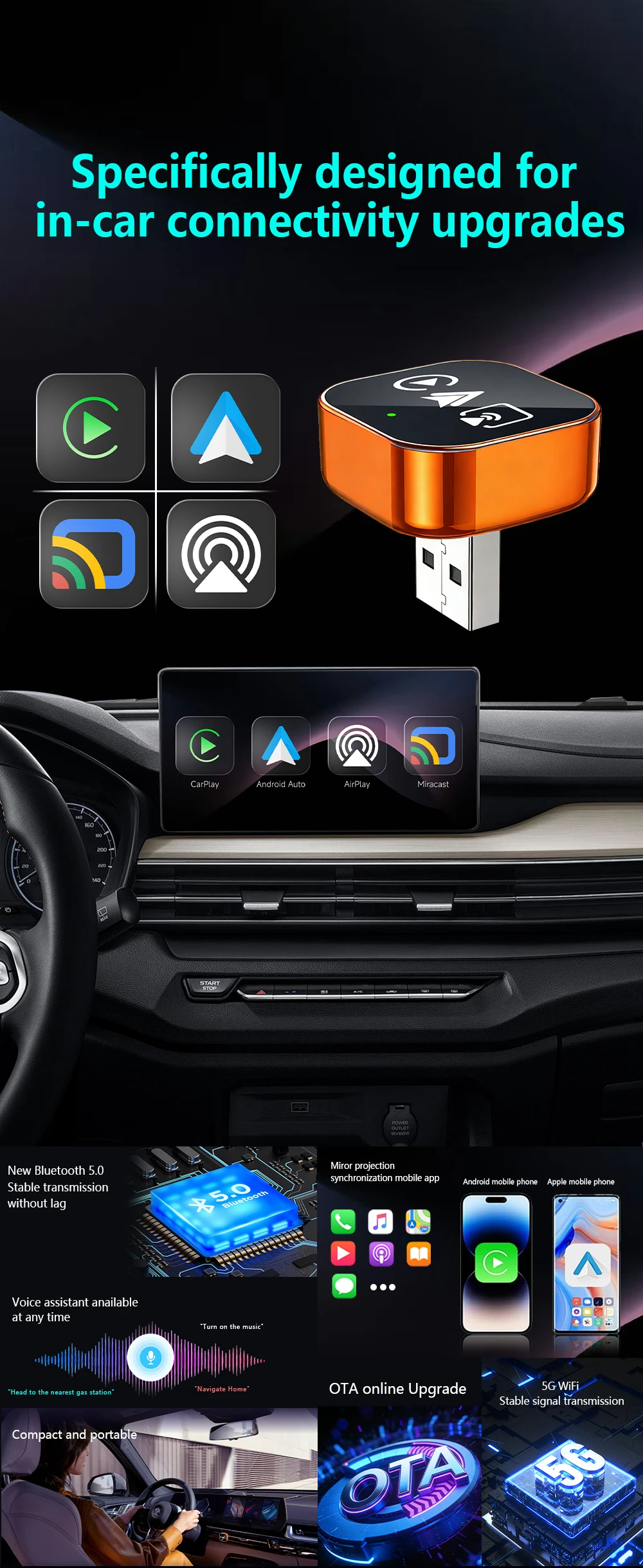
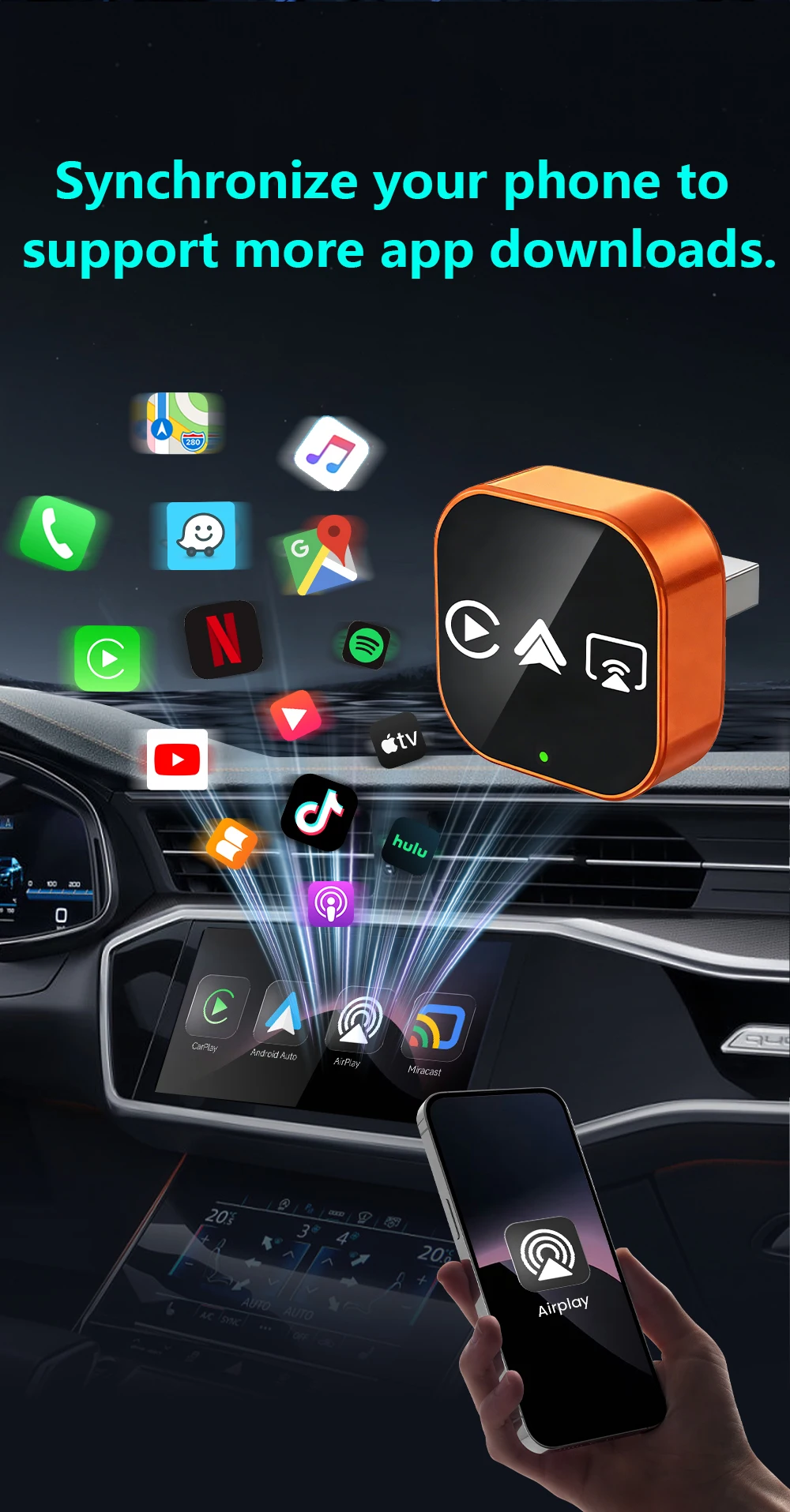
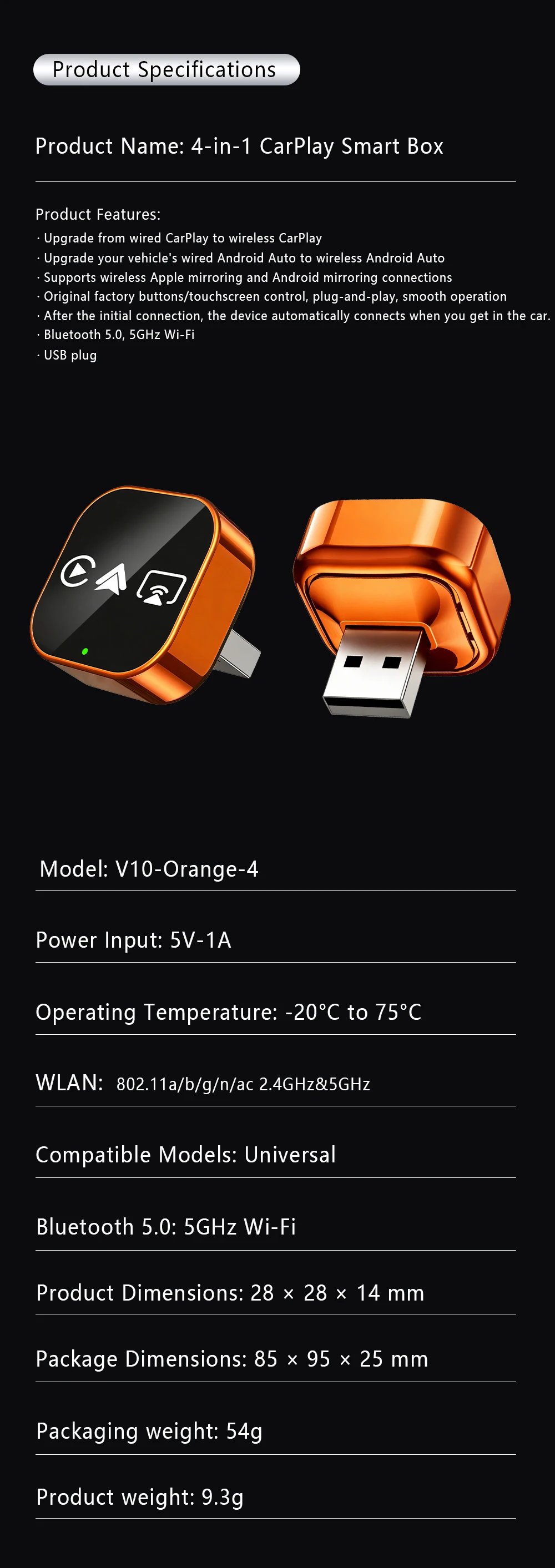
NEW 4-in-1 Wireless Carplay Android Auto Mirror Link Airplay Adapter Plug&Play Low Latency For Audi Benz Volvo VW Ford Citroen


NEW 4-in-1 Wireless Carplay Android Auto Mirror Link Airplay Adapter Plug&Play Low Latency For Audi Benz Volvo VW Ford Citroen
SPECIFICATIONS
Blunetooth: 5
Brand Name: NONE
Choice: yes
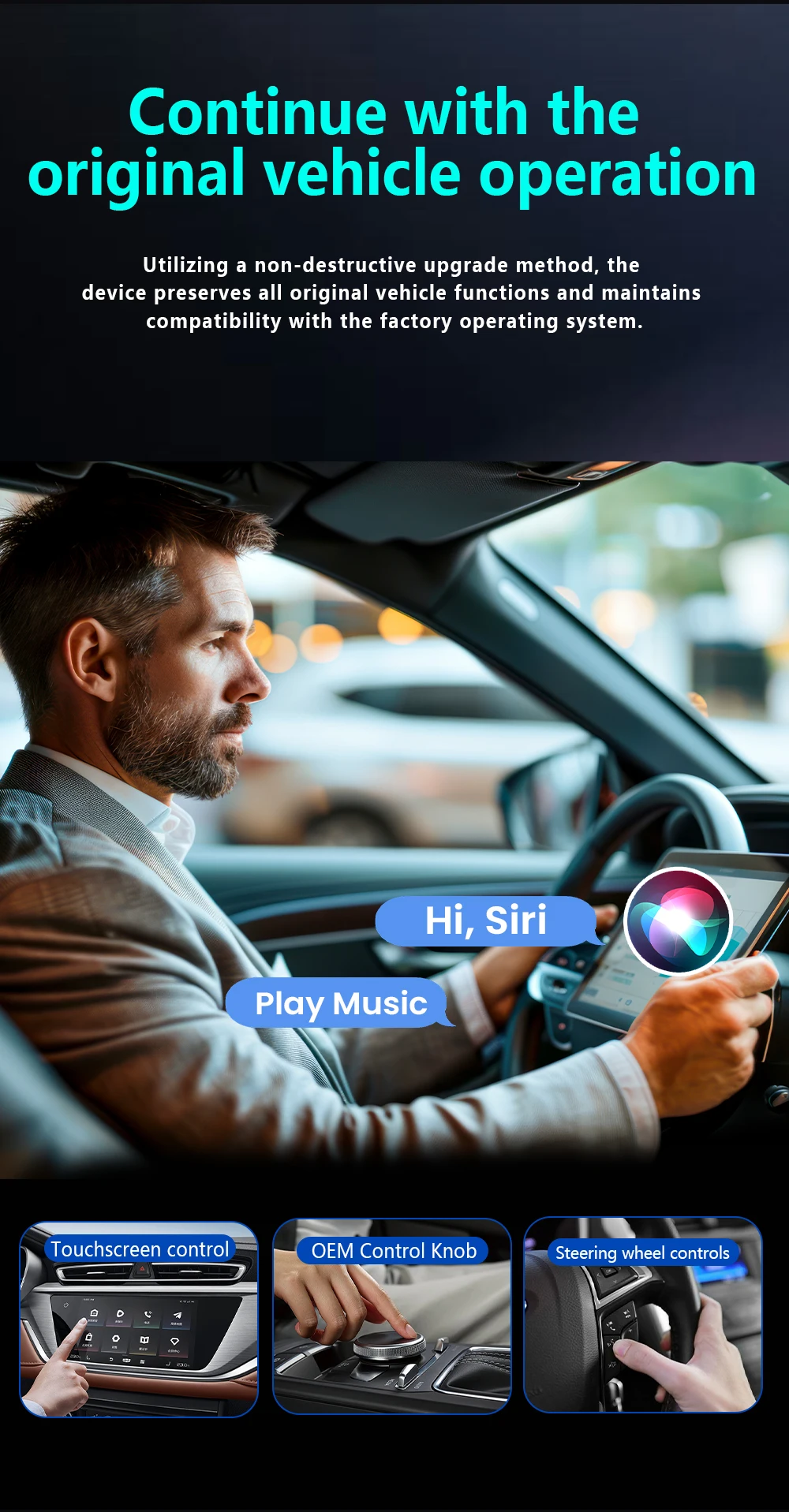
Conditions of Use: This product has been converted from wired CarPlay to wirelessCarPlay/Android Auto/Mirror link.
Feature: Wireless Carplay,Wireless Android Auto,For Airplay,For Miracast Link,Fota Update,Plug and play
High-concerned chemical: None
Origin: Mainland China
Package Dimensions: 85 x95 x25 mm
Packaging weight: 54g
Product Dimensions: 30 x30x12 mm
Product weight: 17g
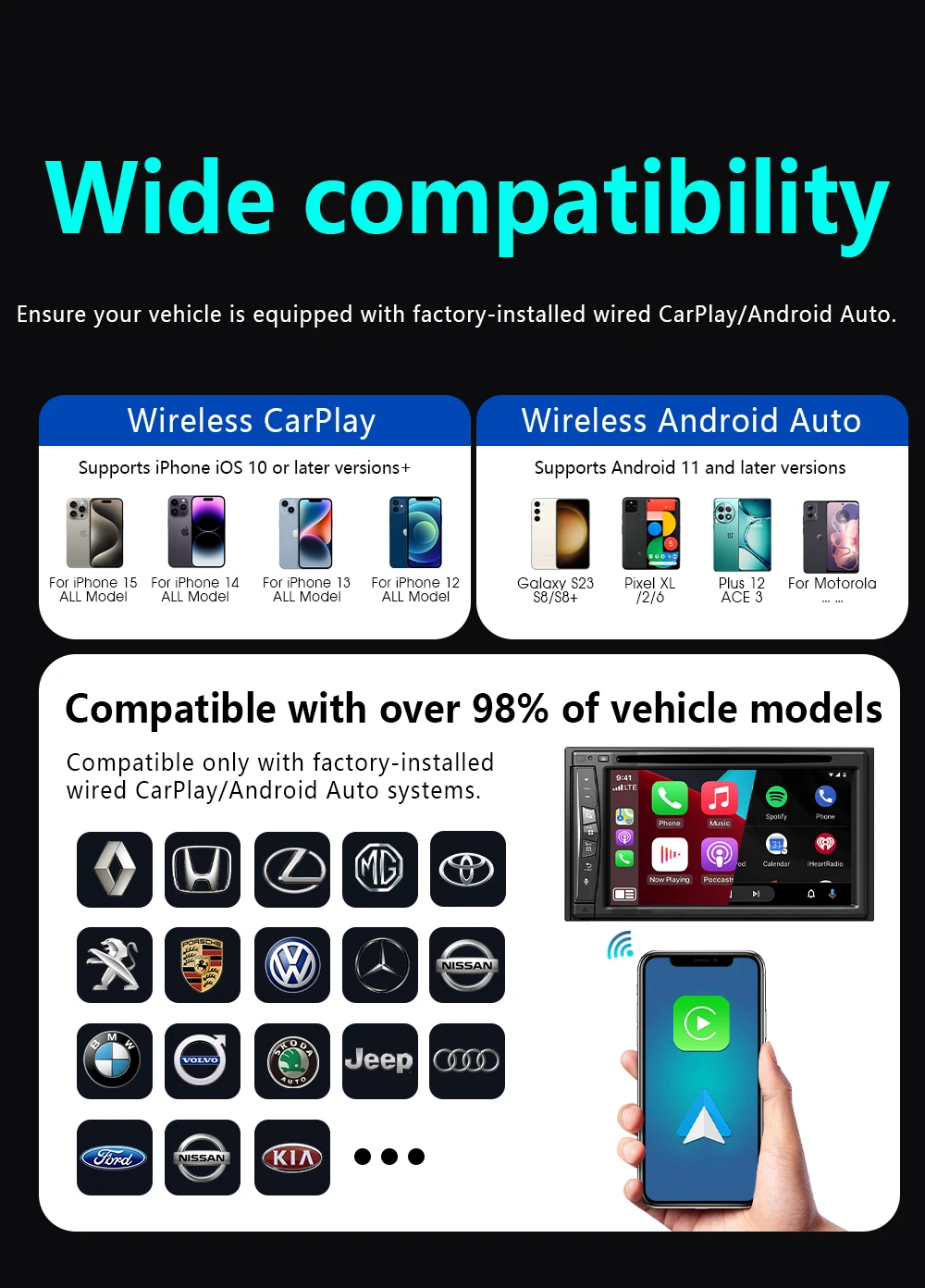
Support the Car: For Audi Benz Volvo VW Toyota Skoda Seat Nissan Mazda Lexus Kia Jeep Jaguar Hyundai,For Honda Haval GMC Ford Chevrolet Citroen Buick Cadillac Chery MG
Wifi: 2.4G+5G
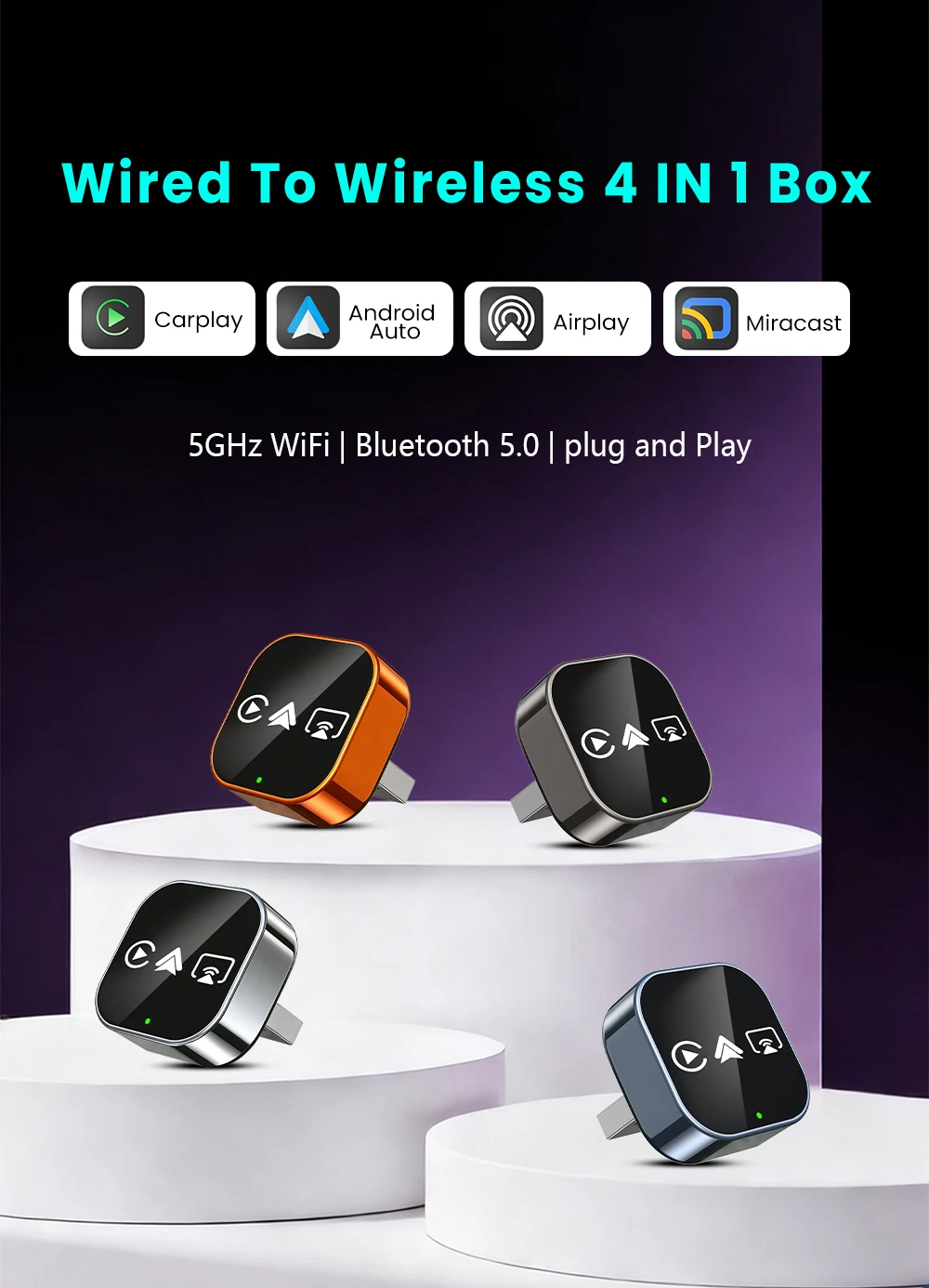
🔥 4-in-1 Wired to Wireless Converter: CarPlay/Android Auto/AirPlay/Mirror Link | Auto-Reconnect & Stable WiFi | Plug & Play for iOS/Android
▶ Purchase Notice
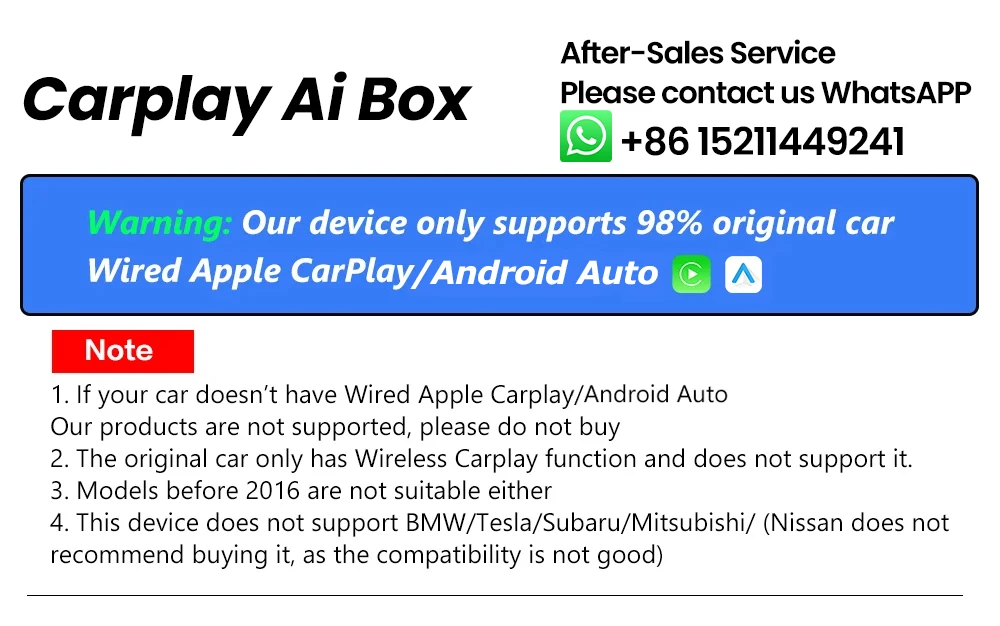
⚠️ Critical Compatibility Requirements:
✅ Your car MUST have original wired CarPlay /Android Auto(check via car’s official website or infotainment system settings).
❌ Not compatible with:
BMW/Tesla/Subaru/Mitsubishi.
❌ Nissan models are NOT recommended (poor compatibility – contact us for specific Nissan model checks).
▶ Product Features
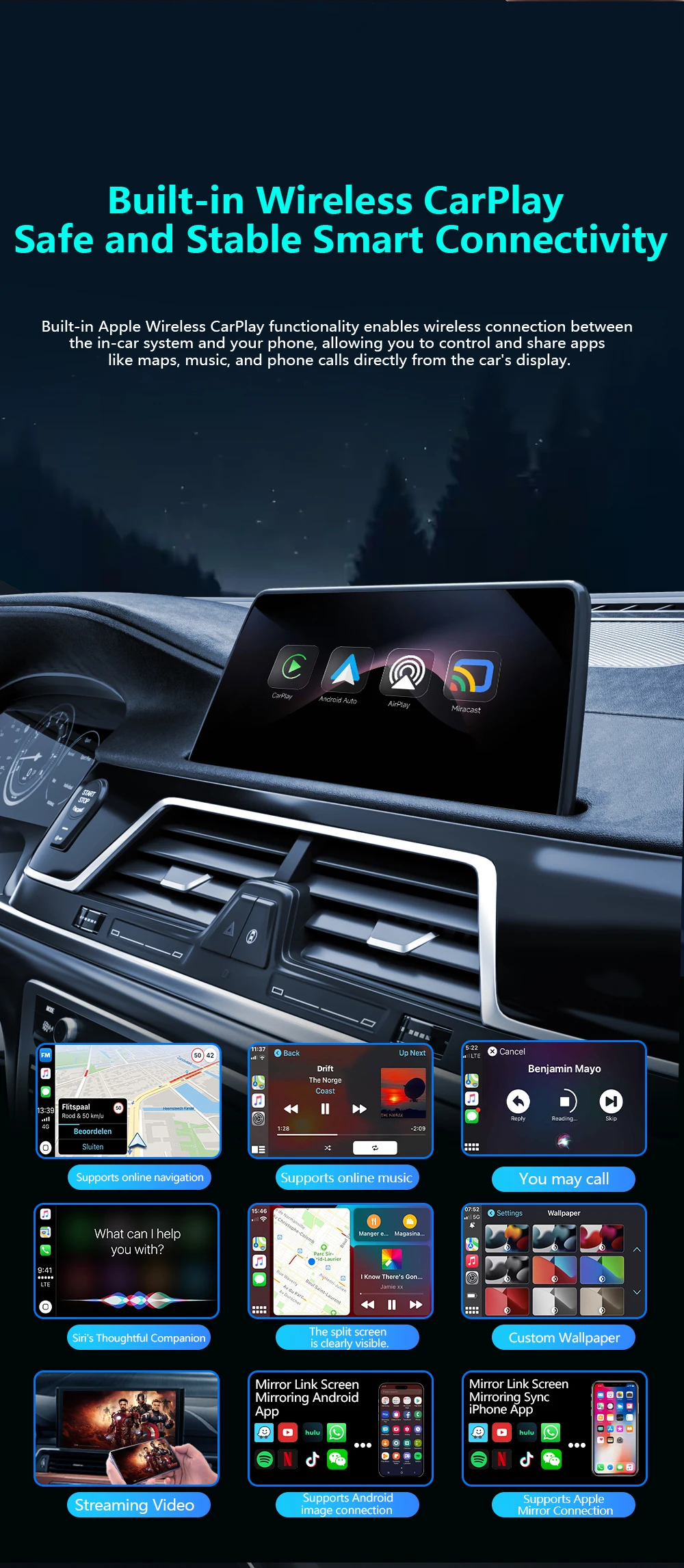
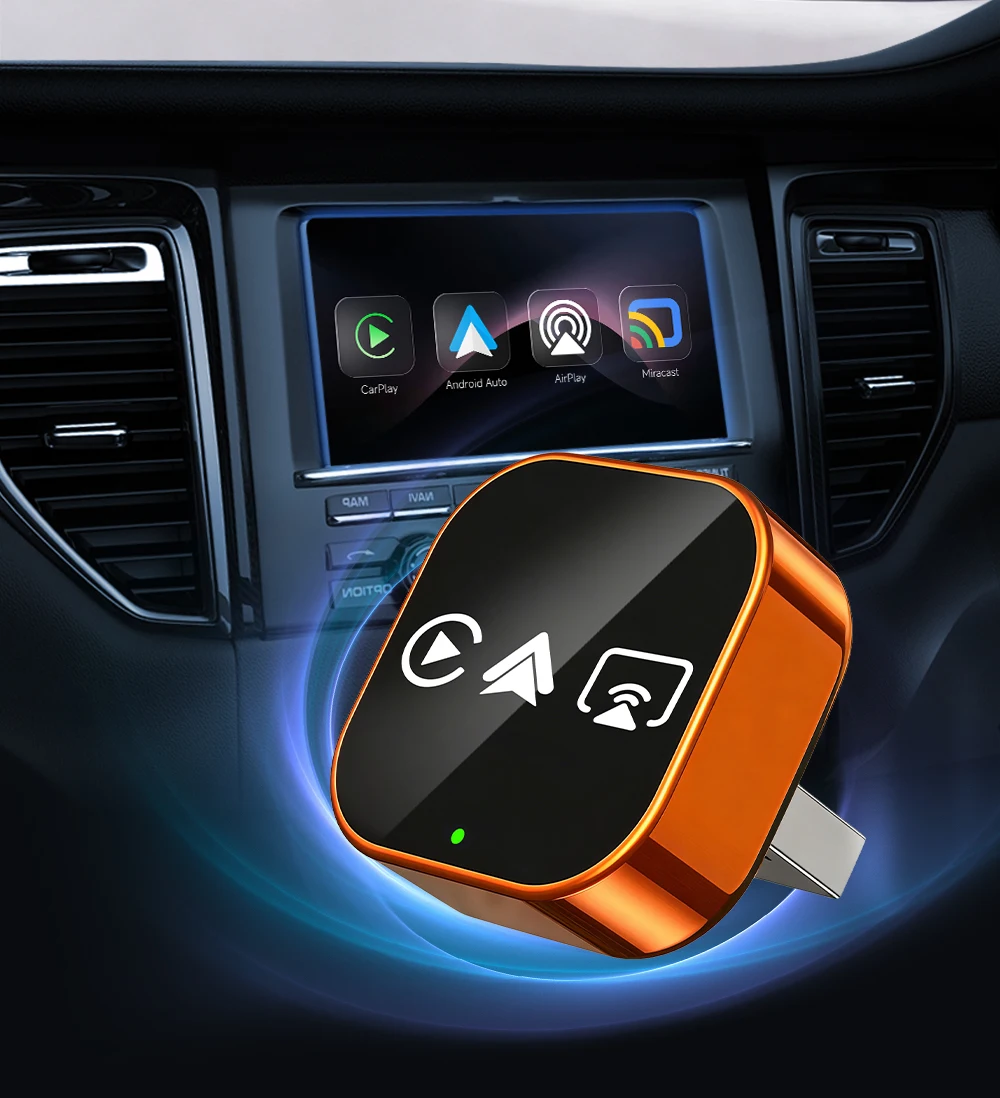
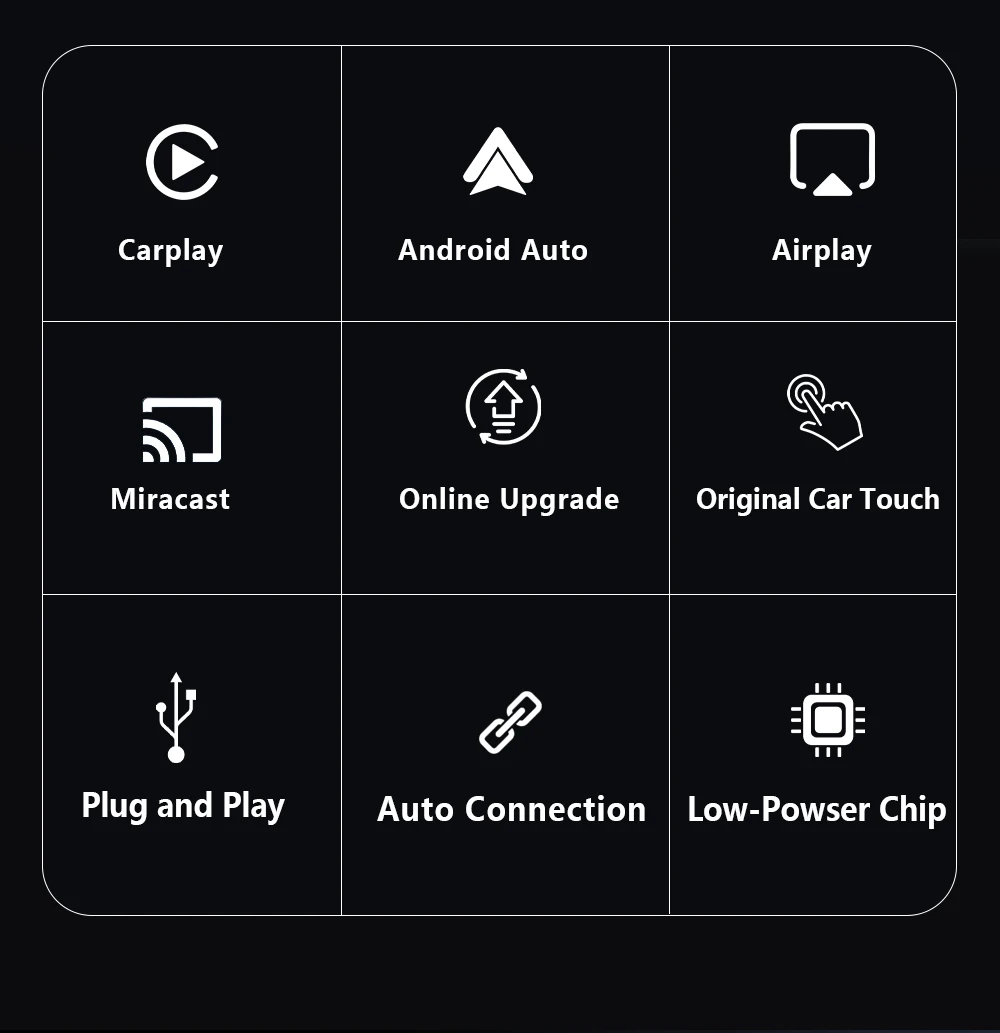
✅ Wireless CarPlay: Cut the cable clutter! Seamless wireless connection + auto-reconnect every time you start the car – no more plugging/unplugging.
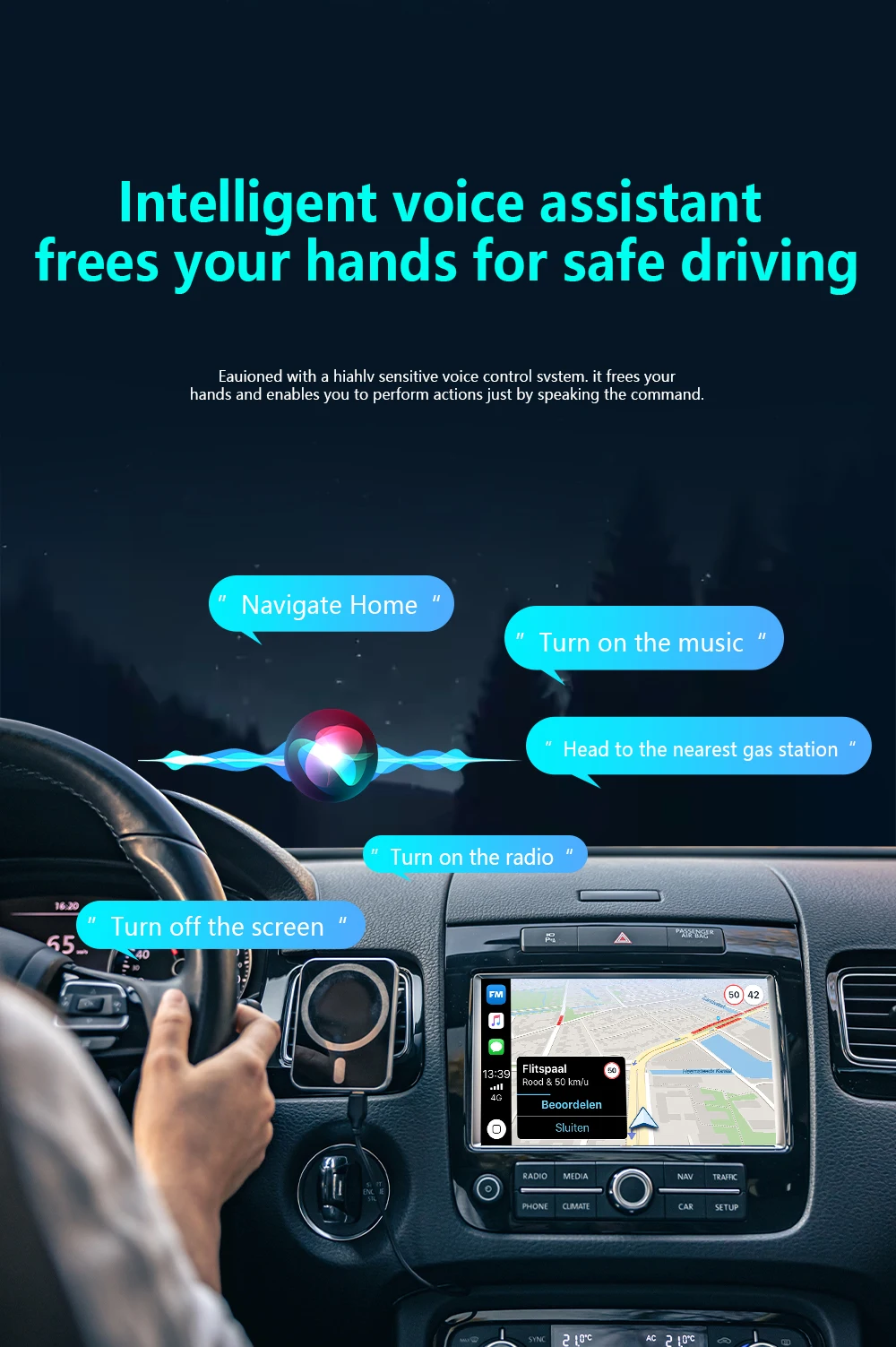
✅ Android Auto Support: Full smartphone integration (navigation, voice control, music) – turn your car’s infotainment into a smart hub.
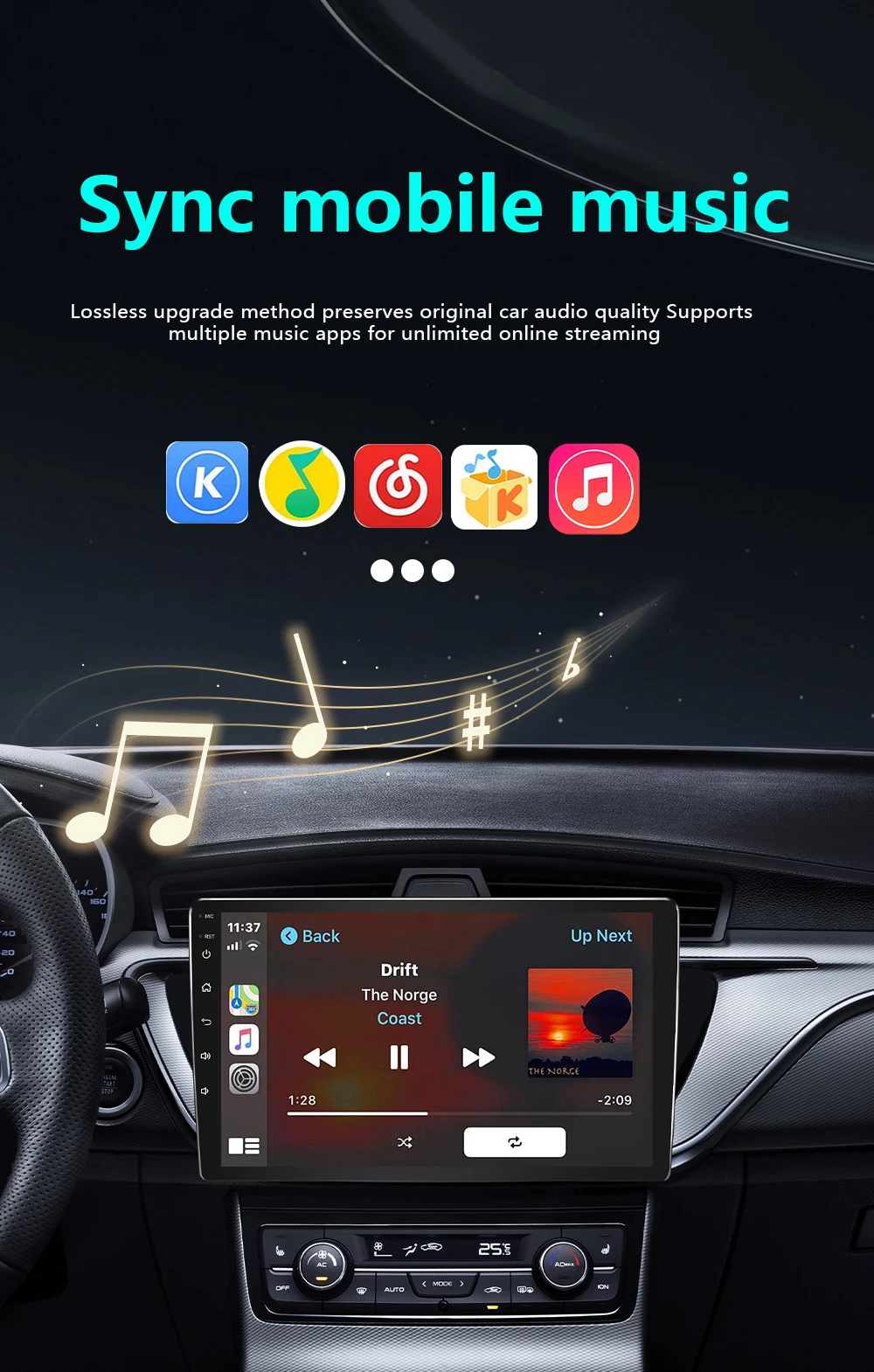
✅ AirPlay & Miracast: Wireless screen mirroring for iPhone/Android – stream movies, maps, games directly to your car’s display (multi-scene use).
▶ For Phones
📱 Mobile compatibility:
▪️ IPhone (for CarPlay): iPhone 6+/iOS 10+; (For AirPlay): iOS 18+
▪️ Android (suitable for Android cars): Android 11+/phone supports wireless Android cars
▪️ Huawei phones (EMUI system): Huawei devices have their own mobile operating system - EMUI. Android Auto Wireless does not support EMUI, please do not use it
▶ How to connect Carplay/Android Auto?
📲 Quick Connection Guide (30s Setup):
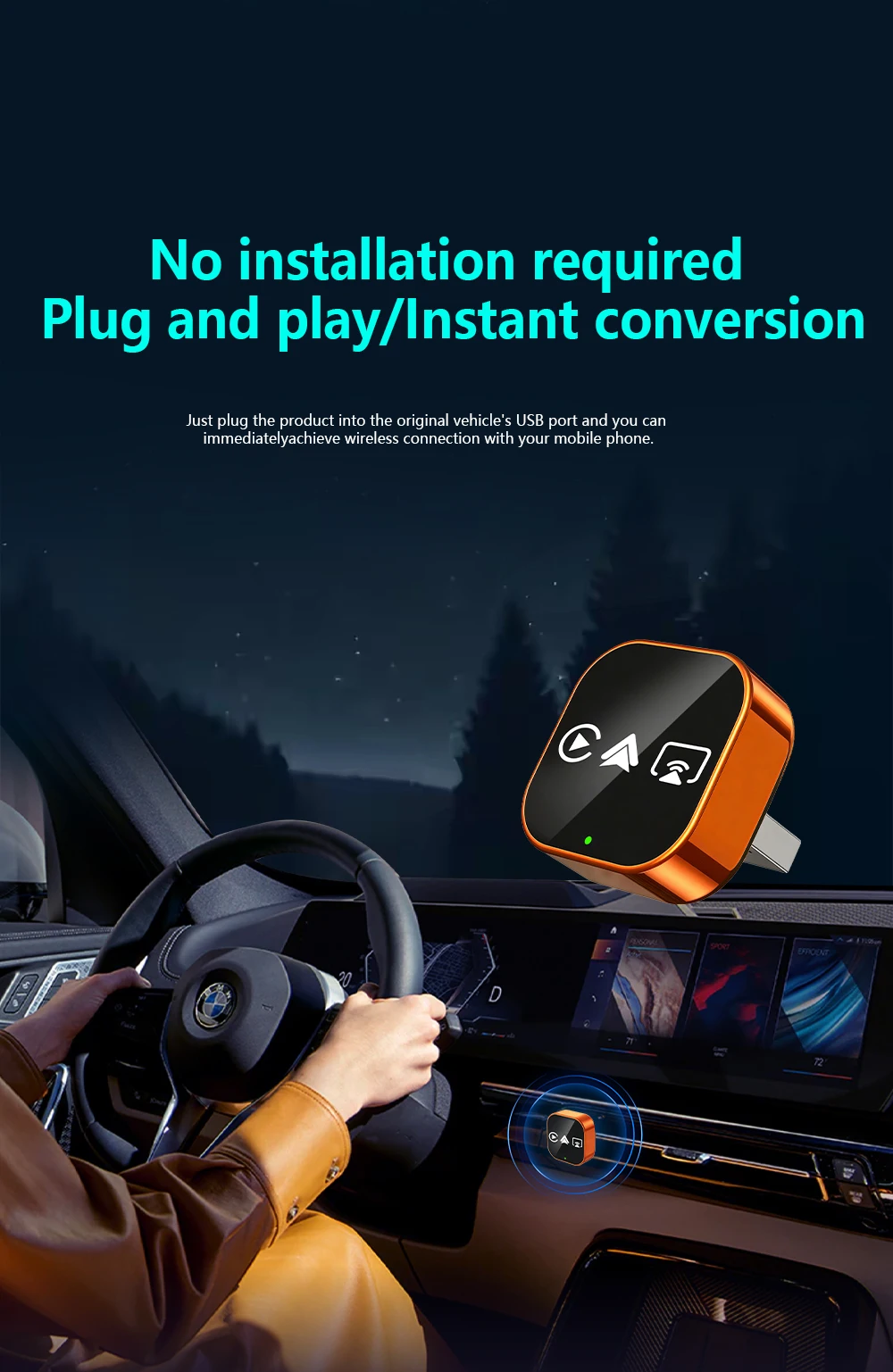
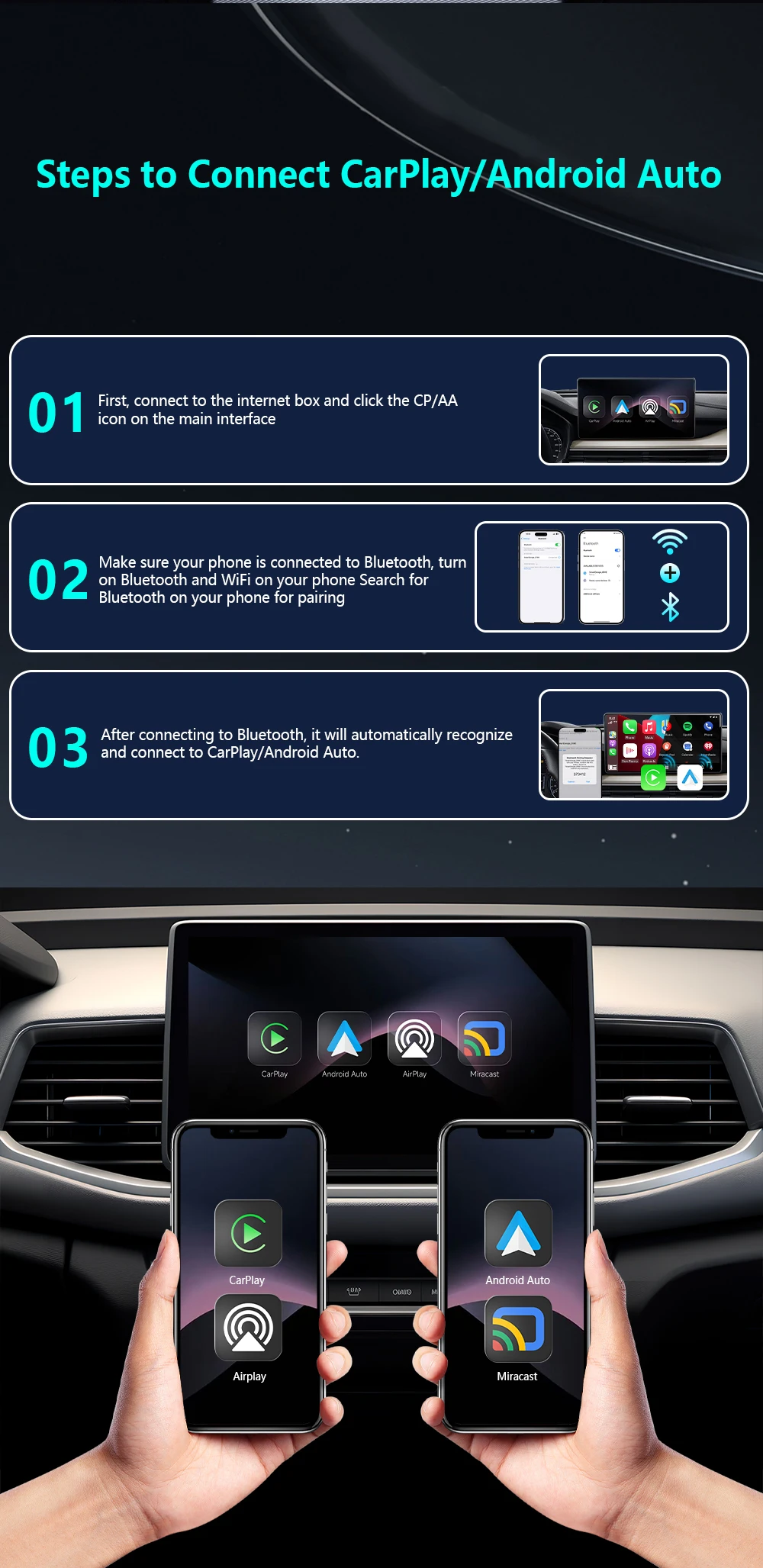
Step 1: Plug the adapter into your car’s wired CarPlay USB port.
Step 2: On the adapter’s interface, click the [CP/AA] icon.
Step 3: Turn on Bluetooth + WiFi on your phone.
Step 4: Search for the adapter’s Bluetooth name (e.g., “SmartBox-xxxx”) and pair.
Step 5: Auto-recognizes and connects to CarPlay/Android Auto – done!
▶ For Airplay/Miracast
🖥️ Wireless Screen Mirroring:
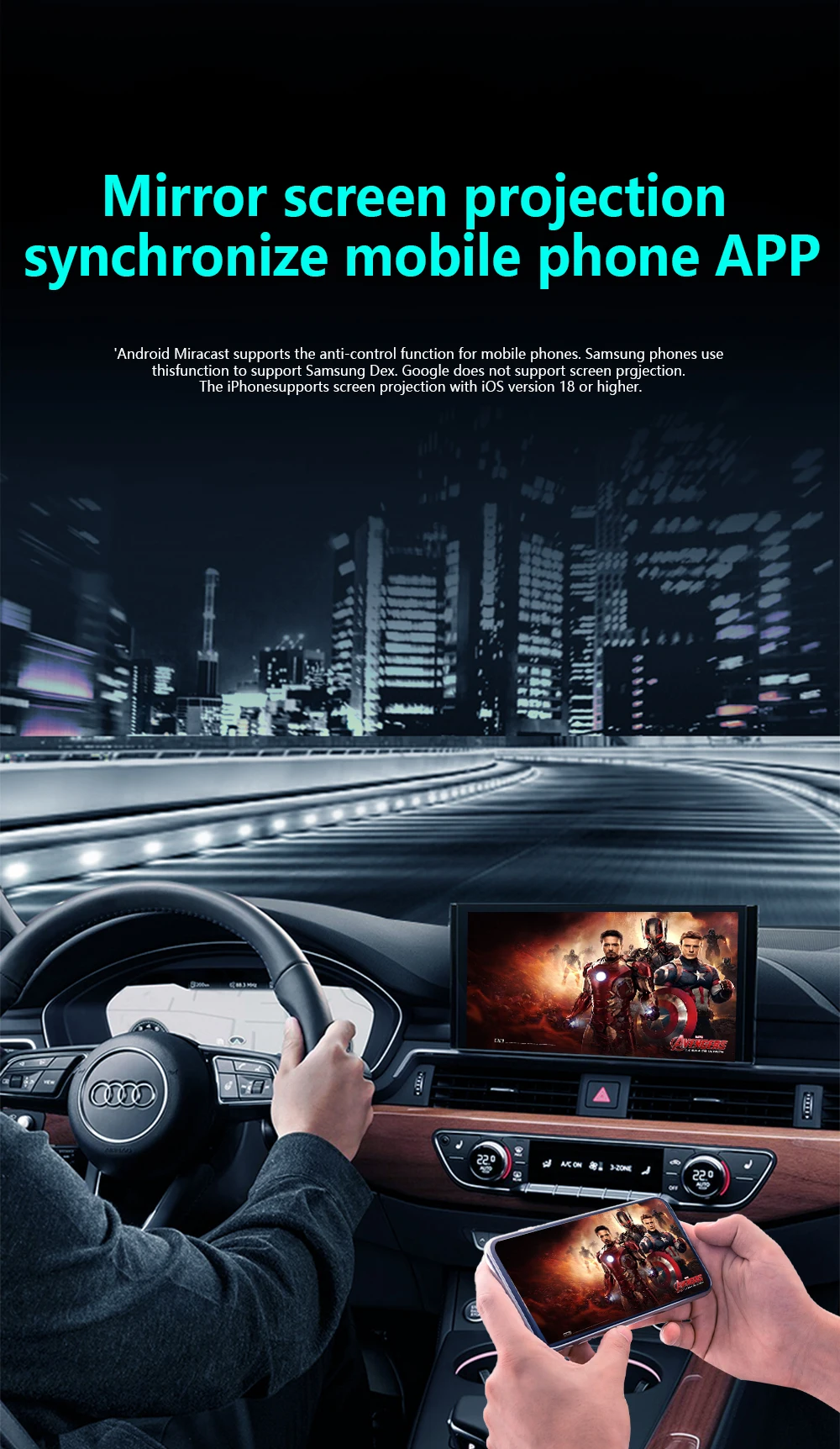
▪️ AirPlay (iPhone): iOS 18+ required | Sync apps, movies, navigation to car display – ideal for long drives.
▪️ Miracast (Android): Android 11+ required | Cast phone screen in real-time – no lag for maps/games.
▶ How to connect Mirror link?
🖇️ Mirror Link Setup:
Step 1: Turn on WiFi on your phone.
Step 2: Open wireless screen mirroring (find it in: Drop-down menu → Settings → Display → Wireless Projection).
Step 3: Select the adapter’s device name (e.g., “SmartBox-xxxx”) from the list.
Step 4: Connected instantly – start casting!
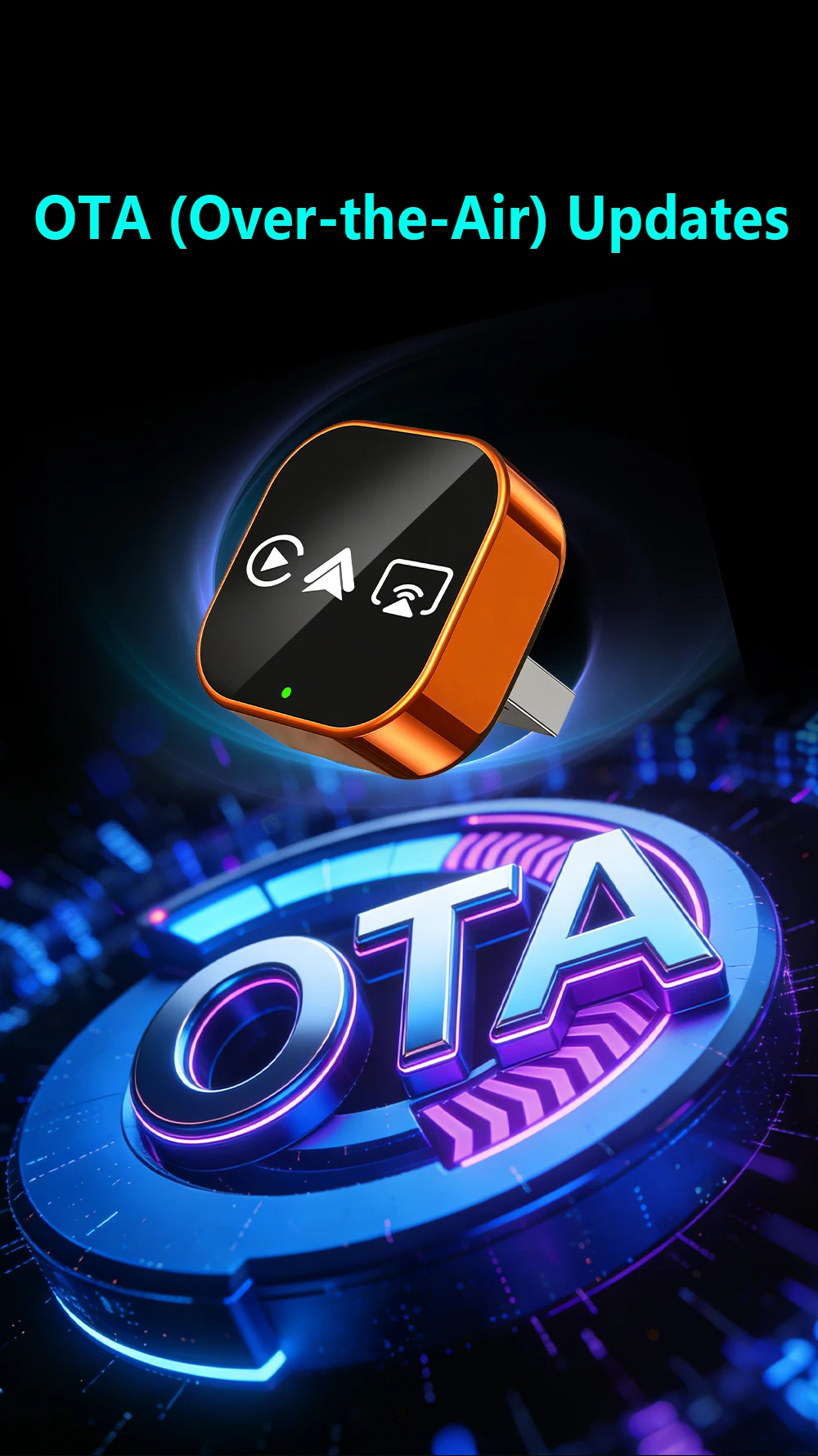
▶ OTA upgrade
🔧 OTA Upgrade (Fix Issues & Get New Features):
Why upgrade? Resolve connection failures/disconnections, add new functions.
Step 1: Turn on your phone’s WiFi.
Step 2: Connect to WiFi: Name → “SmartBox-xxxx” | Password → “12345678”
Step 3: Open phone browser, enter URL: 192.168.1.101 (correct punctuation!)
Step 4: Enter OTA page → Click “Upgrade” and wait 2-3 minutes.
📌 Important Reminders:
▪️ Copyright Notice: Due to copyright protection, some copyrighted apps/videos may not be supported – this is a standard industry limitation, thank you for your understanding.
▪️ Keep the adapter away from high temperature (e.g., car dashboard in direct sunlight) to ensure stability.
▪️ If connection fails, try OTA upgrade first or contact our support team.
🛡️ After-sales Support:
Wireless carplay adapter
✅24/7 customer service
✅30 day free return policy
✅24 month warranty period