
New 4-in-1 Wireless CarPlay Mini Ultra 6 Android Auto Dongle Screen Mirroring MiraCast AirPlay BT WiFi Seamless Connection OTA


New 4-in-1 Wireless CarPlay Mini Ultra 6 Android Auto Dongle Screen Mirroring MiraCast AirPlay BT WiFi Seamless Connection OTA
SPECIFICATIONS
Brand Name: NONE
Compatible car: for 98% OEM cars with wired Carplay
Compatible phone: for i Phone and android phone which support wireless android auto
Connection method: wifi connecting after bluetooth paired
Feature 1: Plug and Play
Feature 2: seamless connection
Feature 3: OTA update
Feature 4: Continue original control methods
High-concerned chemical: None
Language: Automatically switch according to original language of the car
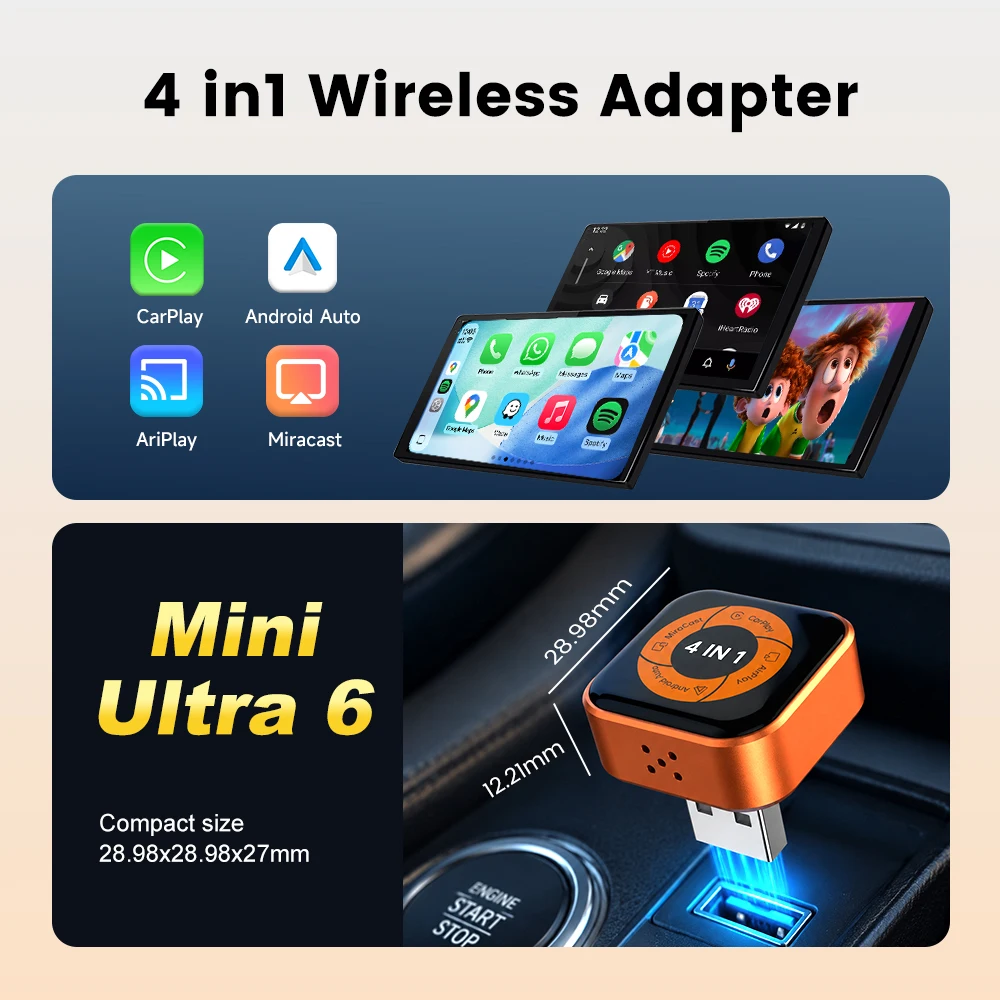
Main function: wireless CarPlay, wireless Android Auto, mirroring screen
Origin: Mainland China
Product name: Mini Ultra
Wireless Upgrade, Plug & Play
Compatible with factory-equipped wired CarPlay. Simply plug into the car’s USB port to upgrade from wired to wireless, no disassembly or modification required.
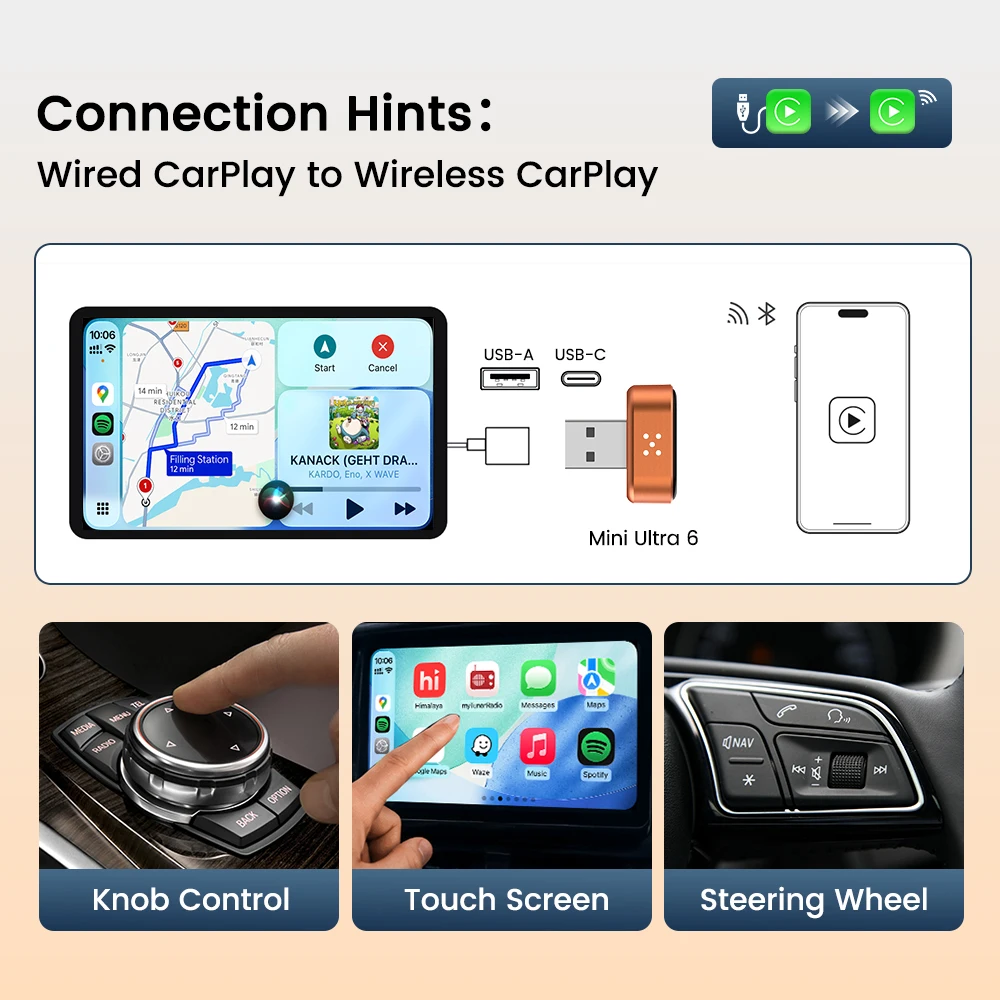
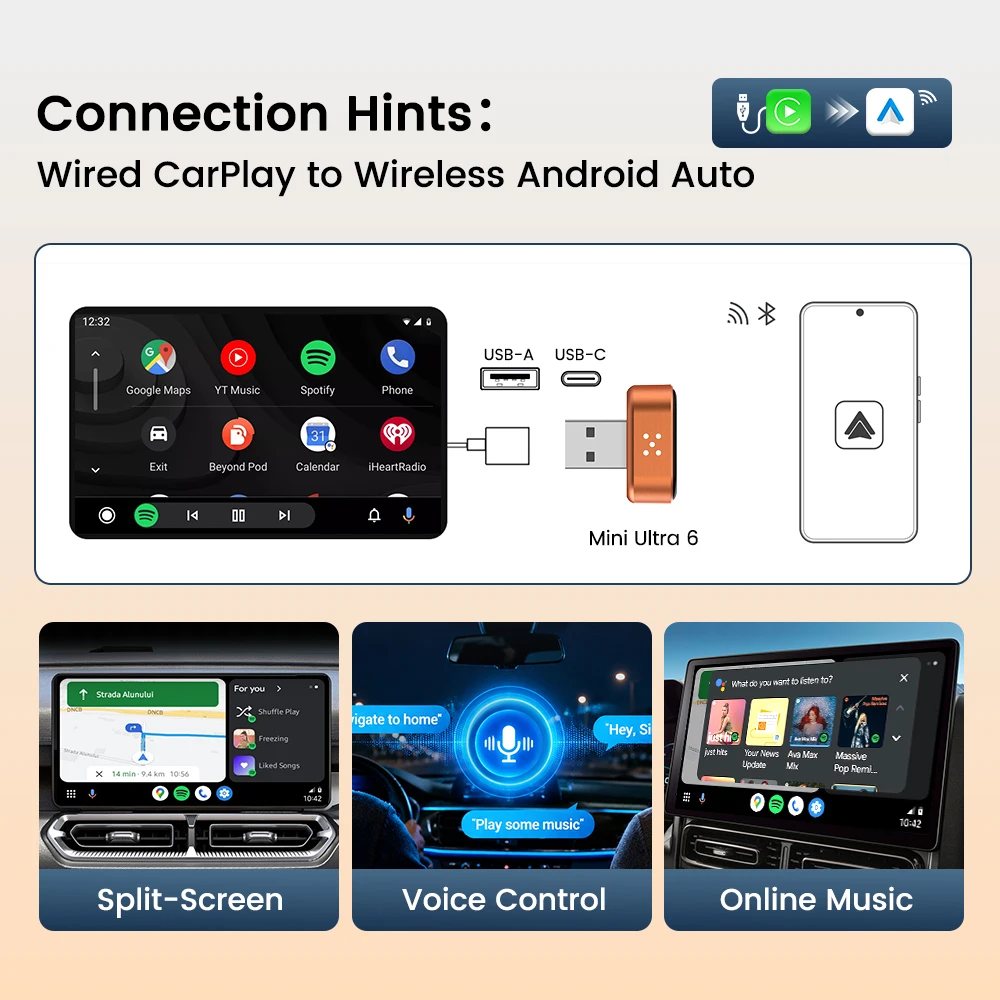
Plug & Play Wireless Upgrade
Convert Wired CarPlay to Wireless CarPlay/Android Auto in seconds. Enjoy Navigation, Music, Voice Control and More Without Cables.
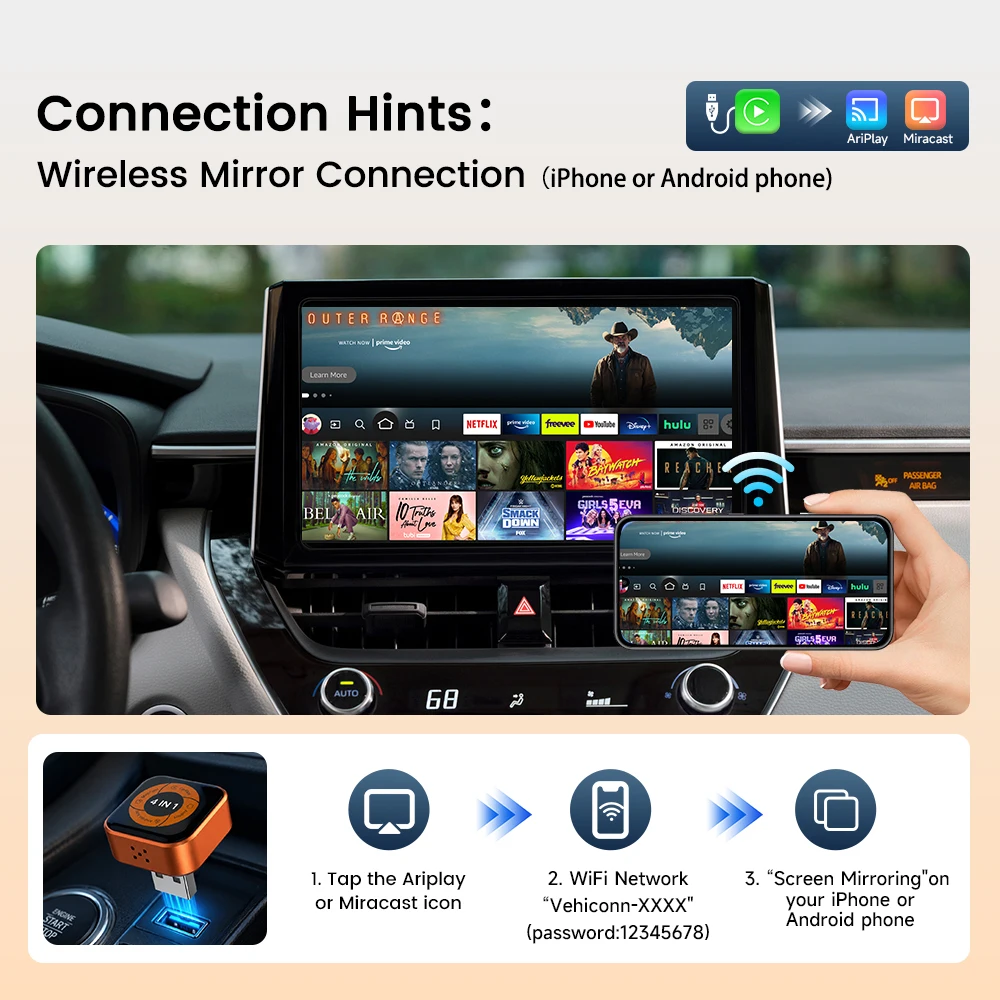
Wireless Mirroring, Bigger Screen Experience
Wirelessly cast your phone content to the car display. Supports iPhone AirPlay and Android Miracast for easy screen sharing anytime.
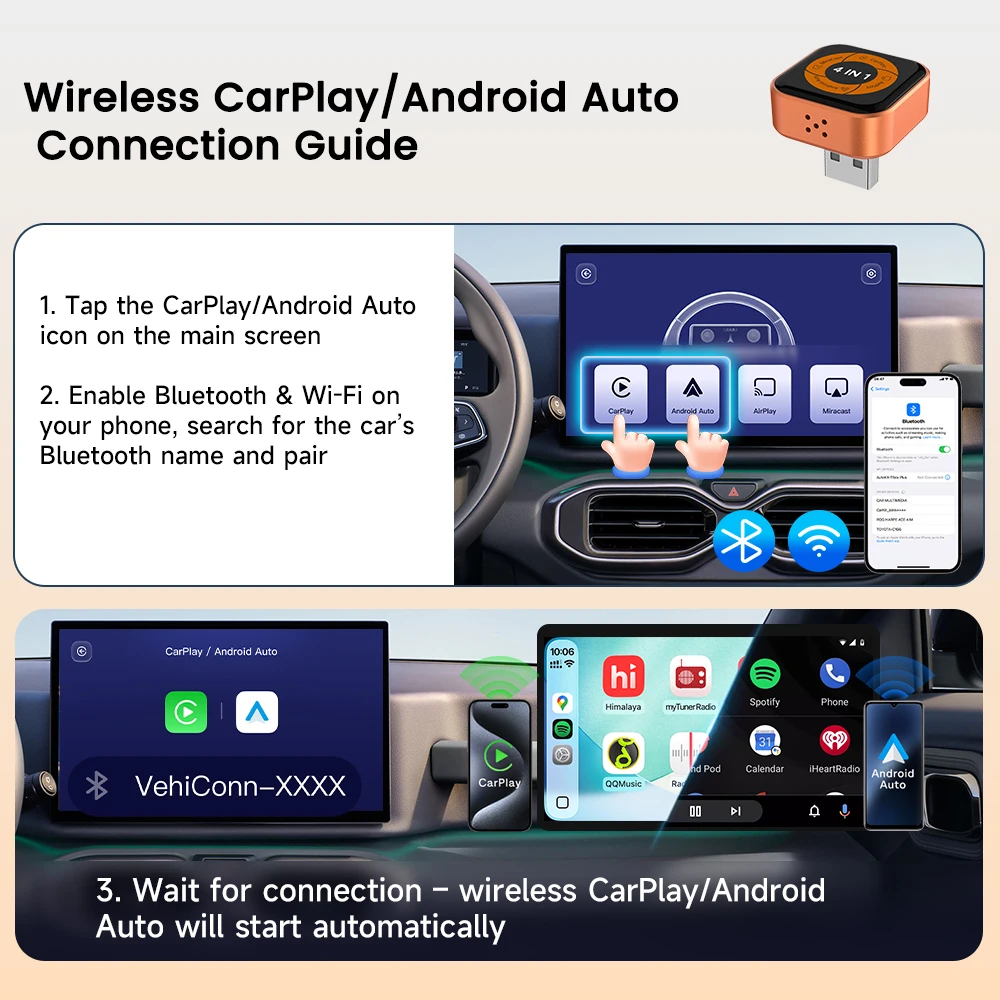
Easy To Set Up for The First Connection
1.Plug the mini wireless CarPlay adapter into the USB port of the car.
2.Turn on wifi and bluetooth on your mobile phone then pair bluetooth to the device on your phone
3.Wait for few seconds to get CarPlay or Android Auto wirelessly.
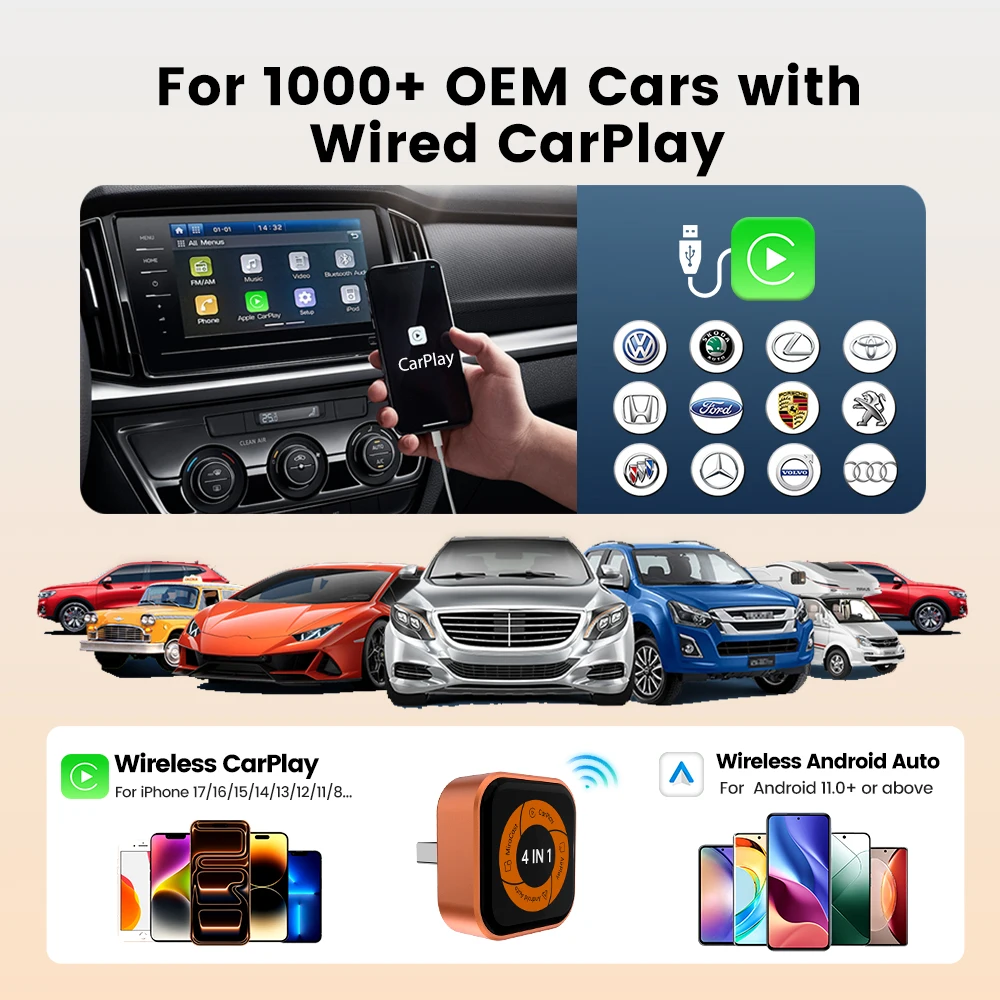
98% OEM Car Compatibility
Support most of original cars which installed wired CarPlay . Please connect your mobile phone into your car via cable to test it.
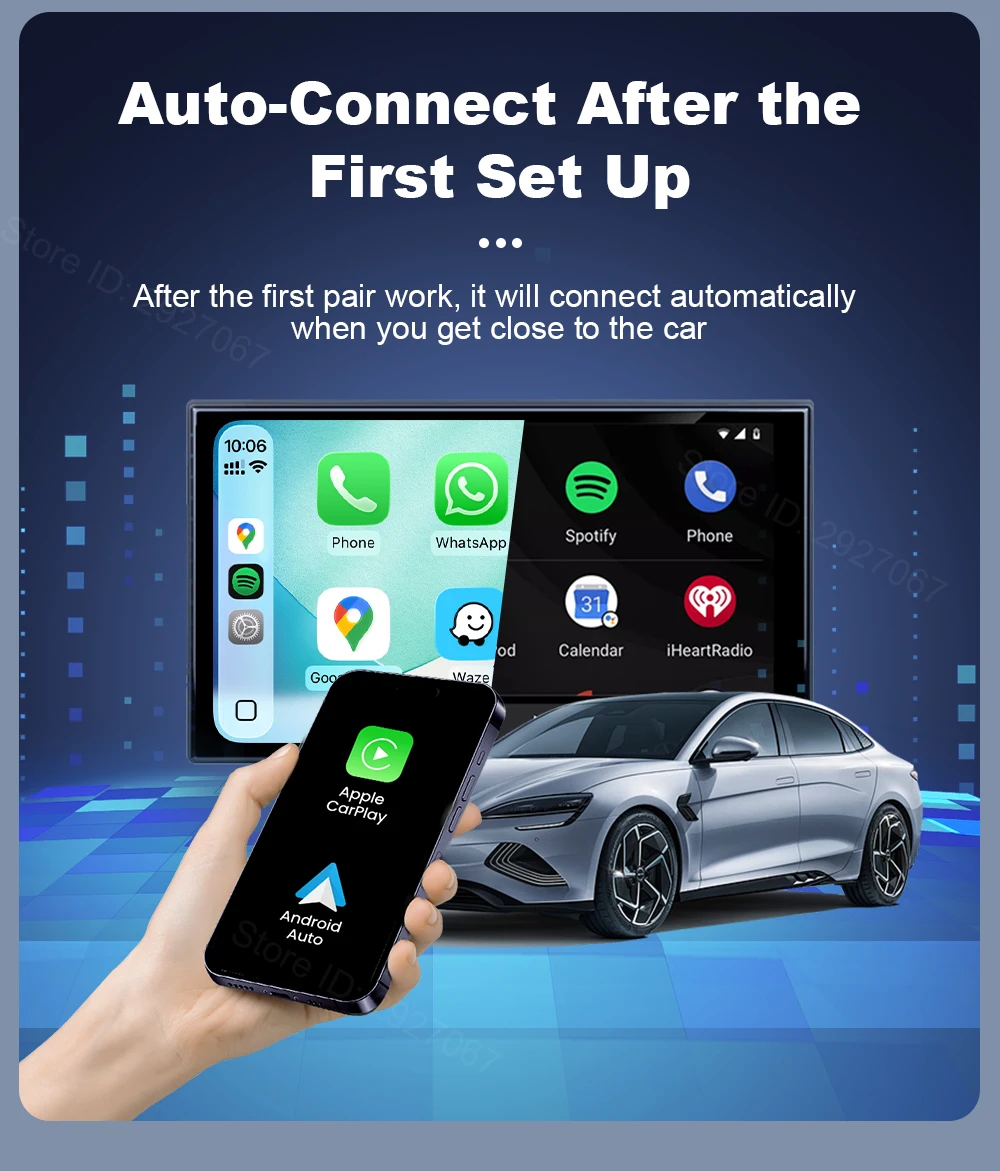
Auto Connect After the First Pair Work
Once you turn off the car and then restart it, automatically connected with your phone within 20-30s as soon as you press the start button, navigation and music are able to be turned on immediately as you like
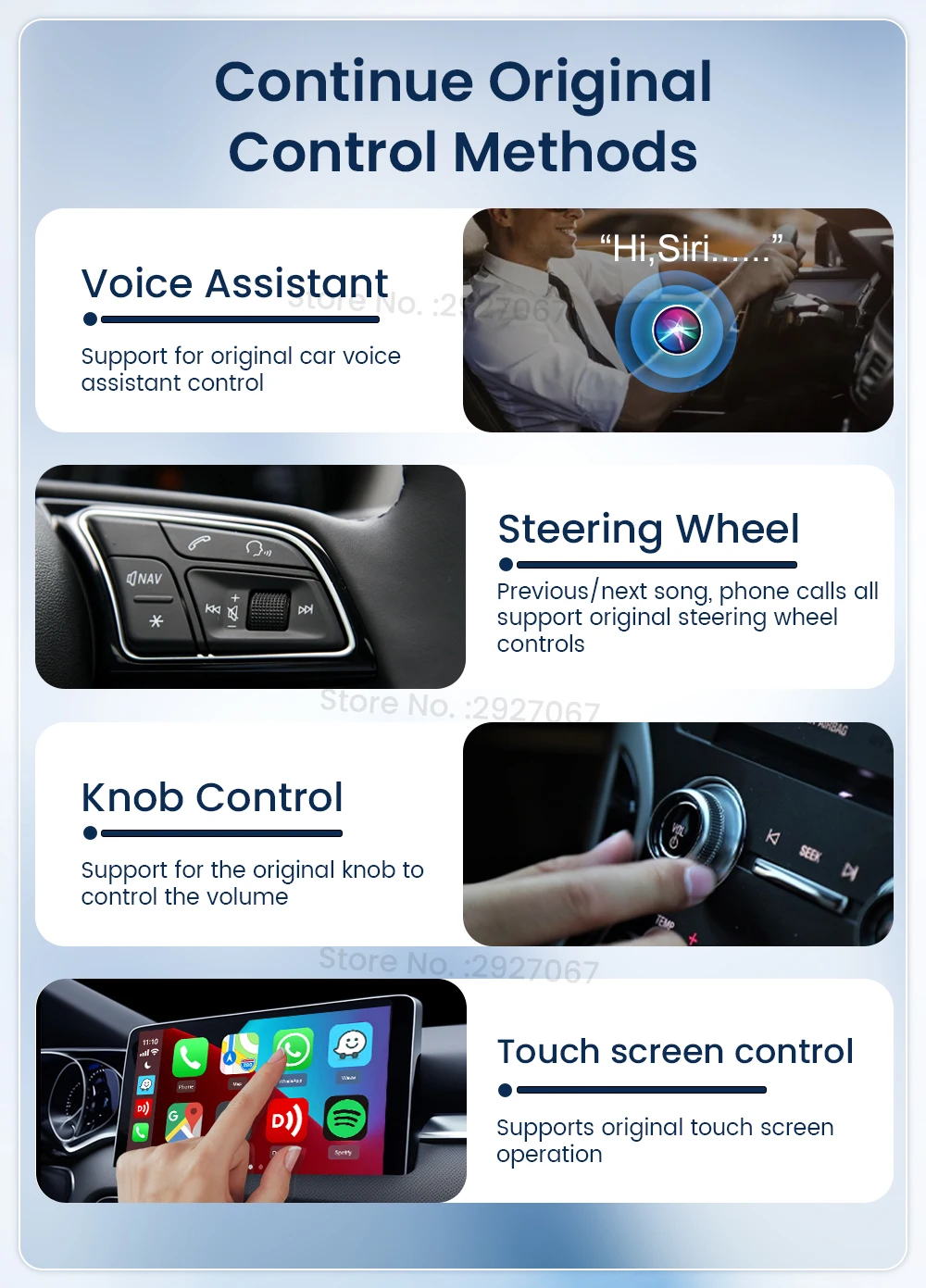
Continue Original Car Operation Methods
Keep all features as original wired CarPlay does, compatible with the original car microphone, continue the original car sound quality, steering wheel, button, knob and siri voice assistant of your original car.
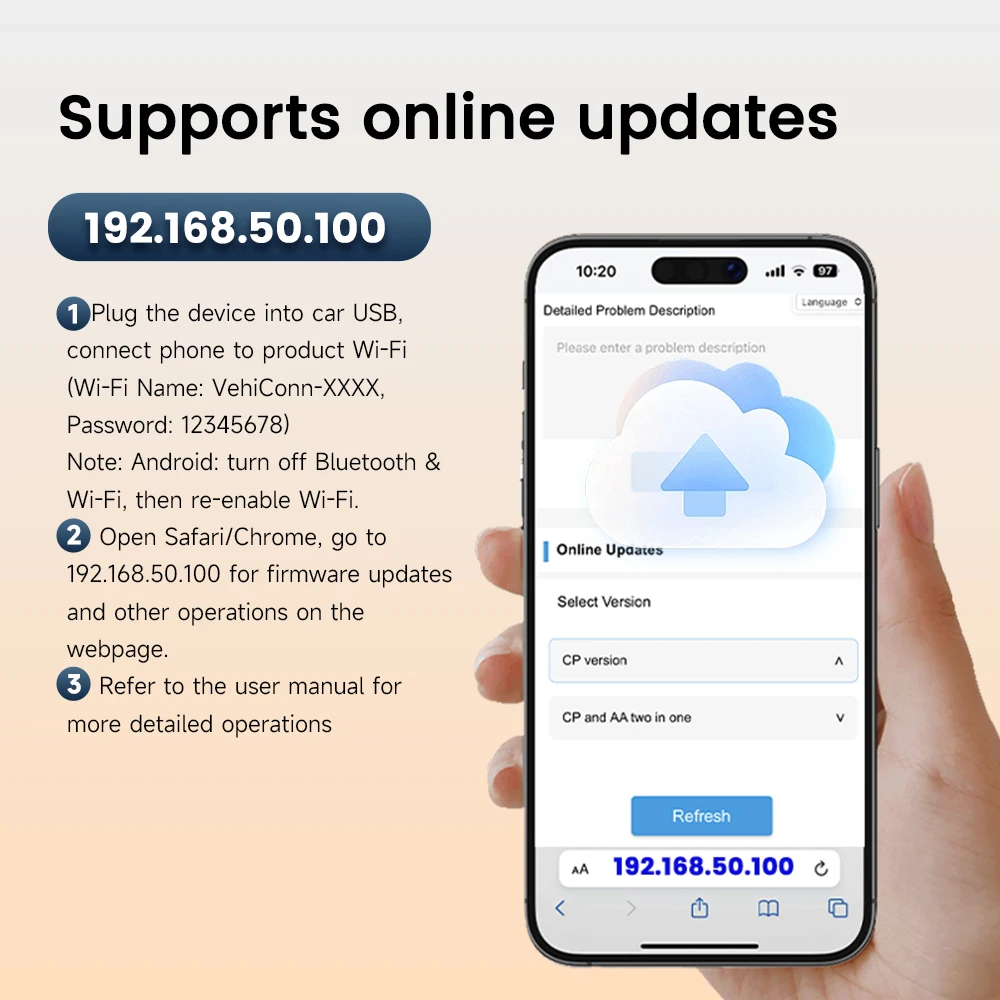
OTA upgrade & Feedback
No more USB stick, check for update on real time and feedback log to CarlinKit engineer to help you solve problems. Here are the steps:
1.Plug the device into USB port of your car.
2. Connect wifi of the device on your phone.
3. Enter URL: 192.168.50.100 in browser on your phone.
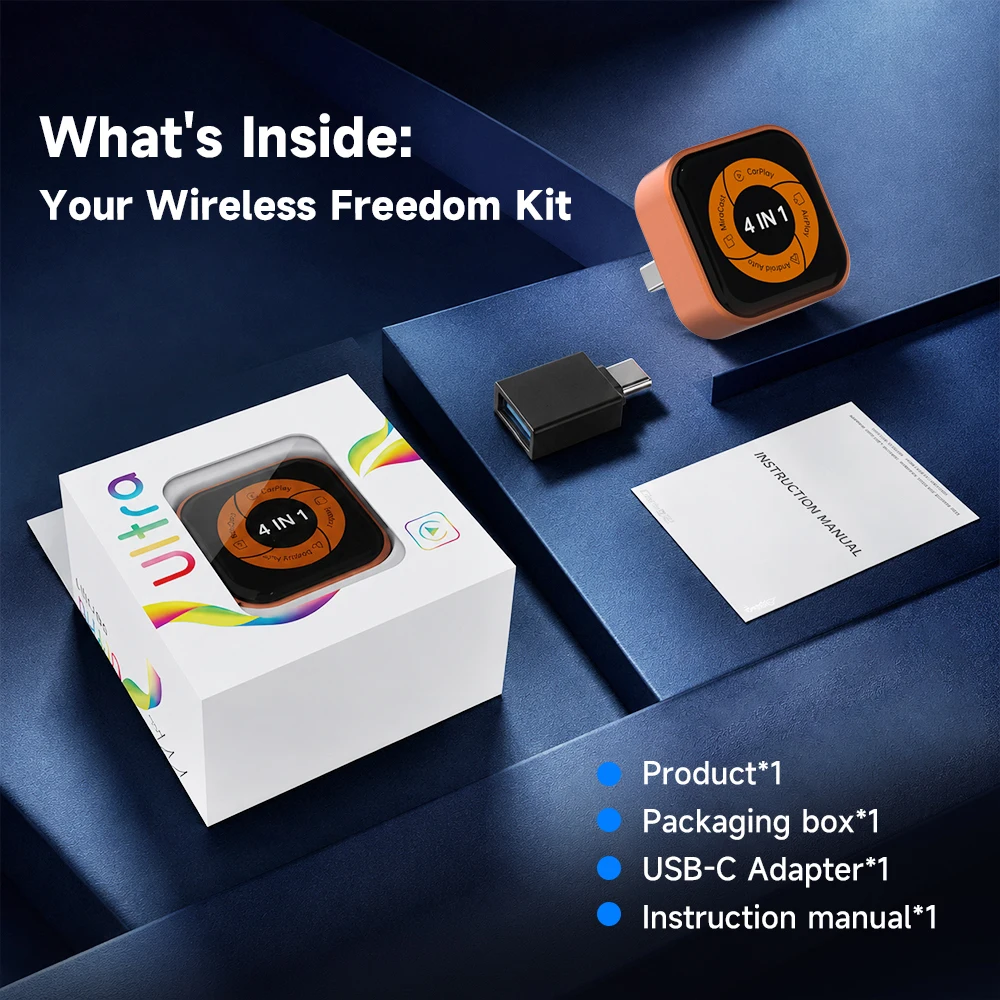
Specification And Packaging Of Mini Ultra
Connection Method:Wireless connection
Compatible Mobile phone: for iOS and android phone
Compatible Car:Car with factory wired CarPlay
Resolution:Adaptive (maintain the original protocol resolution)
Language:Automatically switch according to the vehicle language environment
Option for Connectivity:USB Type-C or Type-A connector
Color: Orange
About Us
Carlinkit Direct Store is a factory store directly authorized by CarlinKit instead of a dealer, It is committed to sell 100% original authentic products.
Fast Delivery
Once payment completed, parcel will be shipped out within 24-48hours.
So please confirm the every detail of your order as soon as possible. Once shipped out, order cannot be cancelled.
Return & Refund
15 days no reason return and refund. This warranty don't fit for damage caused by accident, misuse, or modification.
365 days wanrranty
Within 365 days of confirming receipt, any quality problem which refer to non-human damages, which cannot be fixed after trying all our solutions, free repairing or replacement. Return at buyer's cost, shipping new one at seller's cost.
About Feedback
If you are satisfied with our items or service, please leave all 5 stars feedback to help others understand the item well.
Any questions, please contact us first, we will help you solve it as soon as possible.
Appreciate your kind feedback and support.
Customer service contact
E-mail:aesupport@carlinkit.com
CarlinKit official firmware website https://www.carlinkit.com/
Please update your device after contacting our customer service if it's necessary
