
Original Lenovo LK6 Wireless Bluetooth Sports Earphones Ear Clip HD Stereo Headsets HIFI Music Noise Reduction Gaming Earbuds


Original Lenovo LK6 Wireless Bluetooth Sports Earphones Ear Clip HD Stereo Headsets HIFI Music Noise Reduction Gaming Earbuds
SPECIFICATIONS
Active Noise-Cancellation: Yes
Battery Capacity[mAh]: 300
Battery life up to[hours]: 20
Brand Name: Lenovo
Category: Earphones & Headphones
Certification: CE,FCC
Charging Method: Charging case
Choice: yes
Codecs: sbc,Apt-X HD
Communication: WireLess
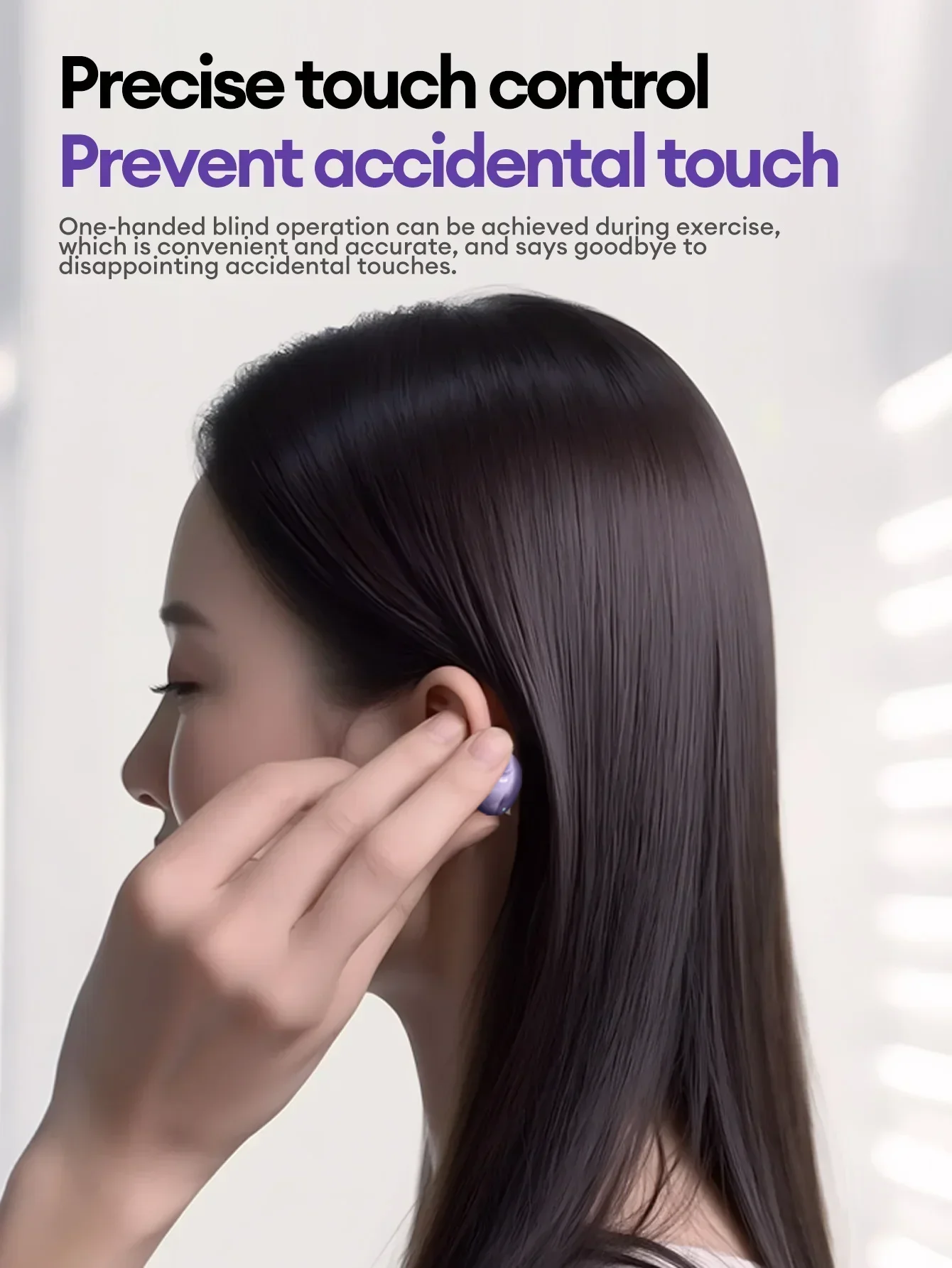
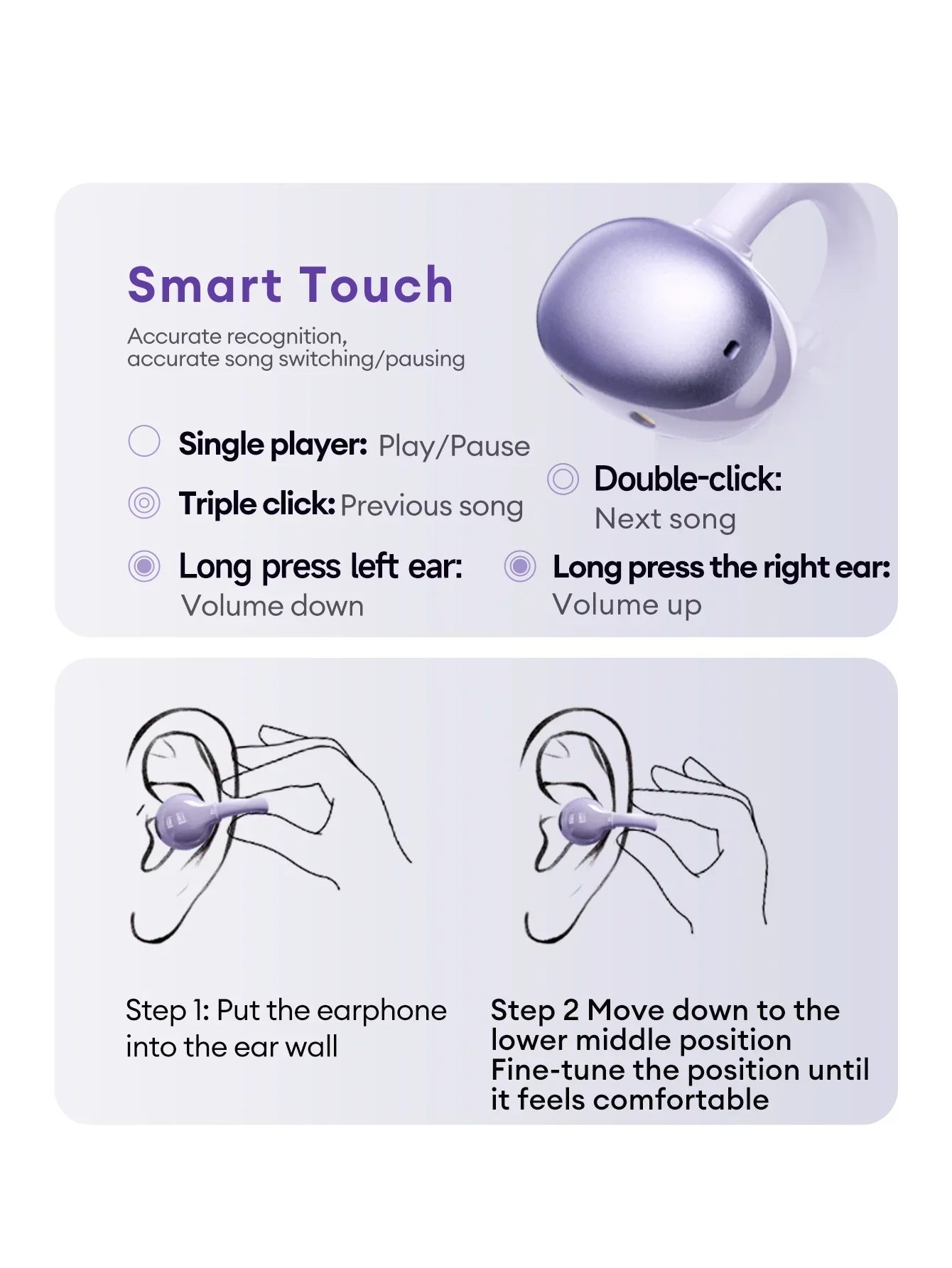
Control Button: Yes
Features: Waterproof,With microphone,Apple Siri Support,Active Noice Cancelling
Function: for Video Game,for Flying,For Mobile Phone,for Powersports,HiFi Headphone,Sport,For Outdoor,For Office,For Study
Headphone Pads Material: Other
High-concerned chemical: None
Impedance Range: up to 32 Ω
Is wireless: Yes
Material: PC
Maximum wireless range[m]: <10m
NFC Technology: no
Origin: Mainland China
Package List: User Manual,Charging case
Sound Isolating: Yes
Style: Ows ear clip headphones
Support APP: No
Total Harmonic Distortion: 1
Vocalism Principle: Dynamic
Voice assistant built-in: no
Volume Control: Yes
Waterproof: Yes
Wireless Type: Bluetooth
With Microphone: Yes
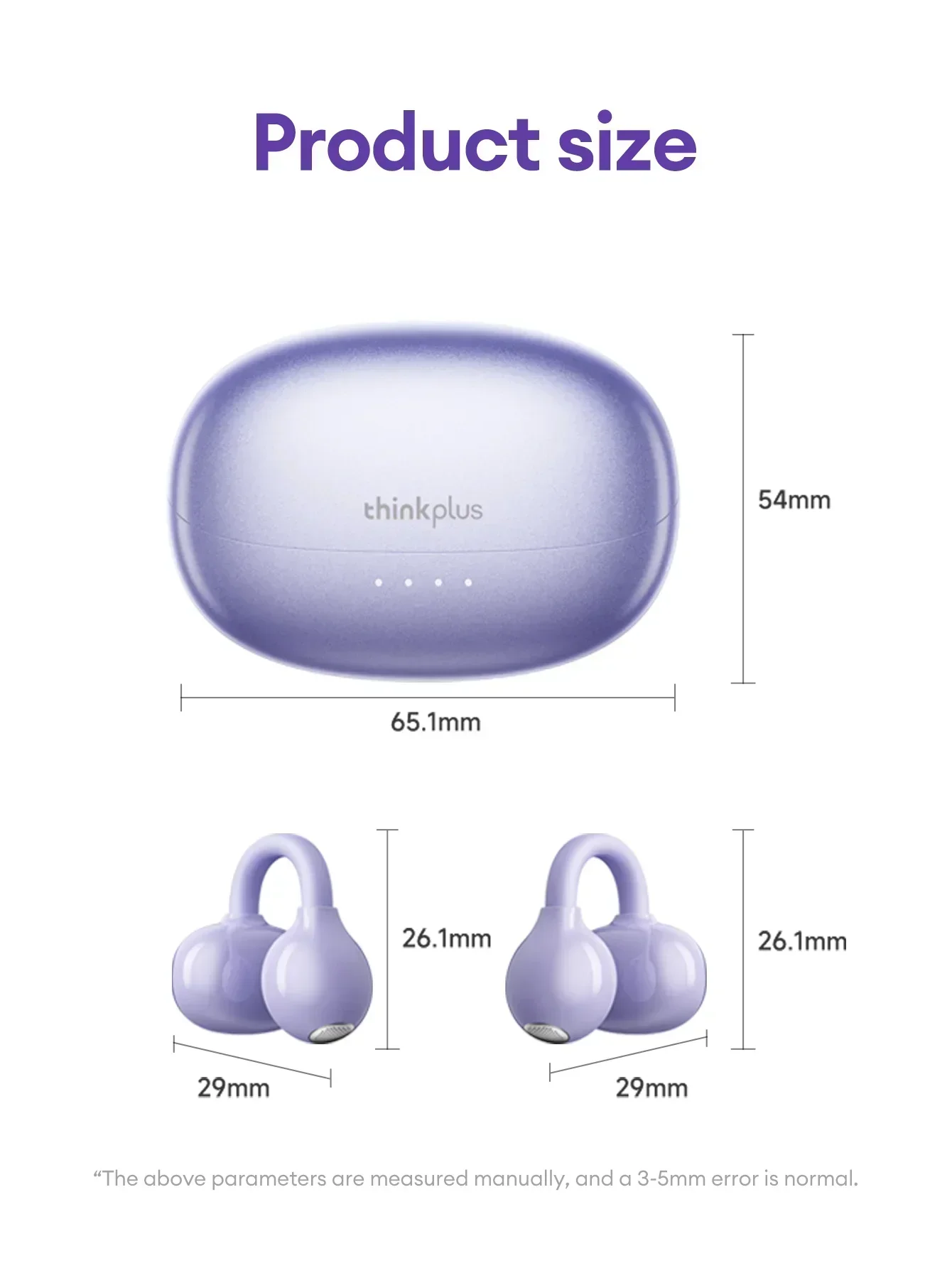
Lenovo LK6 Over Ear Wireless Bluetooth 5.4 Headphones.
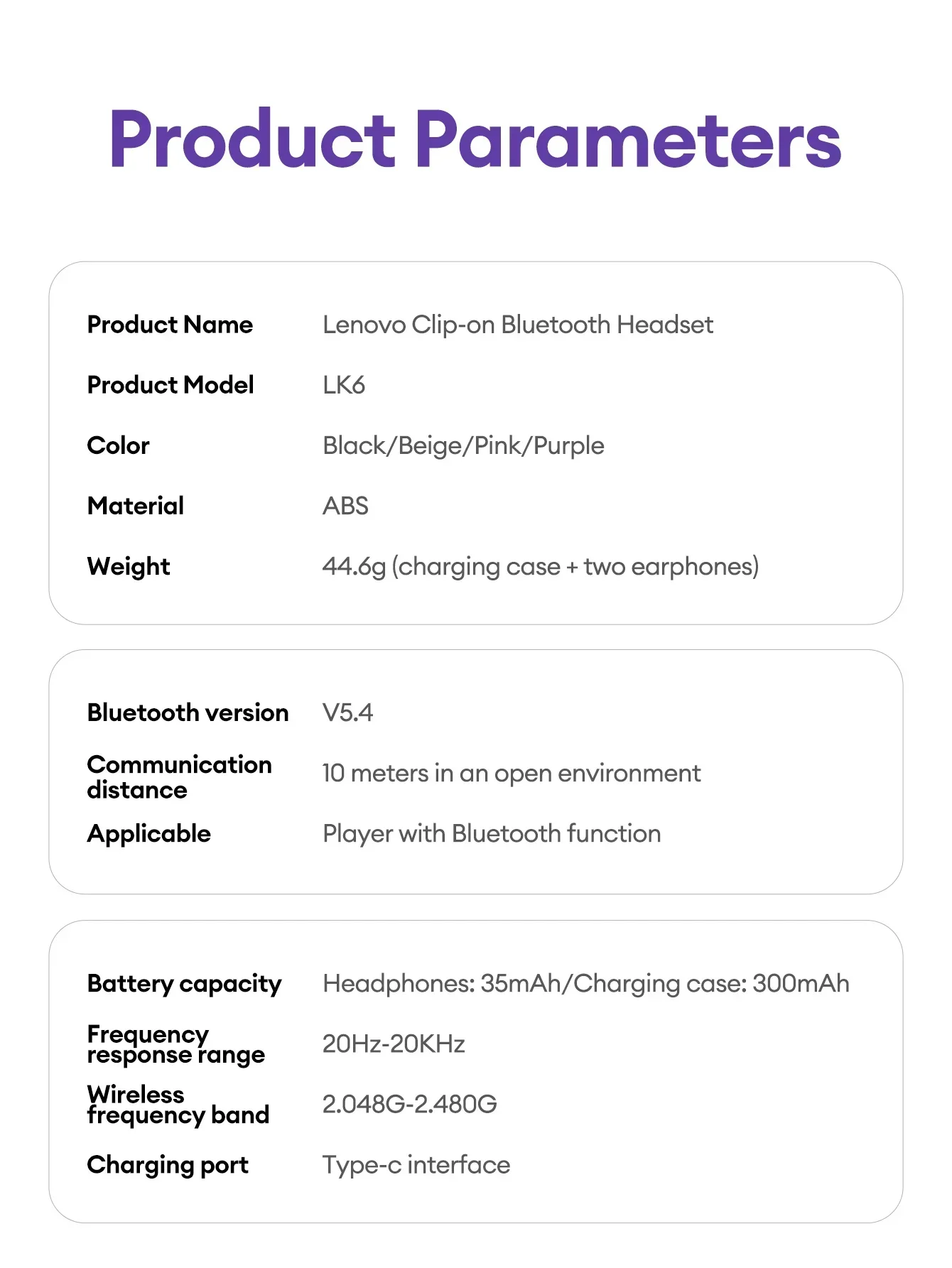
--------Specification--------
Brand: Lenovo
Model: LK6
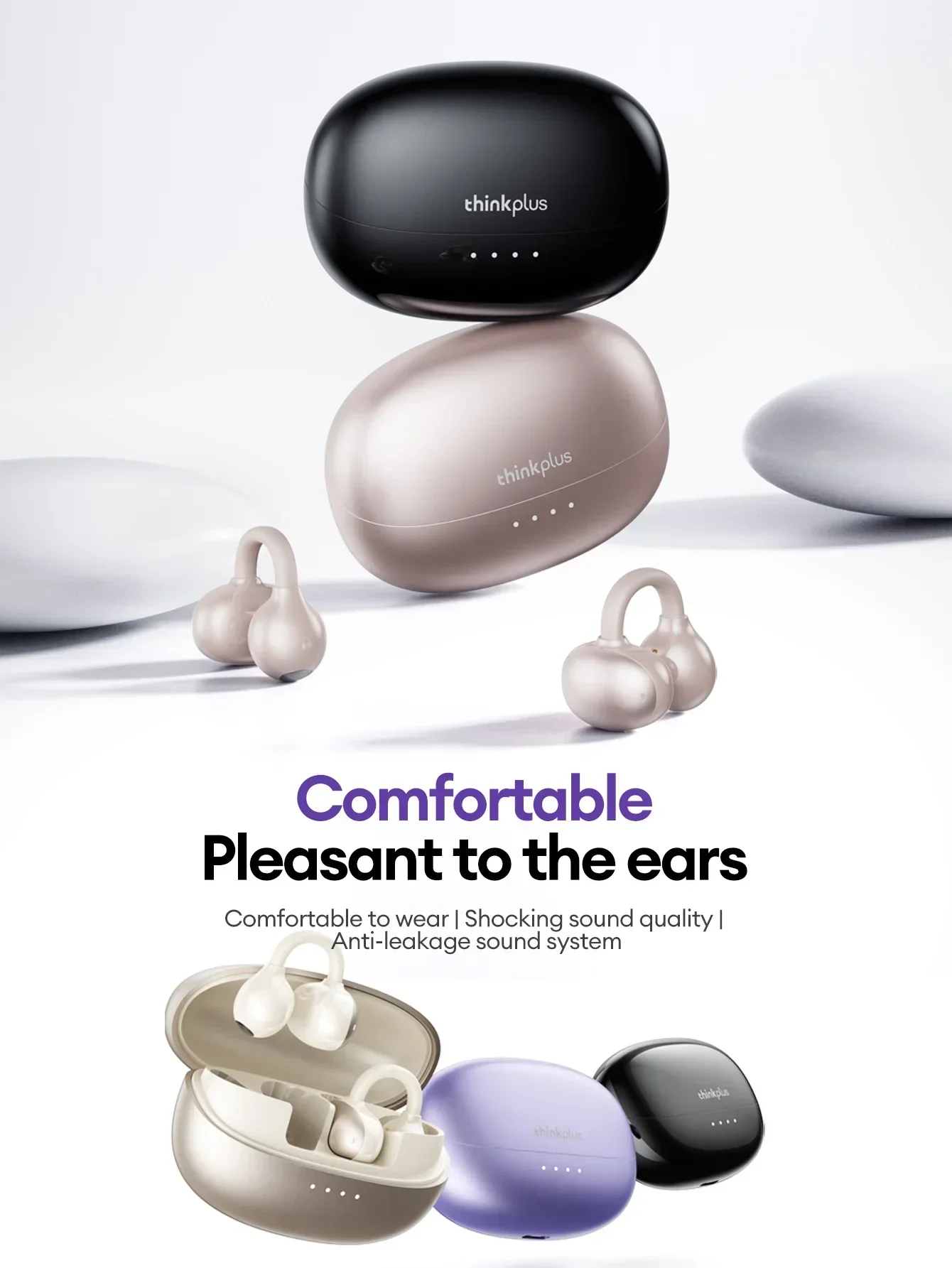
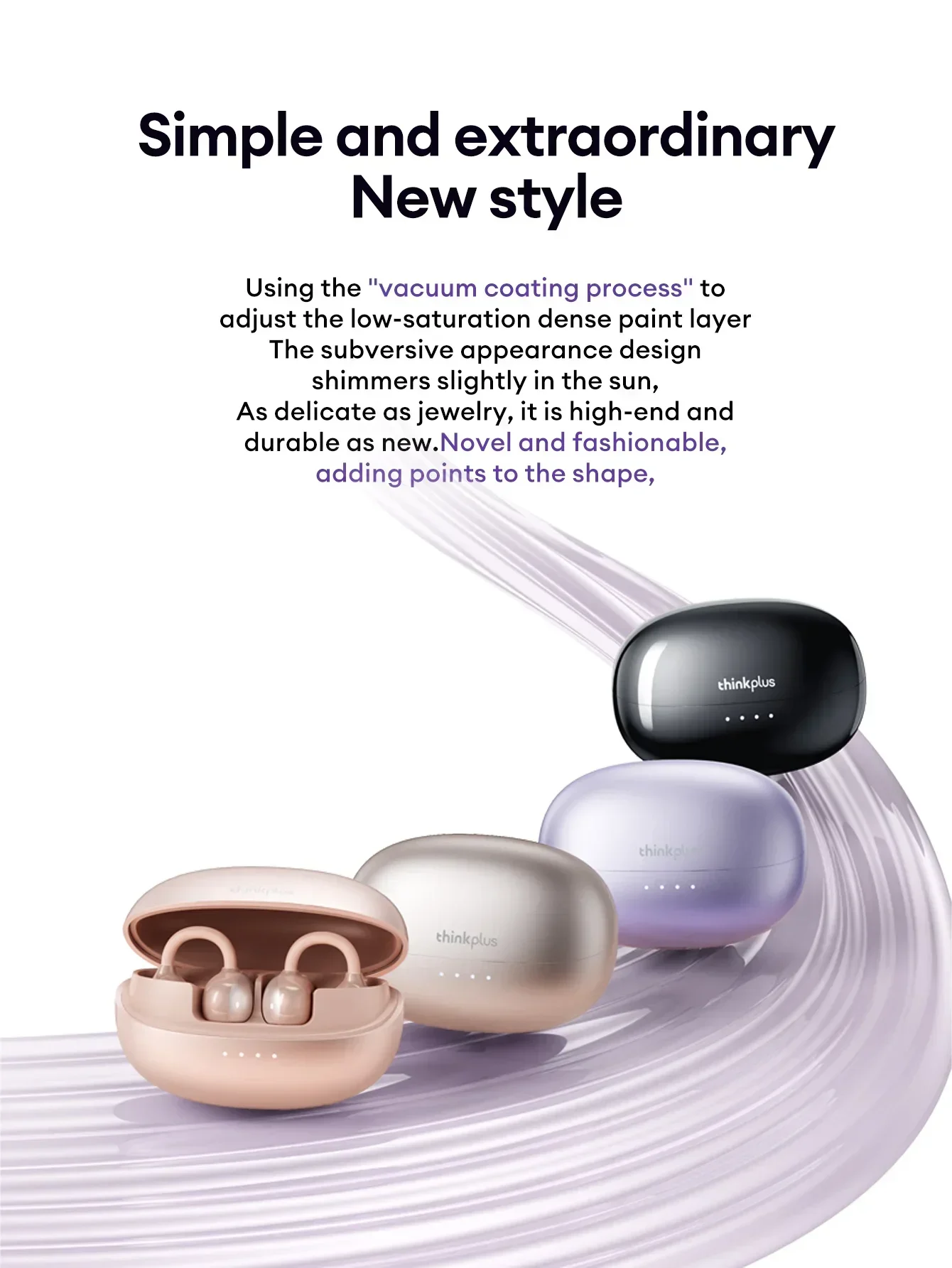
Color:Black,Beige,Gold,Purple
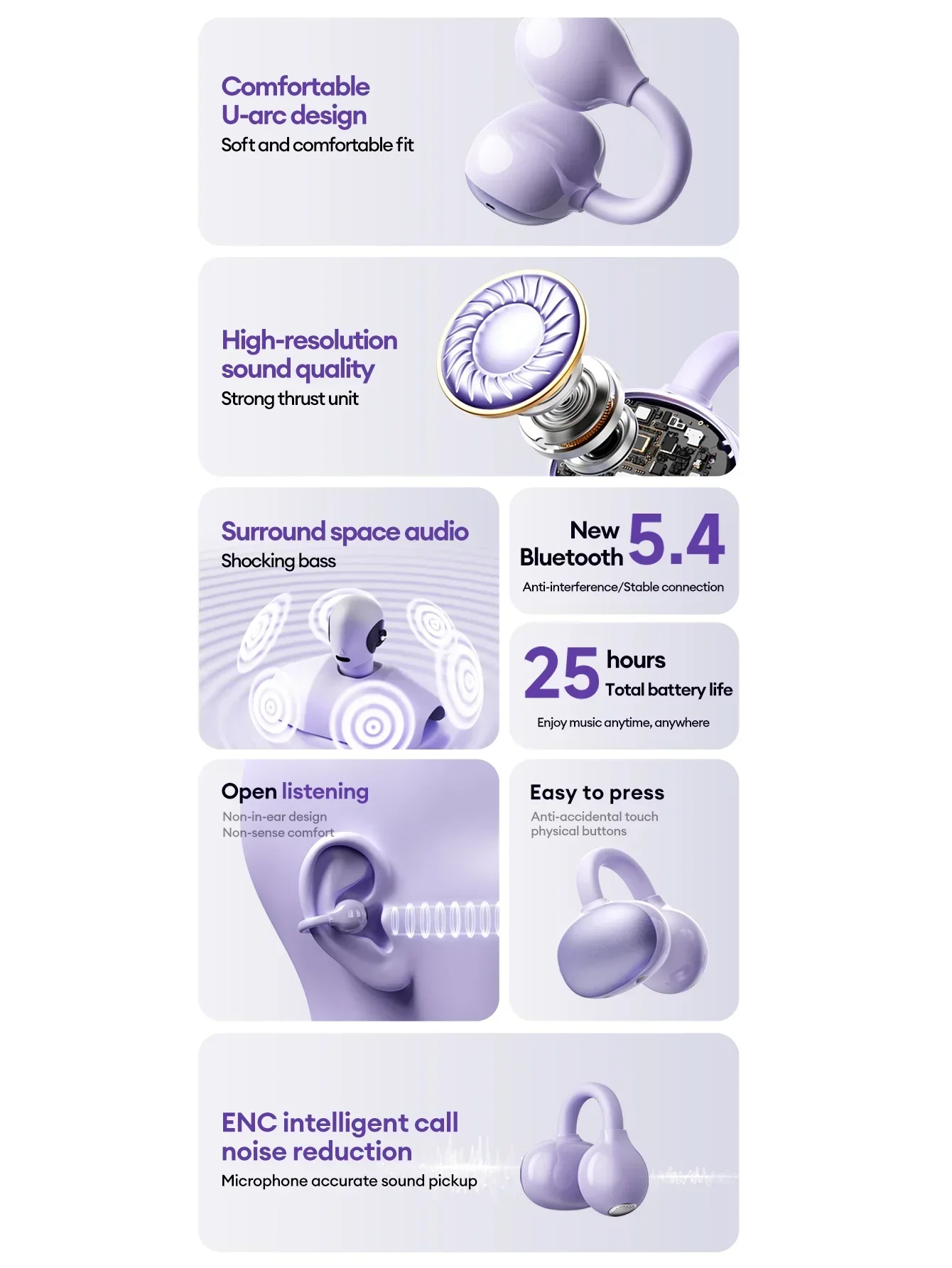
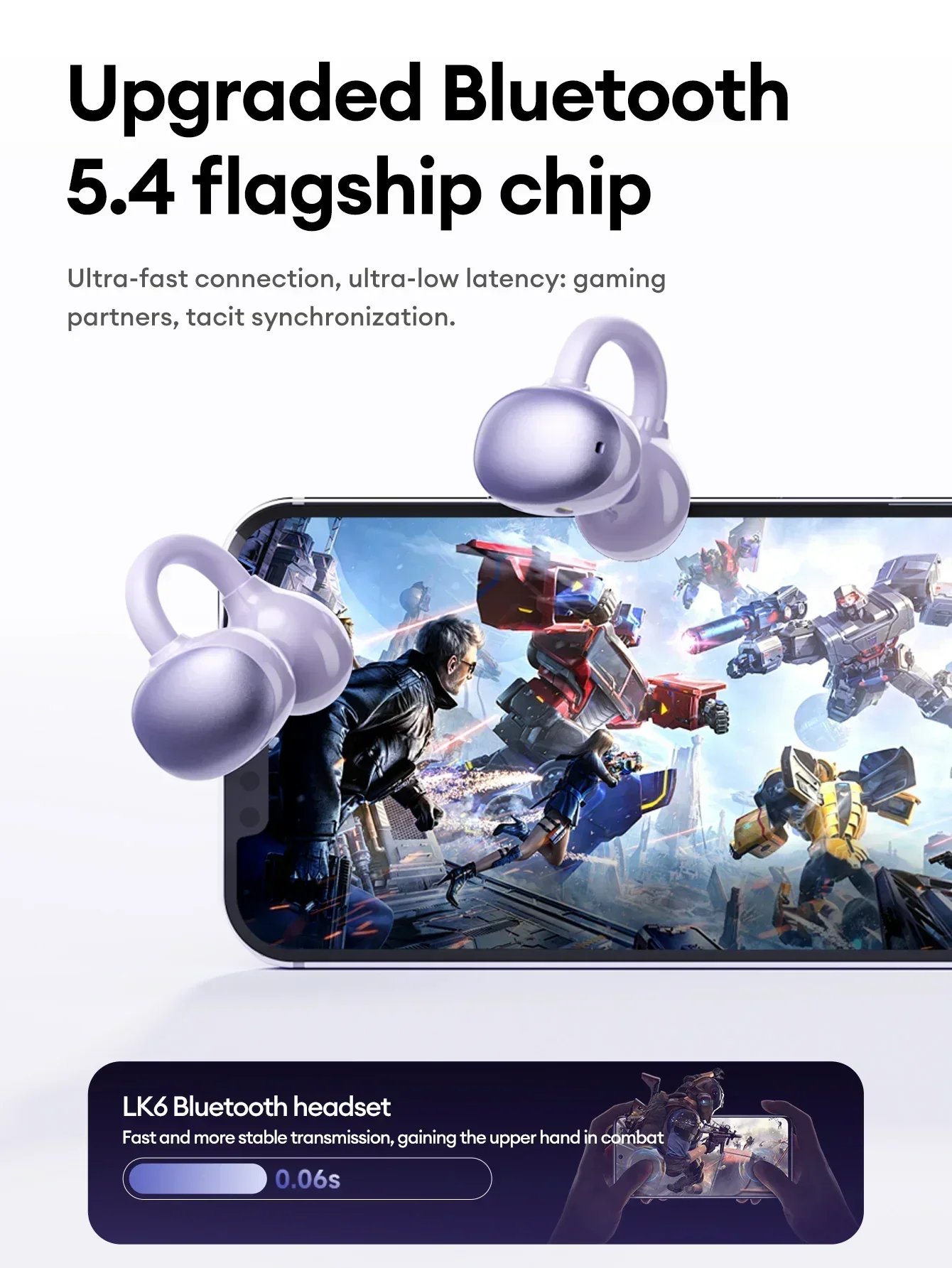
Bluetooth version: V5.4
Headphones battery capacity: 35mAh
Charging compartment battery capacity:230mAh
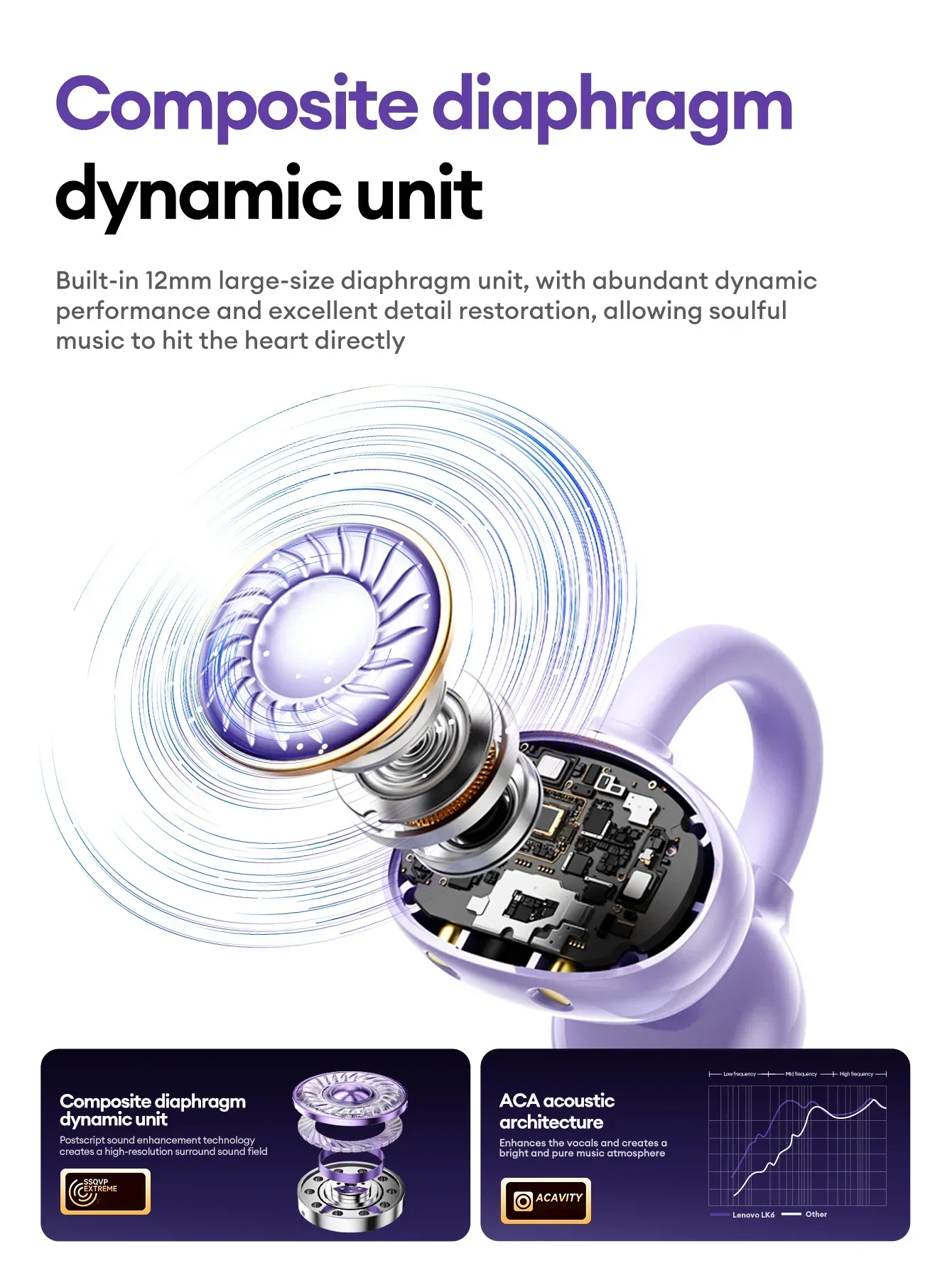
Speaker unit: 12mm
Bluetooth transmission distance: approx. 10M
Usage time: approx. 4 hours
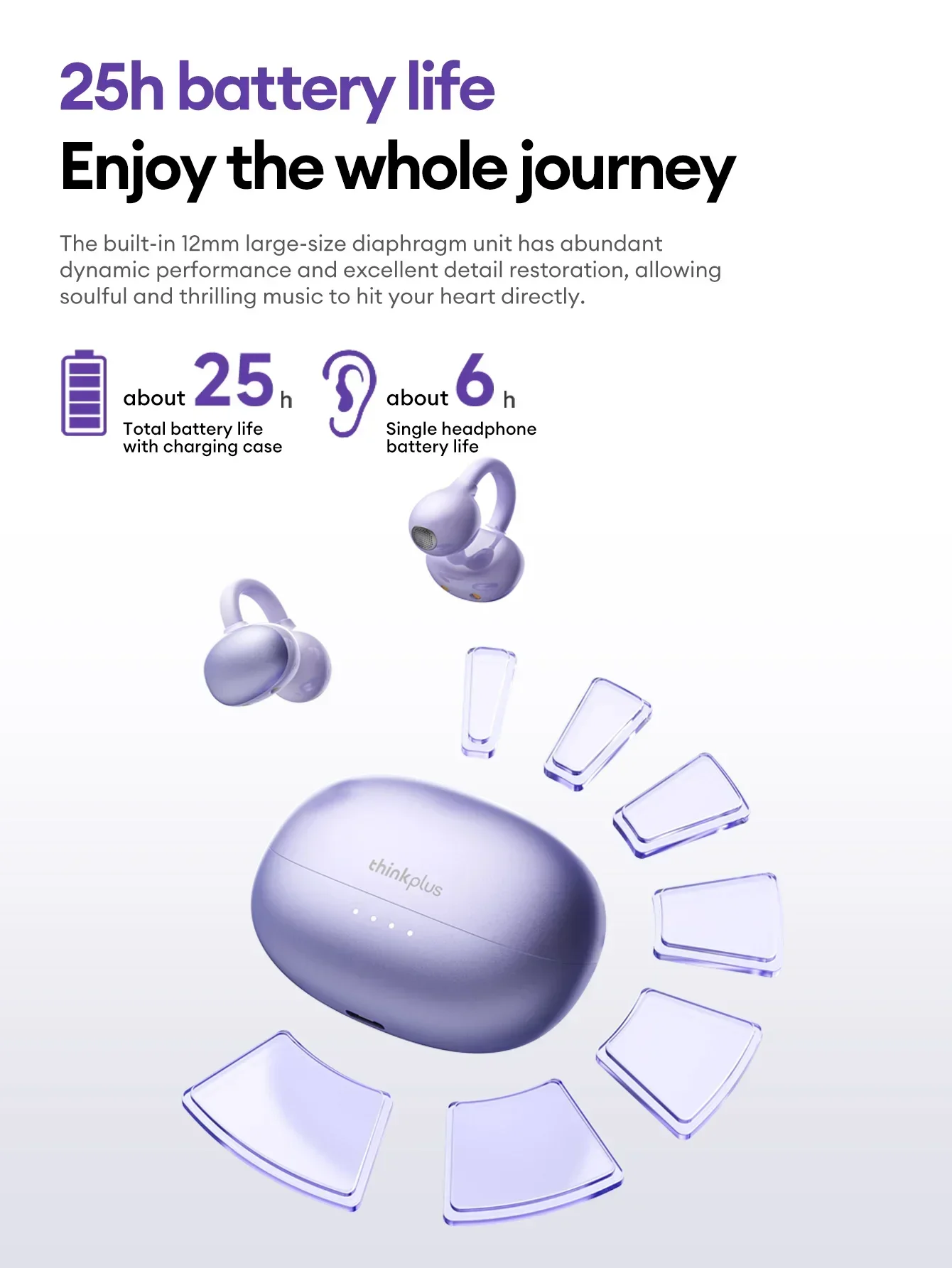
Total battery life with charging case: about 20 hours
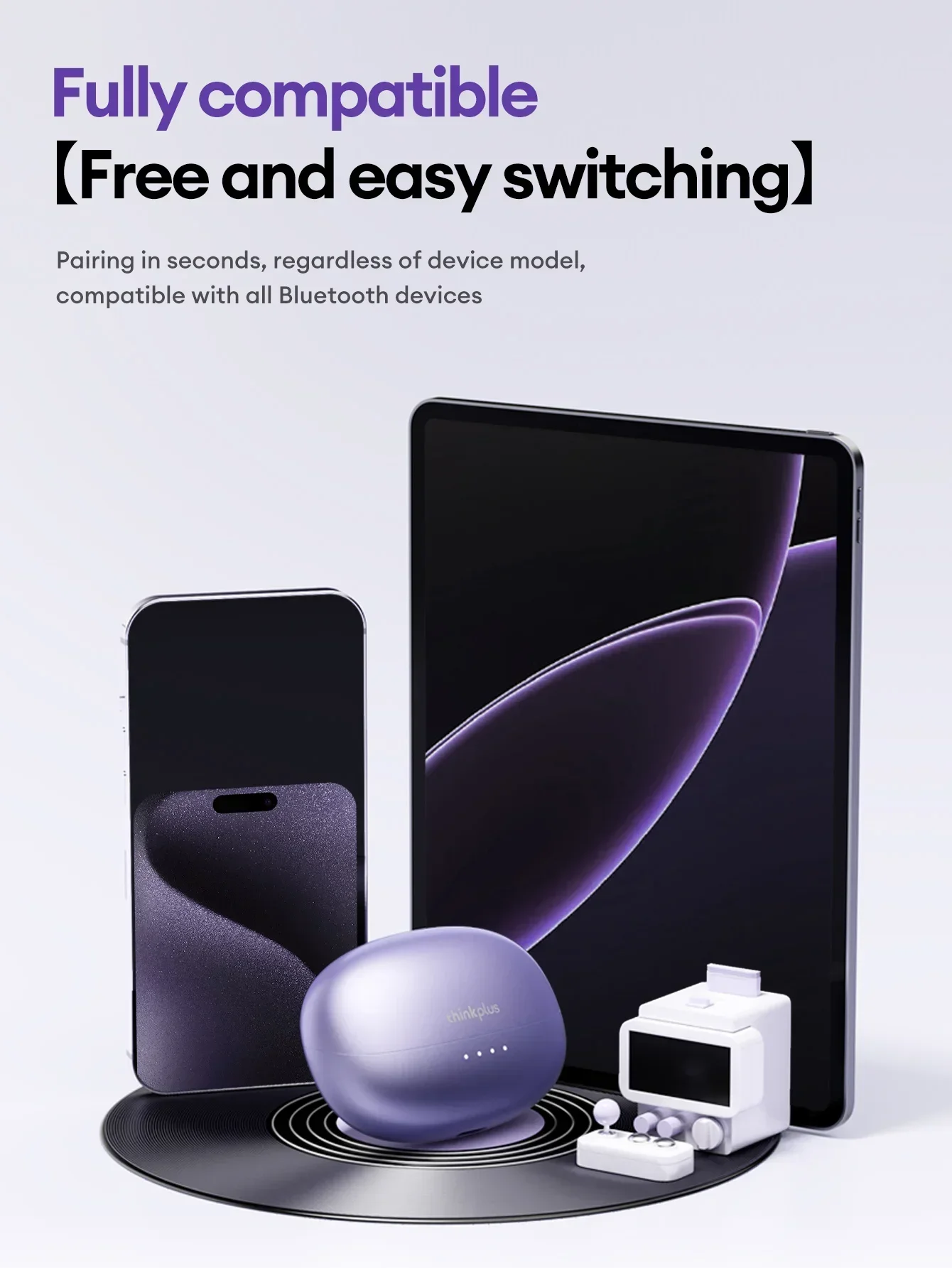
Compatibility:Android,Ios,Windows
--------Features--------
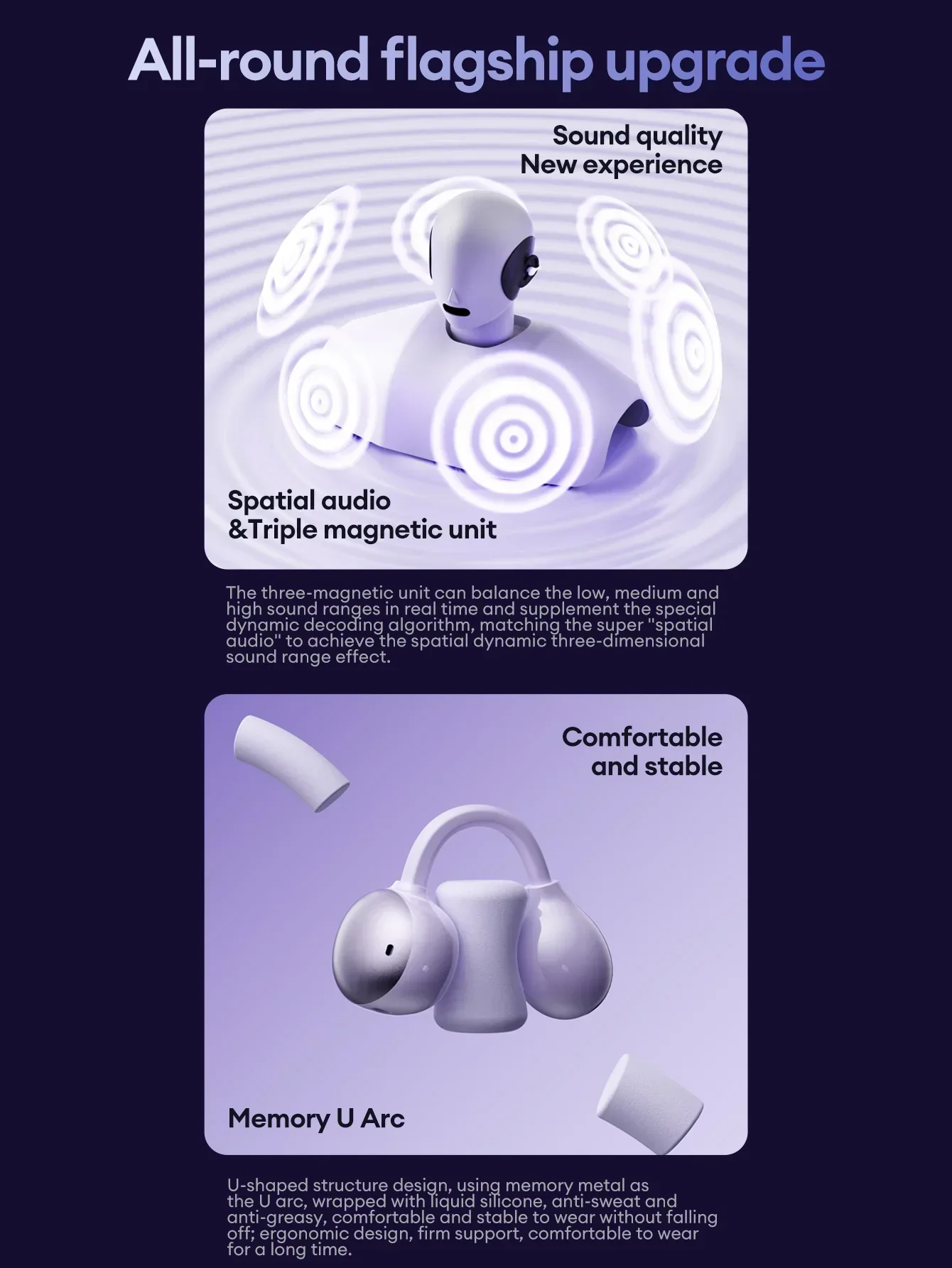
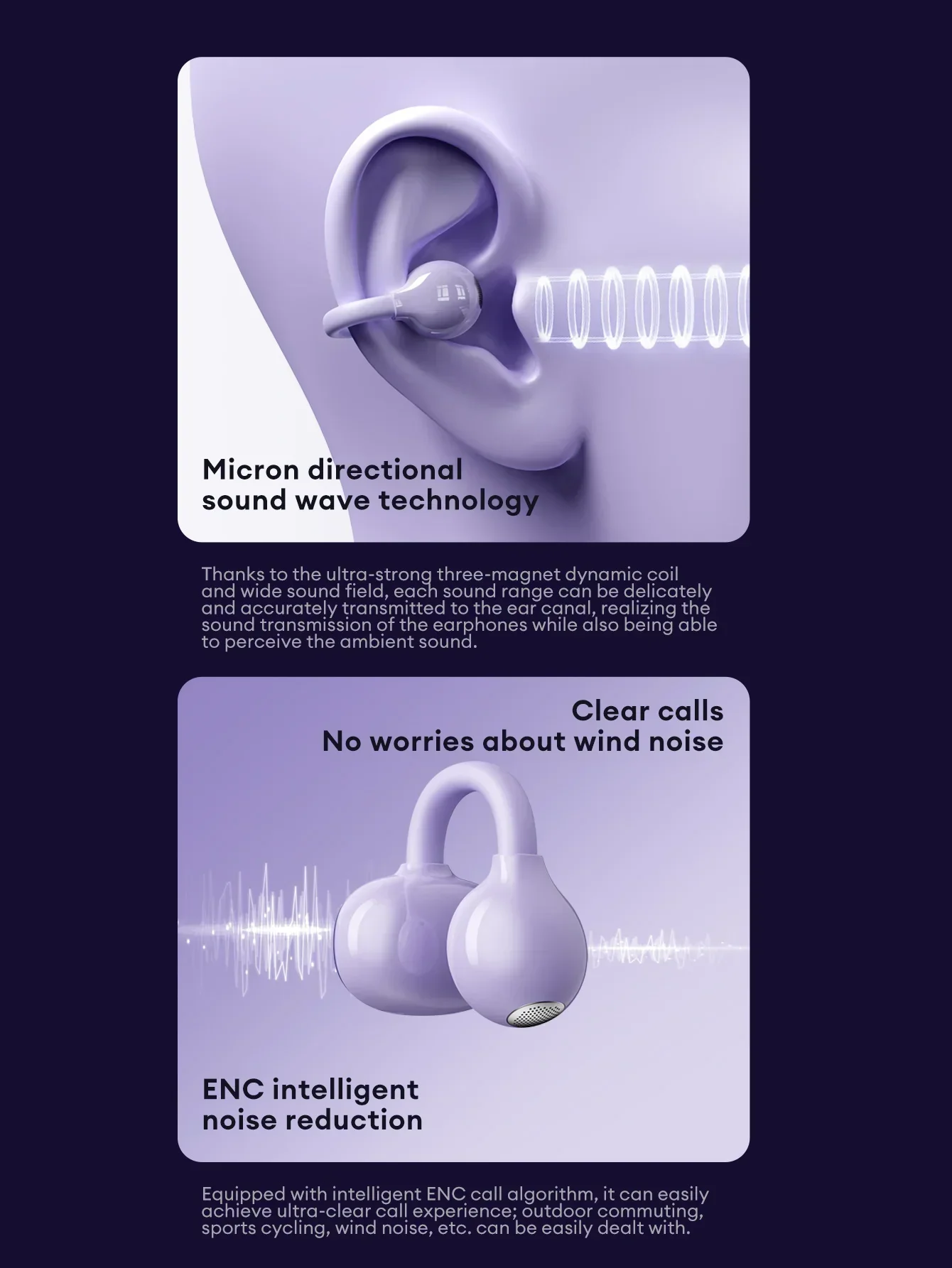
·High-quality drive units, Restore more music details. HlFl stereo sound.
·Dual mode game music.
·Ear clip design,Secure Fit for All-Day Use.
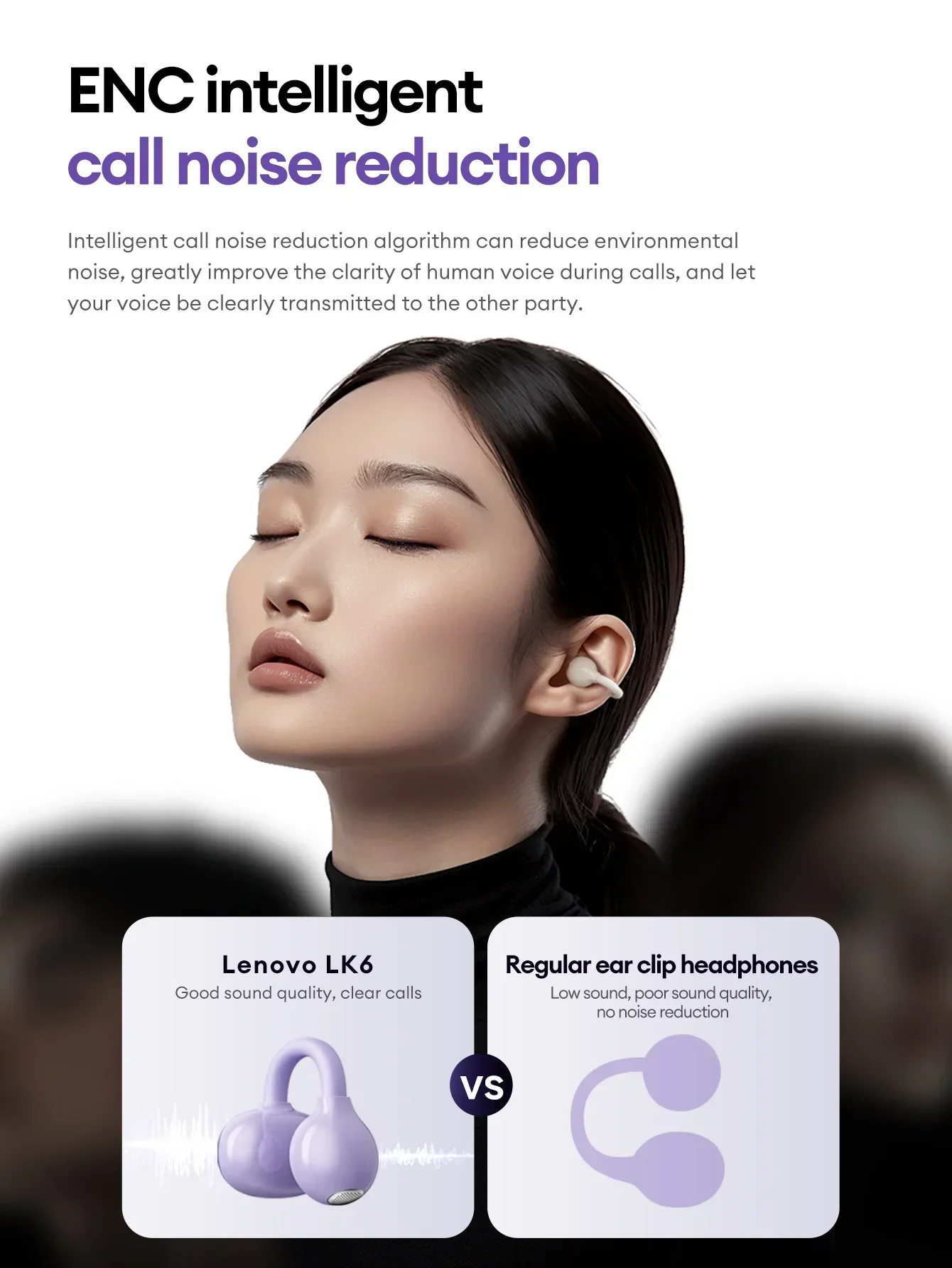
·ENC high-definition voice call.
·Fast charging and long battery life.
--------What's in the box--------
2* Bluetooth Earphones
1* Charging Case
1* User Manual
1* Type-C Charging Cable


-------- FAQ--------
Q: What should I do if the headset received unable to turn on?
A: Confirm that the charging case has power left.If charging case power off, please put the earphones in charge case and charging for 1 hour and try again.
Q: What should I do if Sound comes from only one earphone?
A: Put both earphones back into the charging case and close the cover, then take them out again to check whether both ears have sound. If only one earphone still has sound, Please re pair 2 earphones.
Q: How to solve the problem that the mobile phone prompts that it cannot connect?
A: Delete the pairing record on the mobile phone, and then search for pairing and connect again.
Q: How to solve the problem that there is no sound when listening to music or calling?
A: There is a settings icon on the right side of the Bluetooth connection name on Android phones. Click to enter, turn off the mobile phone audio and media audio, and then turn them on again. If there is still no sound, please re-pair the earphones with the mobile phone.
Q: How to pair two earphones.
A: Step 1: Delete the Bluetooth link of the corresponding earphone on the phone, and then turn off the phone's Bluetooth function. This step is very important.Step 2: Put both the left and right earphones back into the charging compartment. Step 3: Wait for 10 seconds, take out both left and right earphones from the charging compartment, and wait for the earphones to match. Step 4: Wait for 10 seconds, turn on the Bluetooth function of the phone, search and connect the headphones to use.
【Other Tips】:
1. Before using the earbuds, please read the manual carefully and keep it for future references.
2. The earbuds need to be fully charged prior to first-time use.
3. lf the earbuds are left unused for over two weeks, please recharge.
4. Please use the chargers made by qualified manufacturer.
