PLAYAIBOX CarPlay Ai Box Wireless CarPlay Android TV Box Android 10 System Built in Youtube Netflix For Tesla Model 3 Model Y X


PLAYAIBOX CarPlay Ai Box Wireless CarPlay Android TV Box Android 10 System Built in Youtube Netflix For Tesla Model 3 Model Y X
SPECIFICATIONS
Brand Name: NONE
Choice: yes
High-concerned chemical: None
Origin: Mainland China

🎏Kind Reminder
1.This product is only suitable for Tesla models
2.When using TSL products, Please make sure that the car is connected to the Internet. Tesla cars rely on the Internet while driving. If you skip Tesla’s network detection, the car will be offline and affect driving safety.
3.Since TSL is used to enter Android 10 system CarPlay or Android Auto by opening a browser,Please make sure that the car can open the browser while driving, if the browser cannot be opened, cannot be used in this case
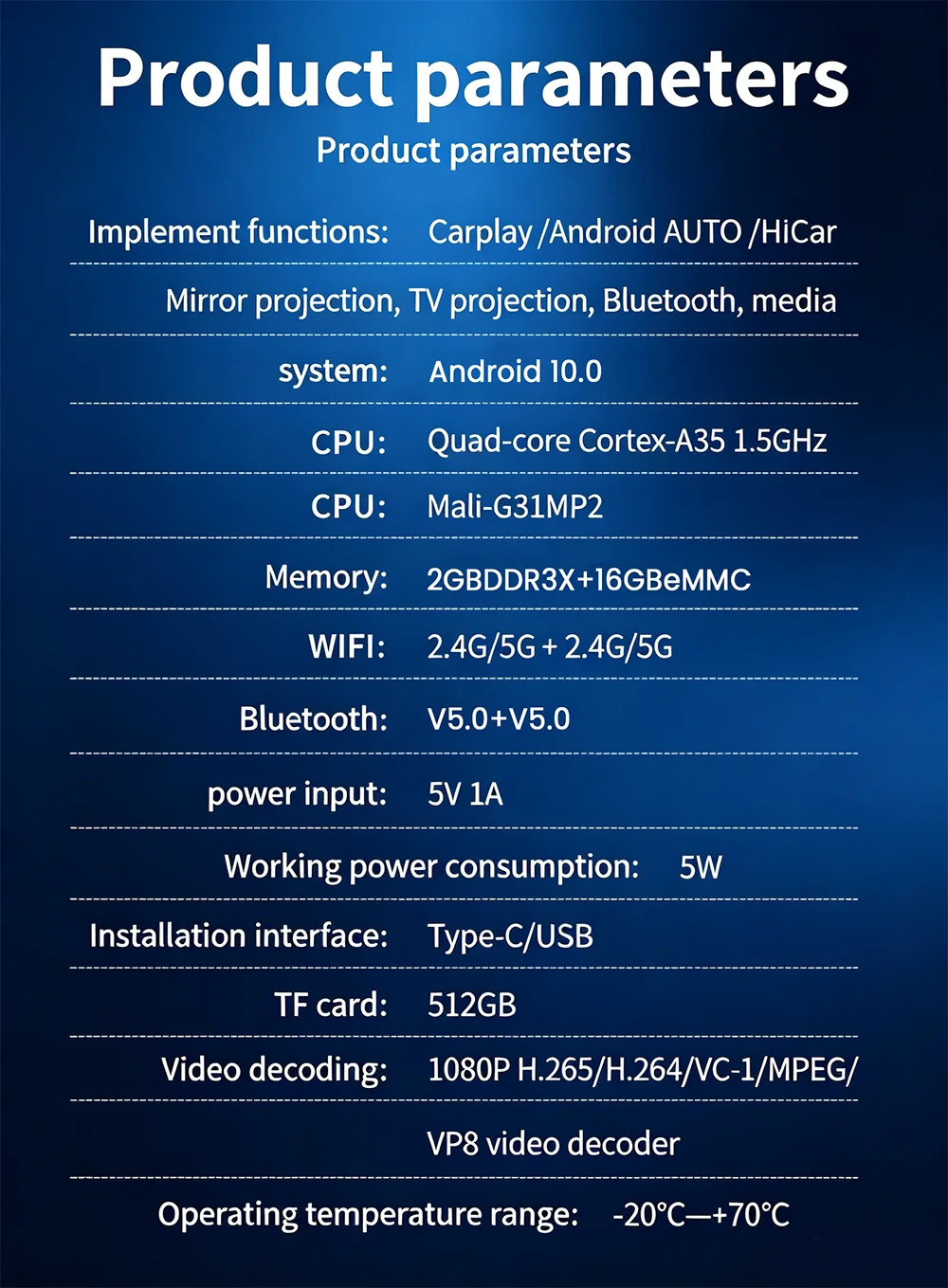
Product parameters
Model:PX30S
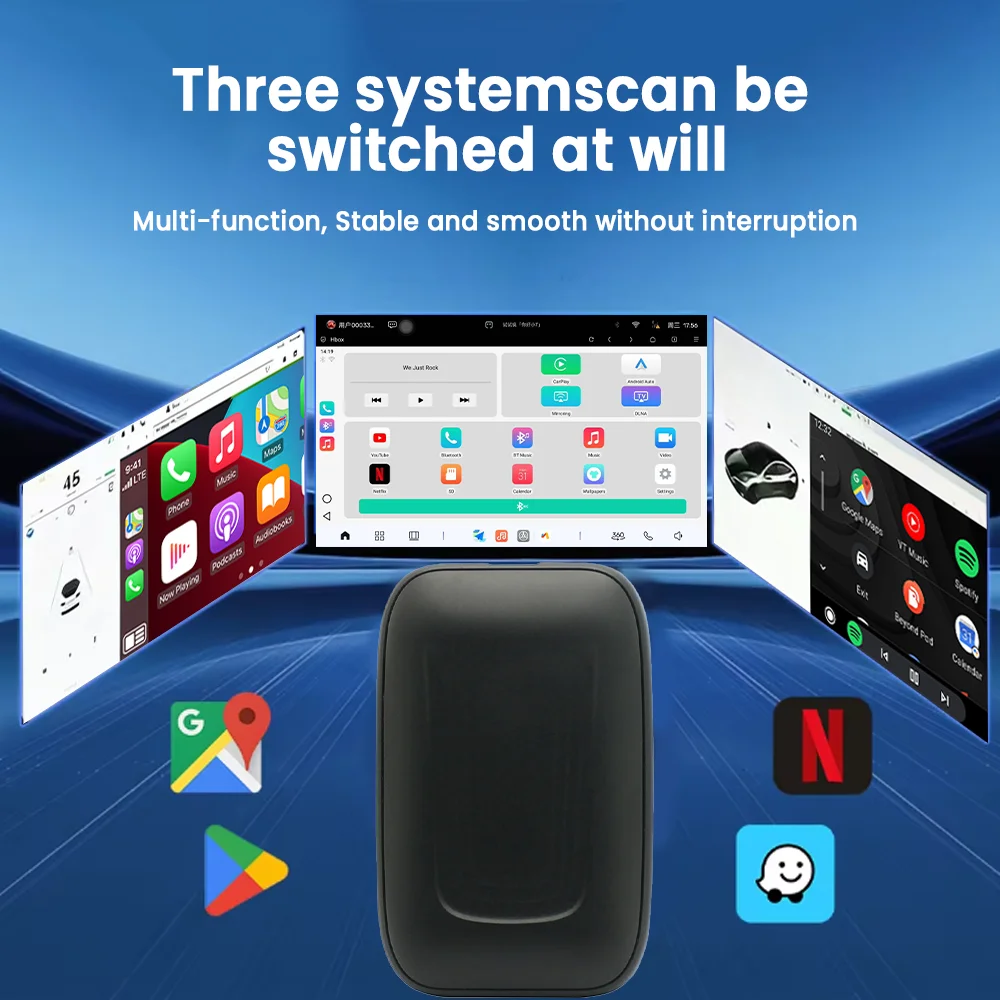
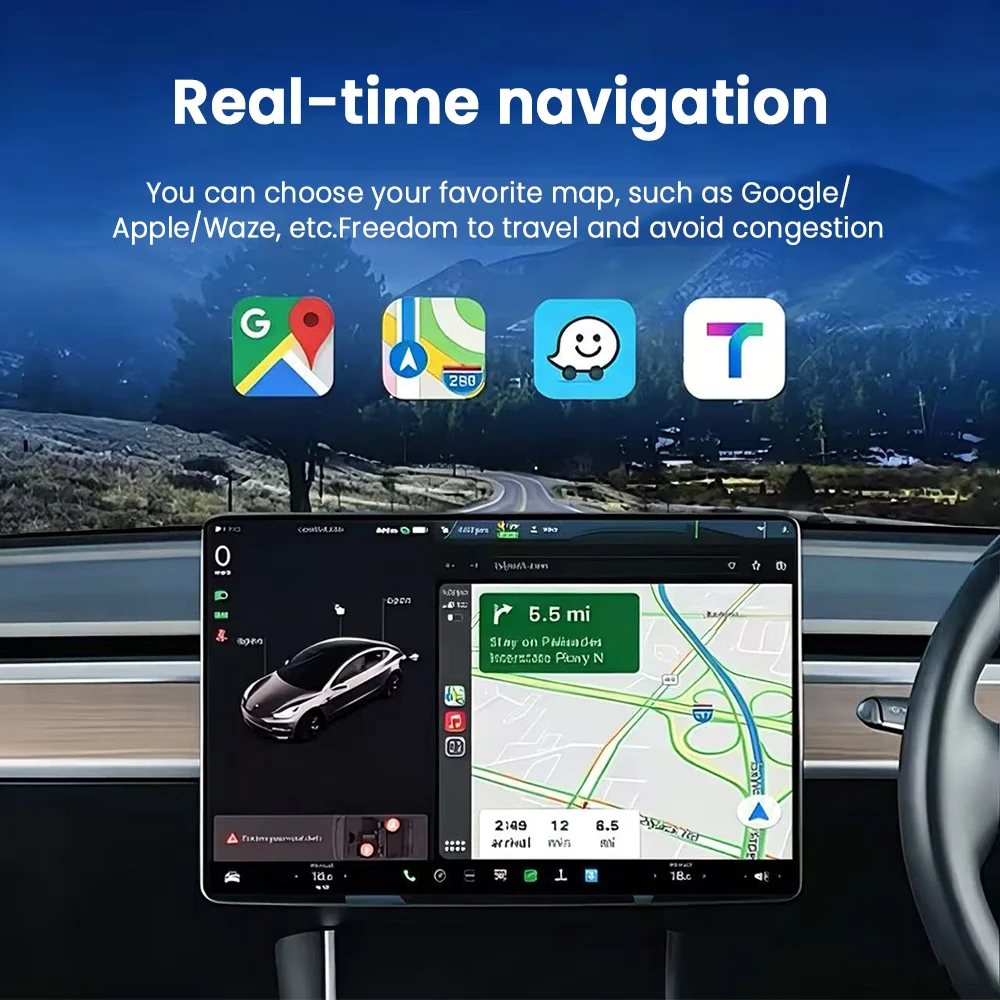
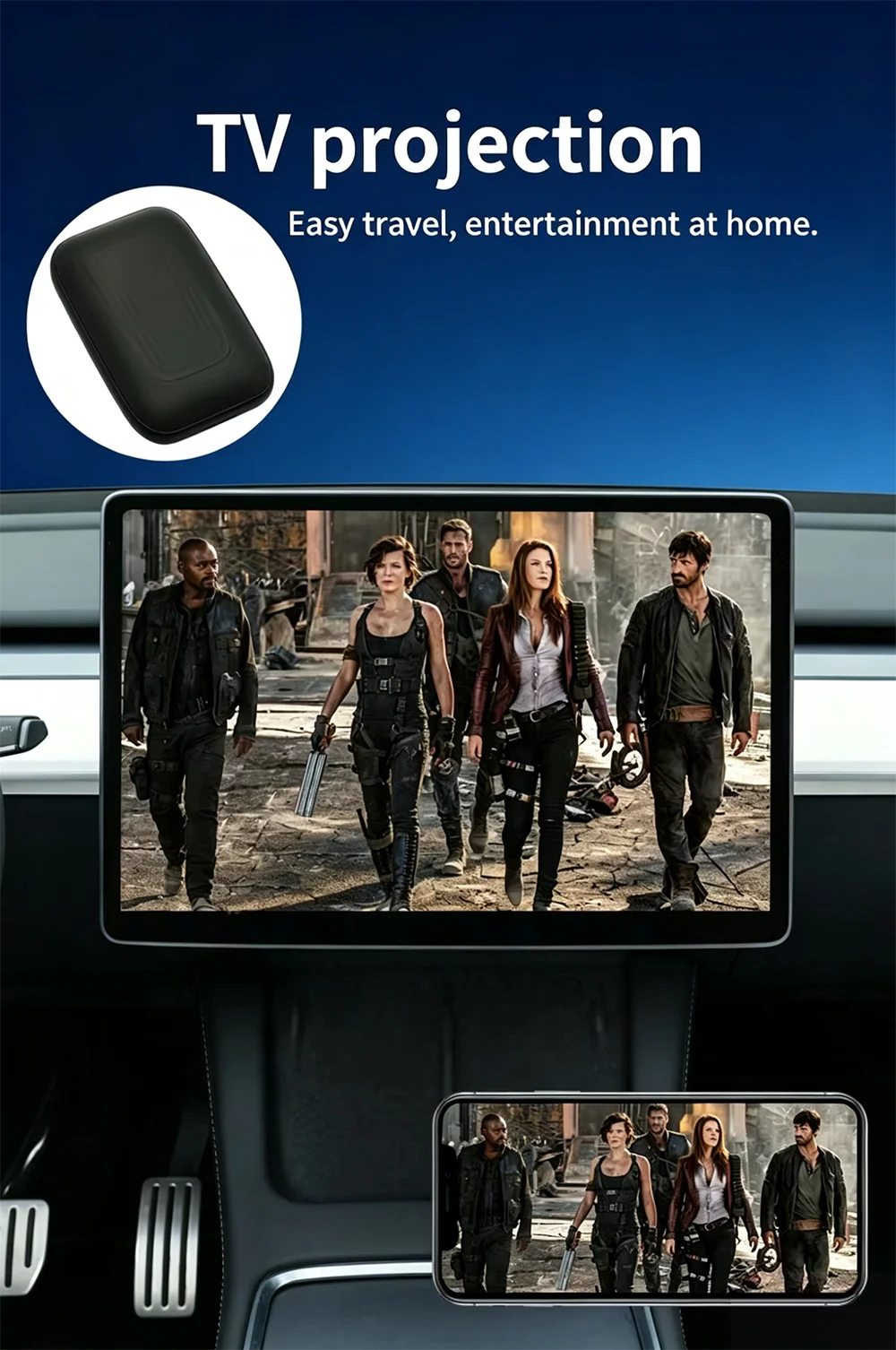
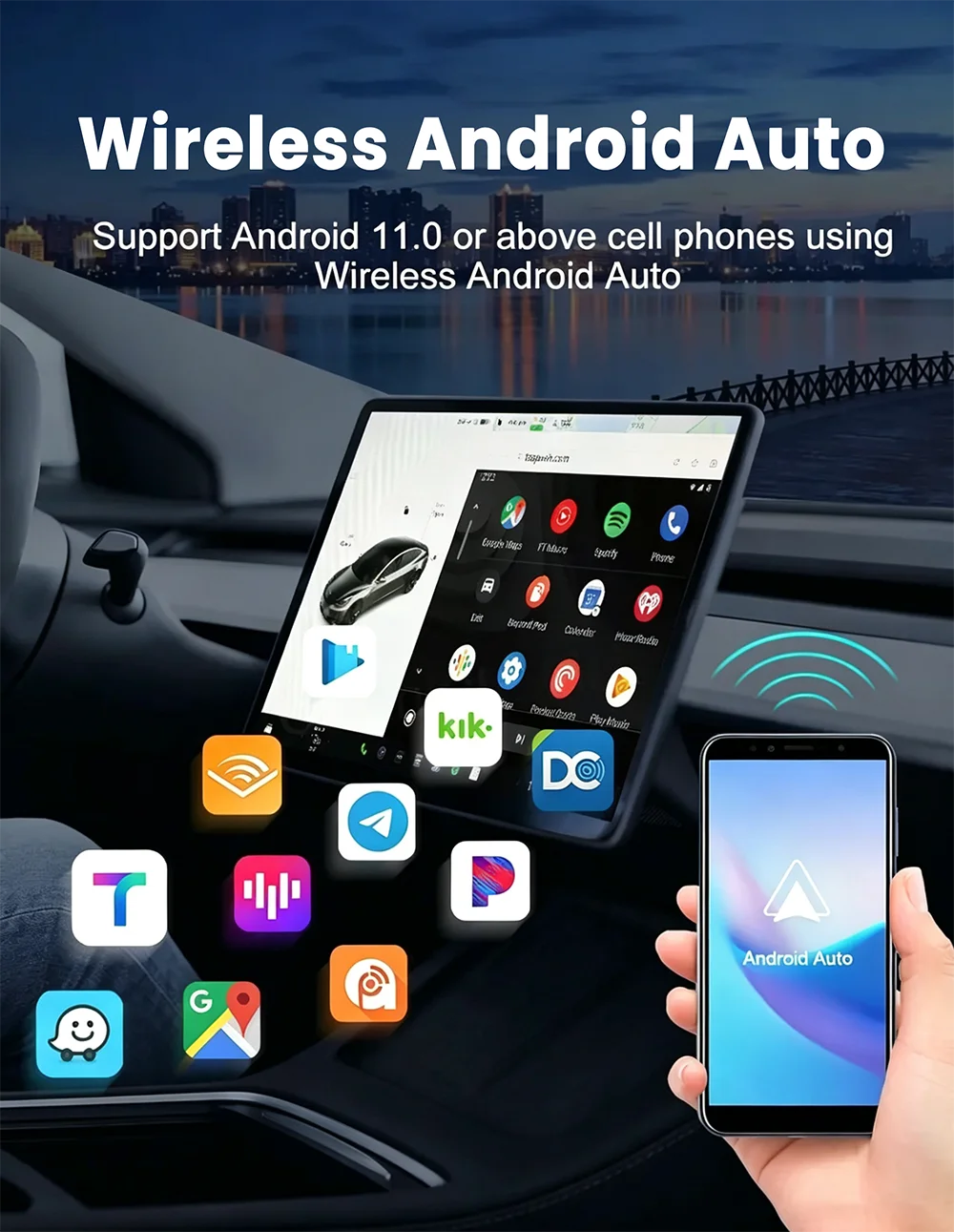
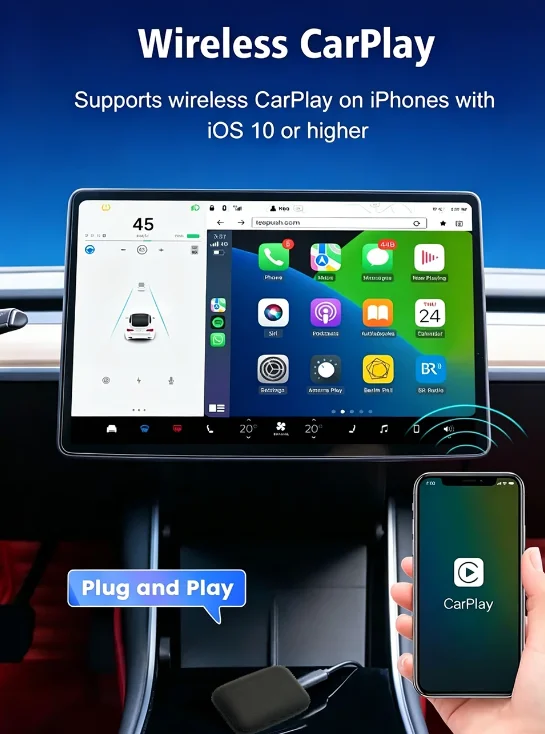
Implementfunctions:Carplay /Android AUTO/Wireless Mirroring/TV projection/Bluetooth/medium
system:Android 10.0
CPU:Quad-core Cortex-A35 1.5GHz
GPU:Mali-G31MP2
Memory:2GB DDR3X+16GB eMMC
WiFi:Dual frequency 2.4G+5G *2
Bluetooth:Bluetooth V5.0 *2
Power supply mode:Original vehicle USB5V
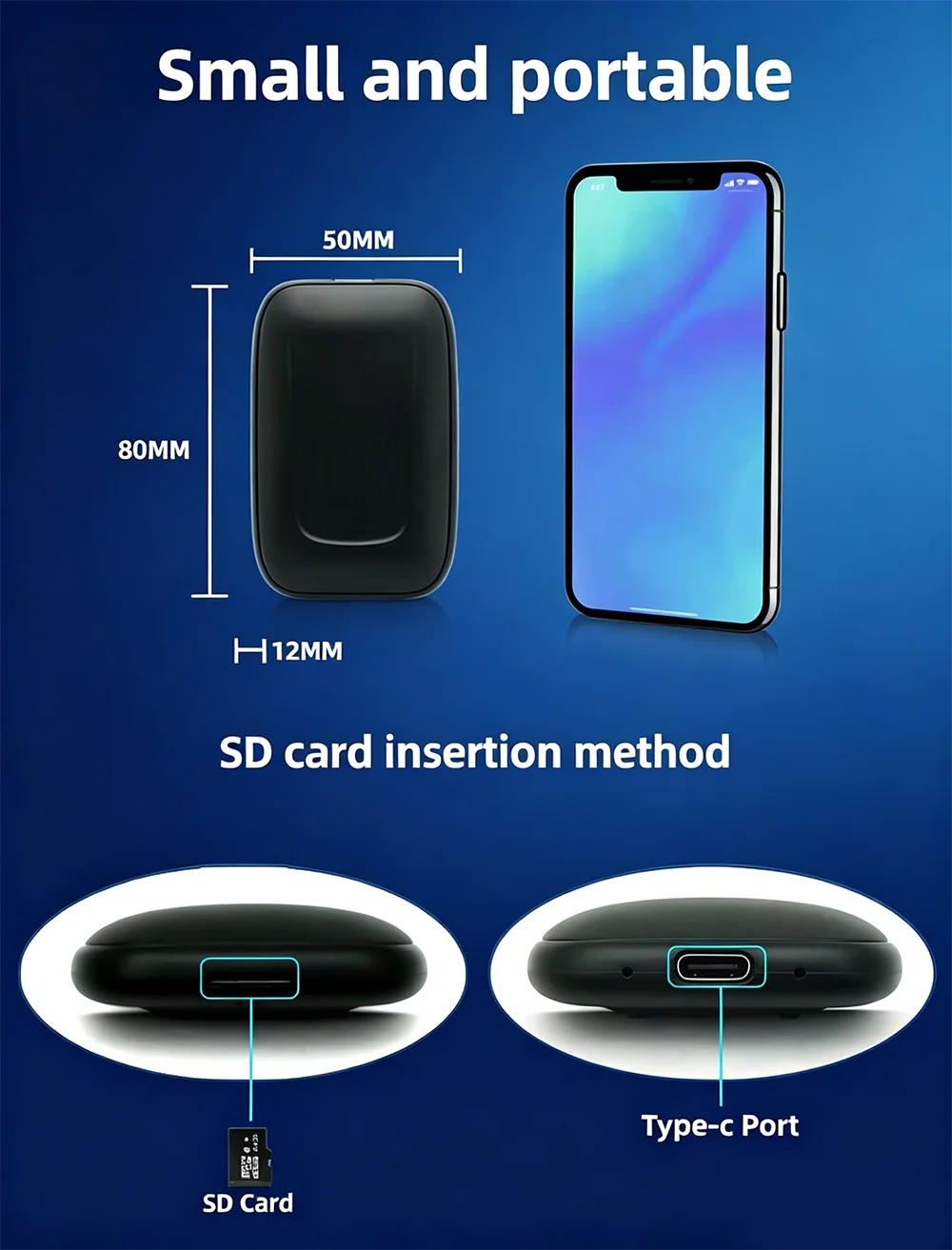
TF card:512GB
Video decoding:1080 H.265/H.264/VC-1/MPEG/VP8 video decoder
Operating temperature range:-20℃—+70℃
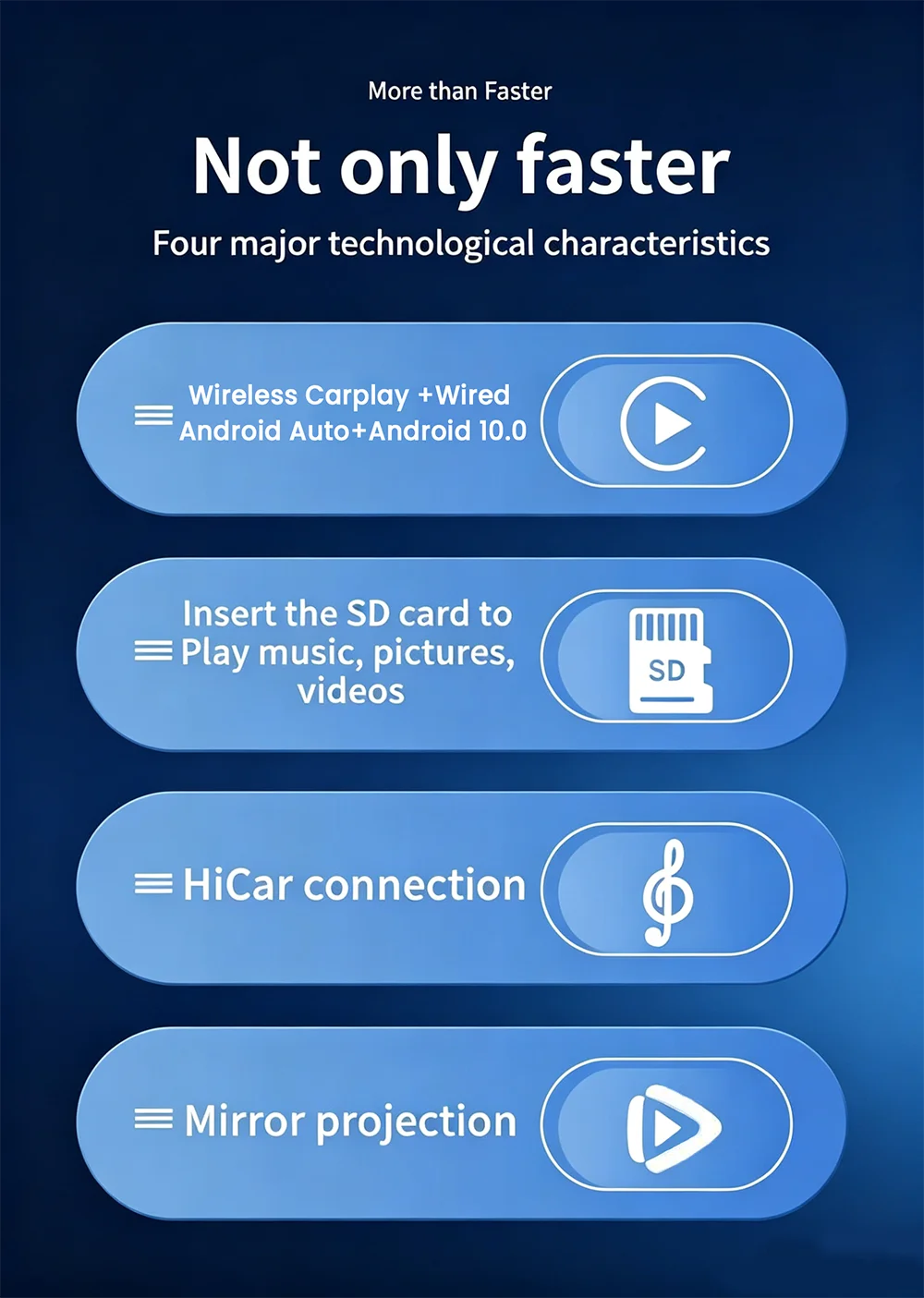
The main function
*1. Non destructive upgrading of the original vehicle, Plug and play, Seamless connection to Carplay Android Auto
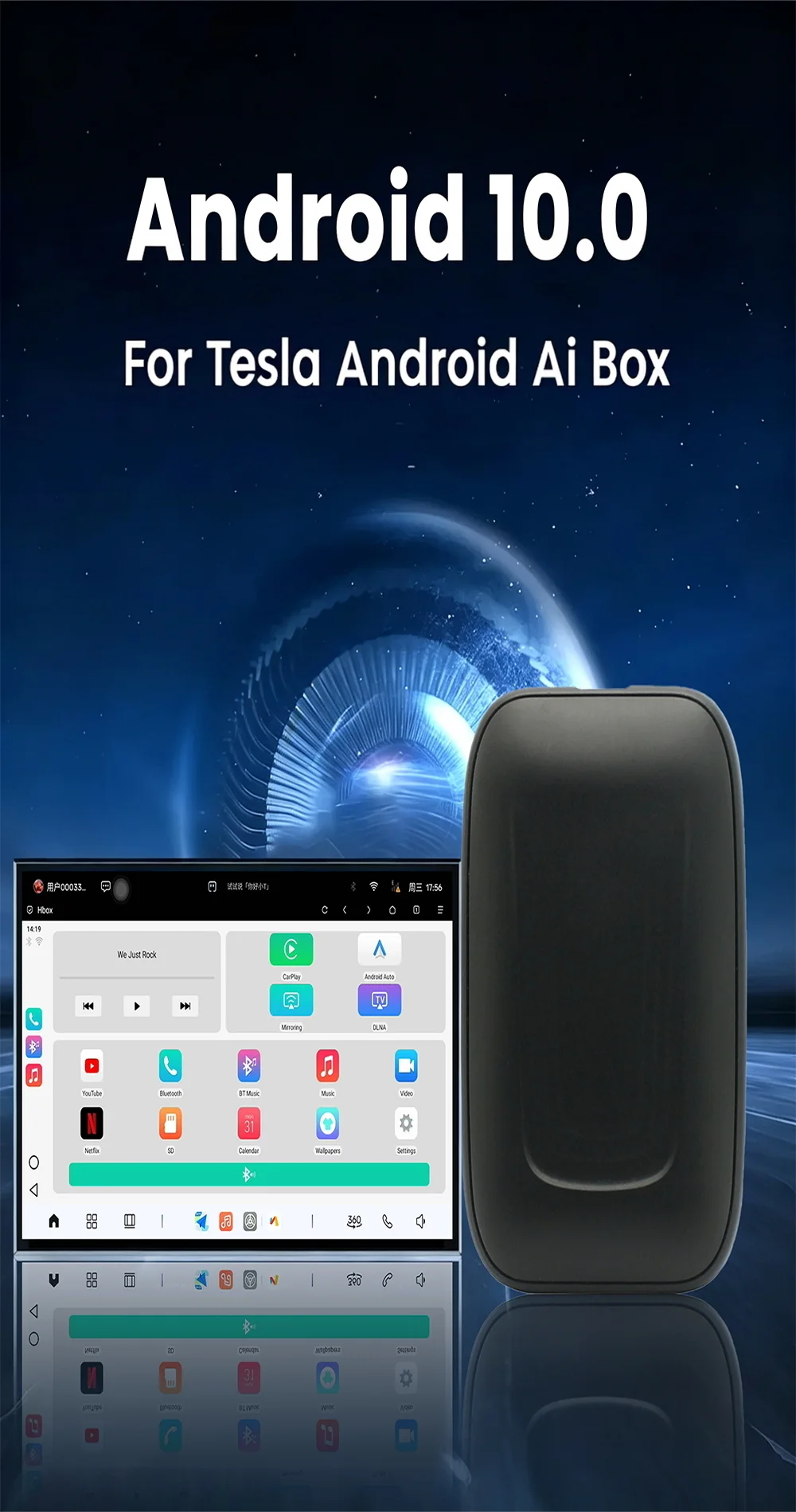
*2. Equipped with Android 10.0 operating system, providing a smooth and open system experience
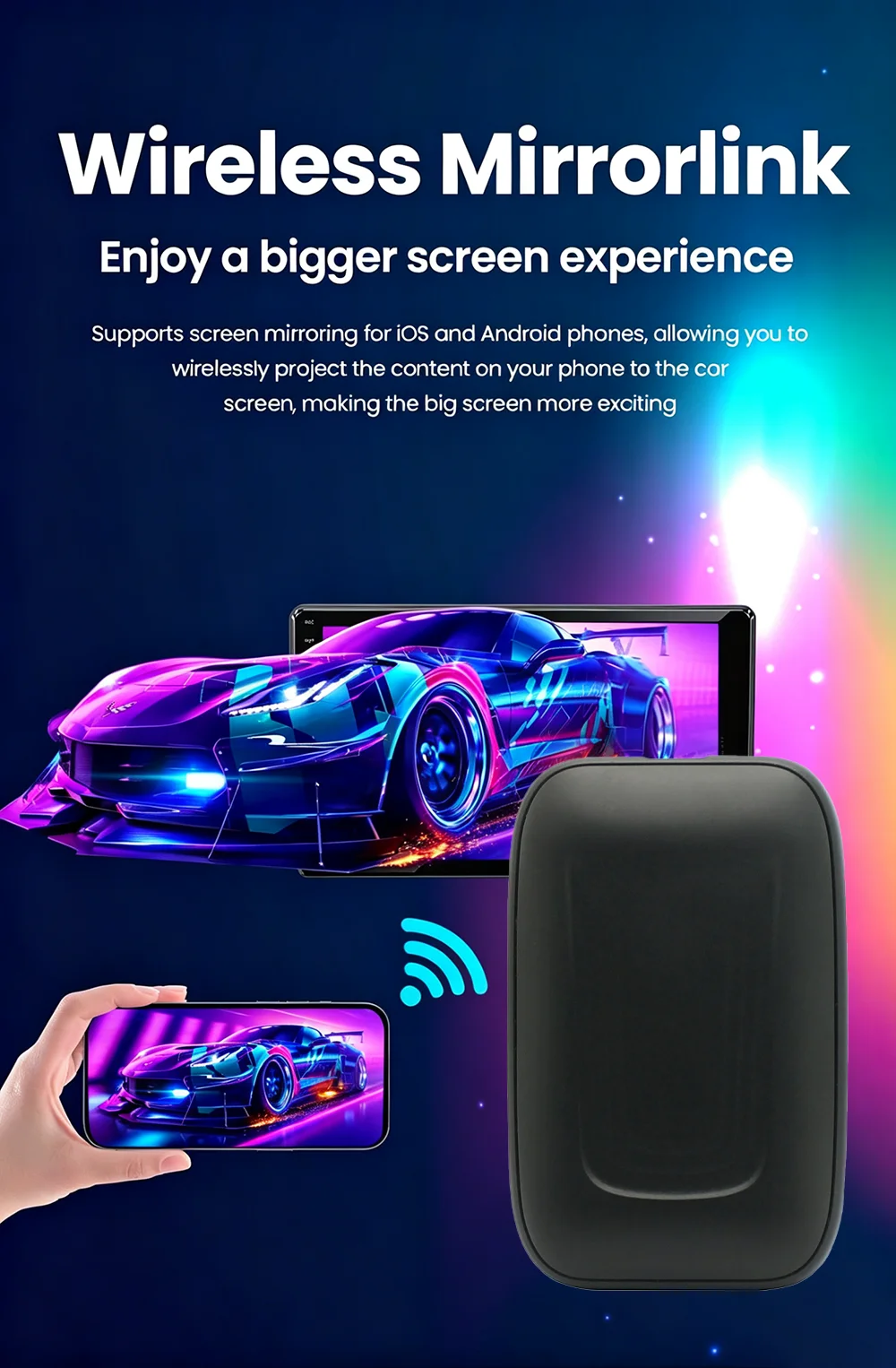
*3. Support screen mirroring for iOS and Android devices
*4. Enjoy online streaming and local video playback through TF card
*5. Fully supports original car steering wheel and screen control
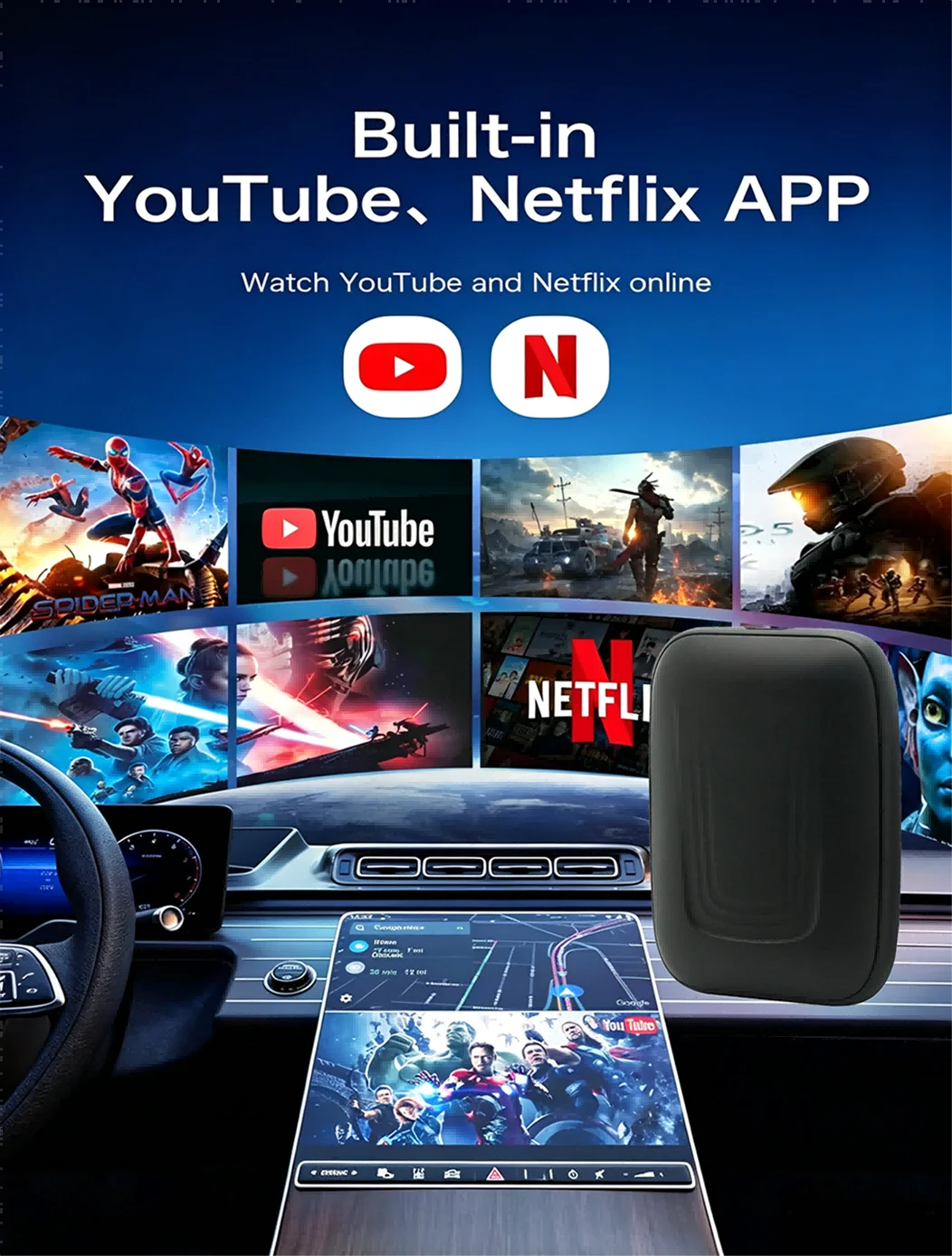
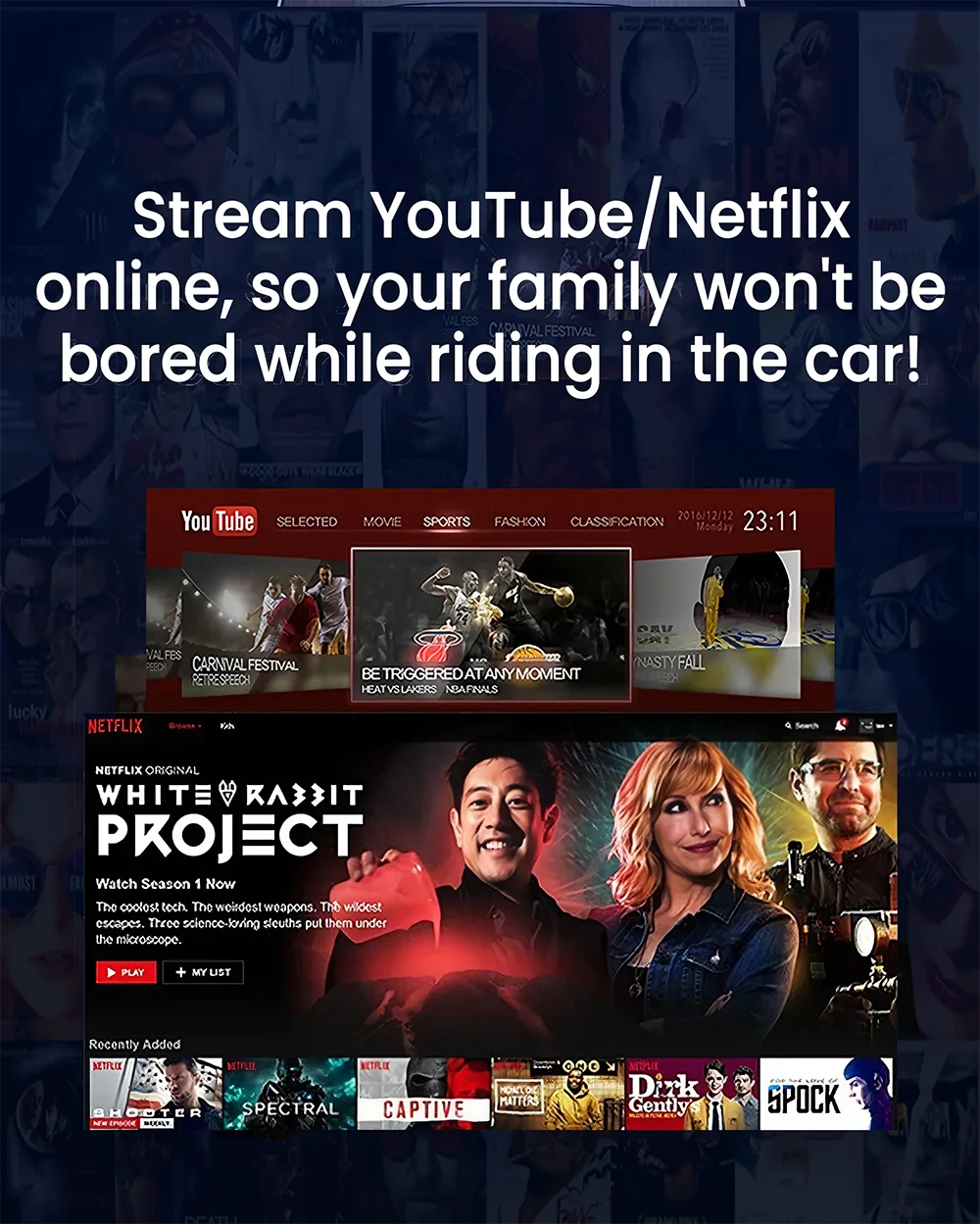
*6 pre installed popular streaming applications: Netflix, YouTube, etc
*7.2.4G+5G dual band WiFi transmission, smooth and stable operation
*8 Support OTA online upgrade, feedback and solve problems quickly
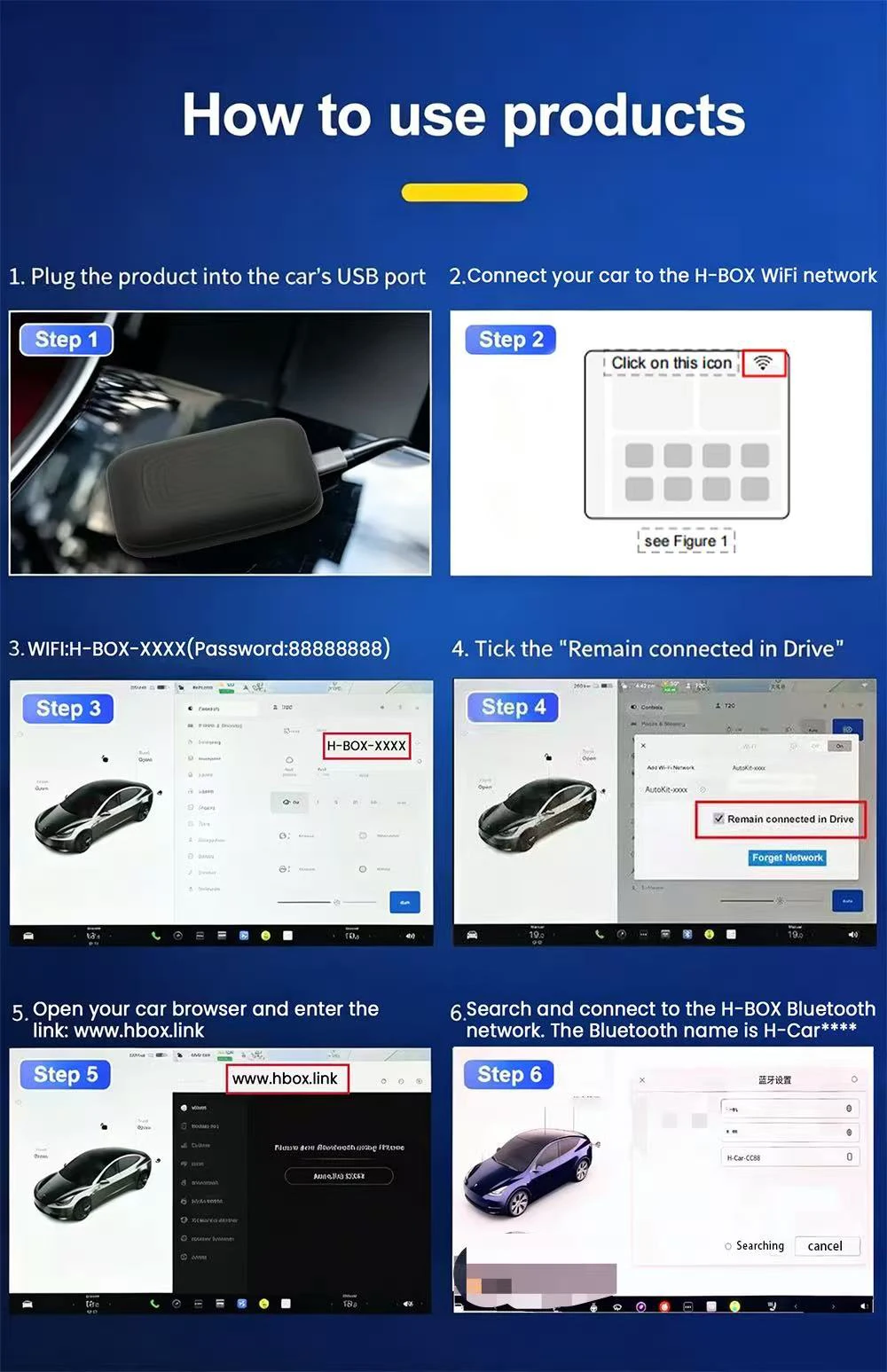
How to use
1.Connedt your car to the H-BOX WiFi network. The WiFi network
name is H-BOX-****, and the password is 88888888.
For Tesla models, dick the WFi setfings ican after connecling.
and check'Keep comected while driving" .
2.Open your car browser, and enter ww.hbox.link or 6.6.6.6 intothe URL input field. This will bring you to the H-BOX interface.
3. Search for and connect to the HBOX Bluetooth network on yourcar. The Bluetooth name is H-Car_**. Once connected, you canoutput H-BOX audio through your car temminal.If you are not getfing any audio output, please switch your car machine toBluetooth musicmode.